

Secolink Pro
在電腦上使用BlueStacks –受到5億以上的遊戲玩家所信任的Android遊戲平台。

Run Secolink Pro on PC or Mac
Let BlueStacks turn your PC, Mac, or laptop into the perfect home for Secolink Pro, a fun Tools app from Secolink.
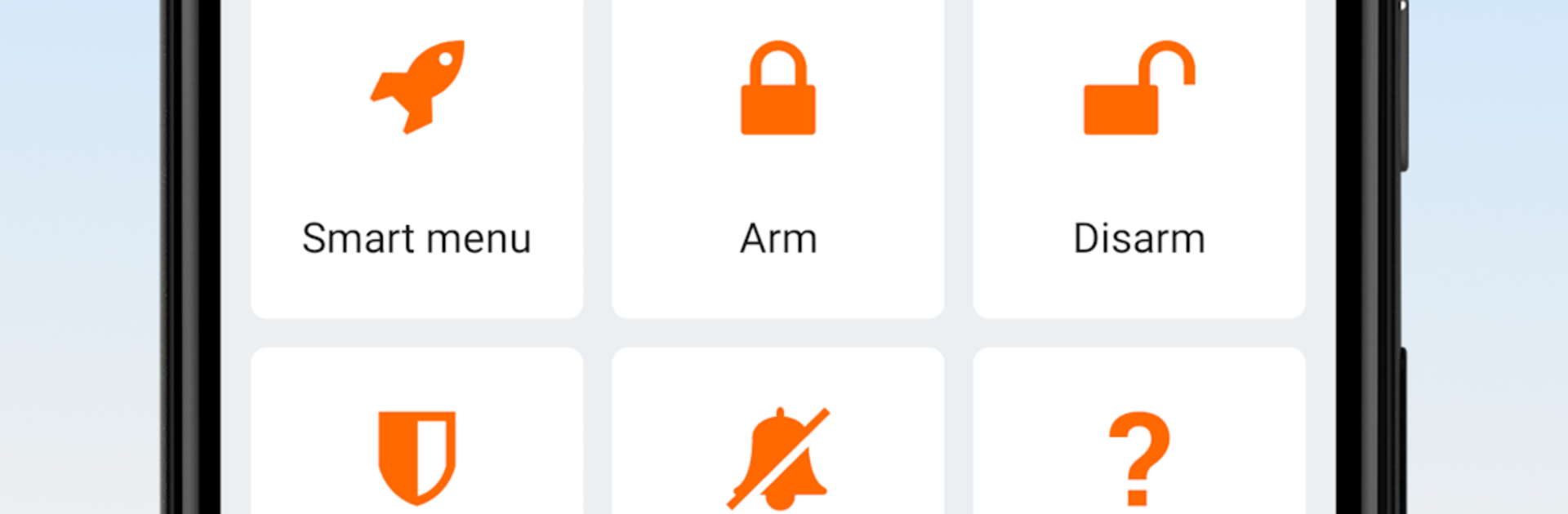
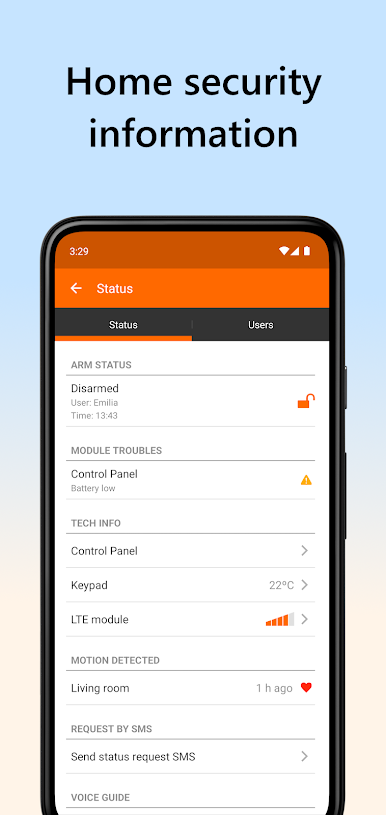
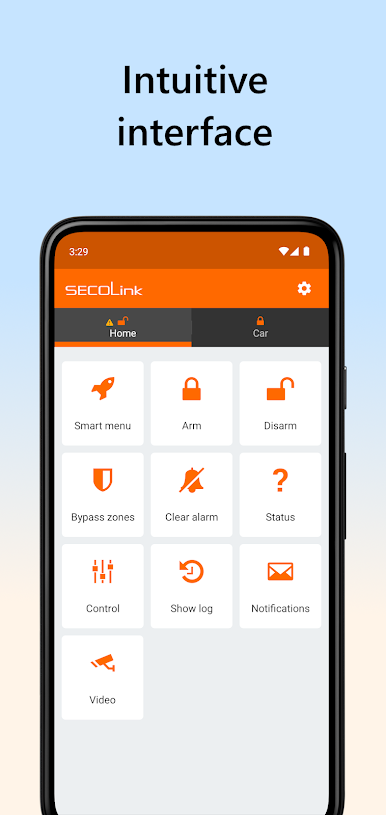
Secolink Pro feels like a clean remote control for a Secolink alarm, both home and car. Running it on a phone or through BlueStacks on a computer, the layout is simple and quick to learn. Big arm, disarm, and partial arm buttons, clear status, and alerts that show up fast when something happens. It focuses on the basics that matter for security, not fluff, which is nice when someone just wants to know if everything is fine.
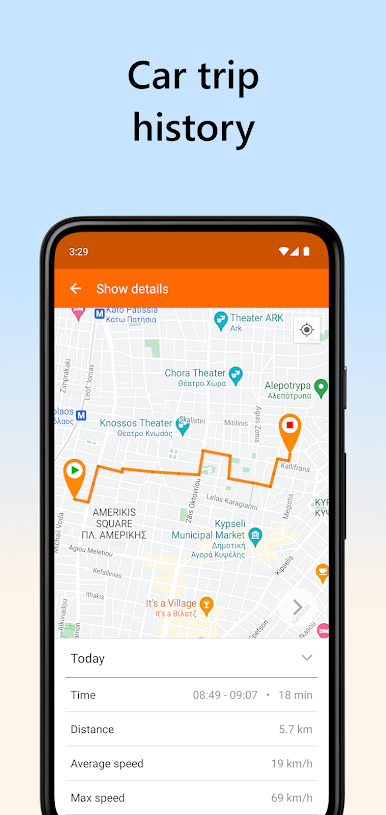
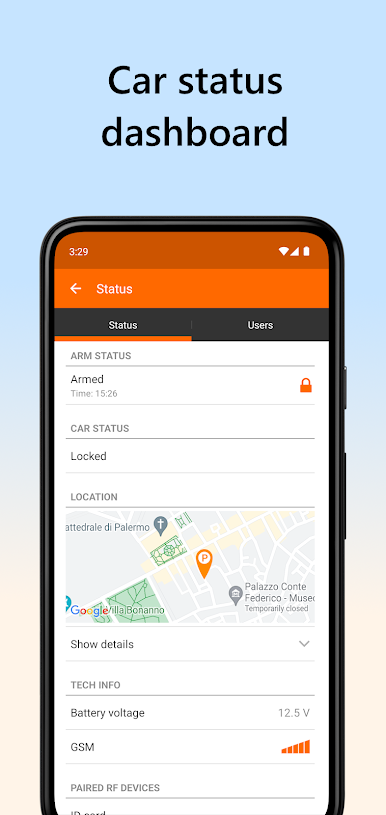
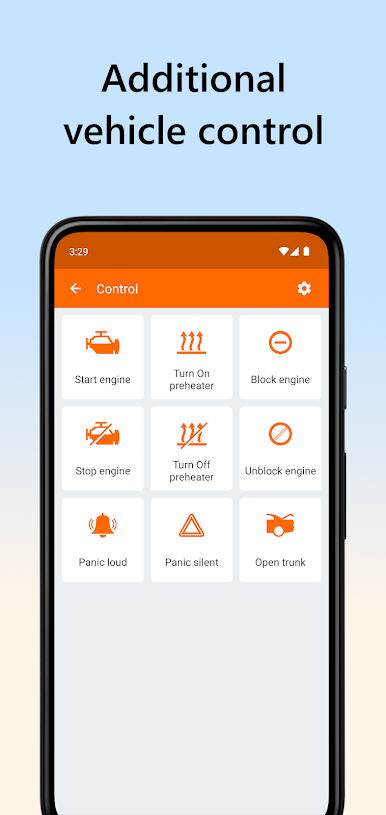
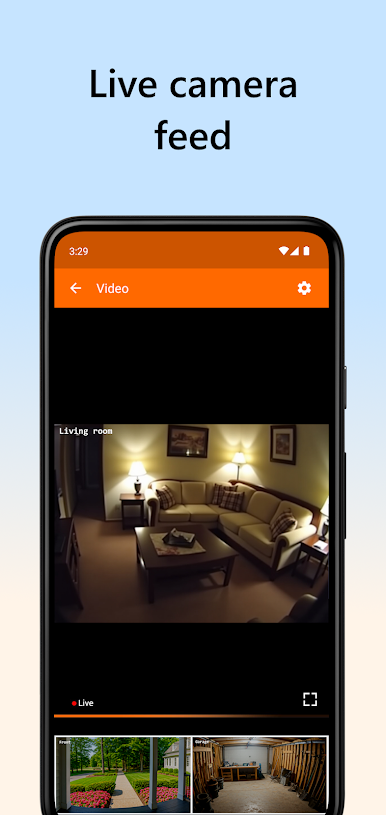
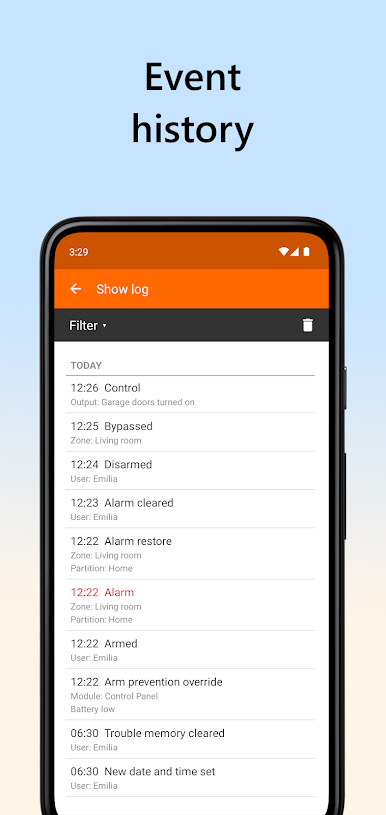
The app lets a user check what zones are open, bypass a sensor for a bit, and see whether power or network is having trouble. Device control is in there too, so things like gates or garage doors can be triggered from the same screen. Car tracking is a handy extra, showing the vehicle location on a map without feeling complicated. The event log keeps a tidy history of alarms, faults, arming, disarming, and other actions with timestamps, so it is easy to figure out who did what and when. Multiple sites are supported, so home, office, and garage can live side by side without a mess of menus. It does require compatible Secolink modules and a proper setup, usually done by the installer, but once it is linked up it runs steady. On a bigger screen with BlueStacks, naming zones, scrolling through logs, and checking maps just feels easier on the eyes.
Ready to experience Secolink Pro on a bigger screen, in all its glory? Download BlueStacks now.

在電腦上遊玩Secolink Pro . 輕易上手.
-
在您的電腦上下載並安裝BlueStacks
-
完成Google登入後即可訪問Play商店,或等你需要訪問Play商店十再登入
-
在右上角的搜索欄中尋找 Secolink Pro
-
點擊以從搜索結果中安裝 Secolink Pro
-
完成Google登入(如果您跳過了步驟2),以安裝 Secolink Pro
-
在首頁畫面中點擊 Secolink Pro 圖標來啟動遊戲

