


Mnemonic Dictionary - Fastest
Jogue no PC com BlueStacks - A Plataforma de Jogos Android, confiada por mais de 500 milhões de jogadores.

Página modificada em: Nov 13, 2025
Run Mnemonic Dictionary - Fastest Vocabulary Builder on PC or Mac
Upgrade your experience. Try Mnemonic Dictionary – Fastest Vocabulary Builder, the fantastic Education app from Sharifur Rahaman, from the comfort of your laptop, PC, or Mac, only on BlueStacks.
About the App
Dreading long vocabulary lists? Mnemonic Dictionary – Fastest Vocabulary Builder makes it a whole lot easier—and honestly, even a bit fun—to remember the trickiest words. Whether you’re prepping for the GRE or just want to give your English a boost, this app offers clever memory tricks (yep, mnemonics) so those new words actually stick. You can study at your own speed, check out others’ creative mnemonics, and maybe even share your own. On BlueStacks, the experience feels smooth whether you’re on your computer or laptop.
App Features
-
GRE Word Collections
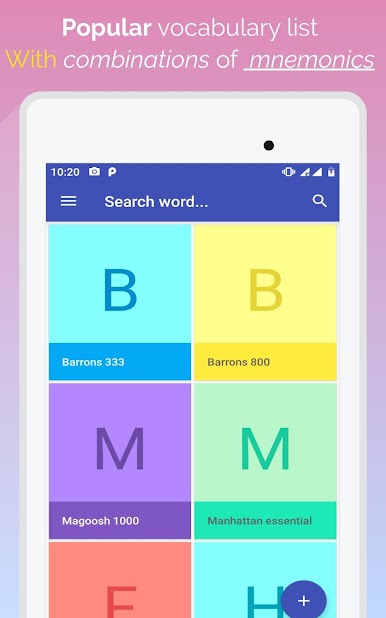
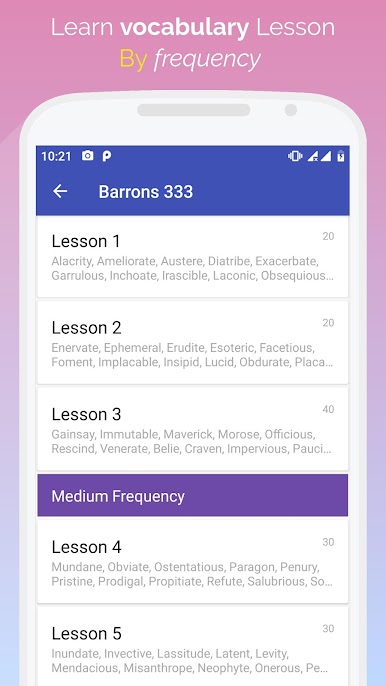
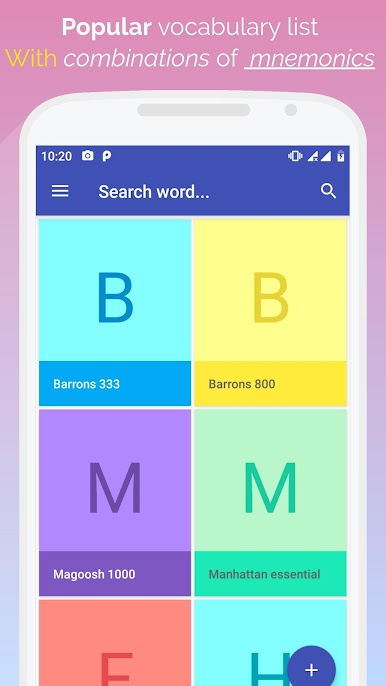
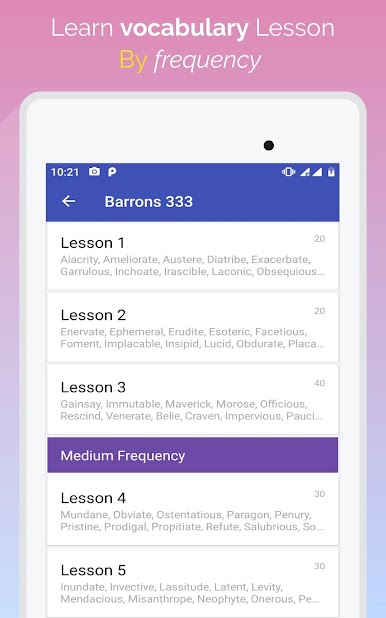
Got a specific GRE list your coach swears by? Chances are, it’s here. Browse through major lists like Magoosh 1000, Barrons 333 and 800, Word Smart sets, and Manhattan GRE words—each packed with handy mnemonics. -
Mnemonic Memory Aids
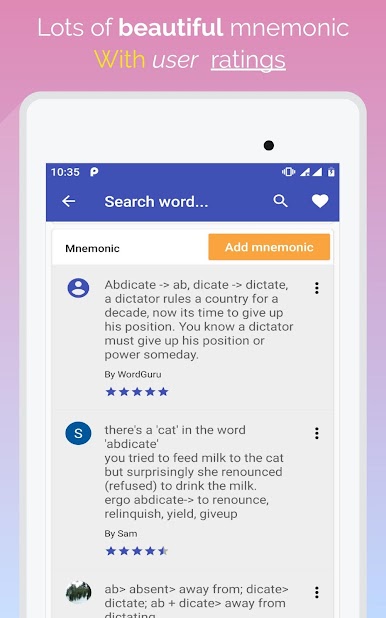
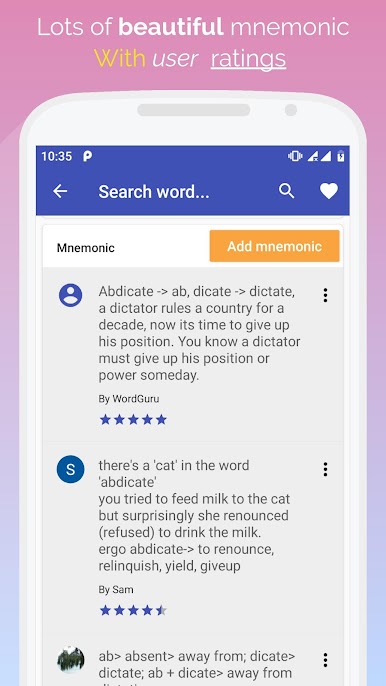
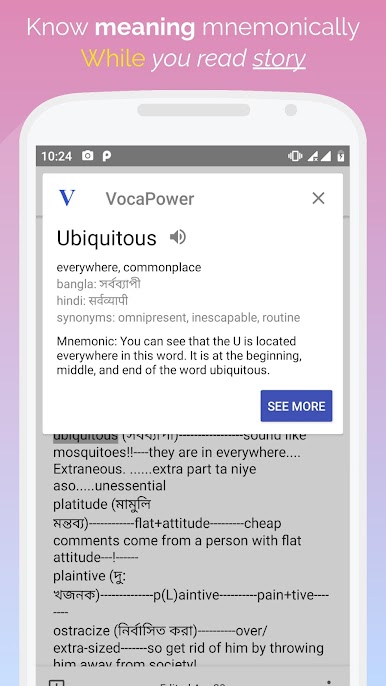
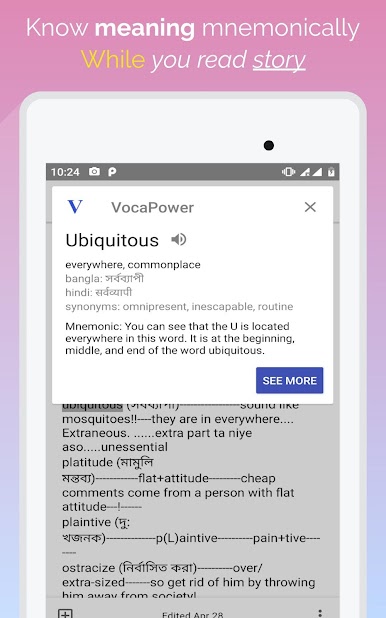
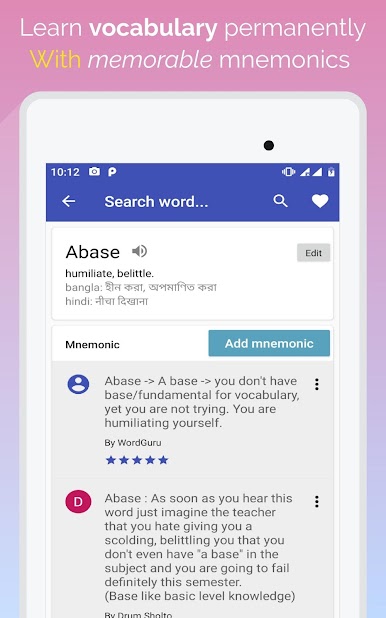
Ever heard a crazy story that made you remember a word forever? That’s the idea. Each word comes with a mnemonic—sometimes clever, sometimes quirky—to help the meaning stick. -
Quiz Mode
Feel ready to test yourself? Jump into quizzes to see what you remember and where you might need a refresher. -
Custom Mnemonics
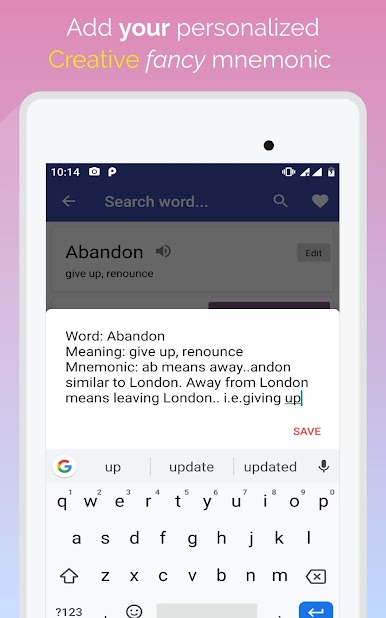
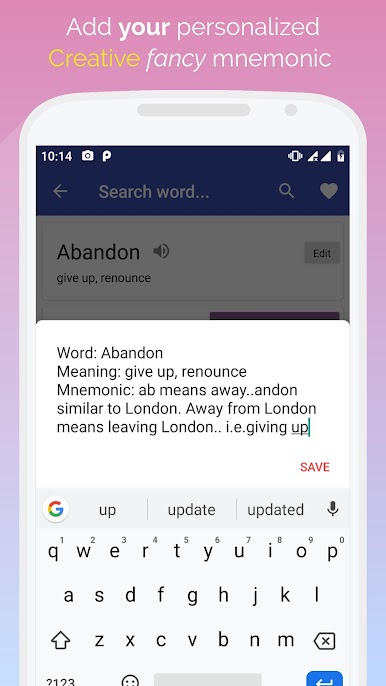
Got an idea that helps you remember a word? Add your own mnemonic! The app’s community-driven, so you’ll find memory tricks added by users from all over. -
Multiple Exam Support
This isn’t just for GRE fans. If you’re gearing up for competitive exams like GMAT, SAT, IELTS, TOEFL, or others, you’ll find vocab lists right in the app. -
Personalized Study Experience
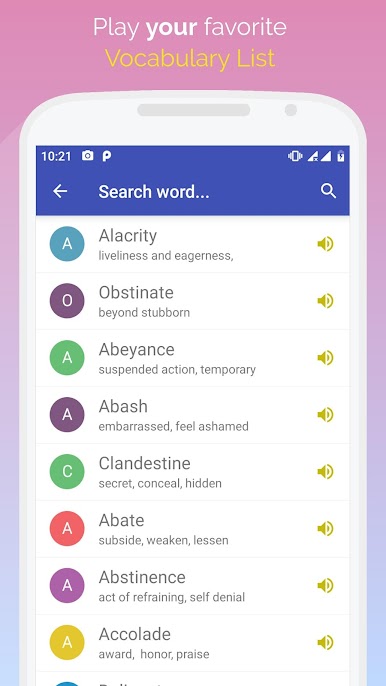
Pick your favorite word lists, study at your own pace, and easily mark tricky words for quick review later. -
Community Sharing
See what mnemonics others are using and get fresh ideas—or just a laugh or two—when you’re stuck. -
Built for Convenience
Use it on your phone or give it a try on BlueStacks—whatever feels right for the way you study.
Ready to experience Mnemonic Dictionary – Fastest Vocabulary Builder on a bigger screen, in all its glory? Download BlueStacks now.



Jogue Mnemonic Dictionary - Fastest no PC. É fácil começar.
-
Baixe e instale o BlueStacks no seu PC
-
Conclua o login do Google para acessar a Play Store ou faça isso mais tarde
-
Procure por Mnemonic Dictionary - Fastest na barra de pesquisa no canto superior direito
-
Clique para instalar Mnemonic Dictionary - Fastest a partir dos resultados da pesquisa
-
Conclua o login do Google (caso você pulou a etapa 2) para instalar o Mnemonic Dictionary - Fastest
-
Clique no ícone do Mnemonic Dictionary - Fastest na tela inicial para começar a jogar

