


紙牌接龍
在電腦上使用BlueStacks –受到5億以上的遊戲玩家所信任的Android遊戲平台。

Play Solitaire on PC or Mac
Solitaire brings the Card genre to life, and throws up exciting challenges for gamers. Developed by NOODLE GAMES LIMITED, this Android game is best experienced on BlueStacks, the World’s #1 app player for PC and Mac users.
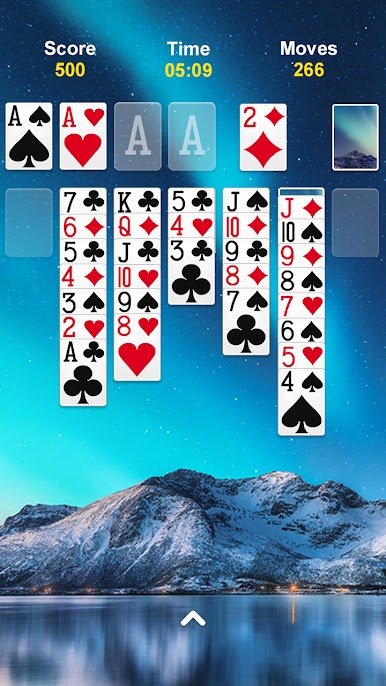
This is straight-up Klondike solitaire, the same style people remember from old Windows, just cleaner and quicker. Cards snap into place, single tap or drag feels smooth, and the rules are exactly what they should be. Build foundations from Ace to King, stacks alternate red and black, and there is a choice of draw 1 or draw 3 if someone wants more challenge. There is a timer and move counter for anyone who likes chasing a better score, plus daily challenges that hand out little crowns and trophies when solved. It scratches that neat puzzle itch without getting fussy.
Quality of life stuff is solid. There is auto complete once a game is basically solved, endless undo for when a move goes sideways, and helpful hints that nudge without forcing anything. Left-handed mode is there, scoring follows the standard format, and the layouts work in portrait or landscape. Customization is nice too, with clean card faces, different backs, and background images so the table can look how someone likes. On PC with BlueStacks, the bigger screen makes suits easy to read and the mouse click-to-move feels very precise, which is great for fast runs. There are ads, as expected for a free title, but the core game stays classic, quick to start, and good for short breaks or longer streaks when the brain wants a calm challenge.
Slay your opponents with your epic moves. Play it your way on BlueStacks and dominate the battlefield.

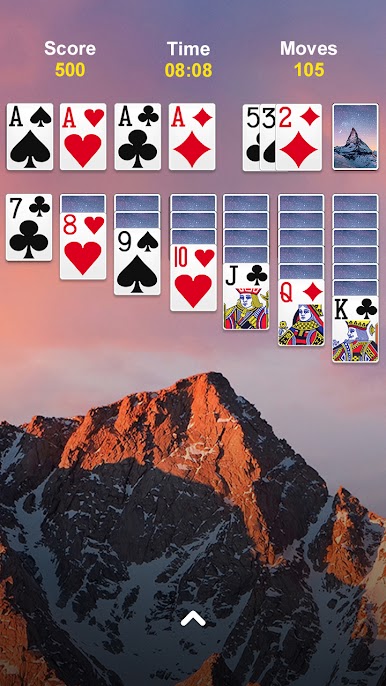



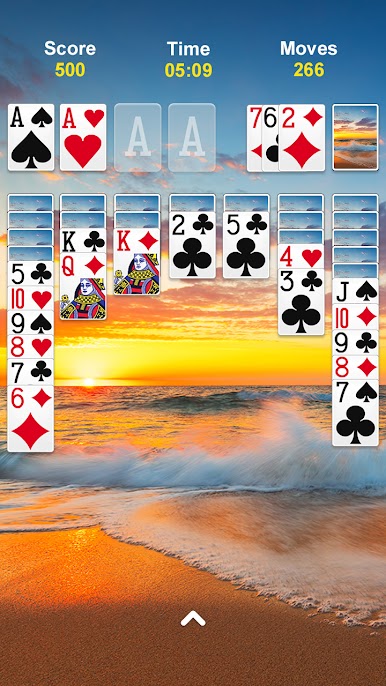
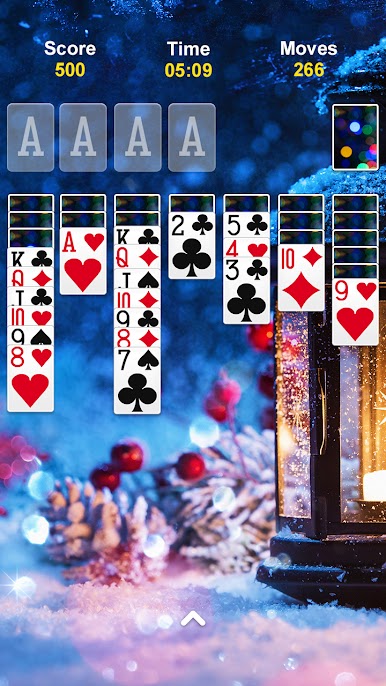




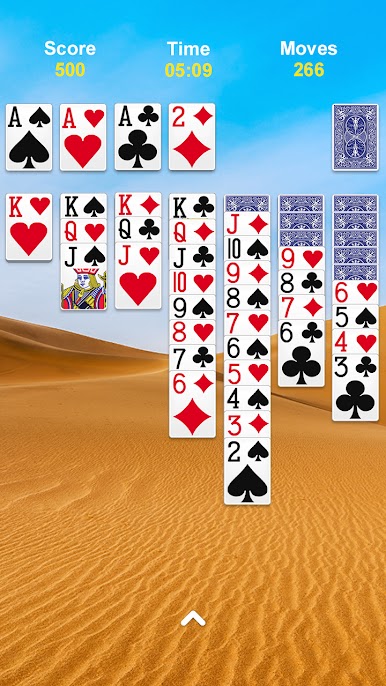



在電腦上遊玩紙牌接龍 . 輕易上手.
-
在您的電腦上下載並安裝BlueStacks
-
完成Google登入後即可訪問Play商店,或等你需要訪問Play商店十再登入
-
在右上角的搜索欄中尋找 紙牌接龍
-
點擊以從搜索結果中安裝 紙牌接龍
-
完成Google登入(如果您跳過了步驟2),以安裝 紙牌接龍
-
在首頁畫面中點擊 紙牌接龍 圖標來啟動遊戲

