


UserLAnd - Linux on Android
العب على الكمبيوتر الشخصي مع BlueStacks - نظام أندرويد للألعاب ، موثوق به من قبل أكثر من 500 مليون لاعب.

Run UserLAnd - Linux on Android on PC or Mac
Get freedom from your phone’s obvious limitations. Use UserLAnd – Linux on Android, made by UserLAnd Technologies, a Tools app on your PC or Mac with BlueStacks, and level up your experience.
About the App
Curious about running Linux on your Android device? UserLAnd – Linux on Android lets you do exactly that—no tech wizardry needed. Whether you’re eager to play around with Linux environments like Ubuntu or Debian, or just want to run your favorite open-source tools right from your phone or tablet, this app’s got you covered. Tinker, learn, experiment, or just get things done—all from the palm of your hand.
App Features
-
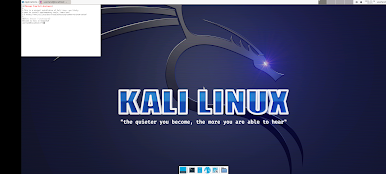
Multiple Linux Distributions
Choose between popular options like Ubuntu, Debian, and Kali, without any complex setup. You can swap between them as you like, making it easy to test or use different environments. -
No Root Required
Installing Linux used to mean jumping through hoops or risking your device with rooting. With UserLAnd, you skip all that hassle—just pick your setup and go. -
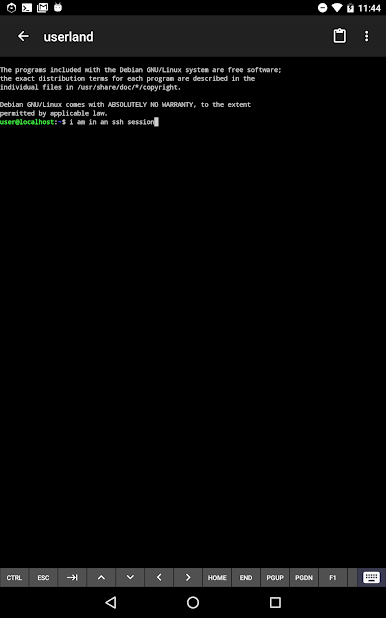
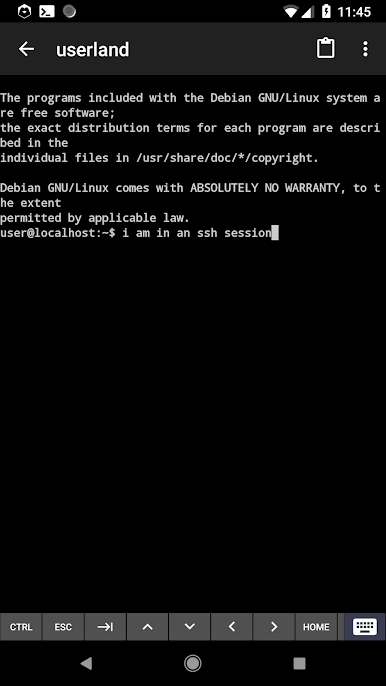
Built-In Terminal Access
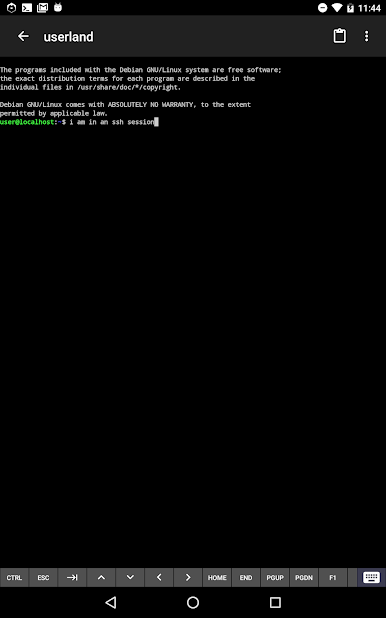
Fire up your favorite shell straight from the app. Whether you’re a terminal junkie or just poking around, you can get things done right from your Android device. -
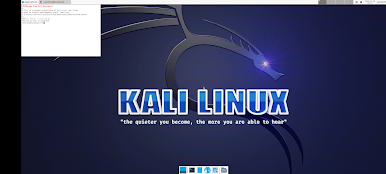
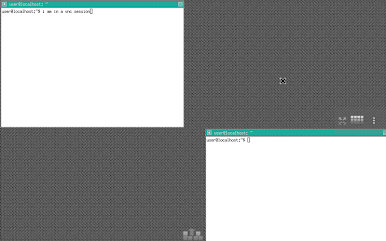
Graphical Linux with VNC
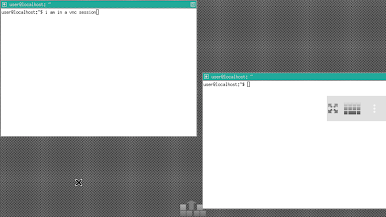
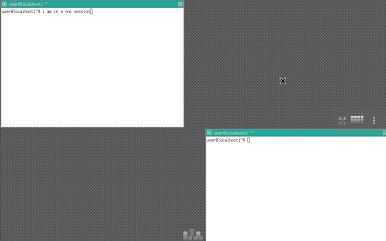
Prefer a desktop look? Connect to a VNC session and get a full graphical experience. Launch Linux apps with a proper interface, even from your touchscreen. -
Simple Application Setup
Not in the mood to mess with command lines? Install popular Linux apps like Octave or Firefox with a few taps. It’s straightforward for newbies and super quick for pros. -
Learn and Experiment
If you’ve ever wanted to explore Linux or brush up on your skills, now it’s literally at your fingertips. Perfect for students, hobbyists, or anyone who likes to tinker. -
Easy on Different Screens
Works great whether you’re on a phone, tablet, or even using BlueStacks on your PC when you want a bit more elbow room.
Ready to experience UserLAnd – Linux on Android on a bigger screen, in all its glory? Download BlueStacks now.
العب UserLAnd - Linux on Android على جهاز الكمبيوتر. من السهل البدء.
-
قم بتنزيل BlueStacks وتثبيته على جهاز الكمبيوتر الخاص بك
-
أكمل تسجيل الدخول إلى Google للوصول إلى متجر Play ، أو قم بذلك لاحقًا
-
ابحث عن UserLAnd - Linux on Android في شريط البحث أعلى الزاوية اليمنى
-
انقر لتثبيت UserLAnd - Linux on Android من نتائج البحث
-
أكمل تسجيل الدخول إلى Google (إذا تخطيت الخطوة 2) لتثبيت UserLAnd - Linux on Android
-
انقر على أيقونة UserLAnd - Linux on Android على الشاشة الرئيسية لبدء اللعب

