


Kana Quiz Japanese Alphabet
5억명 이상의 게이머가 신뢰하는 안드로이드 게임 플랫폼 BlueStacks으로 PC에서 플레이하세요.

Run Kana Quiz (Study Hiragana & Katakana ) Japanese on PC or Mac
What’s better than using Kana Quiz (Study Hiragana & Katakana ) Japanese by Te.f.E MobileSoft? Well, try it on a big screen, on your PC or Mac, with BlueStacks to see the difference.
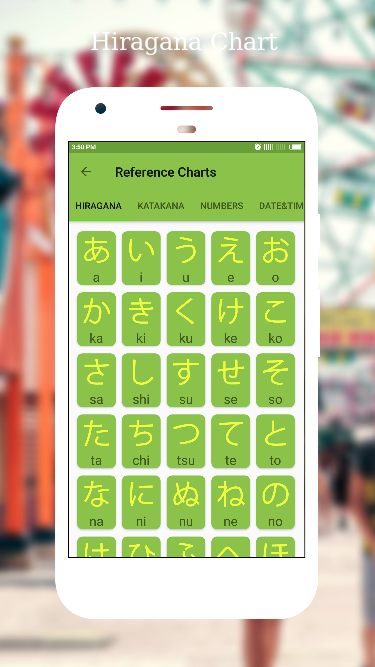
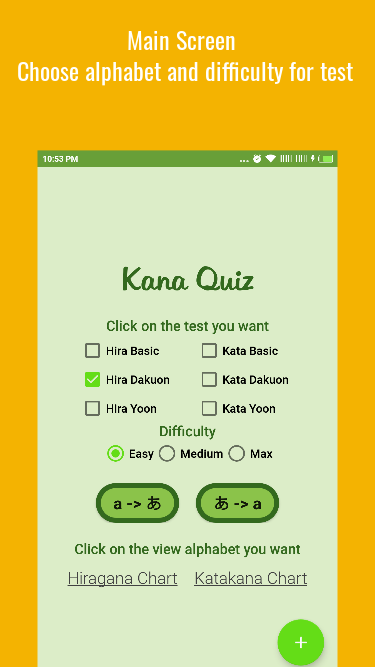
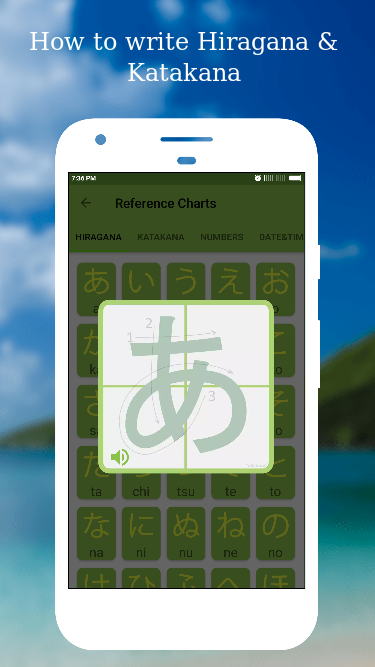
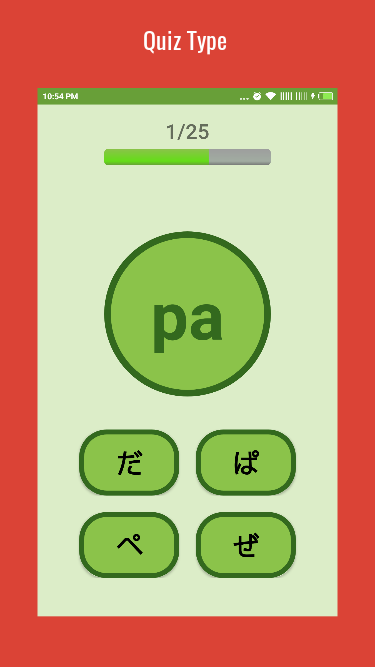
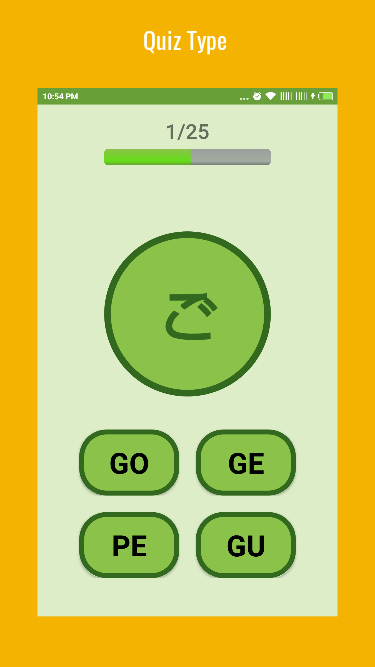
Kana Quiz is a pretty straightforward app for anyone getting started with Japanese – especially those stuck on Hiragana or Katakana. When loaded up on a PC through BlueStacks, it’s even easier to see everything since the Japanese alphabet tables are big and clear. The main thing is, this app does exactly what’s needed: tons of quizzes and tables to help recognize each symbol, and it isn’t trying to be overly fancy. There’s an option to adjust the difficulty or limit which characters get quizzed, so nobody gets overwhelmed by the whole alphabet at once.
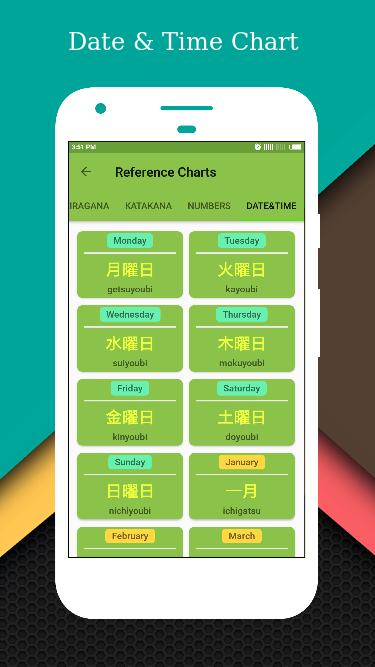
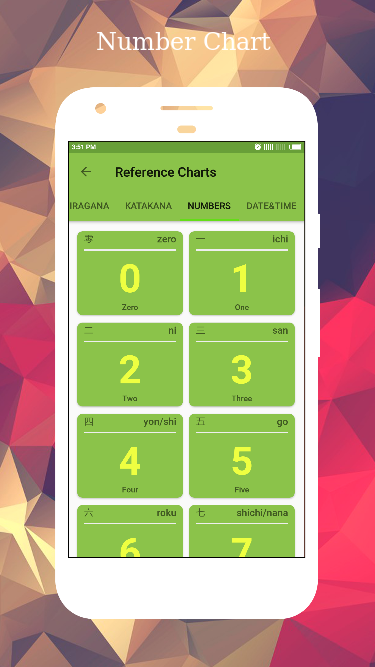
Everything is organized for beginners, so even if someone’s starting from scratch, they won’t get lost. There’s audio for pronunciation, which is nice—hearing each Kana spoken out loud helps with remembering them (and not guessing in silence). The interface keeps things simple, and the different quiz modes switch up the pace so things don’t get boring too fast. On top of that, if someone’s curious about Japanese numbers or dates, there are bits for those, too. Copy-and-paste features make note-taking smoother, especially when setting up personal study materials. It isn’t cluttered, and just feels built for practicing without distractions or complicated features.
Big screen. Bigger performance. Use BlueStacks on your PC or Mac to run your favorite apps.
PC에서 Kana Quiz Japanese Alphabet 플레이해보세요.
-
BlueStacks 다운로드하고 설치
-
Google Play 스토어에 로그인 하기(나중에 진행가능)
-
오른쪽 상단 코너에 Kana Quiz Japanese Alphabet 검색
-
검색 결과 중 Kana Quiz Japanese Alphabet 선택하여 설치
-
구글 로그인 진행(만약 2단계를 지나갔을 경우) 후 Kana Quiz Japanese Alphabet 설치
-
메인 홈화면에서 Kana Quiz Japanese Alphabet 선택하여 실행

