


Toastmasters Timer
生產力 | Federico Navarrete
在電腦上使用BlueStacks –受到5億以上的遊戲玩家所信任的Android遊戲平台。

Play Toastmasters Timer on PC
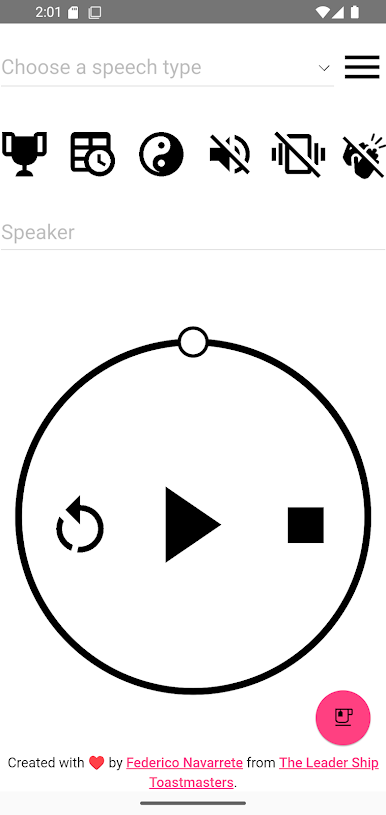
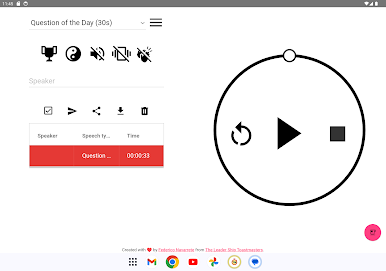
The best Toastmasters Timer with Table Topics for your meetings! It's simple, fast, inclusive, and accurate. It was developed by Federico Navarrete from The Leader Ship Toastmasters in Lodz, Poland.
https://fb.com/TheLeaderShipToastmasters
The Timer provides you with multiple options, i.e.:
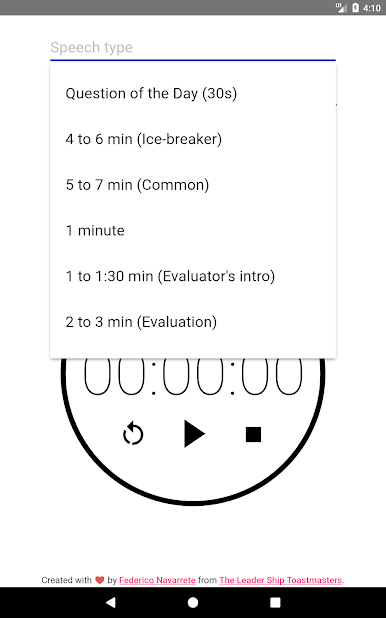
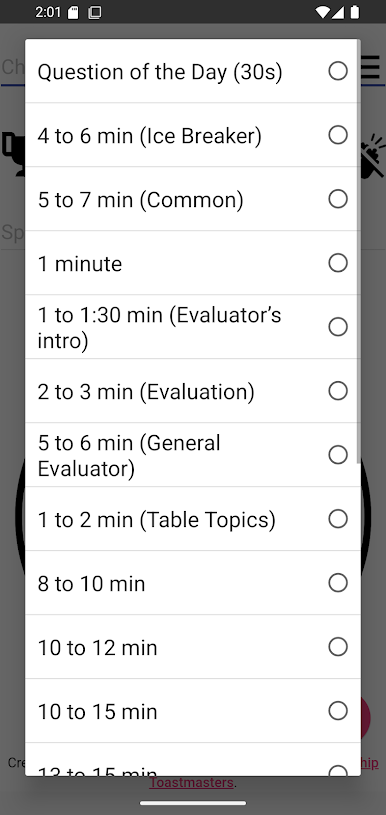
⚡ Question of the Day (30s).
⚡ 4 to 6 min (Ice Breaker).
⚡ 5 to 7 min (Common).
⚡ 1 minute.
⚡ 1 to 1:30 minutes (Evaluator's introduction).
⚡ 2 to 3 minutes (Evaluation).
⚡ 5 to 6 minutes (General evaluation).
⚡ 1 to 2 minutes (Table topics).
⚡ 8 to 10 minutes.
⚡ 10 to 12 minutes.
⚡ 13 to 15 minutes.
⚡ 18 to 20 minutes.
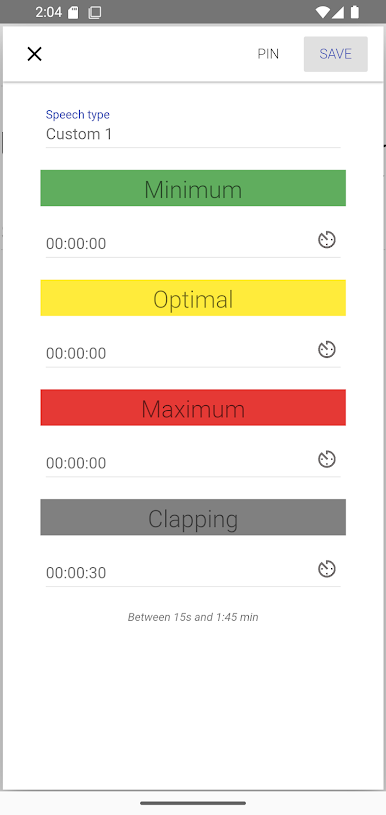
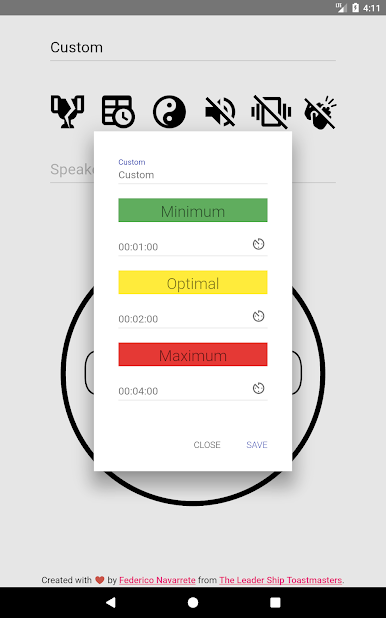
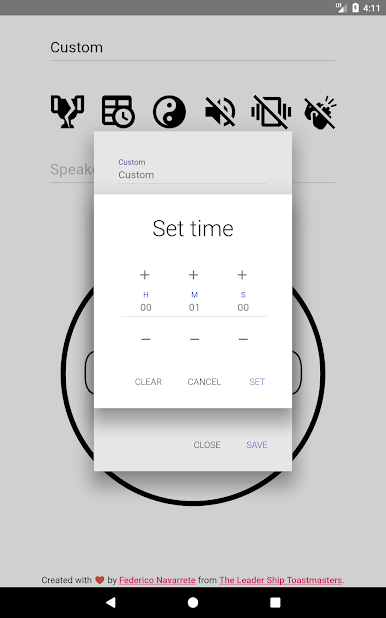
⚡ Five Custom times. Create your own speeches for up to 100 hours.
But wait didn't I say that includes Table Topics before? Indeed, it has a Table Topics Mode with more than 500 topics powered by AI. The Timer is full of ideas for creating your unique sessions, debates, or own games, who knows! It's time that YOU become the Table Topics King or Queen 👑!
https://youtube.com/shorts/aCp76OOIivY
Furthermore, do you want more ideas on how to level up your timing role? Check my Prezi Videos:
https://www.youtube.com/playlist?list=PL5qnvXALY_bLydoJ7zBcOJos_R6aK_6pw
And take your meetings to the next level!
Special features:
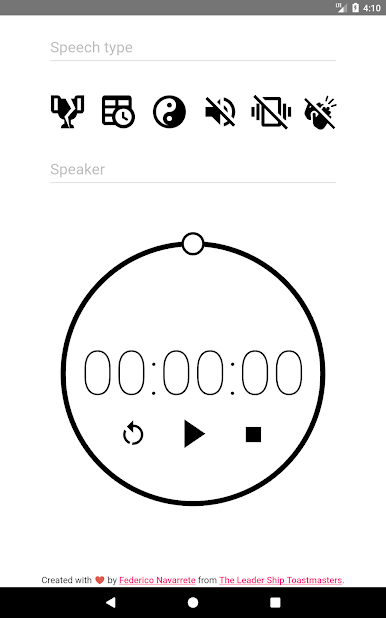
⚡ Vibrating when a time has been reached (optional).
⚡ Beeping when a time has been reached (optional).
⚡ Clapping when the max time has been exceeded (optional).
⚡ Pin your custom time (Android Oreo or above).
Color coding:
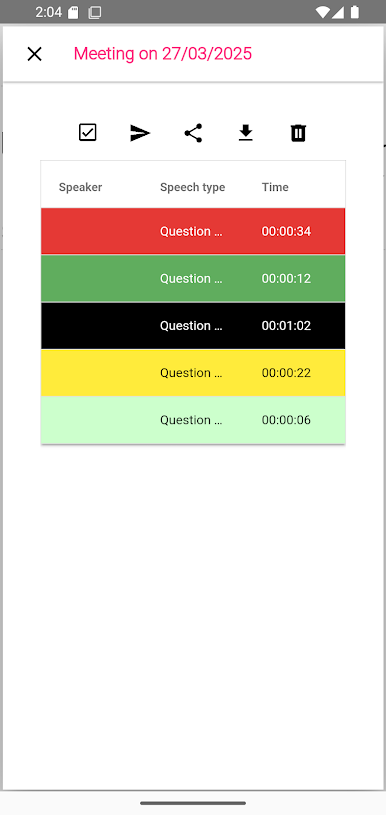
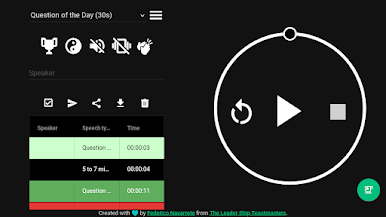
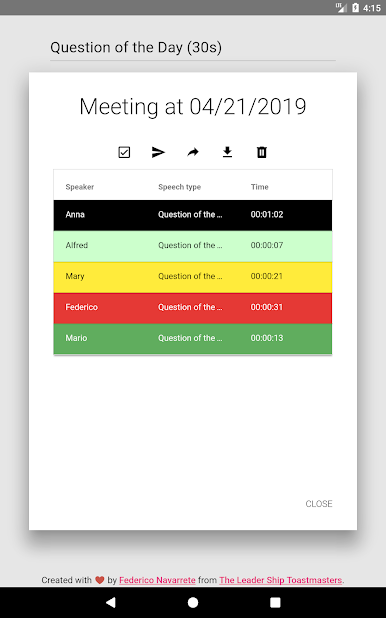
⚡ Light Green for speeches that didn't reach the minimum time (-30s), but still qualified in a contest (ONLY available in reports preview and exports/shares).
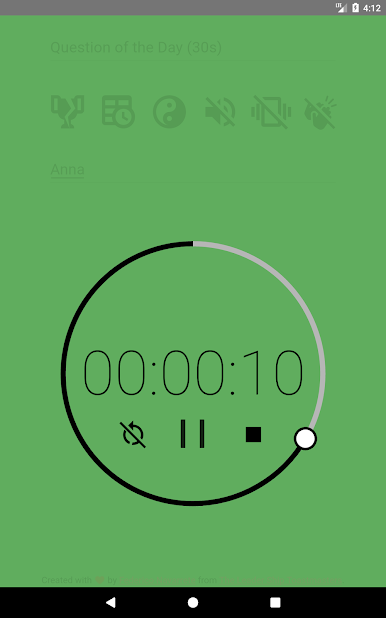
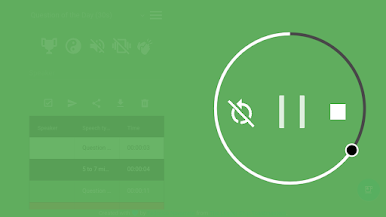
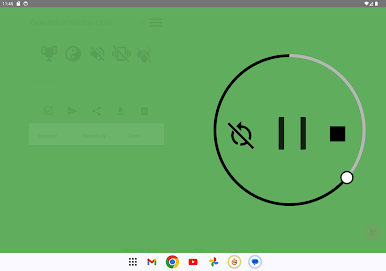
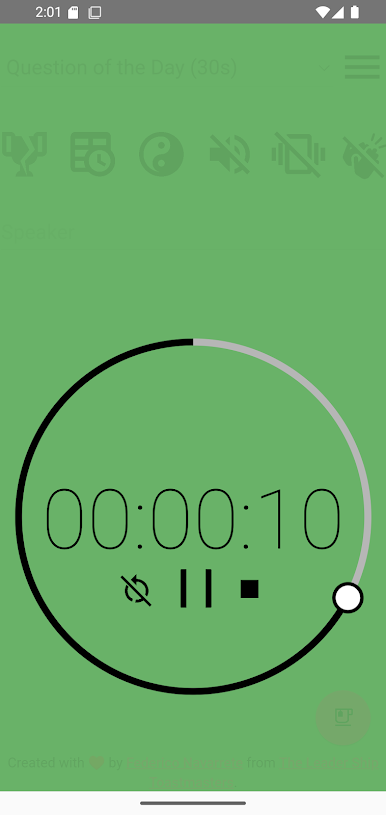
⚡ Green: The minimum time was reached.
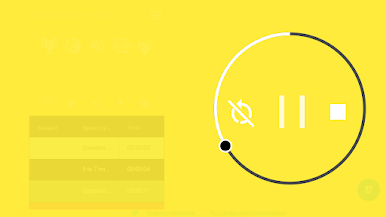
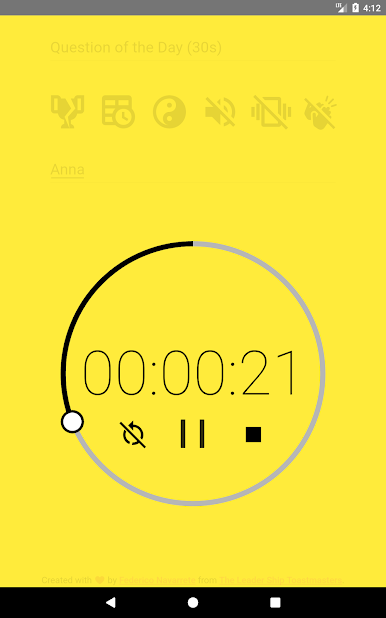
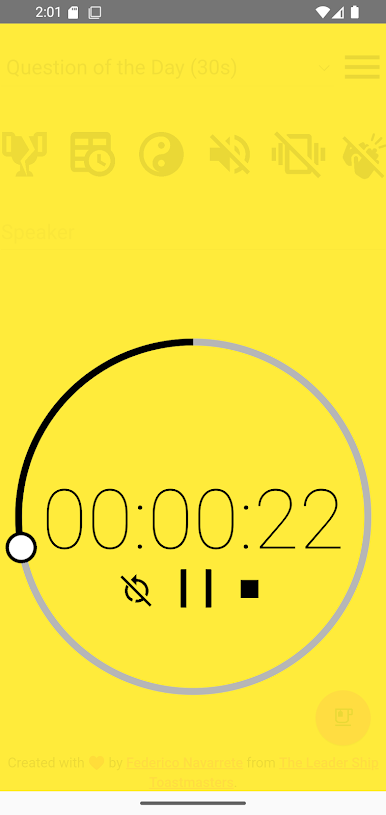
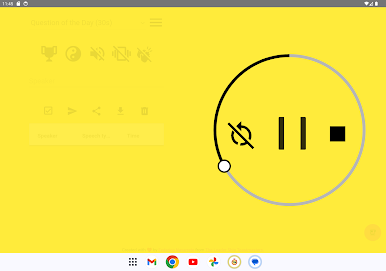
⚡ Yellow: The optimal time was reached.
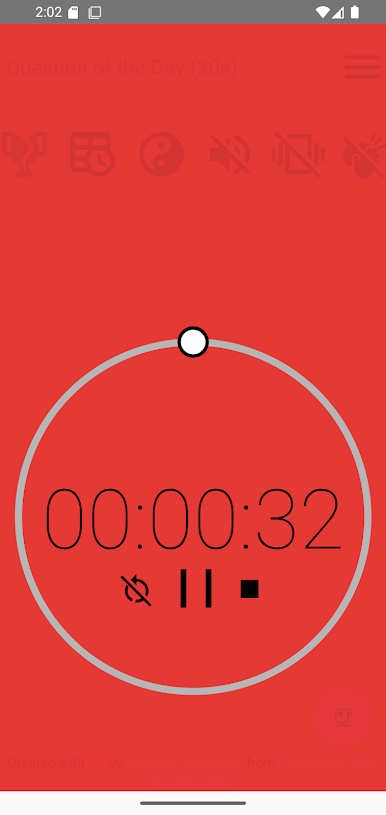
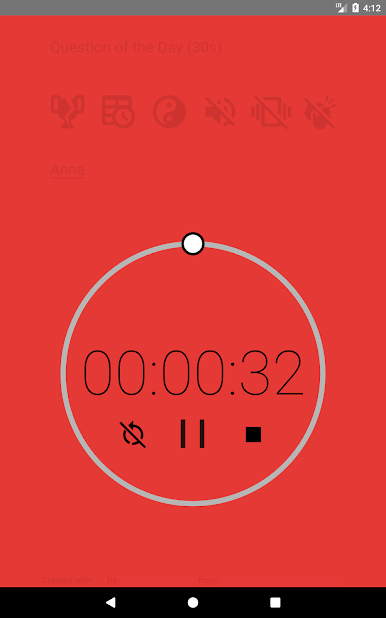
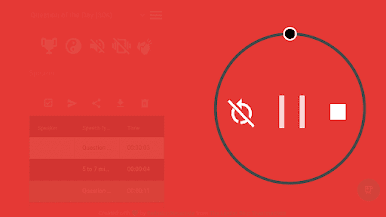
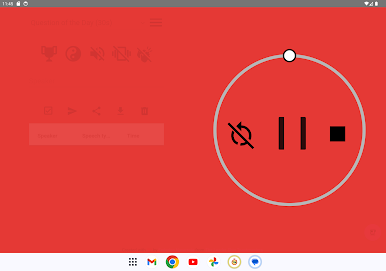
⚡ Red: The maximum time was reached.
⚡ Black for speeches that exceed the maximum time (+30s) and are disqualified in a contest (ONLY available in reports preview).
Extra options:
⚡ Pre-planned agenda. Create your meetings in advance. => https://youtube.com/shorts/OKBtgCXpfB8
⚡ Export the agenda to Excel and/or PDF.
⚡ Share the agenda by e-mail, clouds, etc.
⚡ Dark mode.
⚡ Color blindness options, Ninja Mode, Voice notifications, among others.
Furthermore, the core of the project is Open Source. So, feel free to submit your ideas on GitHub and hack it!
Lastly, is the Timer unavailable in your native language, what are you waiting to help us translate it?
https://poeditor.com/join/project/hJX2GTJNPv
https://fb.com/TheLeaderShipToastmasters
The Timer provides you with multiple options, i.e.:
⚡ Question of the Day (30s).
⚡ 4 to 6 min (Ice Breaker).
⚡ 5 to 7 min (Common).
⚡ 1 minute.
⚡ 1 to 1:30 minutes (Evaluator's introduction).
⚡ 2 to 3 minutes (Evaluation).
⚡ 5 to 6 minutes (General evaluation).
⚡ 1 to 2 minutes (Table topics).
⚡ 8 to 10 minutes.
⚡ 10 to 12 minutes.
⚡ 13 to 15 minutes.
⚡ 18 to 20 minutes.
⚡ Five Custom times. Create your own speeches for up to 100 hours.
But wait didn't I say that includes Table Topics before? Indeed, it has a Table Topics Mode with more than 500 topics powered by AI. The Timer is full of ideas for creating your unique sessions, debates, or own games, who knows! It's time that YOU become the Table Topics King or Queen 👑!
https://youtube.com/shorts/aCp76OOIivY
Furthermore, do you want more ideas on how to level up your timing role? Check my Prezi Videos:
https://www.youtube.com/playlist?list=PL5qnvXALY_bLydoJ7zBcOJos_R6aK_6pw
And take your meetings to the next level!
Special features:
⚡ Vibrating when a time has been reached (optional).
⚡ Beeping when a time has been reached (optional).
⚡ Clapping when the max time has been exceeded (optional).
⚡ Pin your custom time (Android Oreo or above).
Color coding:
⚡ Light Green for speeches that didn't reach the minimum time (-30s), but still qualified in a contest (ONLY available in reports preview and exports/shares).
⚡ Green: The minimum time was reached.
⚡ Yellow: The optimal time was reached.
⚡ Red: The maximum time was reached.
⚡ Black for speeches that exceed the maximum time (+30s) and are disqualified in a contest (ONLY available in reports preview).
Extra options:
⚡ Pre-planned agenda. Create your meetings in advance. => https://youtube.com/shorts/OKBtgCXpfB8
⚡ Export the agenda to Excel and/or PDF.
⚡ Share the agenda by e-mail, clouds, etc.
⚡ Dark mode.
⚡ Color blindness options, Ninja Mode, Voice notifications, among others.
Furthermore, the core of the project is Open Source. So, feel free to submit your ideas on GitHub and hack it!
Lastly, is the Timer unavailable in your native language, what are you waiting to help us translate it?
https://poeditor.com/join/project/hJX2GTJNPv

在電腦上遊玩Toastmasters Timer . 輕易上手.
-
在您的電腦上下載並安裝BlueStacks
-
完成Google登入後即可訪問Play商店,或等你需要訪問Play商店十再登入
-
在右上角的搜索欄中尋找 Toastmasters Timer
-
點擊以從搜索結果中安裝 Toastmasters Timer
-
完成Google登入(如果您跳過了步驟2),以安裝 Toastmasters Timer
-
在首頁畫面中點擊 Toastmasters Timer 圖標來啟動遊戲

