


世界時鐘&小工具
在電腦上使用BlueStacks –受到5億以上的遊戲玩家所信任的Android遊戲平台。

Run World Clock & Widget on PC or Mac
What’s better than using World Clock & Widget by NRS Magic LTD? Well, try it on a big screen, on your PC or Mac, with BlueStacks to see the difference.
About the App
Trying to keep up with friends, family, or colleagues across different time zones? World Clock & Widget from NRS Magic LTD makes wrangling global time zones way less complicated. Whether you’re planning calls, traveling, or just need to check what hour it is somewhere else, this handy Productivity app brings world time right to your fingertips—no mental math required.
App Features
-
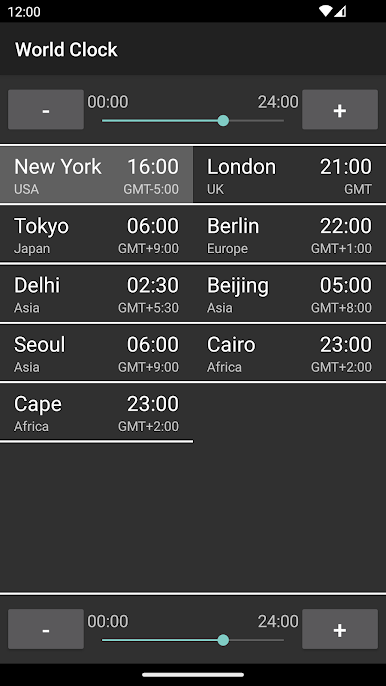
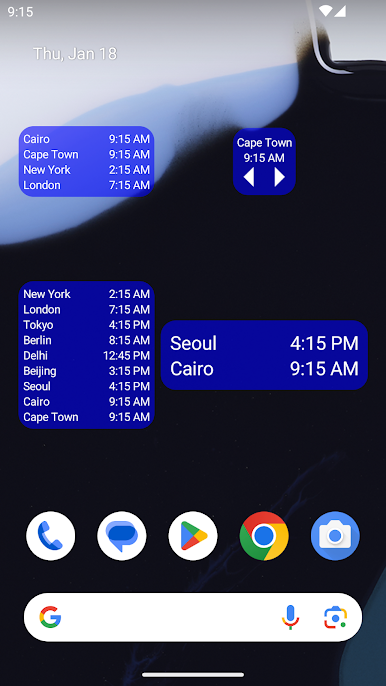
Multiple Clocks in One Spot
Add a bunch of clocks for different cities and countries. Hope you like organization, because your homescreen just got much more useful. -
Super-Fast City & Time Zone Search
Don’t waste time scrolling—just type in a city or time zone and get what you need instantly. -
Pick 12-Hour or 24-Hour Format
Night owl or military time fan? Change between standard 12-hour and 24-hour layouts whenever you want. -
Military & Universal Time Options
Need to see Zulu or other military time zones? There’s an option for that, plus you can activate Universal Time Clock for a worldwide view. -
Date Display Choices
Want today’s date right there on your widget? Switch it on, or keep it off if you like things simple. -
Time Converter & Difference Calculator
Quickly check what time it is for someone else—or how many hours you have before an important deadline. Comparing cities is a breeze. -
Personalization Galore
Tweak the widget’s look: backgrounds, fonts, sizes—whatever matches your style or blends best with your wallpaper.
If you’re running this Productivity app through BlueStacks, managing world time zones feels even easier, especially when you need everything front and center on your desktop.
Eager to take your app experience to the next level? Start right away by downloading BlueStacks on your PC or Mac.

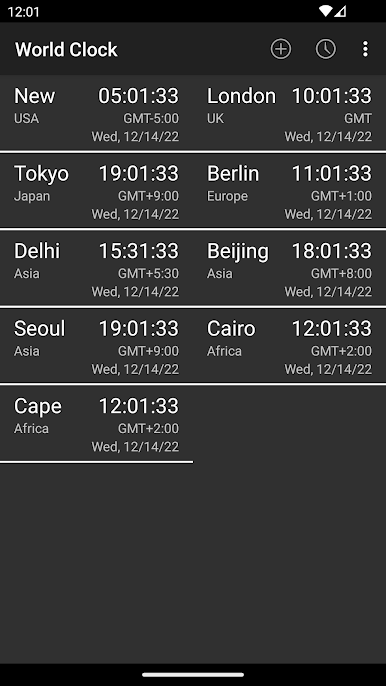
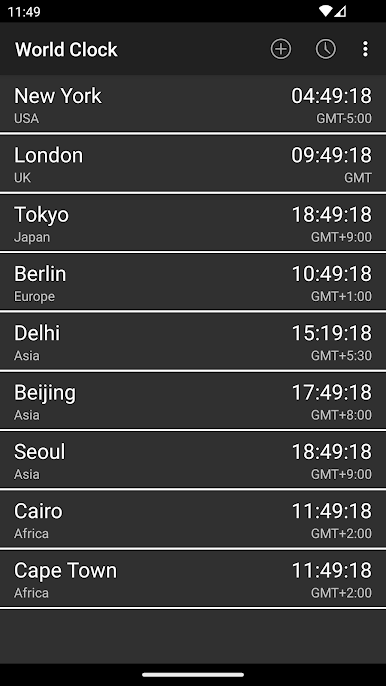
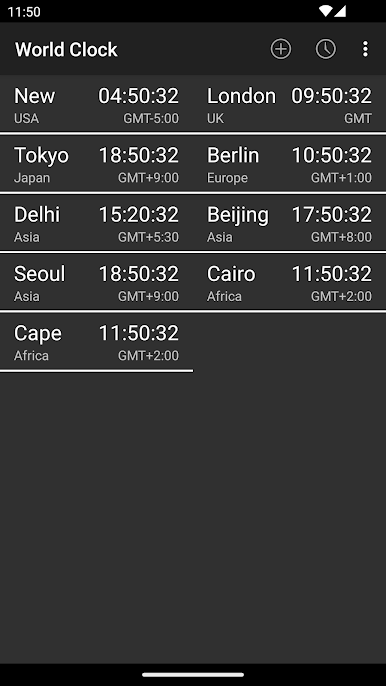
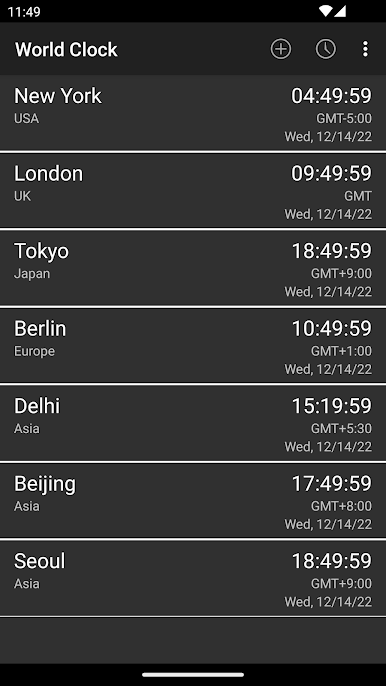
在電腦上遊玩世界時鐘&小工具 . 輕易上手.
-
在您的電腦上下載並安裝BlueStacks
-
完成Google登入後即可訪問Play商店,或等你需要訪問Play商店十再登入
-
在右上角的搜索欄中尋找 世界時鐘&小工具
-
點擊以從搜索結果中安裝 世界時鐘&小工具
-
完成Google登入(如果您跳過了步驟2),以安裝 世界時鐘&小工具
-
在首頁畫面中點擊 世界時鐘&小工具 圖標來啟動遊戲

