


DangDai Chinese 當代中文課程
Jogue no PC com BlueStacks - A Plataforma de Jogos Android, confiada por mais de 500 milhões de jogadores.

Página modificada em: Aug 15, 2024
Run DangDai Chinese 當代中文課程 on PC or Mac
Multitask effortlessly on your PC or Mac as you try out DangDai Chinese 當代中文課程, a Education app by NTNU Mandarin Training Center on BlueStacks.
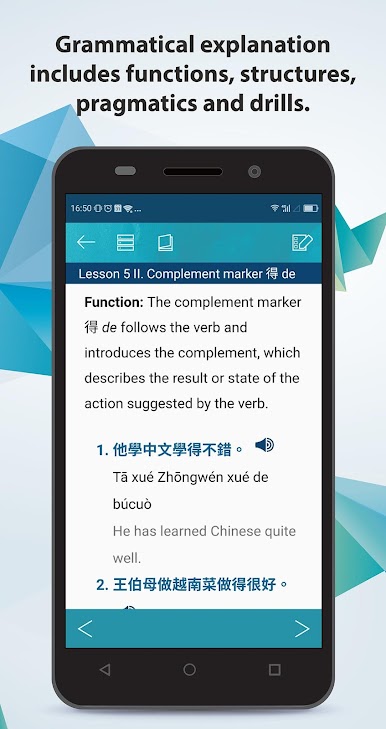
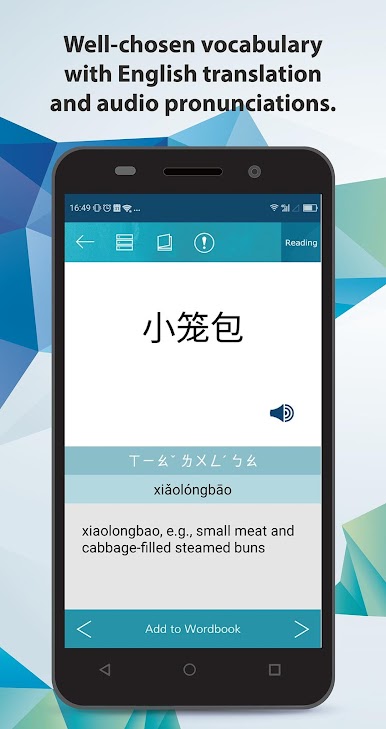
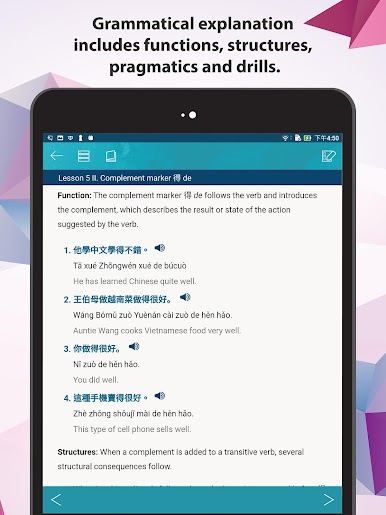
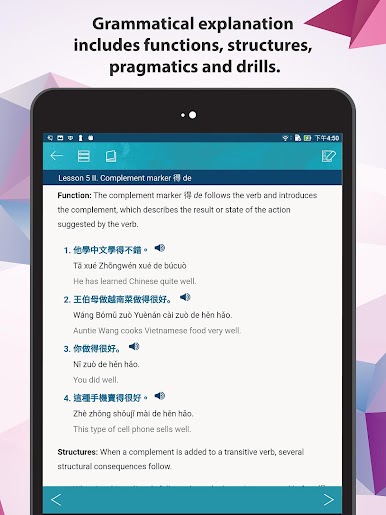
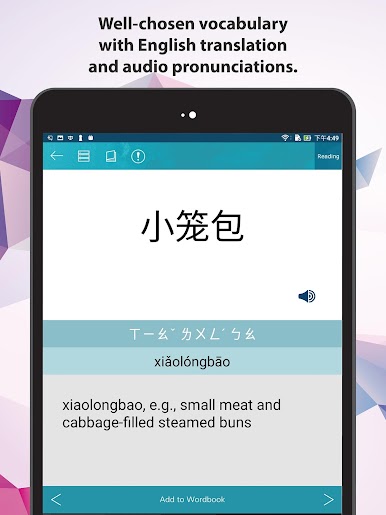
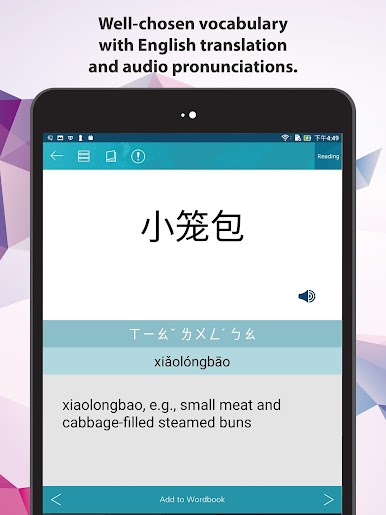
This app is kind of like having the first volume of a solid Mandarin textbook on your computer, only with way more interactive bits. DangDai Chinese is made by some pretty seasoned folks at the Mandarin Training Center, and it shows—everything feels polished and organized for real studying, not just messing around. What’s cool is you can flip between simplified and traditional characters whenever you want, and there’s a mode to switch off the English if you want to see how much you’re actually understanding. Every line comes with translations, pinyin, and even pronunciation, so no guessing what you’re reading or hearing.
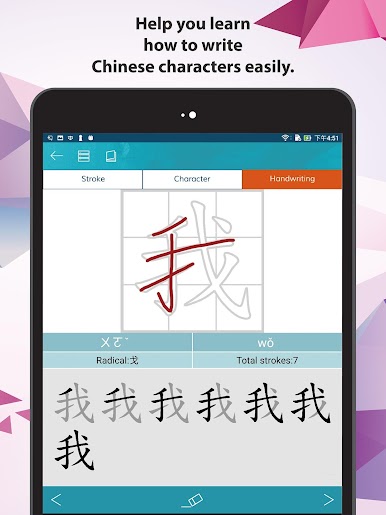
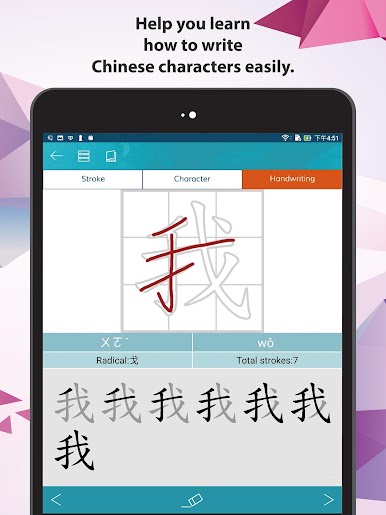
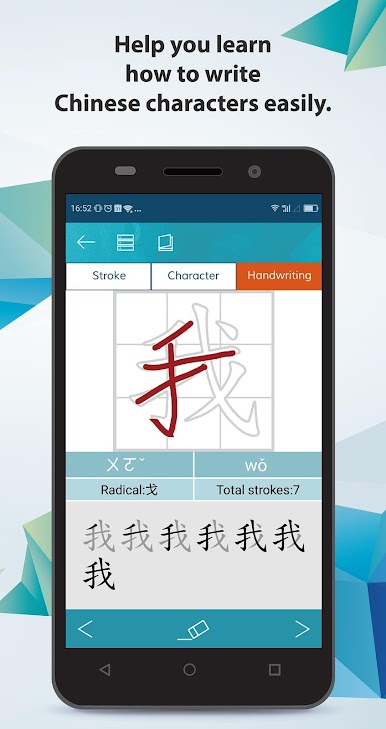
The app really leans into practice—there’s writing animations for each character, plus you can try writing them yourself right there on the screen. All the words in the vocab lists have recordings from a native speaker, and you can loop or repeat bits if something’s not sticking. It’s not all just rigid lessons, either; you can bookmark stuff, save vocab, and take practice tests set up by people who know what it’s like to learn Chinese from scratch. Running it on BlueStacks is handy too, especially for seeing characters big on a monitor and doing handwriting practice with a mouse or tablet. Great for beginners but doesn’t feel too childish or basic if you’ve already done a little Chinese before—just straight-up focused language learning.
Big screen. Bigger performance. Use BlueStacks on your PC or Mac to run your favorite apps.






Jogue DangDai Chinese 當代中文課程 no PC. É fácil começar.
-
Baixe e instale o BlueStacks no seu PC
-
Conclua o login do Google para acessar a Play Store ou faça isso mais tarde
-
Procure por DangDai Chinese 當代中文課程 na barra de pesquisa no canto superior direito
-
Clique para instalar DangDai Chinese 當代中文課程 a partir dos resultados da pesquisa
-
Conclua o login do Google (caso você pulou a etapa 2) para instalar o DangDai Chinese 當代中文課程
-
Clique no ícone do DangDai Chinese 當代中文課程 na tela inicial para começar a jogar

