


Zoom Rooms Controller
業務 | zoom.com
在電腦上使用BlueStacks –受到5億以上的遊戲玩家所信任的Android遊戲平台。

Play Zoom Rooms Controller on PC
Meet Happy. Bring beautiful, simple, scalable video conferencing with wireless content sharing and integrated audio to any meeting space – conference rooms, training rooms, huddle rooms, and executive offices with Zoom Rooms.
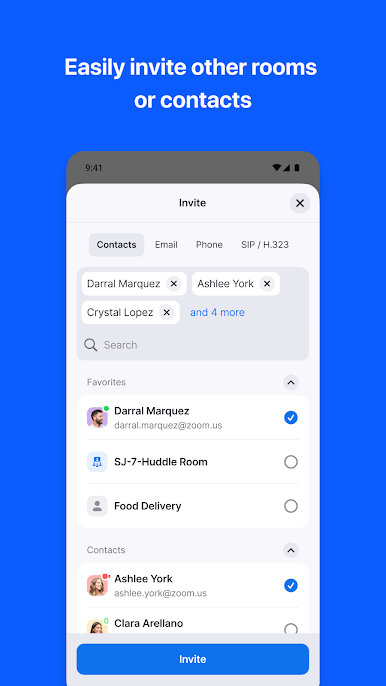
Zoom Rooms video conferencing systems use appliance or custom hardware deployments to bring high quality video, audio and sharing to any type of space - making it extremely flexible. Easily connect to participants on mobile devices, desktops, and in other rooms, anywhere.
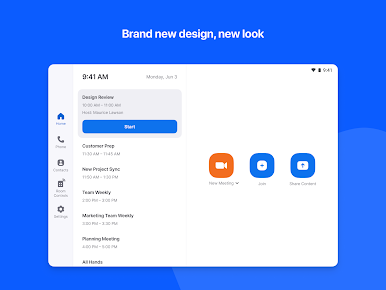
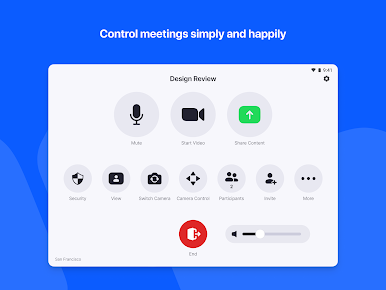
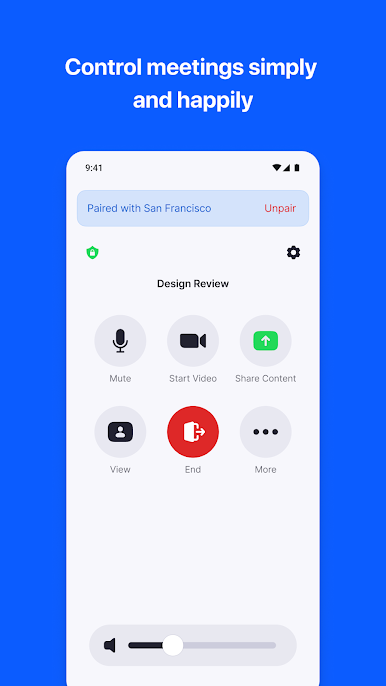
The Android Tablet app allows you to connect to a Mac, PC, or Zoom Rooms Appliance as the dedicated Zoom Rooms Controller for that room. The Android Phone app allows you to pair with a Zoom Room, giving you similar control functionality on your personal mobile device.
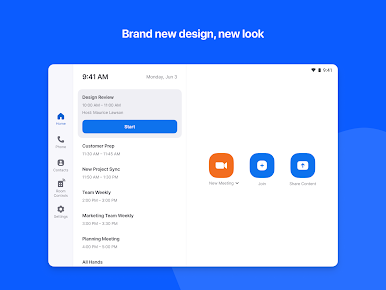
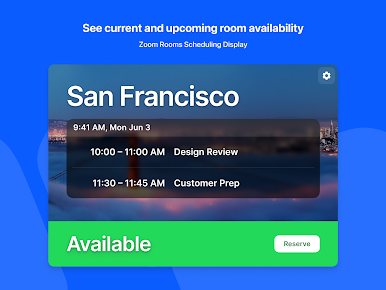
The tablet screen can be switched to the Scheduling Display mode and placed outside the room to show current availability, display upcoming meetings, and allow you to reserve time for an instant Zoom meeting.
Simply install the app and follow the on-screen instructions.
KEY FEATURES:
● Best video and screen sharing quality
● Quick setup to install Zoom Rooms with Google Calendar, Office 365, or Microsoft Exchange.
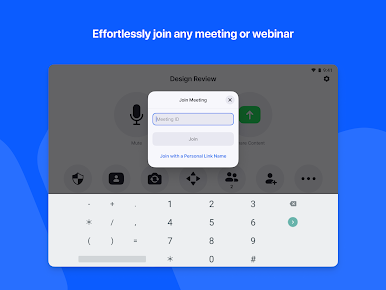
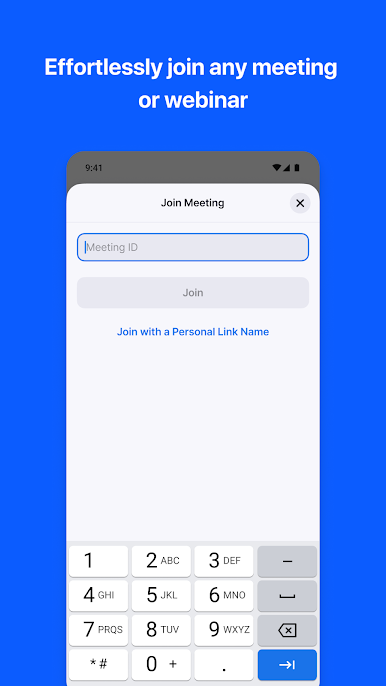
● One-touch to join or start a meeting
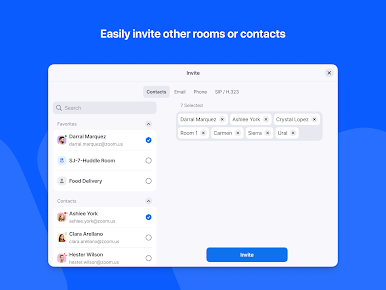
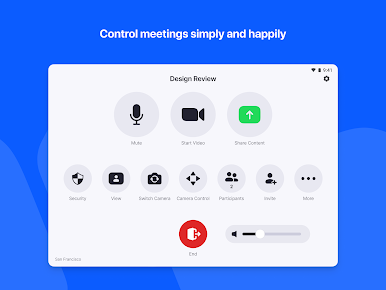
● Intuitive room controls to easily manage audio, video, participants, and more
● Wireless screen sharing from any device
● Supports up to 3 HD screens to fit any conference room
● Supports native room control integration to control lighting, projectors, and more
● Supports unlimited scheduling displays for simplified booking
● Supports unlimited digital signage to remotely push content to screens in and out of conference rooms
● Ability to pair and control Zoom Rooms and Zoom for Home devices from your personal mobile device
● View the active speaker, content, or gallery view with 49 video feeds
● Up to 1,000 interactive Meeting participants or 10,000 view-only Zoom Video Webinar attendees
● Record your meetings to share or review later
● Connect with anyone using Zoom Rooms, Android, iOS, Windows, Mac, SIP/H.323 room systems, telephones, and other devices
Follow us on social @zoom!
Have a question? Contact us at http://support.zoom.us.
Zoom Rooms video conferencing systems use appliance or custom hardware deployments to bring high quality video, audio and sharing to any type of space - making it extremely flexible. Easily connect to participants on mobile devices, desktops, and in other rooms, anywhere.
The Android Tablet app allows you to connect to a Mac, PC, or Zoom Rooms Appliance as the dedicated Zoom Rooms Controller for that room. The Android Phone app allows you to pair with a Zoom Room, giving you similar control functionality on your personal mobile device.
The tablet screen can be switched to the Scheduling Display mode and placed outside the room to show current availability, display upcoming meetings, and allow you to reserve time for an instant Zoom meeting.
Simply install the app and follow the on-screen instructions.
KEY FEATURES:
● Best video and screen sharing quality
● Quick setup to install Zoom Rooms with Google Calendar, Office 365, or Microsoft Exchange.
● One-touch to join or start a meeting
● Intuitive room controls to easily manage audio, video, participants, and more
● Wireless screen sharing from any device
● Supports up to 3 HD screens to fit any conference room
● Supports native room control integration to control lighting, projectors, and more
● Supports unlimited scheduling displays for simplified booking
● Supports unlimited digital signage to remotely push content to screens in and out of conference rooms
● Ability to pair and control Zoom Rooms and Zoom for Home devices from your personal mobile device
● View the active speaker, content, or gallery view with 49 video feeds
● Up to 1,000 interactive Meeting participants or 10,000 view-only Zoom Video Webinar attendees
● Record your meetings to share or review later
● Connect with anyone using Zoom Rooms, Android, iOS, Windows, Mac, SIP/H.323 room systems, telephones, and other devices
Follow us on social @zoom!
Have a question? Contact us at http://support.zoom.us.


在電腦上遊玩Zoom Rooms Controller . 輕易上手.
-
在您的電腦上下載並安裝BlueStacks
-
完成Google登入後即可訪問Play商店,或等你需要訪問Play商店十再登入
-
在右上角的搜索欄中尋找 Zoom Rooms Controller
-
點擊以從搜索結果中安裝 Zoom Rooms Controller
-
完成Google登入(如果您跳過了步驟2),以安裝 Zoom Rooms Controller
-
在首頁畫面中點擊 Zoom Rooms Controller 圖標來啟動遊戲

