

UnApp — Batch Uninstall Apps
在電腦上使用BlueStacks –受到5億以上的遊戲玩家所信任的Android遊戲平台。

Run UnApp — Easy Uninstall Multiple Apps, Get App Info on PC or Mac
Why limit yourself to your small screen on the phone? Run UnApp — Easy Uninstall Multiple Apps, Get App Info, an app by phrbnkv 💡, best experienced on your PC or Mac with BlueStacks, the world’s #1 Android emulator.
About the App
UnApp — Easy Uninstall Multiple Apps, Get App Info is the kind of tool that just makes life simpler when your device feels cluttered. Tired of scrolling through tons of apps you never use? This handy Productivity app from phrbnkv 💡 takes the hassle out of clearing things up, giving you a way to quickly get rid of stuff you don’t need — without any complicated steps.
App Features
-
Batch Uninstall Made Simple
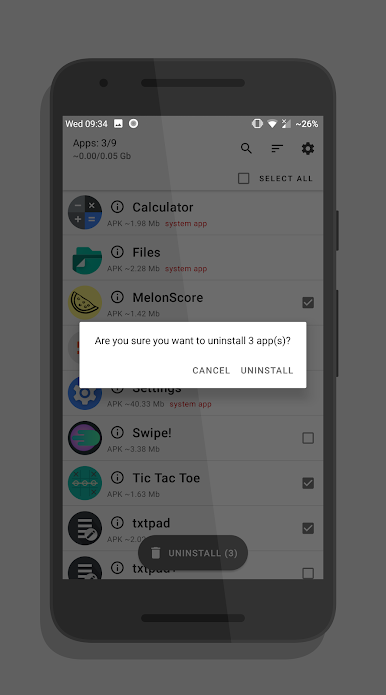
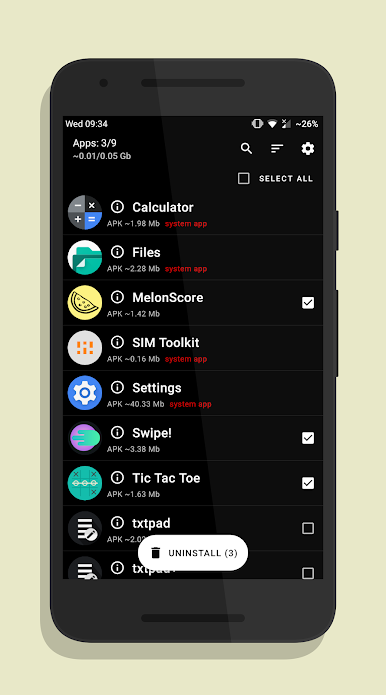
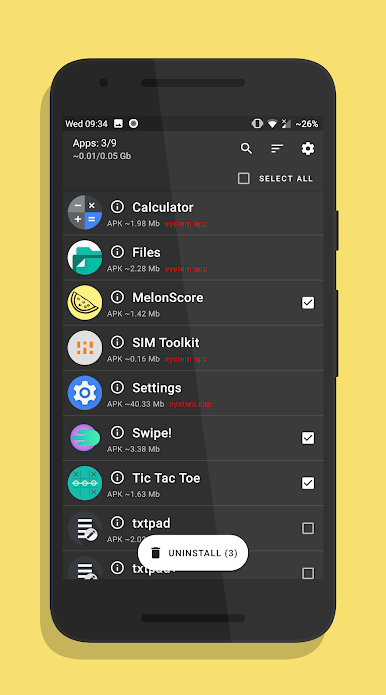
Select a bunch of apps in one go and remove them all at once. No more tapping and confirming over and over — UnApp takes care of it much faster. -
No Root Required
You don’t have to mess with any risky root stuff. Just use the app as is on your device, hassle-free. (Heads up: system apps can’t be removed, but you can hide them if you want.) -
App Info at a Glance
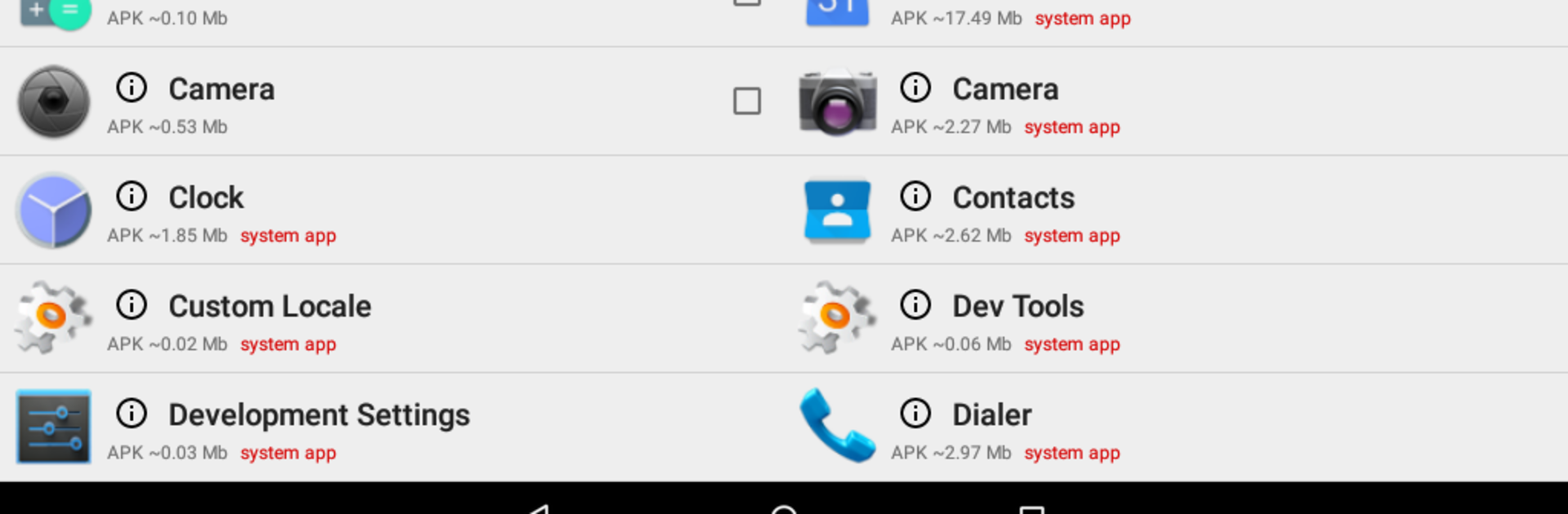
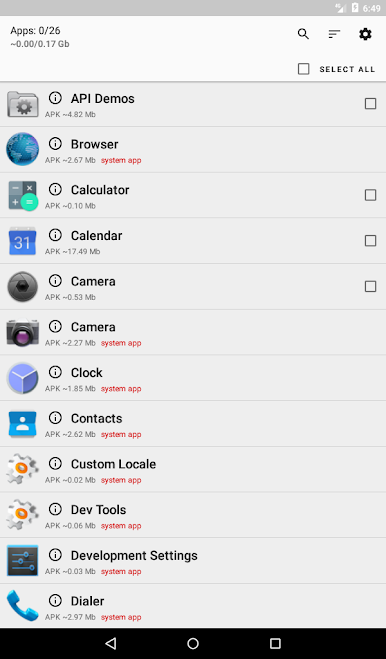
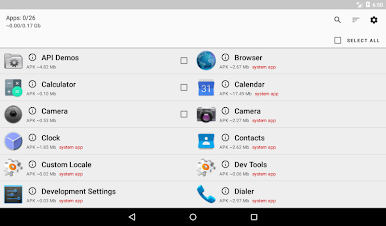
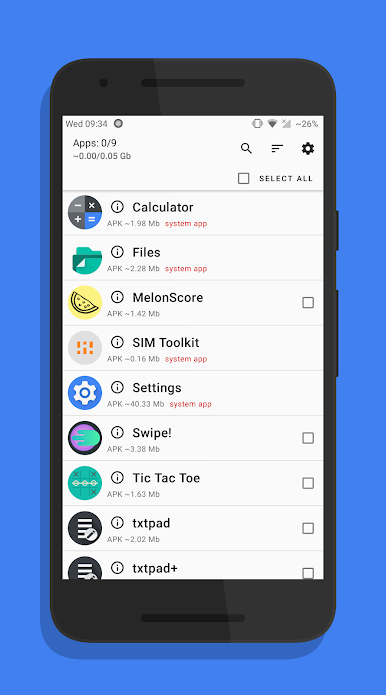
Curious what’s taking up space? UnApp lets you see details about each app, so deciding what to delete is way easier. -
Customized Sorting and Searching
Can’t recall an app’s name? There’s a search bar. Want to find your biggest storage hogs? Sort by APK size. Prefer alphabetical order? That’s covered too. -
Handy Select Options
Tap individual checkboxes for picky clean-ups, or select everything in one tap if you really want to slim down your phone. -
Clean and Simple Interface
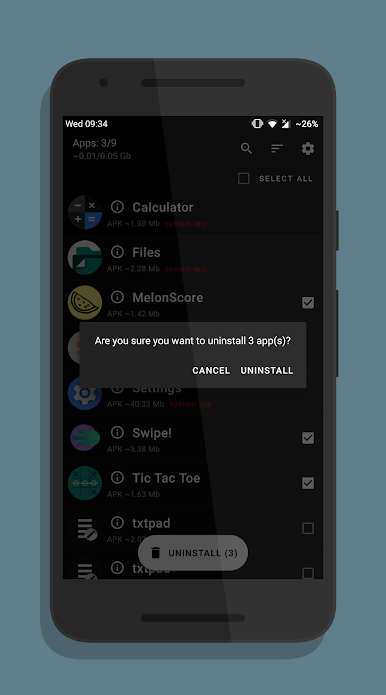
Easy to navigate, cleanly laid out, and if you’re into dark themes or AMOLED-friendly looks, go Premium to switch things up.
UnApp also plays nicely with BlueStacks, so you can take care of your app collection on your desktop, too — super convenient if you like keeping your devices in sync.
Eager to take your app experience to the next level? Start right away by downloading BlueStacks on your PC or Mac.

在電腦上遊玩UnApp — Batch Uninstall Apps . 輕易上手.
-
在您的電腦上下載並安裝BlueStacks
-
完成Google登入後即可訪問Play商店,或等你需要訪問Play商店十再登入
-
在右上角的搜索欄中尋找 UnApp — Batch Uninstall Apps
-
點擊以從搜索結果中安裝 UnApp — Batch Uninstall Apps
-
完成Google登入(如果您跳過了步驟2),以安裝 UnApp — Batch Uninstall Apps
-
在首頁畫面中點擊 UnApp — Batch Uninstall Apps 圖標來啟動遊戲

