

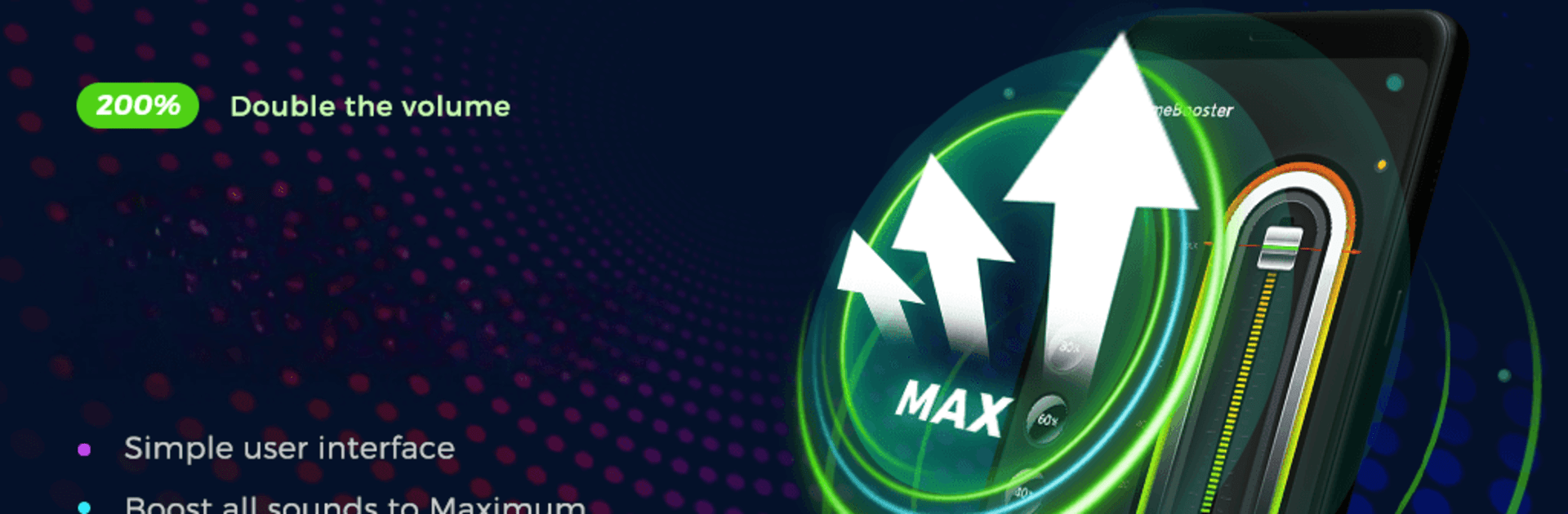
볼륨 부스터 전문적인-스피커, 더 크게
5억명 이상의 게이머가 신뢰하는 안드로이드 게임 플랫폼 BlueStacks으로 PC에서 플레이하세요.

Run Volume Booster - Loud Speaker on PC or Mac
Let BlueStacks turn your PC, Mac, or laptop into the perfect home for Volume Booster – Loud Speaker, a fun Music & Audio app from Coocent.
About the App
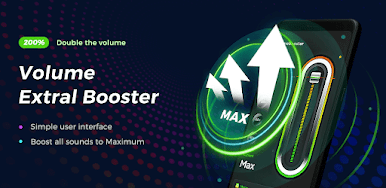
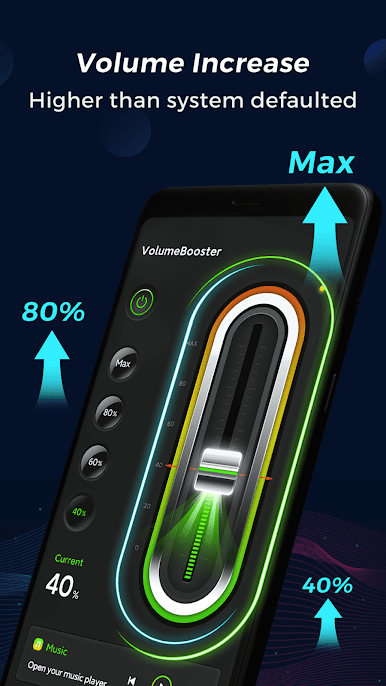
Ever wish your phone sounded just a little louder? Volume Booster – Loud Speaker by Coocent is here for anyone who’s tired of missing out on their favorite tunes, game effects, or calls just because the volume isn’t quite cutting it. With its easy-to-use style, this app helps you pump up your music and audio in a snap—no tech know-how needed.
App Features
-
Easy Volume Controls
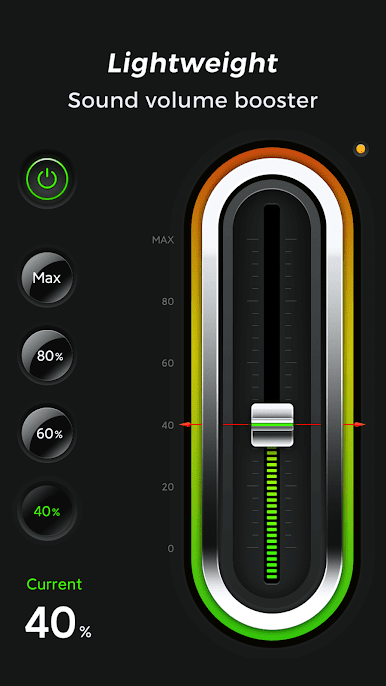
No more fiddling around—adjust your sound with just a swipe. You can pick preset levels like 40%, 60%, 80%, or crank it all the way up without a hassle. -
All-Around Boost
Whether you’re streaming music, watching videos, gaming, or even on a call, this app helps you get the most out of your audio—loud and clear. -
Works Across Devices
Got headphones or a Bluetooth speaker? Volume Booster – Loud Speaker works with your phone speakers, earbuds, or Bluetooth gadgets, so you’re covered however you listen. -
Custom Player Support
Prefer a specific music player? Start the boost from whichever one you like best and keep the good vibes going. -
Handy Widget
Add a mini control to your desktop for super quick access. No need to open the full app every time you want a little extra volume. -
Simple, Clean Look
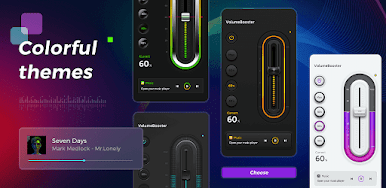
The design’s straightforward and easy on the eyes, making it quick to figure out and use right away.
If you’re using BlueStacks, you can experience what it’s like to get real power out of your PC speakers too. Volume Booster – Loud Speaker by Coocent is the tool every music and audio lover should keep handy.
Switch to BlueStacks and make the most of your apps on your PC or Mac.

PC에서 볼륨 부스터 전문적인-스피커, 더 크게 플레이해보세요.
-
BlueStacks 다운로드하고 설치
-
Google Play 스토어에 로그인 하기(나중에 진행가능)
-
오른쪽 상단 코너에 볼륨 부스터 전문적인-스피커, 더 크게 검색
-
검색 결과 중 볼륨 부스터 전문적인-스피커, 더 크게 선택하여 설치
-
구글 로그인 진행(만약 2단계를 지나갔을 경우) 후 볼륨 부스터 전문적인-스피커, 더 크게 설치
-
메인 홈화면에서 볼륨 부스터 전문적인-스피커, 더 크게 선택하여 실행

