

秒時鐘 (展會秒在狀態欄)
在電腦上使用BlueStacks –受到5億以上的遊戲玩家所信任的Android遊戲平台。

Run Seconds Clock on Status Bar on PC or Mac
Multitask effortlessly on your PC or Mac as you try out Seconds Clock on Status Bar, a Tools app by Wansoft on BlueStacks.
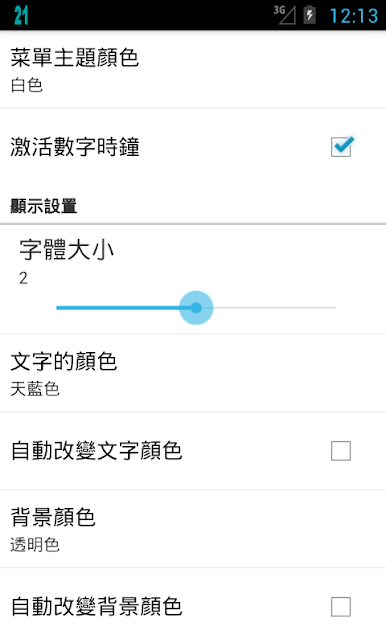
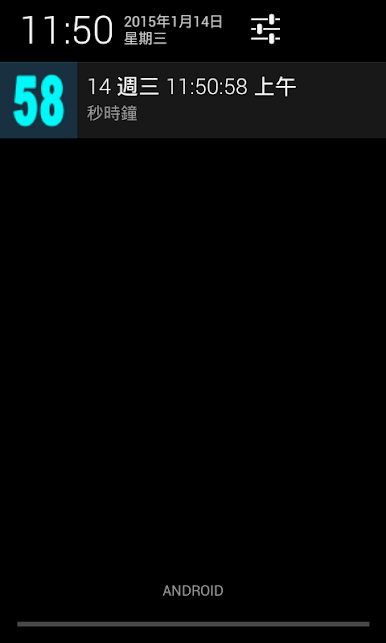
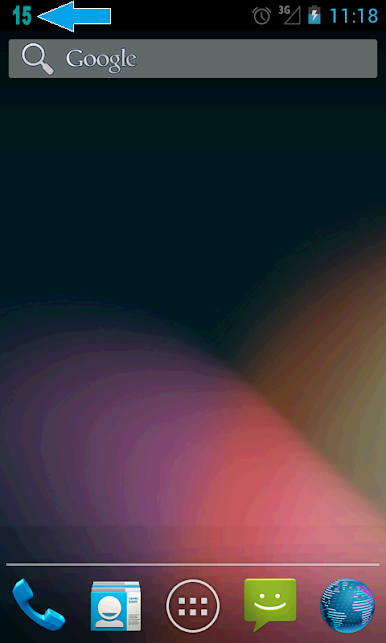
Seconds Clock on Status Bar is one of those tiny utilities that does exactly what the name says and somehow feels oddly satisfying. It puts a live seconds counter right up in the notification area, so the time is always ticking in clear view. There is a simple setting to line up the seconds precisely, which is handy for anyone who cares about exact timing, whether that is for meetings, speedruns, or just keeping things synced. The look is not locked either. The color can be changed, so the digits pop against whatever theme is on the phone or emulator.
What stands out is how quick it is to turn the clock on or off. There is a small widget for the home screen that acts like a light switch, and there is a shake gesture that can toggle it too. On PC with BlueStacks, it still shows up along the top just like a normal Android status item, so it is easy to glance at while working in other windows. BlueStacks even has a shake control, so that gesture is still usable when the phone is not in hand. No fluff, no cluttered menus, just a clean seconds display that anyone who likes exact timekeeping will appreciate. It feels lightweight and stays out of the way until it is needed.
BlueStacks gives you the much-needed freedom to experience your favorite apps on a bigger screen. Get it now.
在電腦上遊玩秒時鐘 (展會秒在狀態欄) . 輕易上手.
-
在您的電腦上下載並安裝BlueStacks
-
完成Google登入後即可訪問Play商店,或等你需要訪問Play商店十再登入
-
在右上角的搜索欄中尋找 秒時鐘 (展會秒在狀態欄)
-
點擊以從搜索結果中安裝 秒時鐘 (展會秒在狀態欄)
-
完成Google登入(如果您跳過了步驟2),以安裝 秒時鐘 (展會秒在狀態欄)
-
在首頁畫面中點擊 秒時鐘 (展會秒在狀態欄) 圖標來啟動遊戲

