


Wordle: Jogo de Palavras
Jogue no PC com BlueStacks - A Plataforma de Jogos Android, confiada por mais de 500 milhões de jogadores.

Página modificada em: Oct 18, 2022
Visão Geral
Como jogar Wordle: Jogo de Palavras:
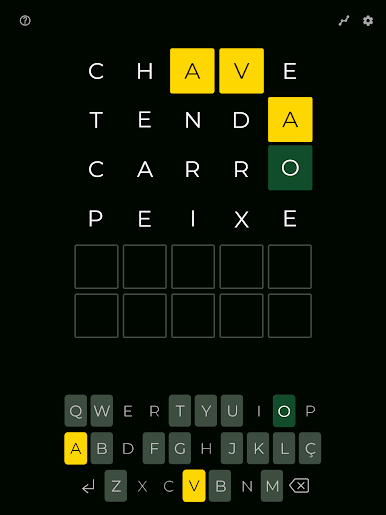
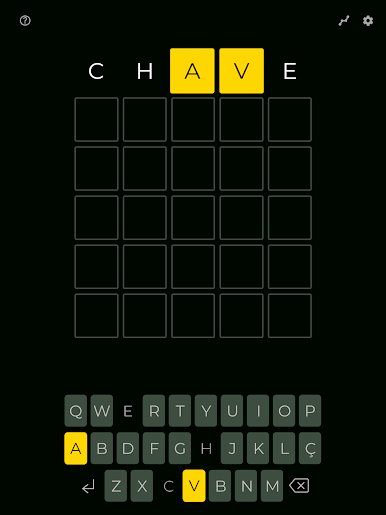
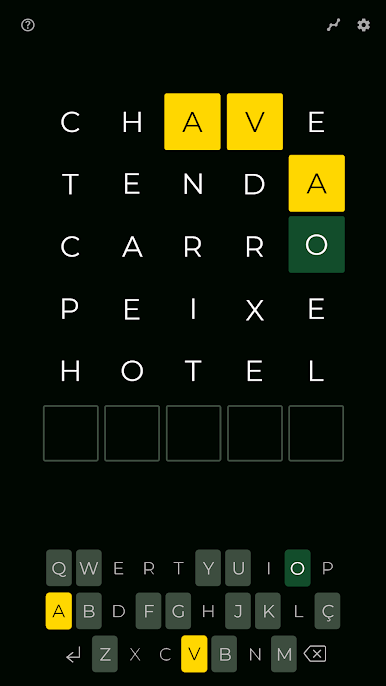
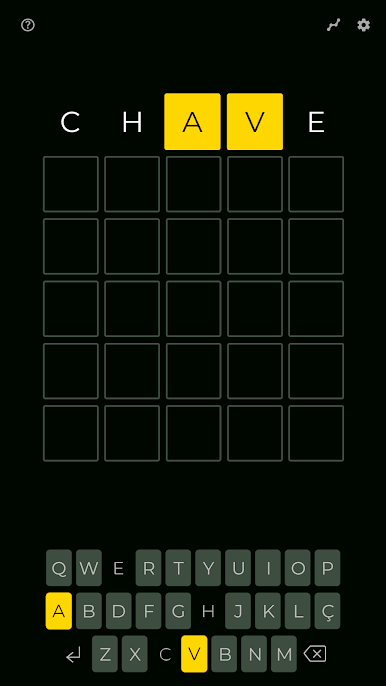
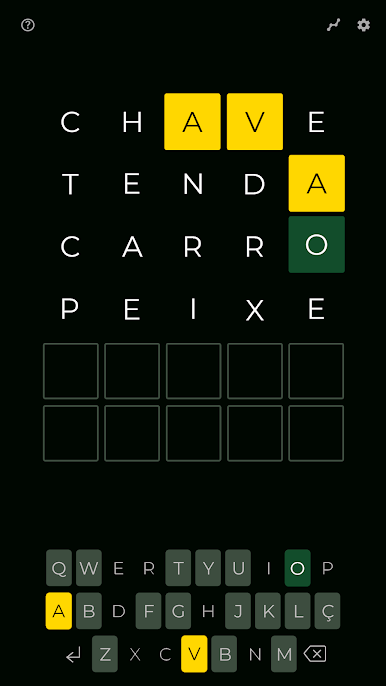
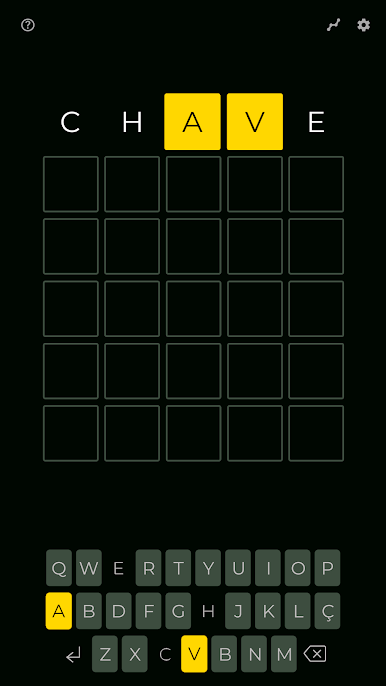
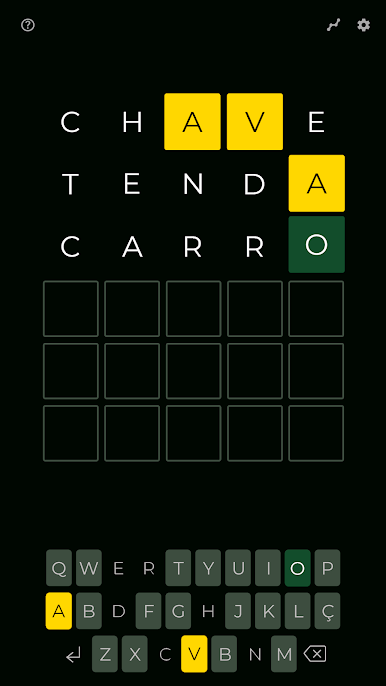
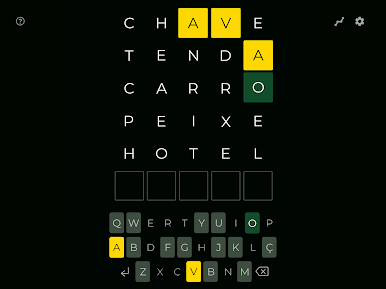
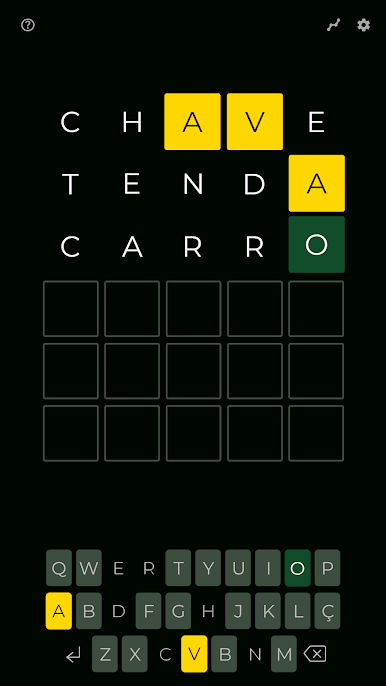
Wordle dá seis chances de adivinhar uma palavra de cinco letras aleatória. Se você adivinhar uma letra no lugar certo, ela vai ficar verde. Se a letra estiver na palavra, mas no lugar errado, ela vai ficar amarela. E se a letra não estiver na palavra, vai ficar cinza escuro. Você pode chutar seis palavras, ou seja, pode usar as cinco primeiras para conseguir dicas sobre as letras e as posições. E sobra uma chance para você usar as letras que descobriu em uma palavra.
Se você gosta de quebra-cabeças viciantes e divertidos, vai amar Wordle: Jogo de Palavras!
O que está esperando? Baixe Wordle: Jogo de Palavras e adivinhe todas as palavras!
Atenção: No momento, o jogo está disponível em inglês, russo, alemão, francês, espanhol e português.
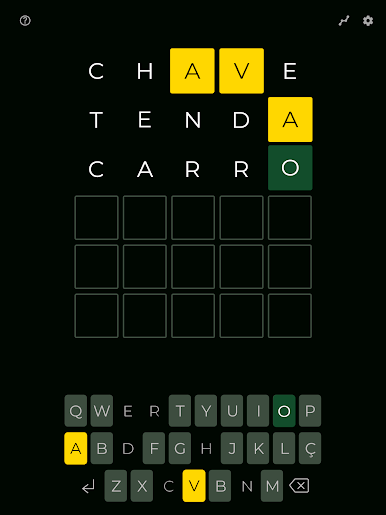
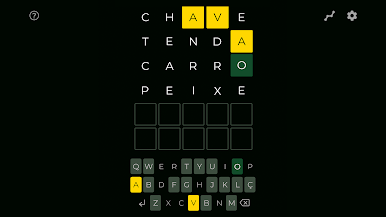
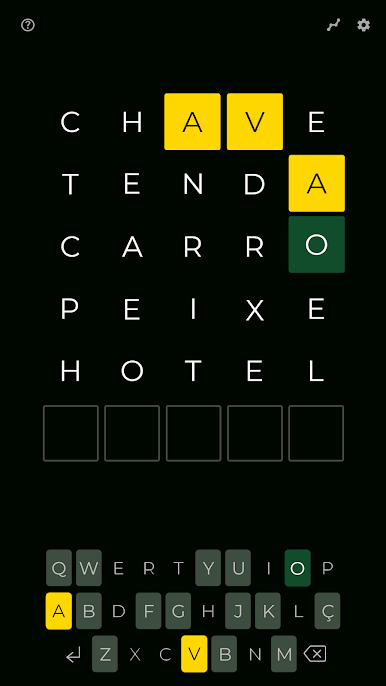
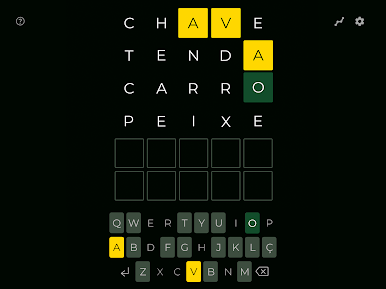
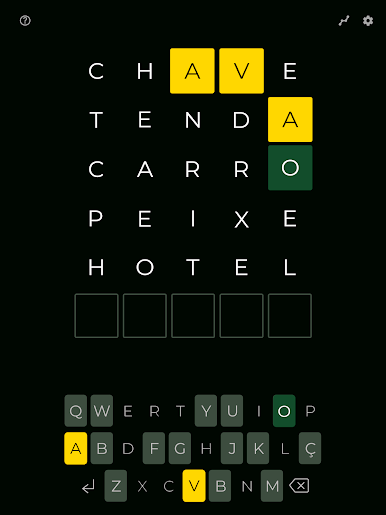
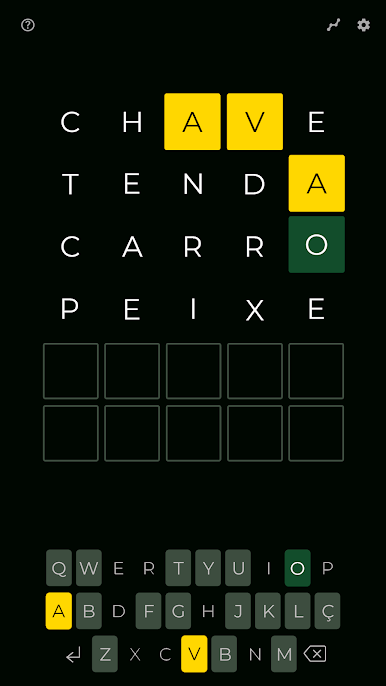
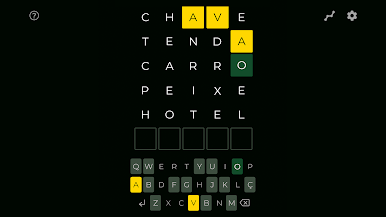
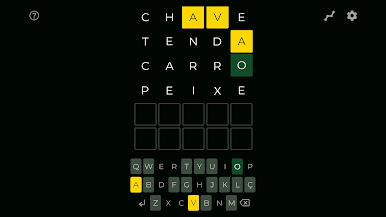
Jogue Wordle: Jogo de Palavras no PC. É fácil começar.
-
Baixe e instale o BlueStacks no seu PC
-
Conclua o login do Google para acessar a Play Store ou faça isso mais tarde
-
Procure por Wordle: Jogo de Palavras na barra de pesquisa no canto superior direito
-
Clique para instalar Wordle: Jogo de Palavras a partir dos resultados da pesquisa
-
Conclua o login do Google (caso você pulou a etapa 2) para instalar o Wordle: Jogo de Palavras
-
Clique no ícone do Wordle: Jogo de Palavras na tela inicial para começar a jogar

