


illustrated Everyday Expressio
العب على الكمبيوتر الشخصي مع BlueStacks - نظام أندرويد للألعاب ، موثوق به من قبل أكثر من 500 مليون لاعب.

Run illustrated Everyday Expressions with Stories 1 on PC or Mac
Upgrade your experience. Try illustrated Everyday Expressions with Stories 1, the fantastic Education app from Kelyn Le Studio, from the comfort of your laptop, PC, or Mac, only on BlueStacks.
About the App
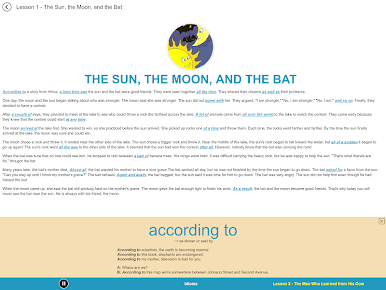
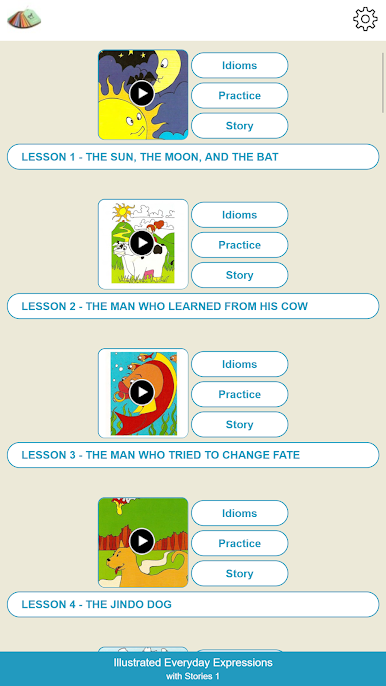
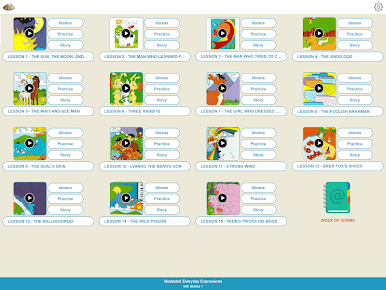
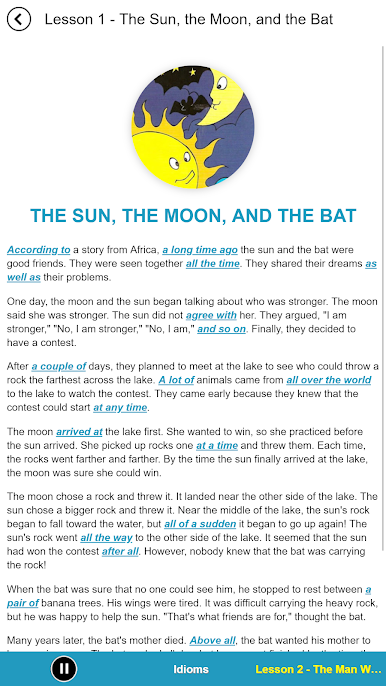
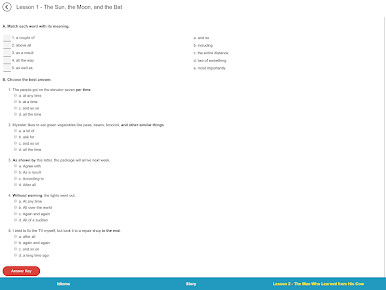
illustrated Everyday Expressions with Stories 1 by Kelyn Le Studio brings some fun to learning English idioms. This education app is perfect if you’re looking for a more memorable—and honestly, entertaining—way to decode those quirky expressions you hear in daily conversations. Expect stories, laughs, and a bunch of quirky illustrations that make tricky idioms actually stick in your mind.
App Features
-
Alphabetical Idiom List
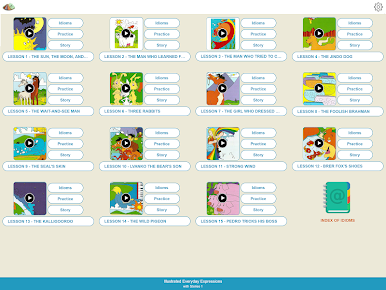
No more random searching—every lesson starts with twenty idioms, all neatly organized from A to Z. It’s easier to find what you need, whenever you need it. -
Simple, Clear Definitions
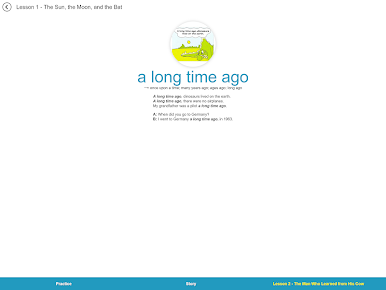
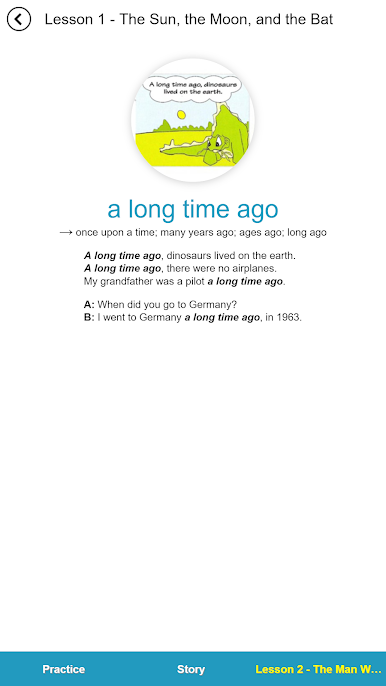
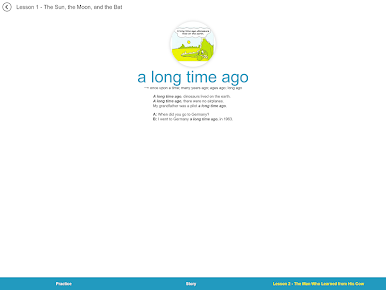
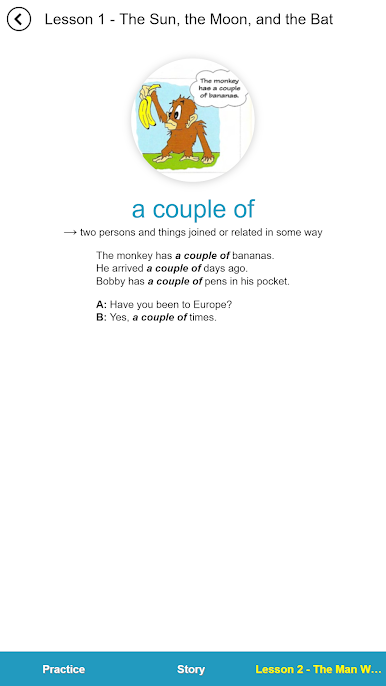
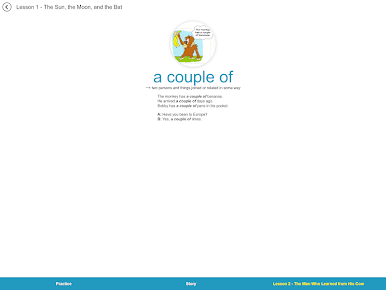
Not sure what “hit the books” really means? You’ll get straightforward explanations, sometimes with synonyms or even other idioms, so it all starts making sense. -
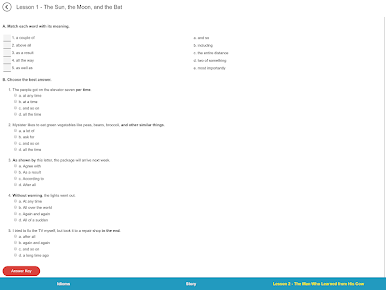
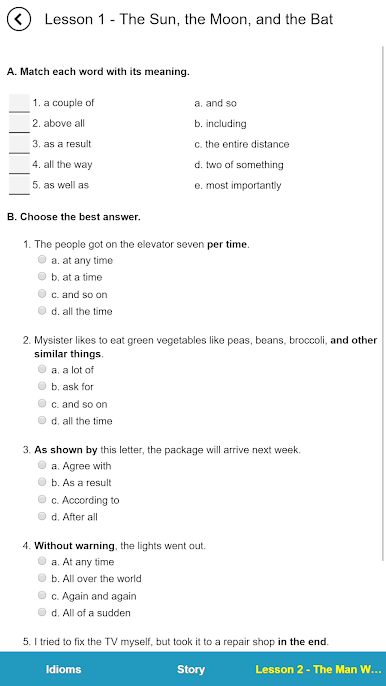
Sample Sentences & Dialogues
Need to see these idioms in action? Each lesson includes sample sentences and quick dialogues to show exactly how people use these phrases in real life. -
Humorous Illustrations
Let’s face it: some idioms just sound weird. That’s where the cartoons come in, turning confusing phrases into scenes you’ll remember the next time you hear them. -
Lighthearted Stories
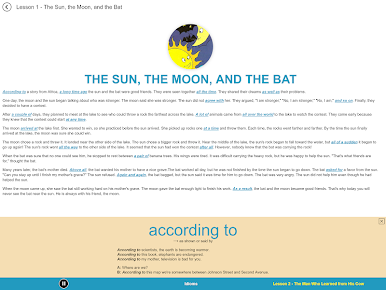
After learning the idioms, check out the stories that tie them all together. These short reads are full of humor, making learning feel less like studying and more like reading a comic. -
Handy as a Dictionary
Once you’ve finished a lesson, keep using the app as a reference. It’s like having a little illustrated idiom dictionary in your pocket at all times.
And if you prefer going through lessons on a bigger screen, you can run illustrated Everyday Expressions with Stories 1 using BlueStacks.
Big screen. Bigger performance. Use BlueStacks on your PC or Mac to run your favorite apps.
العب illustrated Everyday Expressio على جهاز الكمبيوتر. من السهل البدء.
-
قم بتنزيل BlueStacks وتثبيته على جهاز الكمبيوتر الخاص بك
-
أكمل تسجيل الدخول إلى Google للوصول إلى متجر Play ، أو قم بذلك لاحقًا
-
ابحث عن illustrated Everyday Expressio في شريط البحث أعلى الزاوية اليمنى
-
انقر لتثبيت illustrated Everyday Expressio من نتائج البحث
-
أكمل تسجيل الدخول إلى Google (إذا تخطيت الخطوة 2) لتثبيت illustrated Everyday Expressio
-
انقر على أيقونة illustrated Everyday Expressio على الشاشة الرئيسية لبدء اللعب

