


Yasan Launcher · AI-Powered
Jogue no PC com BlueStacks - A Plataforma de Jogos Android, confiada por mais de 500 milhões de jogadores.

Página modificada em: Nov 27, 2025
Play Yasan Launcher · AI-Powered on PC
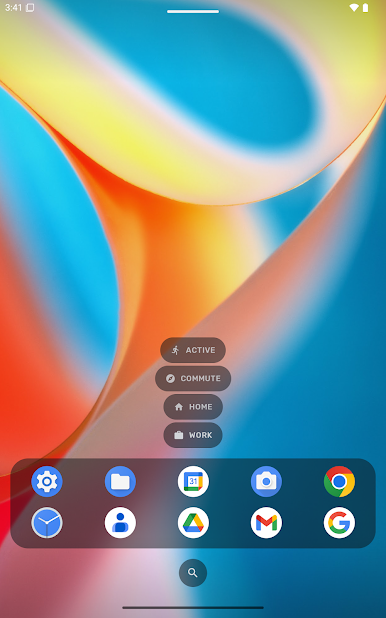
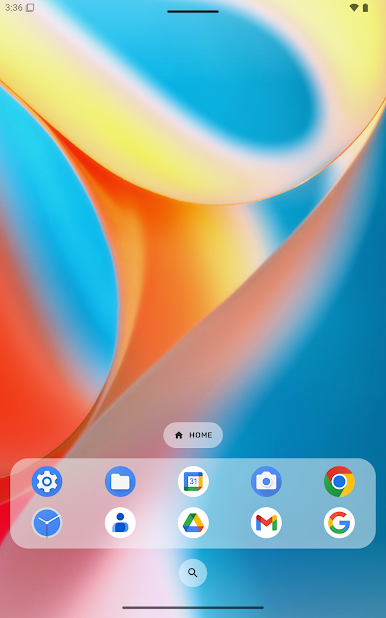
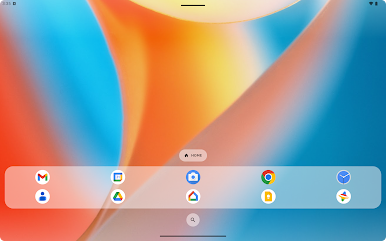
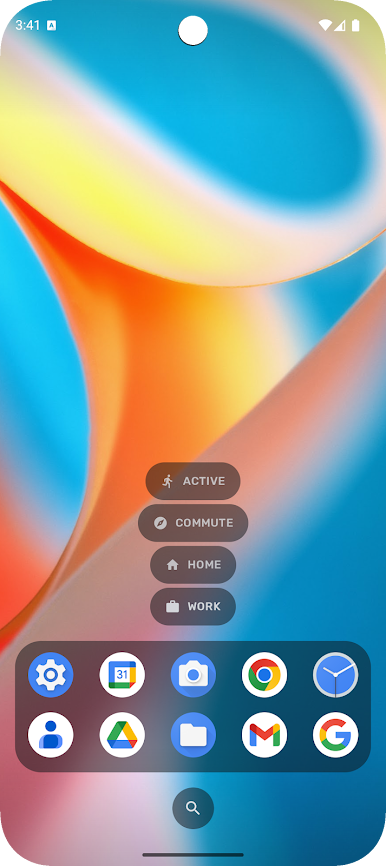
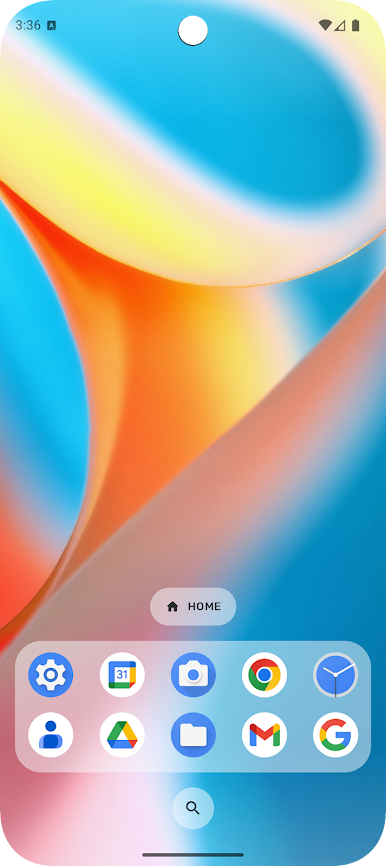
Smart home screen replacement with a minimalist design. Customize your Android experience with a unique launcher interface that adapts to your style and usage.
🏆 Featured on XDA Developers, Android Authority & Android Police
Intelligent App Predictions
Machine learning analyzes your app usage to predict what you'll open next. Frequently used apps appear automatically based on time, location, and behavior patterns.
Customizable Launcher Design
Unique minimalist interface with full personalization options. Create a home screen that reflects your style with extensive customization controls.
Material You & Dynamic Theming
Material 3 design language with automatic color adaptation from your wallpaper. Native Android 12+ dynamic theming support.
Fast & Lightweight Performance
Optimized launcher app runs smoothly on all devices. Minimal resource usage keeps older phones responsive with fluid animations.
Ad-Free Android Launcher
Zero ads in free or premium versions. Hide pre-installed bloatware and system apps for a clean home screen experience.
Dark Theme & Night Mode
Complete dark mode support reduces eye strain and saves battery on OLED displays.
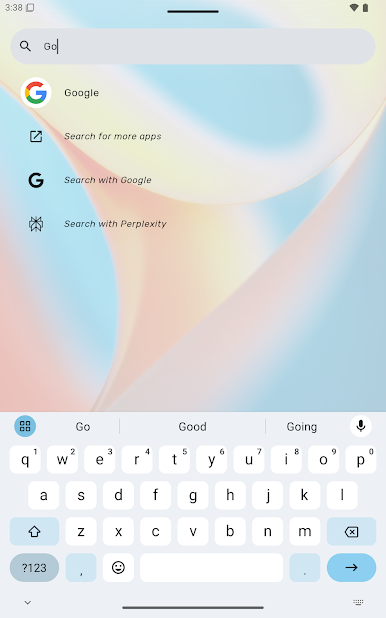
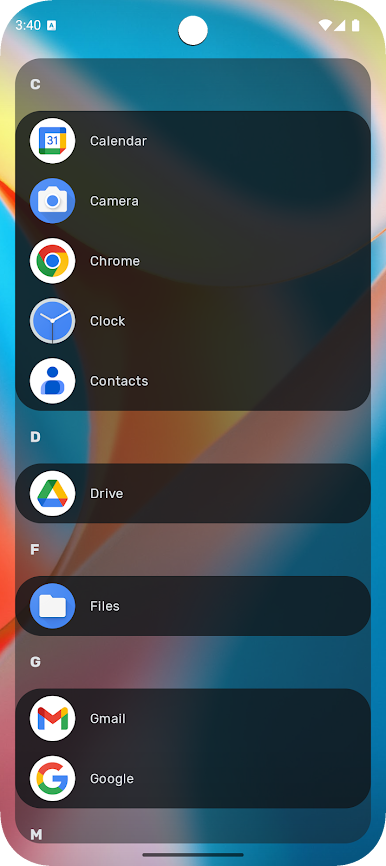
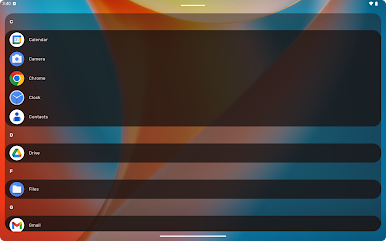
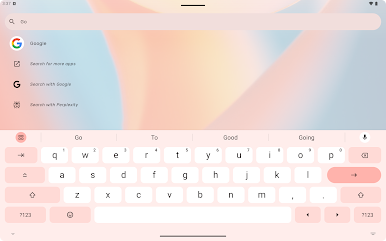
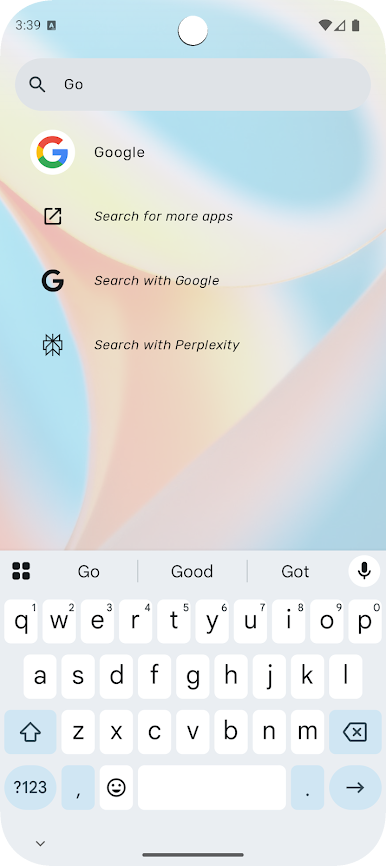
App Drawer & Search
Quick access to all installed apps with fast app drawer navigation.
Website: https://yasan.glass
Community: https://t.me/YASANupdates
Discord: https://discord.gg/8BQrfyA
Bluesky: https://bsky.app/profile/yasan.glass
Mastodon: https://mastodon.social/@yasanglass
GitHub: https://github.com/yasanglass

Jogue Yasan Launcher · AI-Powered no PC. É fácil começar.
-
Baixe e instale o BlueStacks no seu PC
-
Conclua o login do Google para acessar a Play Store ou faça isso mais tarde
-
Procure por Yasan Launcher · AI-Powered na barra de pesquisa no canto superior direito
-
Clique para instalar Yasan Launcher · AI-Powered a partir dos resultados da pesquisa
-
Conclua o login do Google (caso você pulou a etapa 2) para instalar o Yasan Launcher · AI-Powered
-
Clique no ícone do Yasan Launcher · AI-Powered na tela inicial para começar a jogar

