

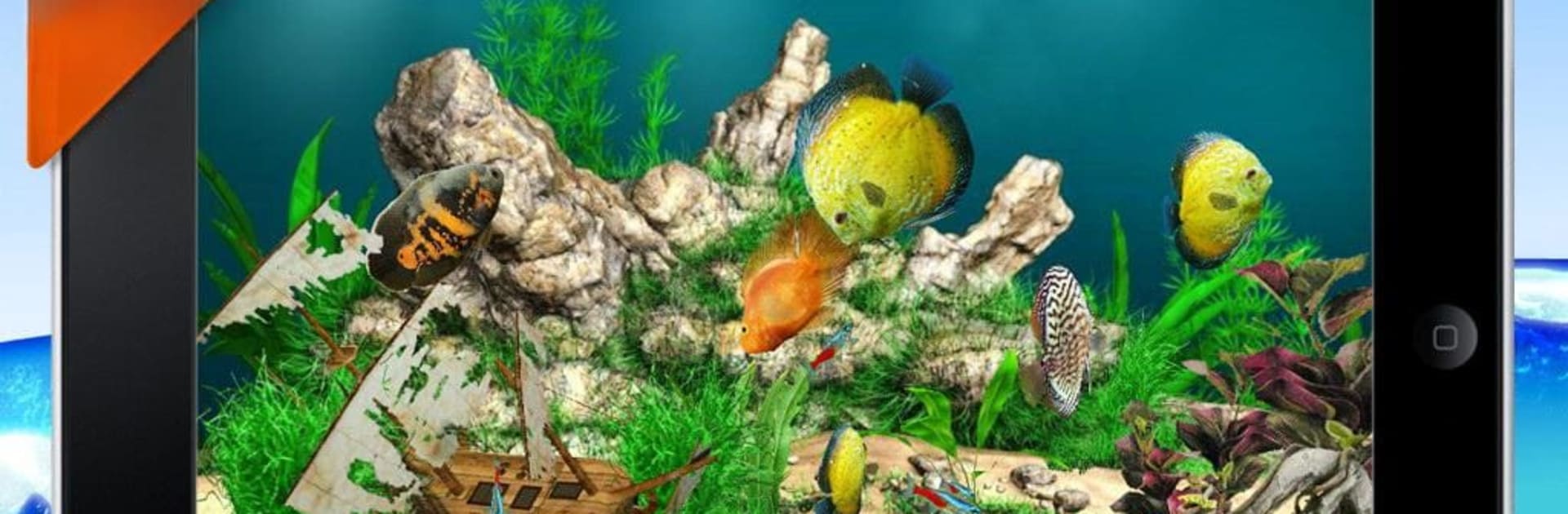
AquaLife 3D
เล่นบน PC ผ่าน BlueStacks - Android Gaming Platform ที่ได้รับความไว้วางใจจากเกมเมอร์ 500 ล้านคนทั่วโลก

Page Modified on: Jul 12, 2025
Play AquaLife 3D on PC or Mac
Bring your A-game to AquaLife 3D, the Simulation game sensation from Gladiators Software. Give your gameplay the much-needed boost with precise game controls, high FPS graphics, and top-tier features on your PC or Mac with BlueStacks.
About the Game
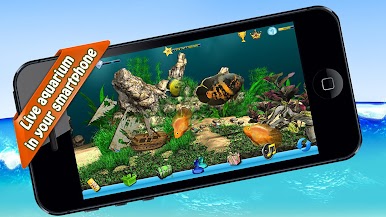
Ever wanted your own aquarium, but without all the splashing and water changes? AquaLife 3D lets you build, decorate, and manage a beautiful underwater world—right on your screen. With this Simulation from Gladiators Software, you’ll collect vibrant fish, get creative with aquarium layouts, and even trade with friends (no fish nets required).
Game Features
-
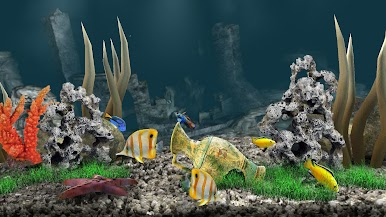
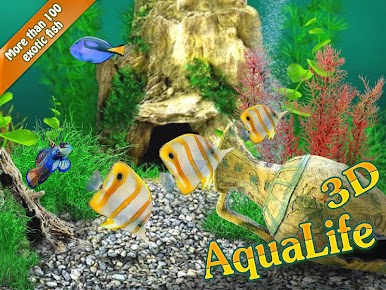
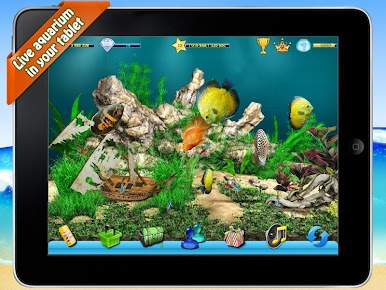
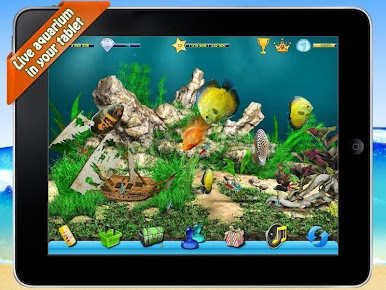
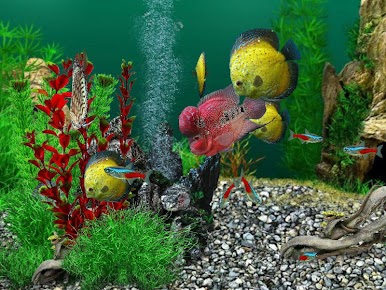
Vivid 3D Fish & Decor
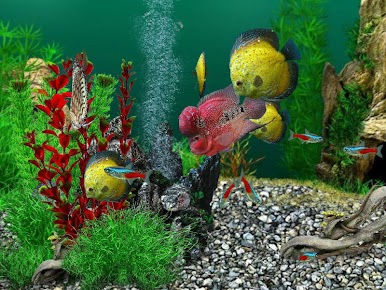
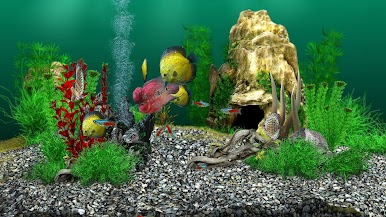
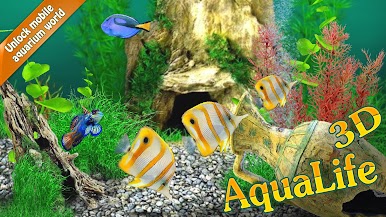
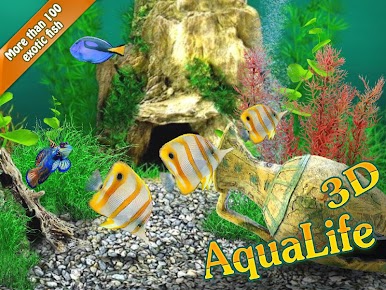
Watch a lively array of fish swim through your tanks, all in colorful 3D. Choose from piles of decorations—plants, rocks, wild backgrounds—that make every aquarium feel unique. -
Mix-and-Match Aquariums
You’re not limited to just one tank. Set up up to eight different aquariums—saltwater, freshwater, or pure fantasy. Each can have its own vibe and collection of creatures. -
Constantly Growing Collection
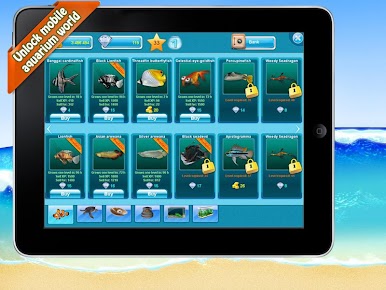
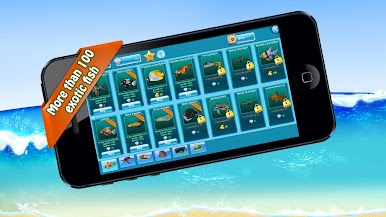
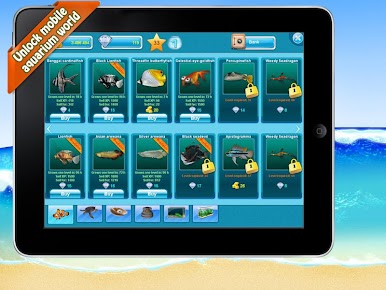
The fish shop never gets old. There are over 100 fish species to discover, plus new ones are added regularly. Some are pretty wild, so there’s always something to look forward to. -
Earn and Grow
Feed your fish, sell the ones you’ve raised, and watch your coins, diamonds, and experience add up. You decide how to spend your earnings—upgrade your tanks, buy rare fish, or splurge on decorations. -
Be Social
Invite friends to check out your aquariums, send gifts, or just see who’s got the flashiest tank. You’ll find it easy to swap tips or compete for the coolest setups. -
Optimized for BlueStacks
Running on BlueStacks? Enjoy smooth controls and a crisp view of your watery world, making it even easier to manage your underwater empire.
Start your journey now. Download the game on BlueStacks, invite your friends, and march on a new adventure.

เล่น AquaLife 3D บน PC ได้ง่ายกว่า
-
ดาวน์โหลดและติดตั้ง BlueStacks บน PC ของคุณ
-
ลงชื่อเข้าใช้แอคเคาท์ Google เพื่อเข้าสู่ Play Store หรือทำในภายหลัง
-
ค้นหา AquaLife 3D ในช่องค้นหาด้านขวาบนของโปรแกรม
-
คลิกเพื่อติดตั้ง AquaLife 3D จากผลการค้นหา
-
ลงชื่อเข้าใช้บัญชี Google Account (หากยังไม่ได้ทำในขั้นที่ 2) เพื่อติดตั้ง AquaLife 3D
-
คลิกที่ไอคอน AquaLife 3D ในหน้าจอเพื่อเริ่มเล่น

