


English 456 Aprender inglés
Jouez sur PC avec BlueStacks - la plate-forme de jeu Android, approuvée par + 500M de joueurs.

Page Modifiée le: Aug 23, 2023
Play English 456 Aprender inglés on PC or Mac
Bring your A-game to English 456 Aprender inglés, the Educational game sensation from Educaplanet S.L.. Give your gameplay the much-needed boost with precise game controls, high FPS graphics, and top-tier features on your PC or Mac with BlueStacks.
About the Game
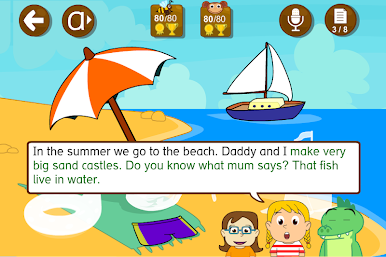
English 456 Aprender inglés is an Educational game that helps little learners pick up everyday English by exploring, tapping, and playing. Kids move through colorful scenes, hear clear pronunciation, and see words as they discover them—no pressure, just friendly guidance. It works great on phones and tablets, and you can even use BlueStacks for comfy big‑screen practice at home.
Game Features
- Built for ages 3–7: Short, playful activities designed for preschool and early elementary kids.
- 19 interactive scenes: Around 200 everyday words across themes like numbers, colors, toys, home, food, and body parts.
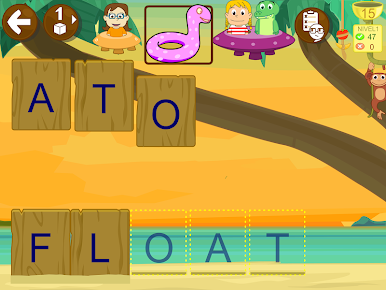
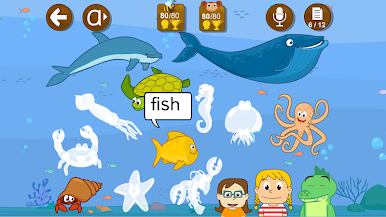
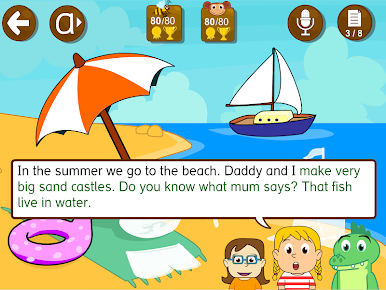
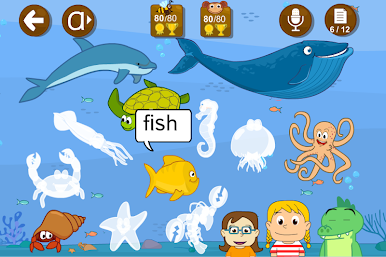
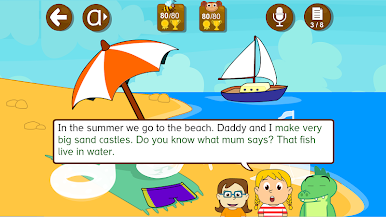
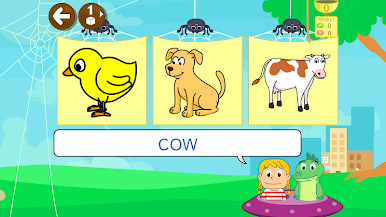
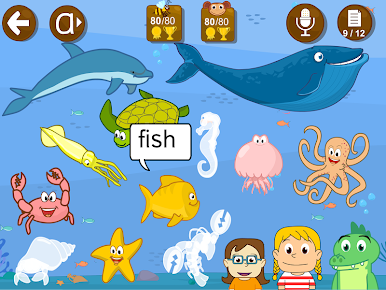
- Vocabulary in context: Tap objects in lively scenes to hear pronunciation, see spelling, and connect words to real things with help from Cuca.
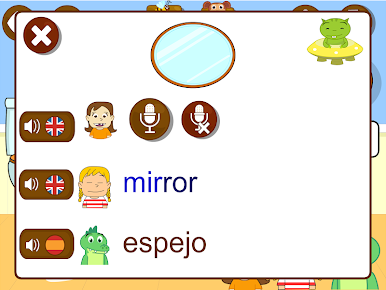
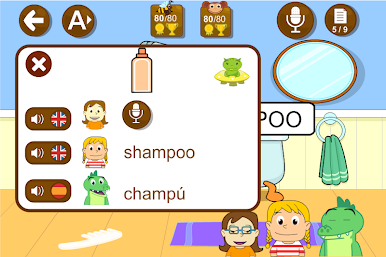
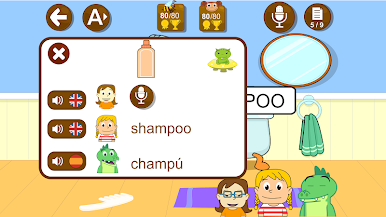
- Record and compare: Kids can record their voice and listen back alongside the model audio to practice speaking.
- Bilingual support in Spanish: Turn on helpful Spanish guidance with Uipi—or switch it off for extra challenge.
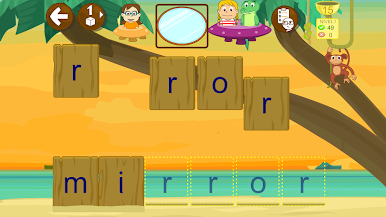
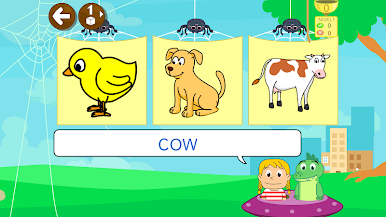
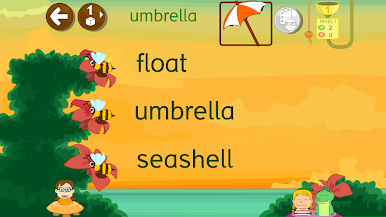
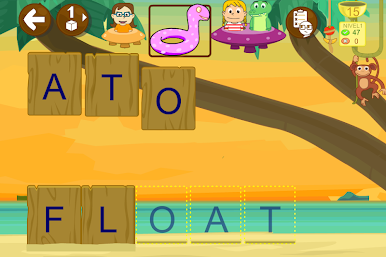
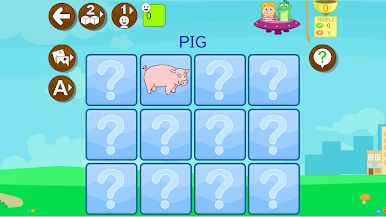
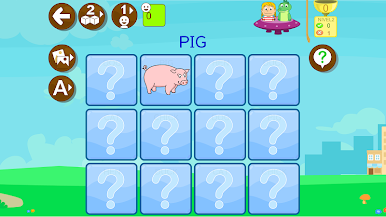
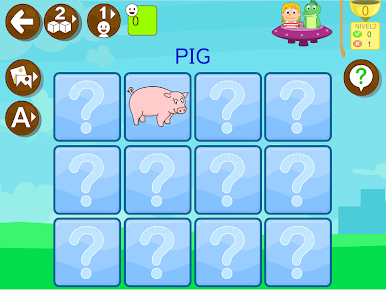
- Five mini-games: Enjoy stickers, spelling challenges, word hunts, picture matching, and classic memory pairs.
- Two difficulty modes: Play with visual hints on, then go hint‑free when ready.
- Smart review mode: A bee-themed activity focuses only on the words your child missed for faster progress.
- Reading-friendly fonts: Choose from three letter styles to support early reading.
- Playful motivation: Collect fruit to feed cute little aliens while learning.
- Parent dashboard: See what your child played, view correct/incorrect answers, and share progress by email if you want.
- Kid-safe design: No third‑party ads, protected external links, and in‑app purchases behind parental controls.
- Comfortable on PC: Prefer a larger display? It runs smoothly on BlueStacks for relaxed at‑home sessions.
Start your journey now. Download the game on BlueStacks, invite your friends, and march on a new adventure.



Jouez à English 456 Aprender inglés sur PC. C'est facile de commencer.
-
Téléchargez et installez BlueStacks sur votre PC
-
Connectez-vous à Google pour accéder au Play Store ou faites-le plus tard
-
Recherchez English 456 Aprender inglés dans la barre de recherche dans le coin supérieur droit
-
Cliquez pour installer English 456 Aprender inglés à partir des résultats de la recherche
-
Connectez-vous à Google (si vous avez ignoré l'étape 2) pour installer English 456 Aprender inglés
-
Cliquez sur l'icône English 456 Aprender inglés sur l'écran d'accueil pour commencer à jouer

