


حرب الأساطير
Jouez sur PC avec BlueStacks - la plate-forme de jeu Android, approuvée par + 500M de joueurs.

Page Modifiée le: 27 décembre 2019
Play Sultan Forces on PC or Mac
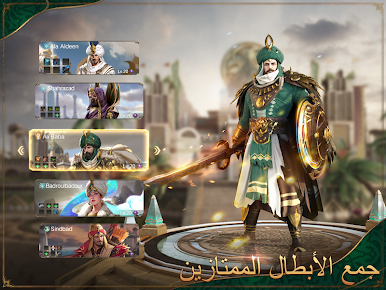
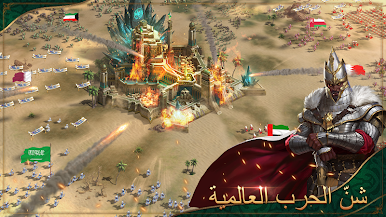
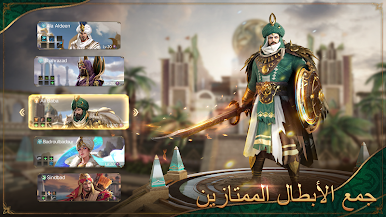
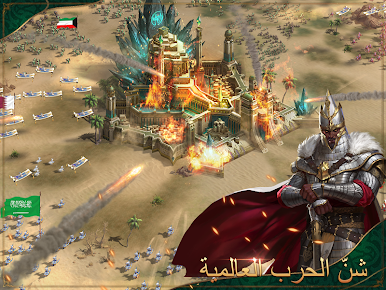
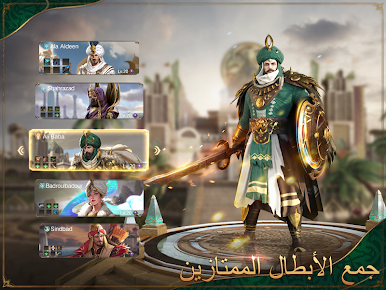
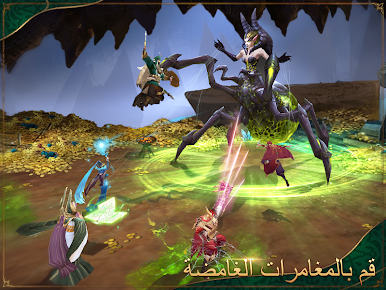
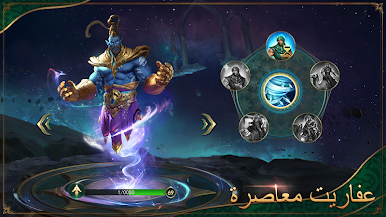
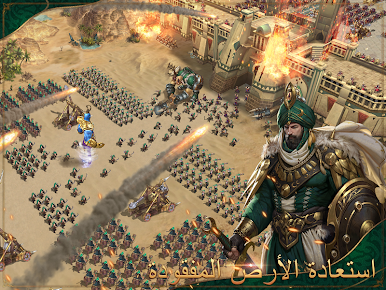
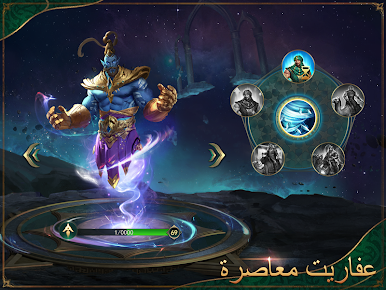
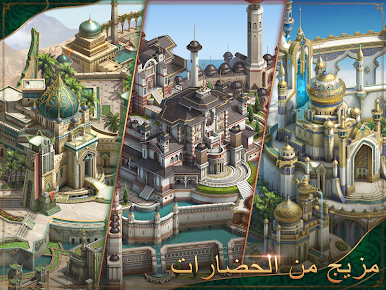
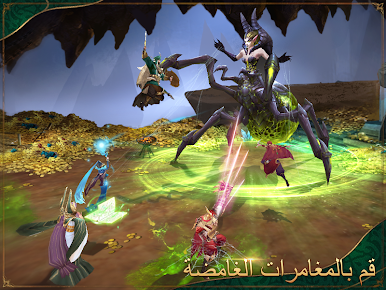
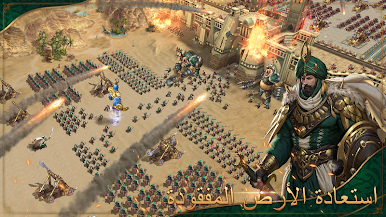
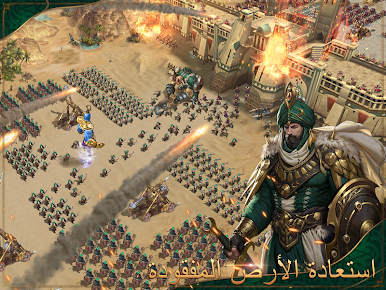
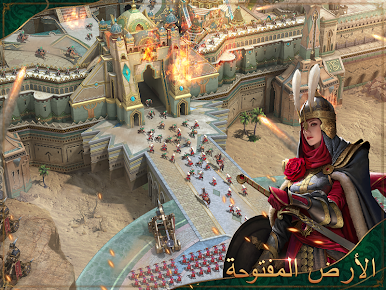
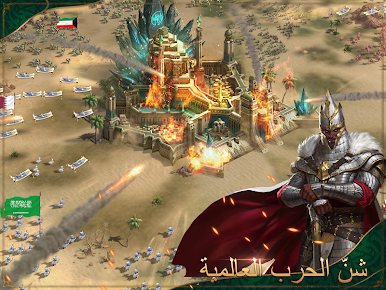
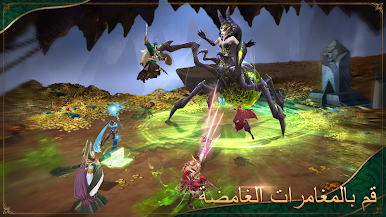
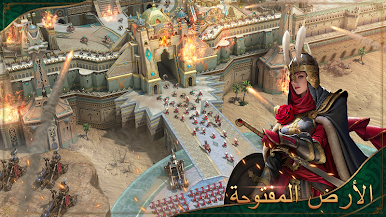
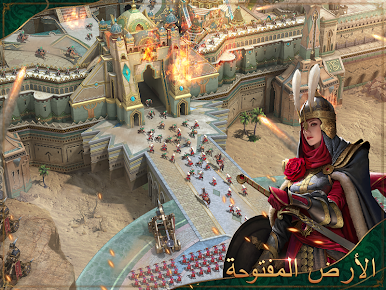
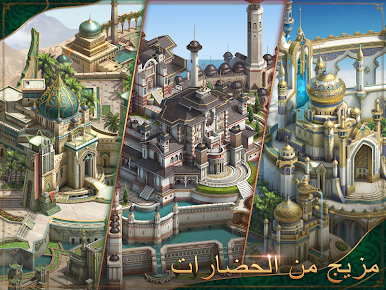
A great war is about to start in the Middle East. Hurry up and choose your civilization, so no one will even have any change against your powerful army. Can you stand your ground and fight for your life and what’s yours by right? Play Sultan Forces on PC and Mac with BlueStacks and choose between three distinct civilizations: Sand, Oceans and Air, to start developing your own specific characters, each with their own peculiar abilities and skills, to achieve prosperity and glory in these ancient lands. Prepare yourself to be completely amazed by the gameplay of Sultan Forces, and also meet many legends and tales, like riding carpets and demon thieves. What are you going to choose? To be completely dominated or to dominate others in its entirety? It is up to you, and the sooner you make your decisions, the better are your chances! Download Sultan Forces on PC with BlueStacks and accept the chaos of and endless war at the forgotten One Thousand and One Nights!


Jouez à حرب الأساطير sur PC. C'est facile de commencer.
-
Téléchargez et installez BlueStacks sur votre PC
-
Connectez-vous à Google pour accéder au Play Store ou faites-le plus tard
-
Recherchez حرب الأساطير dans la barre de recherche dans le coin supérieur droit
-
Cliquez pour installer حرب الأساطير à partir des résultats de la recherche
-
Connectez-vous à Google (si vous avez ignoré l'étape 2) pour installer حرب الأساطير
-
Cliquez sur l'icône حرب الأساطير sur l'écran d'accueil pour commencer à jouer

