


Medical ID
เล่นบน PC ผ่าน BlueStacks - Android Gaming Platform ที่ได้รับความไว้วางใจจากเกมเมอร์ 500 ล้านคนทั่วโลก

Page Modified on: Jun 21, 2024
Play Medical ID on PC
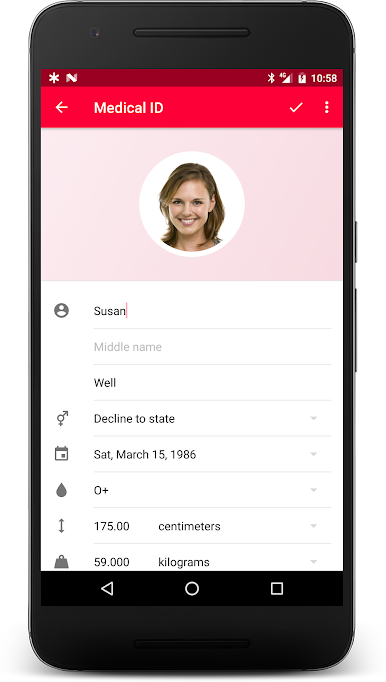
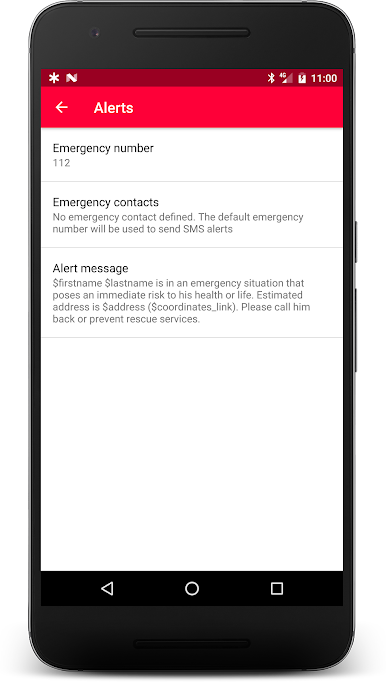
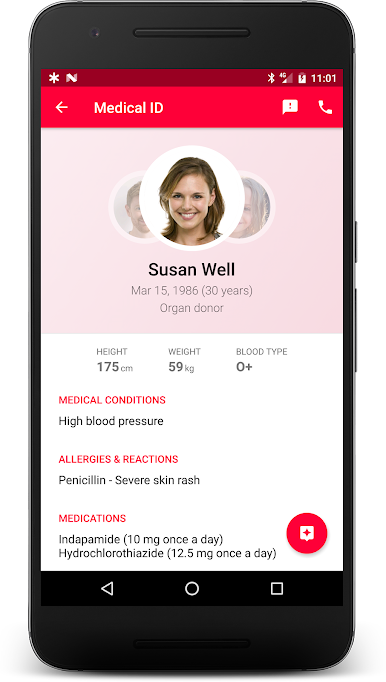
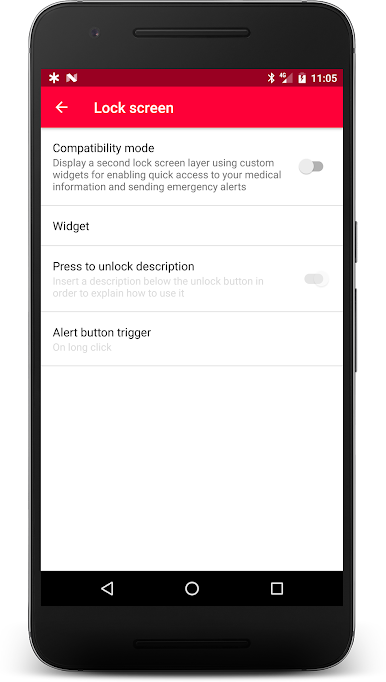
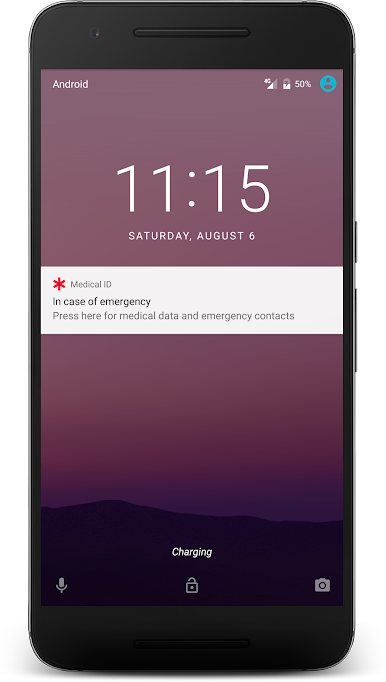
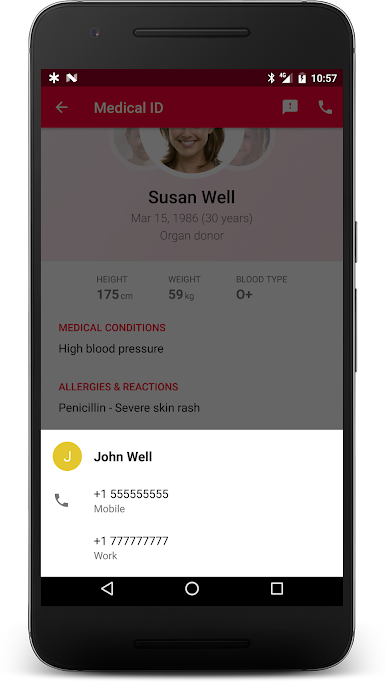
The display and access of your medical information from your lock screen are made possible via an accessibility service to enable and that is part of the core features of the app. Once enabled, the accessibility service displays a widget over your lock screen. This widget helps people who have disabilities, or first responders in case of emergency, to take action and access medical data.
This is the free version of the app. Upgrading to the premium version gives you access to more features and help us to maintain the app and add features. Please note the upgrade is required only once in your lifetime!a
Terms of use:
https://medicalid.app/eula
Privacy policy:
https://medicalid.app/privacy
Please contact us by email if you have any questions, or file an issue at:
https://issues.medicalid.app
You can also help to translate or improve the translation of the app. Your help is welcome:
https://translate.medicalid.app

เล่น Medical ID บน PC ได้ง่ายกว่า
-
ดาวน์โหลดและติดตั้ง BlueStacks บน PC ของคุณ
-
ลงชื่อเข้าใช้แอคเคาท์ Google เพื่อเข้าสู่ Play Store หรือทำในภายหลัง
-
ค้นหา Medical ID ในช่องค้นหาด้านขวาบนของโปรแกรม
-
คลิกเพื่อติดตั้ง Medical ID จากผลการค้นหา
-
ลงชื่อเข้าใช้บัญชี Google Account (หากยังไม่ได้ทำในขั้นที่ 2) เพื่อติดตั้ง Medical ID
-
คลิกที่ไอคอน Medical ID ในหน้าจอเพื่อเริ่มเล่น

