


Anspeeder, lag remover
Jouez sur PC avec BlueStacks - la plate-forme de jeu Android, approuvée par + 500M de joueurs.

Page Modifiée le: Jul 24, 2025
Run Anspeeder, lag remover on PC or Mac
Let BlueStacks turn your PC, Mac, or laptop into the perfect home for Anspeeder, lag remover, a fun Tools app from Senforein Software.
About the App
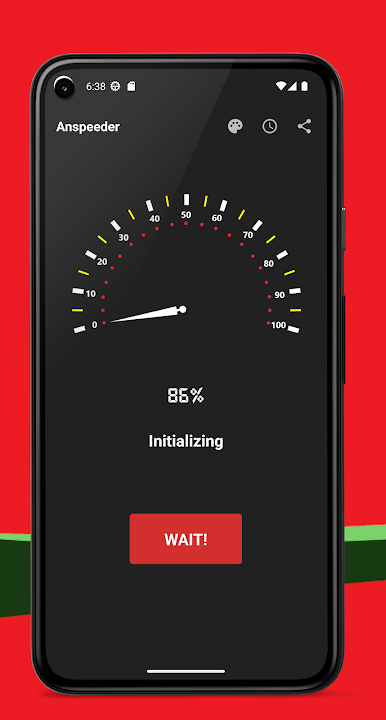
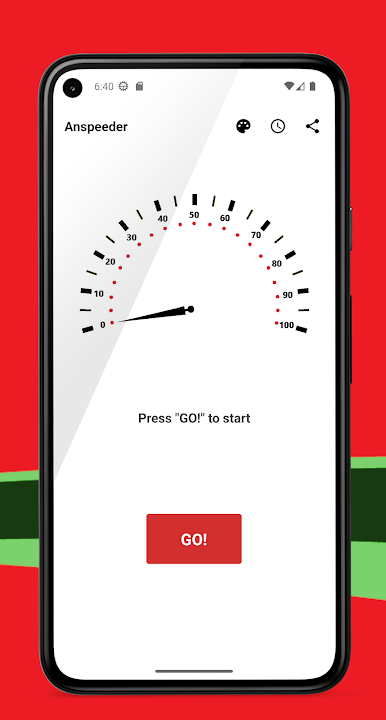
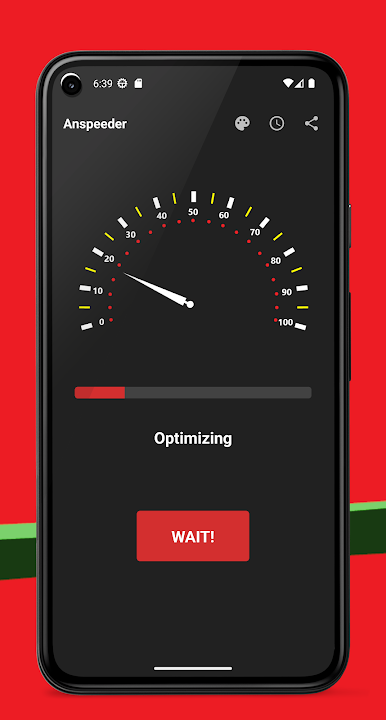
Anspeeder, lag remover by Senforein Software is your go-to tool for making your Android games run smoother and faster. Expect a seamless gaming experience with its powerful acceleration capabilities. It’s that magic touch your games have been missing.
App Features
-
Instant Acceleration: Just one click and see your games perform at their very best. Feel the difference in speed right away.
-
Broad Compatibility: Works with most Android games and device brands, ensuring you’re covered no matter what you’re playing or where.
-
No More Lag: Smooth out your mobile or tablet gameplay, eliminating those pesky lags that disrupt your fun.
Give Anspeeder a spin through BlueStacks and experience gaming on another level. “If you like it, vote for us!”
BlueStacks brings your apps to life on a bigger screen—seamless and straightforward.
Jouez à Anspeeder, lag remover sur PC. C'est facile de commencer.
-
Téléchargez et installez BlueStacks sur votre PC
-
Connectez-vous à Google pour accéder au Play Store ou faites-le plus tard
-
Recherchez Anspeeder, lag remover dans la barre de recherche dans le coin supérieur droit
-
Cliquez pour installer Anspeeder, lag remover à partir des résultats de la recherche
-
Connectez-vous à Google (si vous avez ignoré l'étape 2) pour installer Anspeeder, lag remover
-
Cliquez sur l'icône Anspeeder, lag remover sur l'écran d'accueil pour commencer à jouer

