

Light Notes
Jouez sur PC avec BlueStacks - la plate-forme de jeu Android, approuvée par + 500M de joueurs.

Page Modifiée le: Jul 20, 2021
Run Light Notes on PC or Mac
What’s better than using Light Notes by LexaUA? Well, try it on a big screen, on your PC or Mac, with BlueStacks to see the difference.
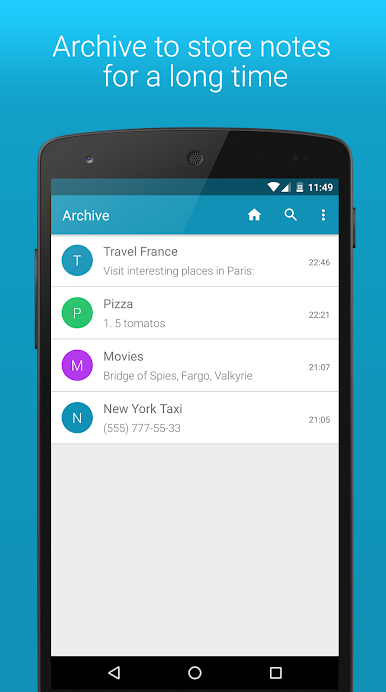
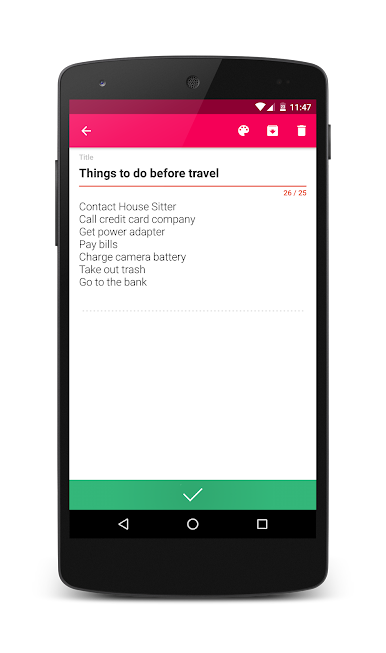
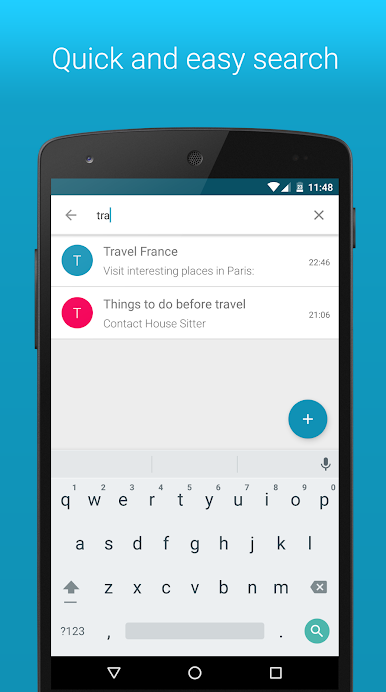
Light Notes feels like a tiny notebook that actually stays out of the way. The app opens quick, new notes appear in a snap, and moving between them is fast enough that someone can punch in a memo or a shopping list and be done before forgetting what they were doing. No heavy menus, no weird extras, just a clean notepad that saves what matters. It suits basic stuff really well like a to-do for the day, a couple of reminders, or that list of things to buy later. Super plain, in a good way.
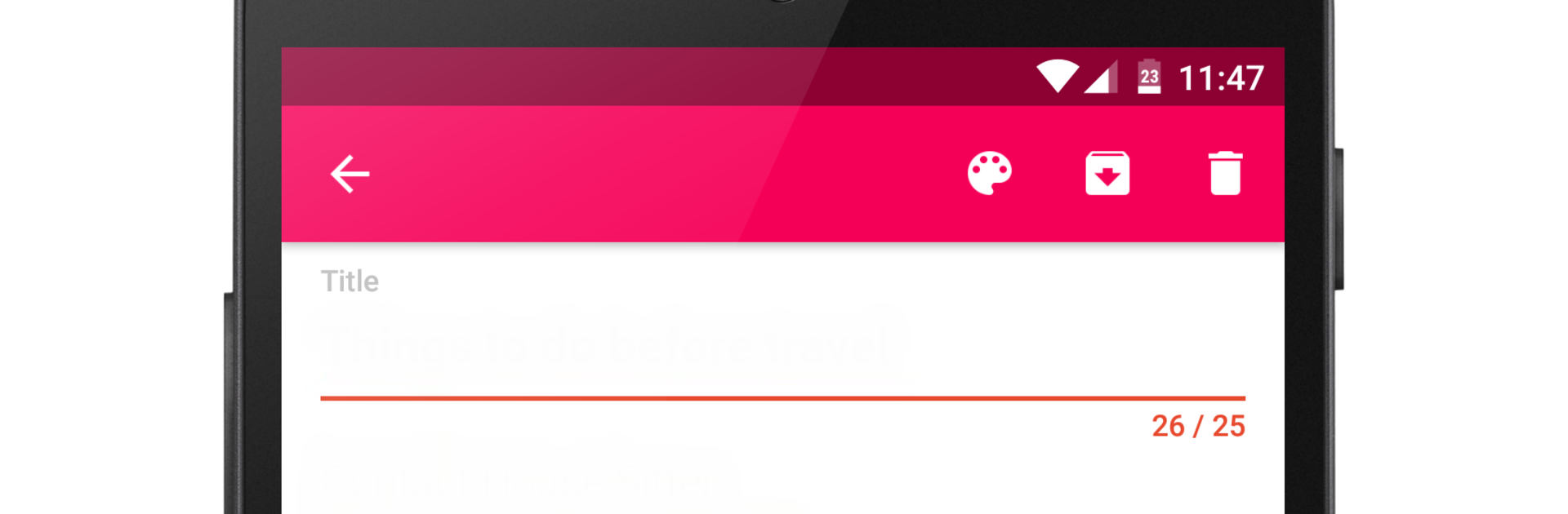
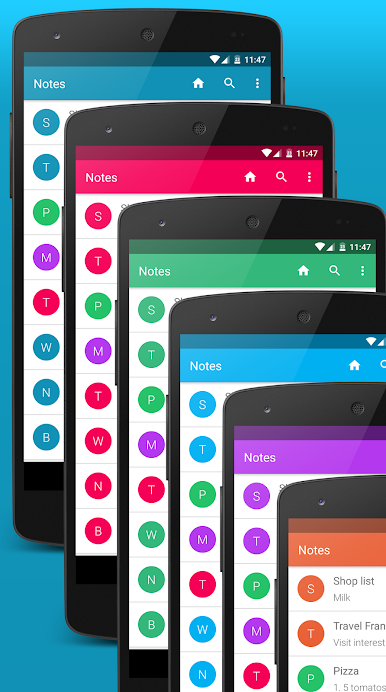
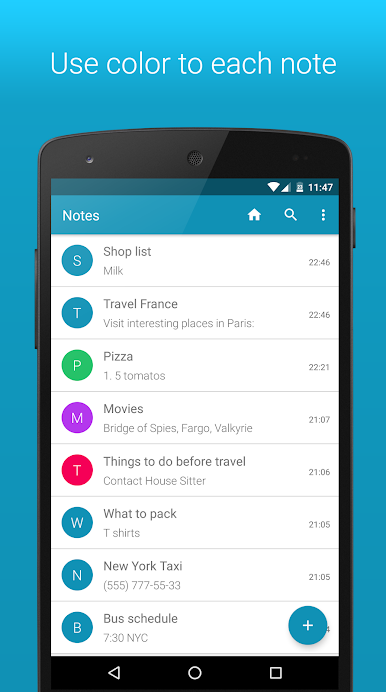
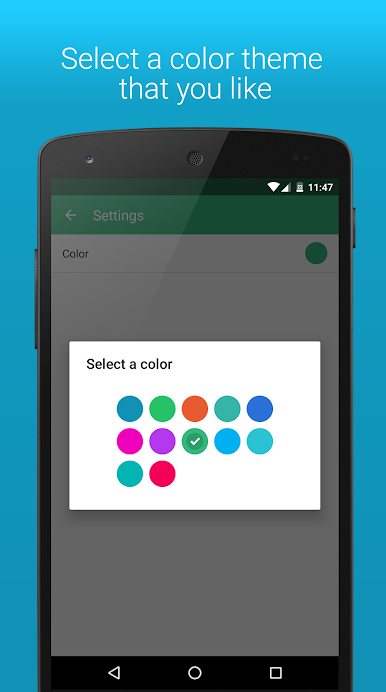
Looks are simple too, with that Material Design style that keeps everything tidy. There are themes with different colors, and each note can get its own color so someone can spot grocery stuff vs work stuff at a glance. On PC with BlueStacks, it gets even easier because a real keyboard makes longer notes painless, and copy-paste from other windows is smooth. Resize the window, park it to the side, jot things down while browsing. The app does not try to be a giant organizer, but it is quick and useful for everyday notes. If someone just wants a lightweight place to write and not fiddle with complicated settings, this hits the mark.
BlueStacks brings your apps to life on a bigger screen—seamless and straightforward.
Jouez à Light Notes sur PC. C'est facile de commencer.
-
Téléchargez et installez BlueStacks sur votre PC
-
Connectez-vous à Google pour accéder au Play Store ou faites-le plus tard
-
Recherchez Light Notes dans la barre de recherche dans le coin supérieur droit
-
Cliquez pour installer Light Notes à partir des résultats de la recherche
-
Connectez-vous à Google (si vous avez ignoré l'étape 2) pour installer Light Notes
-
Cliquez sur l'icône Light Notes sur l'écran d'accueil pour commencer à jouer

