

Universität Innsbruck
Jouez sur PC avec BlueStacks - la plate-forme de jeu Android, approuvée par + 500M de joueurs.

Page Modifiée le: Nov 19, 2025
Run University of Innsbruck on PC or Mac
What’s better than using University of Innsbruck by Universität Innsbruck | Zentraler Informatikdienst? Well, try it on a big screen, on your PC or Mac, with BlueStacks to see the difference.
About the App
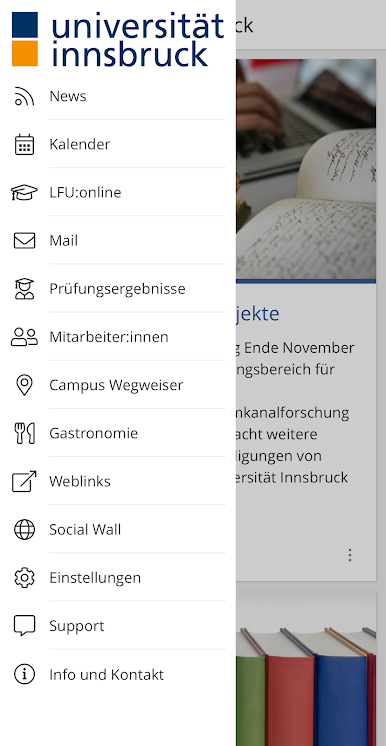
University of Innsbruck keeps campus life organized in one handy place, whether you’re a student, a member of staff, or just curious about what’s happening. It’s a clean, straightforward way to manage classes, follow news, and get around the university without juggling multiple tools. Built by Universität Innsbruck | Zentraler Informatikdienst for the Education crowd, it’s practical, fast, and easy to use on the go—or on BlueStacks if you prefer a bigger screen sometimes.
App Features
-
LFU:online, anywhere
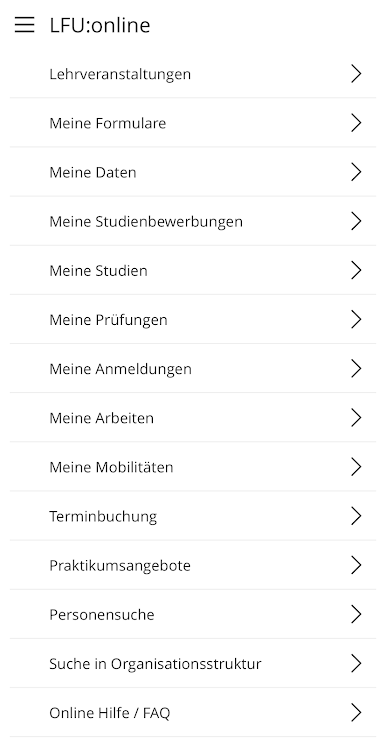
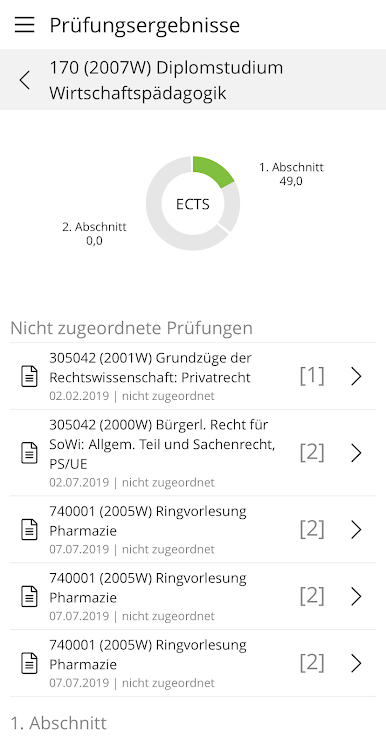
Access the student portal on your phone to manage courses, check grades, and keep an eye on your ECTS credits without logging into a computer. -
Instant exam results
See outcomes as soon as they’re posted, so you’re not refreshing pages all day. -
Personal and public calendar
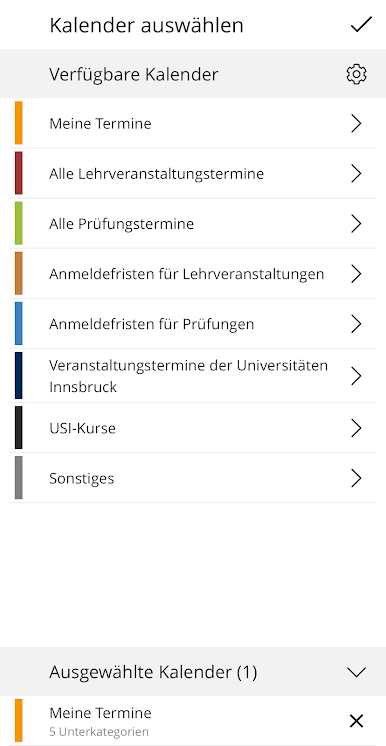
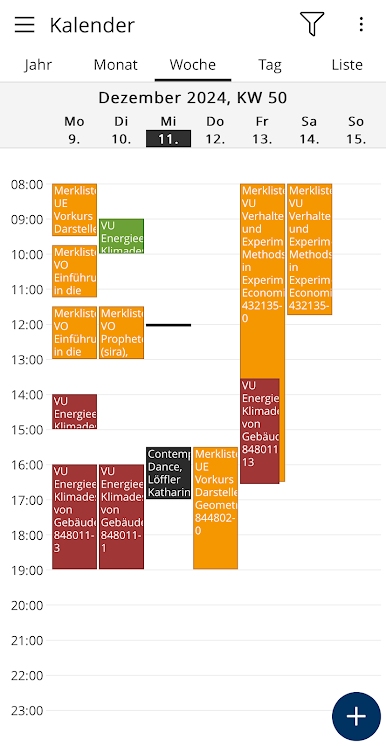
Track your own classes and deadlines, and browse university-wide events and important dates in one view. -
News you’ll actually use
Get updates on research highlights and study-related announcements that keep you informed without the noise. -
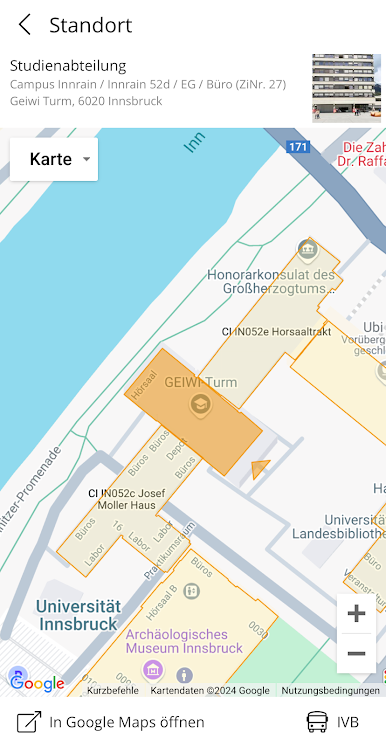
Smart campus guide
Find buildings and rooms quickly, with details that open in Google Maps for easy directions when you’re in a hurry. -
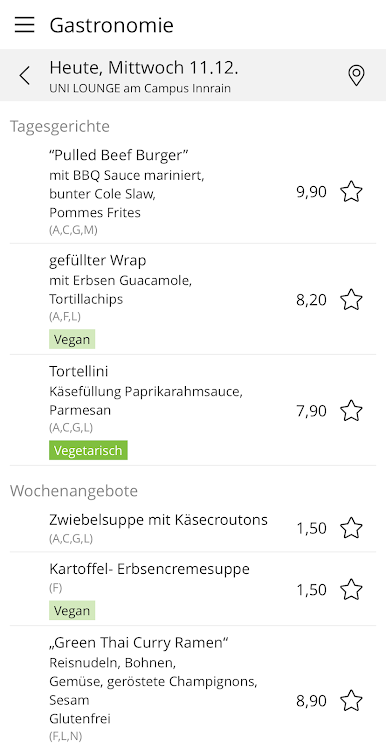
Cafeteria menus
Check what’s cooking at the university cafeterias before you head over. -
Built-in university email
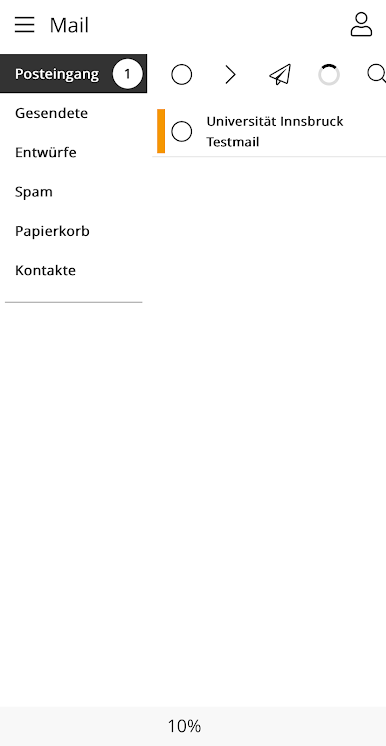
Read and send messages through the integrated mail client, so your inbox is always within reach. -
Evolving with you
The app keeps getting better with ongoing improvements and new additions as campus needs grow.
Big screen. Bigger performance. Use BlueStacks on your PC or Mac to run your favorite apps.

Jouez à Universität Innsbruck sur PC. C'est facile de commencer.
-
Téléchargez et installez BlueStacks sur votre PC
-
Connectez-vous à Google pour accéder au Play Store ou faites-le plus tard
-
Recherchez Universität Innsbruck dans la barre de recherche dans le coin supérieur droit
-
Cliquez pour installer Universität Innsbruck à partir des résultats de la recherche
-
Connectez-vous à Google (si vous avez ignoré l'étape 2) pour installer Universität Innsbruck
-
Cliquez sur l'icône Universität Innsbruck sur l'écran d'accueil pour commencer à jouer

