


Pixel Art: Color Island
Jouez sur PC avec BlueStacks - la plate-forme de jeu Android, approuvée par + 500M de joueurs.

Page Modifiée le: Oct 14, 2025
Play Color Island: Pixel Art on PC or Mac
From the innovators and creators at Athena FZE, Color Island: Pixel Art is another fun addition to the World of Puzzle games. Go beyond your mobile screen and play it bigger and better on your PC or Mac. An immersive experience awaits you.
About the Game
Ready for a little peace and creativity? Color Island: Pixel Art by Athena FZE is all about unwinding while you bring beautiful pixel scenes to life, one tap at a time. It’s a puzzle game where you color by number, filling in vibrant artwork and gradually building your very own colorful world. If you need some time to chill out and let your brain relax, this is the perfect spot to land.
Game Features
-
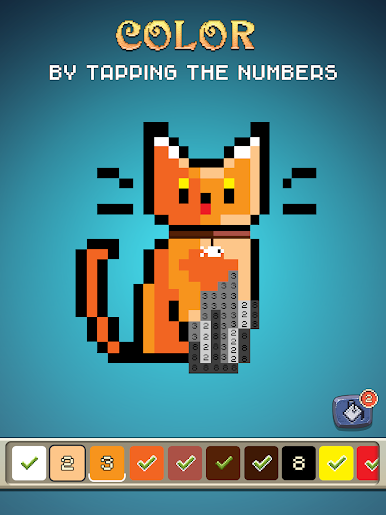
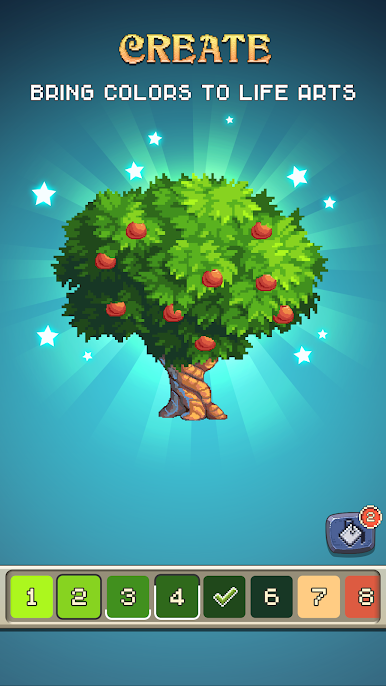
Endless Art Gallery: Scroll through loads of black-and-white pixel pics, each one just waiting for a splash of color. There’s always something new to discover so boredom doesn’t stand a chance.
-
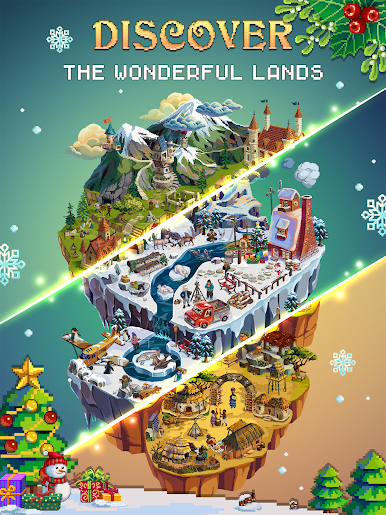
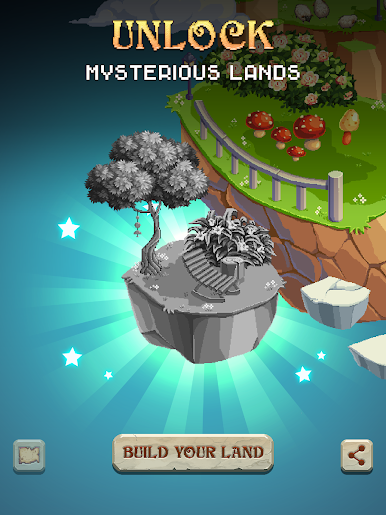
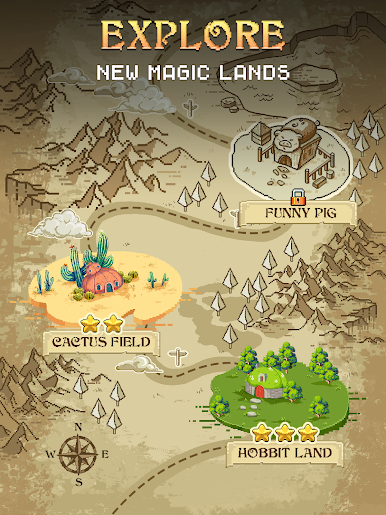
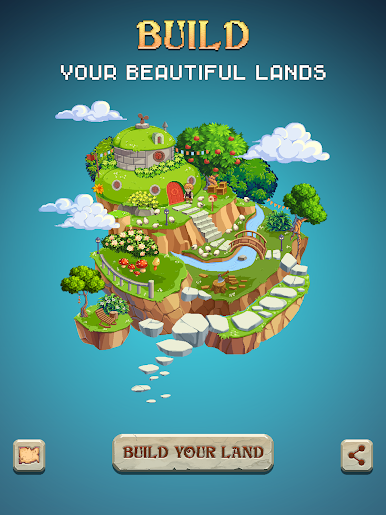
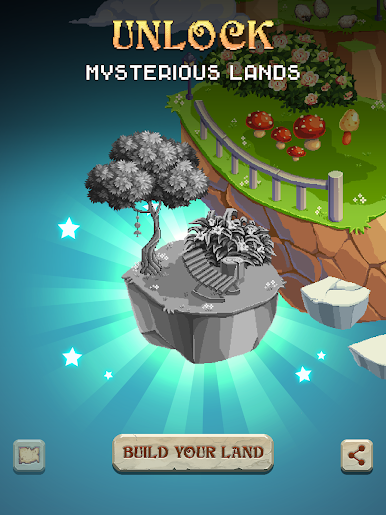
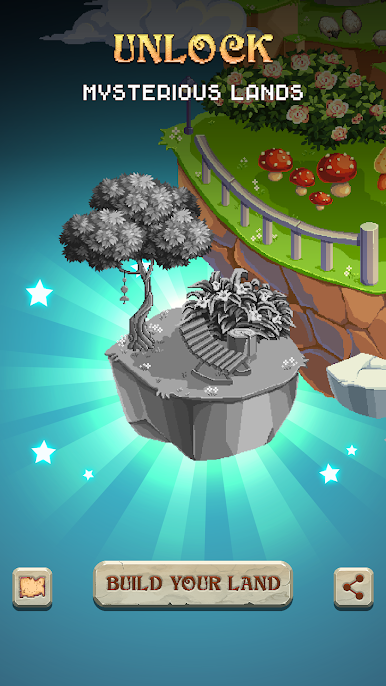
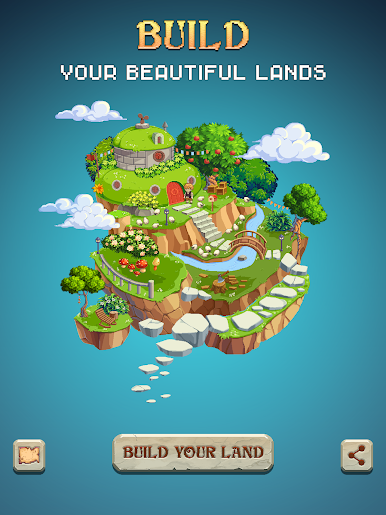
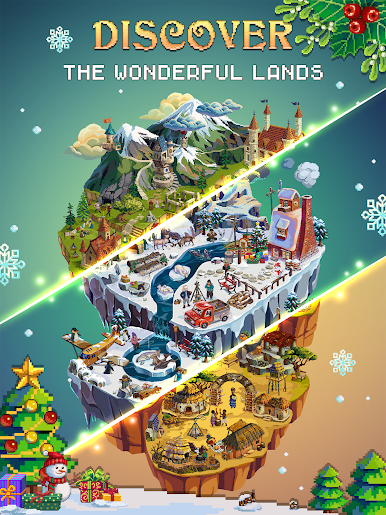
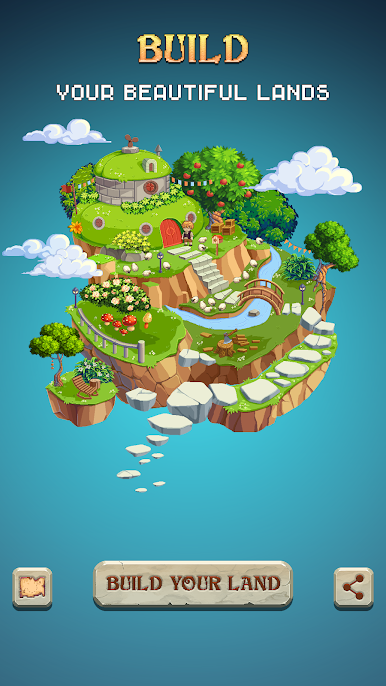
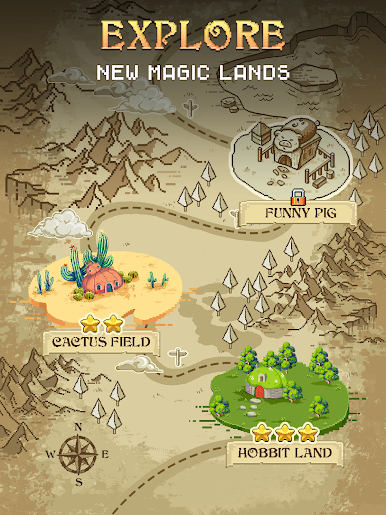
Build Your Own Colorful Land: Every picture you complete isn’t just another drawing—it helps unlock new lands and worlds. Keep coloring to expand your collection and watch your island grow.
-
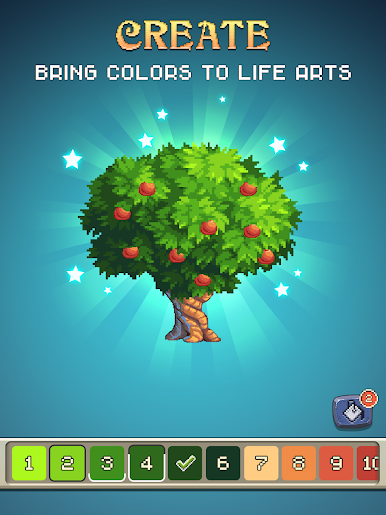
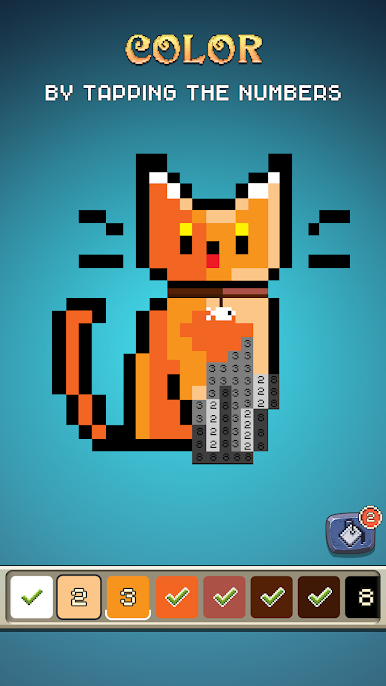
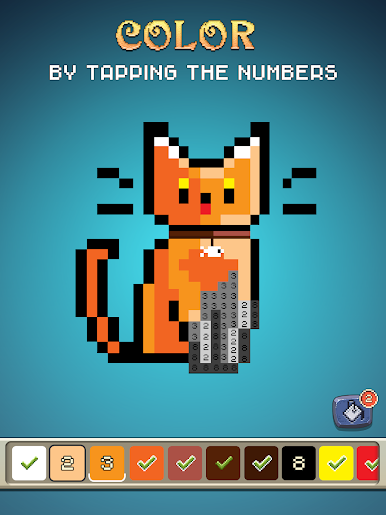
Simple, Stress-Free Color by Number: Tap the right color on the right pixel, and just zone out. The controls are super intuitive—no fuss, just soothing pixel art fun. No Wi-Fi? No problem, you can play offline.
-
Paint Booster Magic: In a hurry or just eager to see the finished product? Use the paint booster to splash color across all connected pixels sharing the same number for instant satisfaction.
-
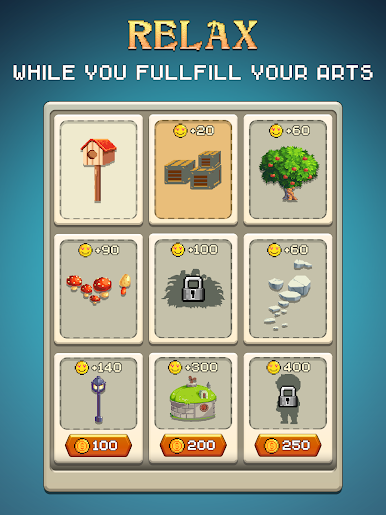
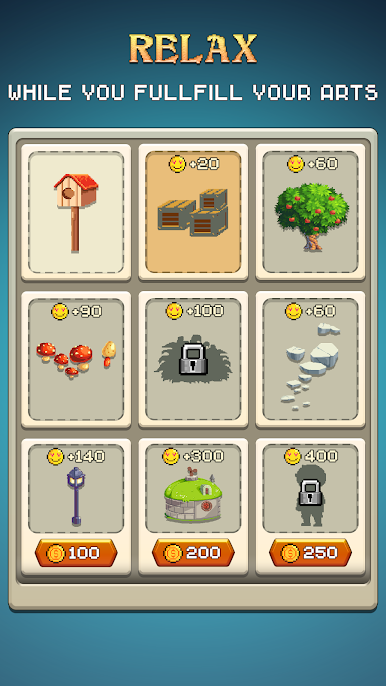
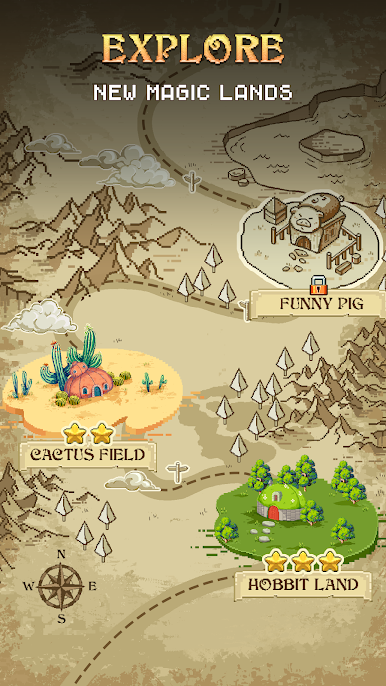
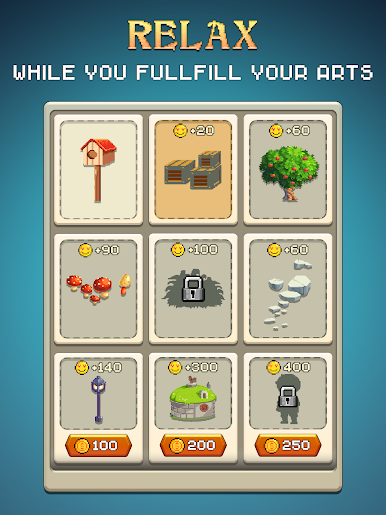
Little Achievements, Big Rewards: As you color, you’ll earn stars and happiness points. Rack up enough and you’ll unlock totally new lands to explore (and color, of course).
-
Mindfulness Made Easy: Coloring here isn’t just a pastime—it’s a good excuse to breathe out, boost your focus, and let the day’s worries fade. Even a quick 30-minute session can help you recharge.
-
Runs Smoothly on BlueStacks: Want a bigger canvas? Try it out on BlueStacks and enjoy your peaceful island coloring adventure on your PC.
Ready to top the leaderboard? We bet you do. Let precise controls and sharp visuals optimized on BlueStacks lead you to victory.


Jouez à Pixel Art: Color Island sur PC. C'est facile de commencer.
-
Téléchargez et installez BlueStacks sur votre PC
-
Connectez-vous à Google pour accéder au Play Store ou faites-le plus tard
-
Recherchez Pixel Art: Color Island dans la barre de recherche dans le coin supérieur droit
-
Cliquez pour installer Pixel Art: Color Island à partir des résultats de la recherche
-
Connectez-vous à Google (si vous avez ignoré l'étape 2) pour installer Pixel Art: Color Island
-
Cliquez sur l'icône Pixel Art: Color Island sur l'écran d'accueil pour commencer à jouer

