


MT Manager
เล่นบน PC ผ่าน BlueStacks - Android Gaming Platform ที่ได้รับความไว้วางใจจากเกมเมอร์ 500 ล้านคนทั่วโลก

Page Modified on: Sep 14, 2026
Overview
The main functions are:
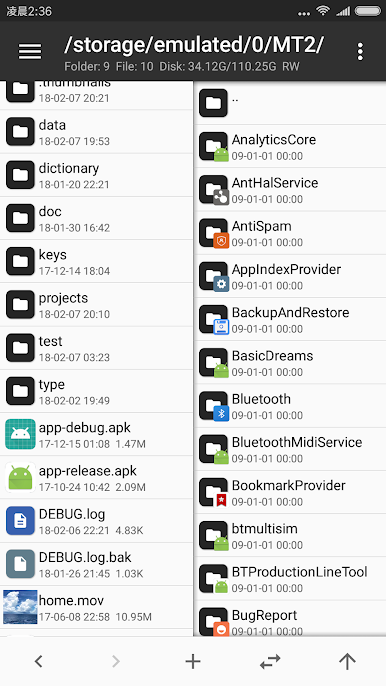
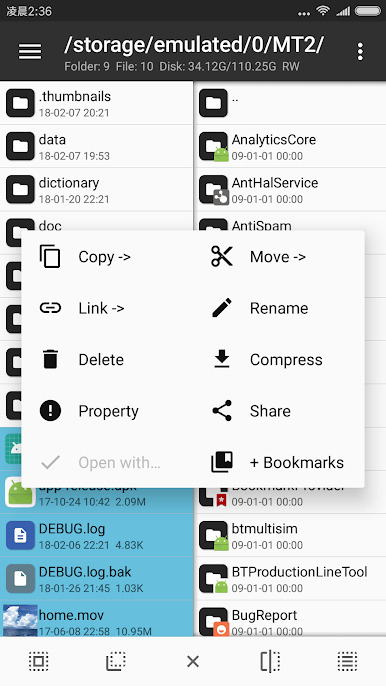
- File management, such as file copy, move, delete. If you give root privilege to MT, you can access the system directory, remount the file system as read-write, modify file permissions and owner.
- Open the ZIP file like WinRAR. You can delete, rename, move, add / replace external files to the ZIP without decompression and repackaging, and decompress files in the ZIP.
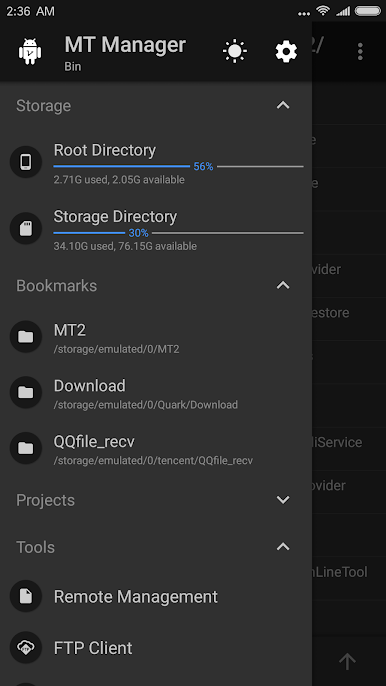
- Text editor, picture viewer, music player, font previewer, script executer, text contrast and other functions, in the sidebar you can easily view the storage device, FTP connection, bookmark, background, tools and so on.
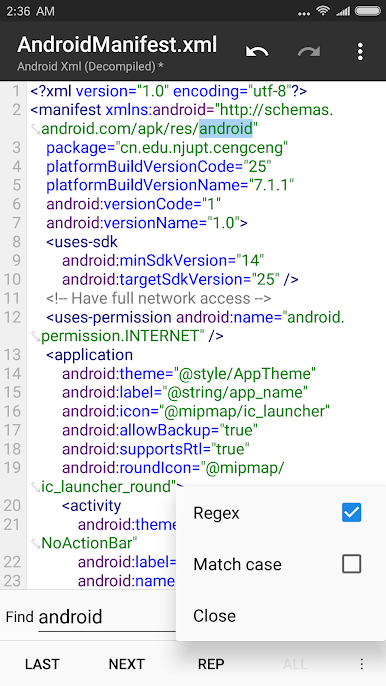
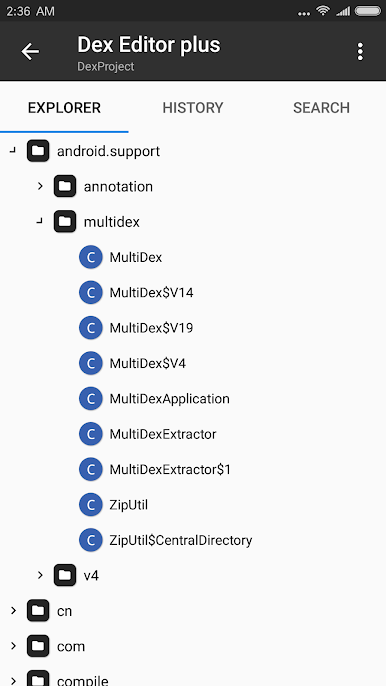
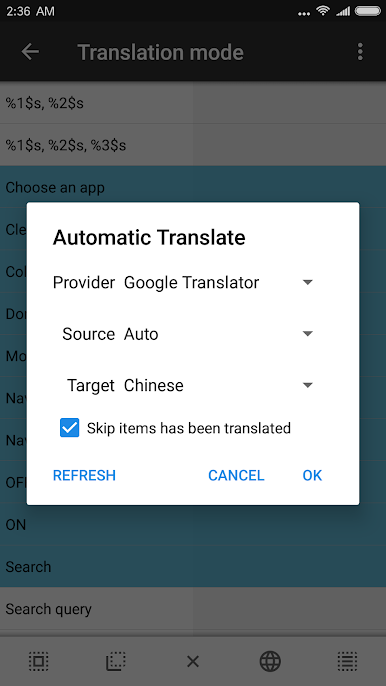
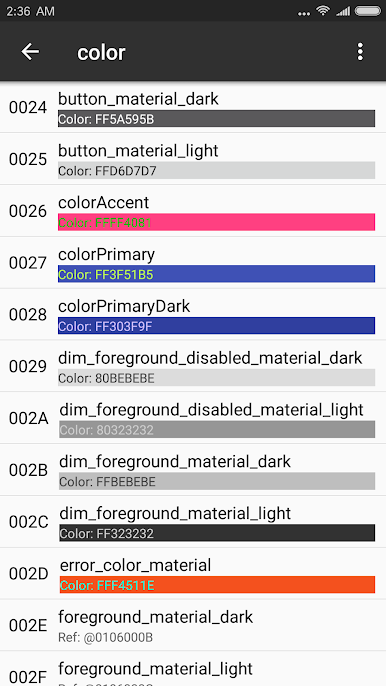
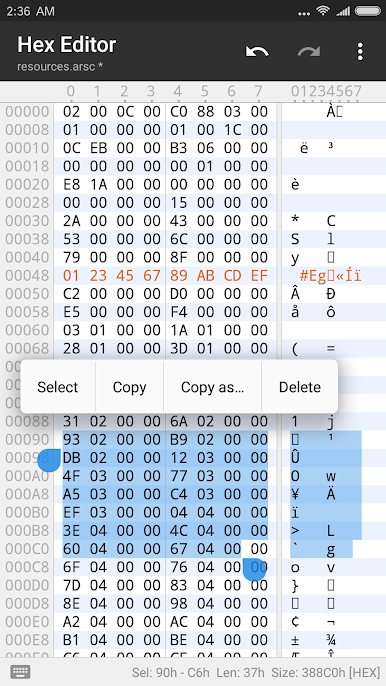
- Many powerful APK editing features, like dex editor, arsc editor, xml editor. you can also sign apk, optimize apk, clone apk, remove signature verification, confuse apk resource, anti-confuse apk resource, translate app.
เล่น MT Manager บน PC ได้ง่ายกว่า
-
ดาวน์โหลดและติดตั้ง BlueStacks บน PC ของคุณ
-
ลงชื่อเข้าใช้แอคเคาท์ Google เพื่อเข้าสู่ Play Store หรือทำในภายหลัง
-
ค้นหา MT Manager ในช่องค้นหาด้านขวาบนของโปรแกรม
-
คลิกเพื่อติดตั้ง MT Manager จากผลการค้นหา
-
ลงชื่อเข้าใช้บัญชี Google Account (หากยังไม่ได้ทำในขั้นที่ 2) เพื่อติดตั้ง MT Manager
-
คลิกที่ไอคอน MT Manager ในหน้าจอเพื่อเริ่มเล่น

