


Youper: AI Mental Health
Jouez sur PC avec BlueStacks - la plate-forme de jeu Android, approuvée par + 500M de joueurs.

Page Modifiée le: Sep 2, 2024
Play Youper: AI Mental Health on PC
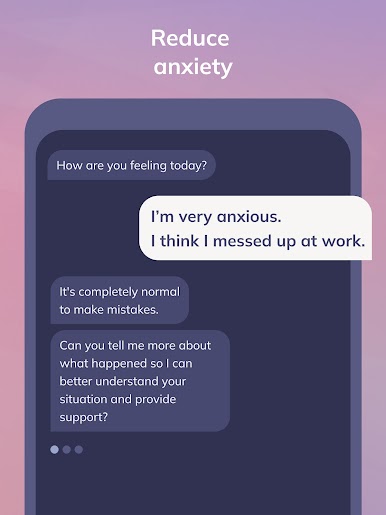
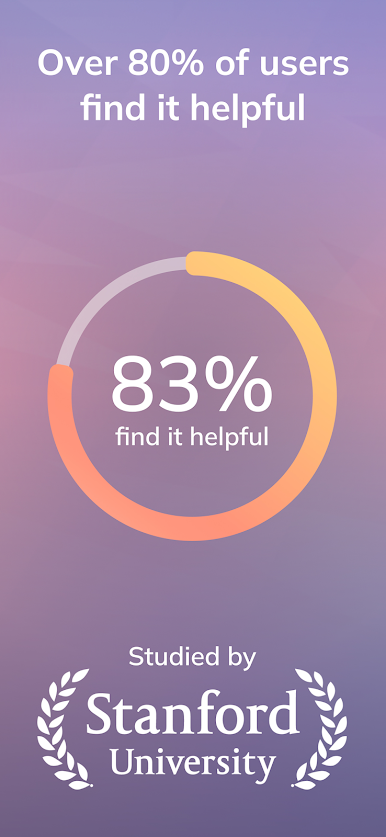
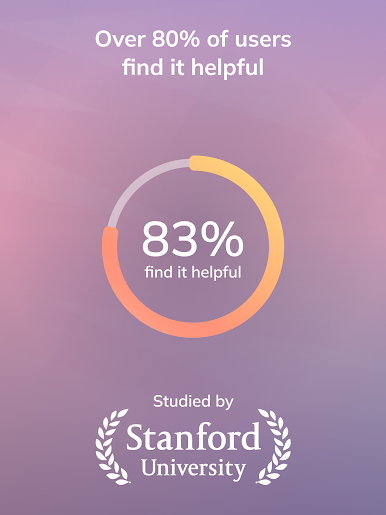
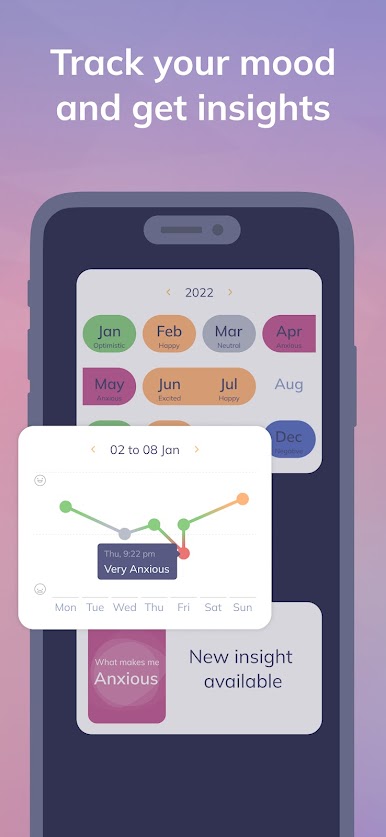
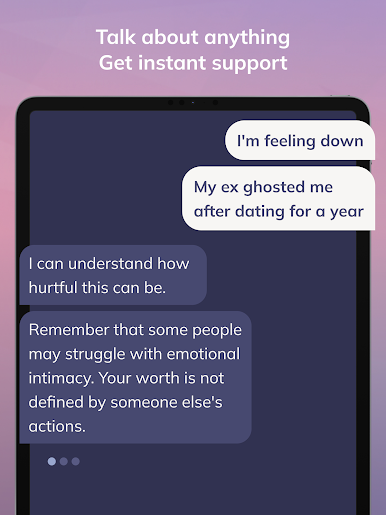
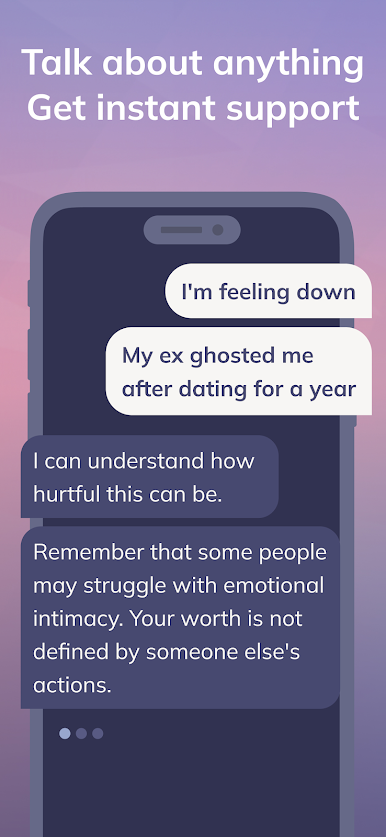
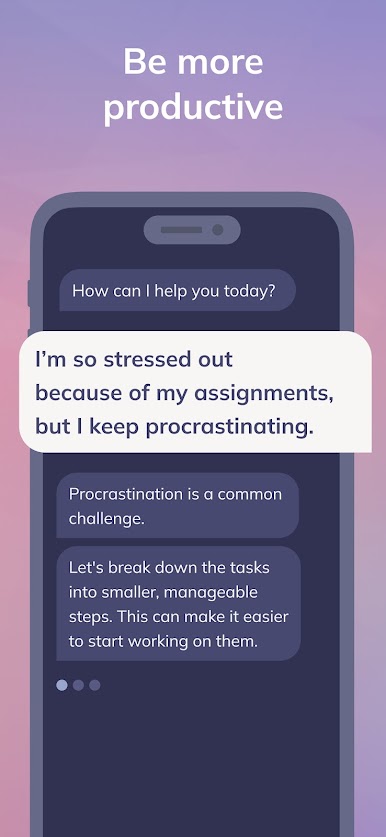
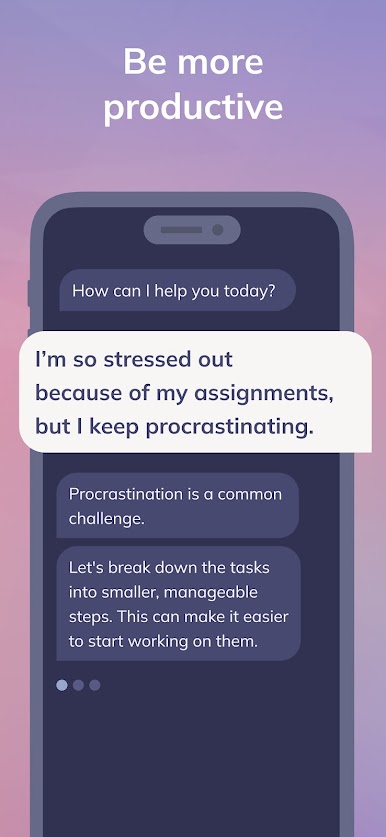
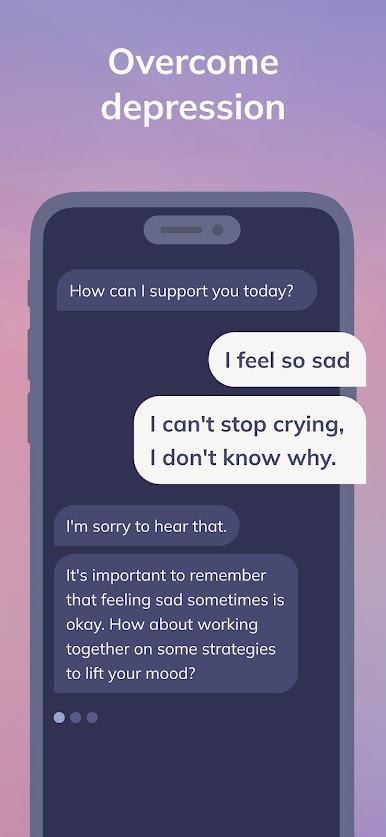
Trusted by over 3 million users, more than 80% report that Youper has helped them manage their mental health.
Youper has been featured in leading media outlets including Health, Elle, Forbes, Yahoo!, Cosmopolitan, Bloomberg, and more.
YOUPER AI PRINCIPLES
Safety First
Youper was programmed to never engage in interactions that might harm our users or others. Safety is our most important principle.
Empower Humans
Youper is designed to improve human relationships, not replace them. The name ‘Youper’ is a blend of ‘you’ and ‘super,’ reflecting our commitment to empower you.
Protect Privacy
All chats with Youper are private, secure, and not shared with anyone. We will never sell or share users' data for advertising or marketing purposes.
Guided by Science
Our team, led by renowned psychiatrist Dr. Jose Hamilton, developed Youper based on the best research in the mental health field to provide you with scientifically validated solutions.
TERMS
Premium features are available via subscription, which automatically renews unless cancelled at least 24 hours before the current period ends through your iTunes Account Settings. You can cancel your subscription anytime.
Terms and conditions: https://www.youper.ai/terms-of-use
Privacy policy: https://www.youper.ai/privacy-policy
MEDICAL DISCLAIMER
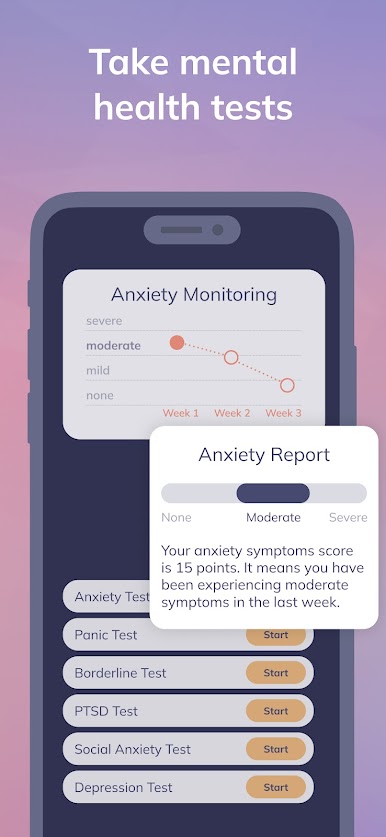
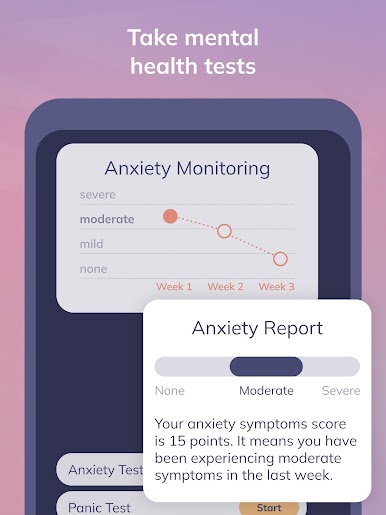
Youper does not offer any diagnostic measurements or treatment advice. The app is not a substitute for professional mental health care. Always consult a licensed mental health professional if you are going through a crisis or need medical attention.





Jouez à Youper: AI Mental Health sur PC. C'est facile de commencer.
-
Téléchargez et installez BlueStacks sur votre PC
-
Connectez-vous à Google pour accéder au Play Store ou faites-le plus tard
-
Recherchez Youper: AI Mental Health dans la barre de recherche dans le coin supérieur droit
-
Cliquez pour installer Youper: AI Mental Health à partir des résultats de la recherche
-
Connectez-vous à Google (si vous avez ignoré l'étape 2) pour installer Youper: AI Mental Health
-
Cliquez sur l'icône Youper: AI Mental Health sur l'écran d'accueil pour commencer à jouer

