


Interval Timer
Jouez sur PC avec BlueStacks - la plate-forme de jeu Android, approuvée par + 500M de joueurs.

Page Modifiée le: Jun 29, 2025
Play Interval Timer on PC
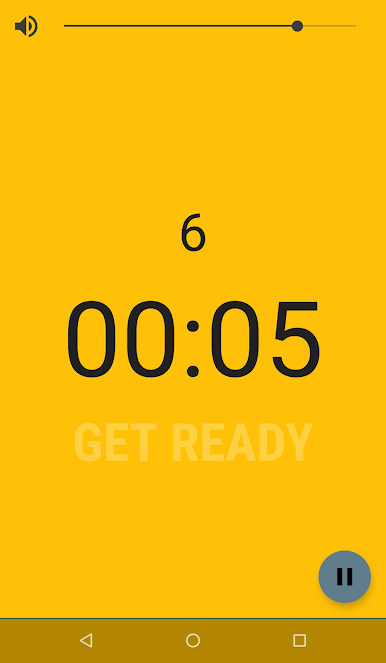
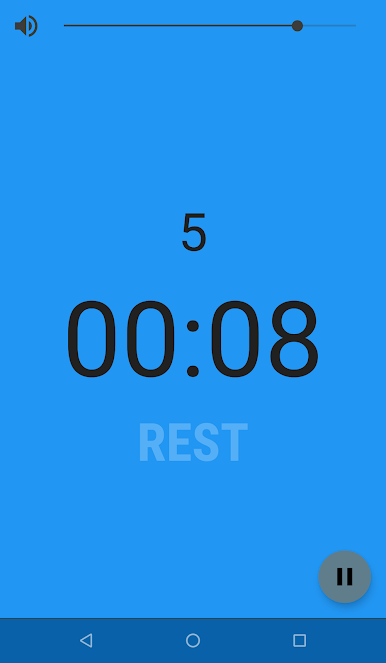
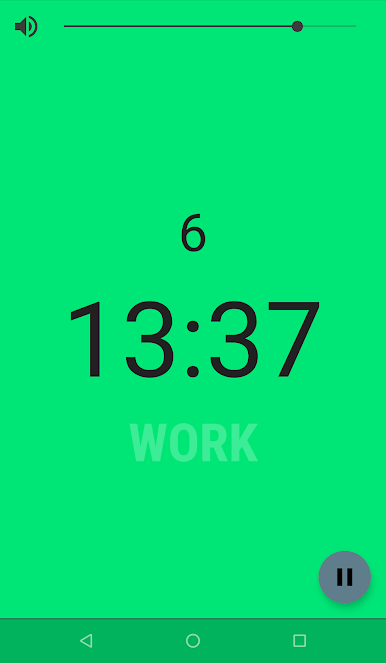
Full screen color coding makes the minimalistic interface glanceable from afar.
Suitable for all kinds of activities, including:
- Boxing round timer
- Calisthenics circuit timer
- Circuit training
- HIIT training
- Tabata
Features people love about Interval Timer:
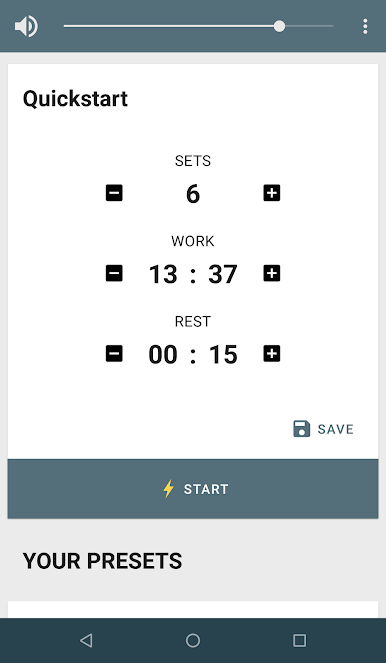
- Save your presets to quickly switch between different activities.
- Use it in the background while using other apps or with your screen locked.
- Get additional audio, vibration or silent notifications.
- Works great with music and headphones.
Permissions:
- Internet and Network State: this app is ad-supported and requires internet to display ads
Jouez à Interval Timer sur PC. C'est facile de commencer.
-
Téléchargez et installez BlueStacks sur votre PC
-
Connectez-vous à Google pour accéder au Play Store ou faites-le plus tard
-
Recherchez Interval Timer dans la barre de recherche dans le coin supérieur droit
-
Cliquez pour installer Interval Timer à partir des résultats de la recherche
-
Connectez-vous à Google (si vous avez ignoré l'étape 2) pour installer Interval Timer
-
Cliquez sur l'icône Interval Timer sur l'écran d'accueil pour commencer à jouer

