


Super VPN 360 — พร็อกซีออนไลน์
เล่นบน PC ผ่าน BlueStacks - Android Gaming Platform ที่ได้รับความไว้วางใจจากเกมเมอร์ 500 ล้านคนทั่วโลก

Page Modified on: Dec 2, 2025
Play VPN 360 Proxy: Super Unlimited on PC
Why customers love VPN 360:
• Unlimited VPN Access: no credit card required (ad-supported).
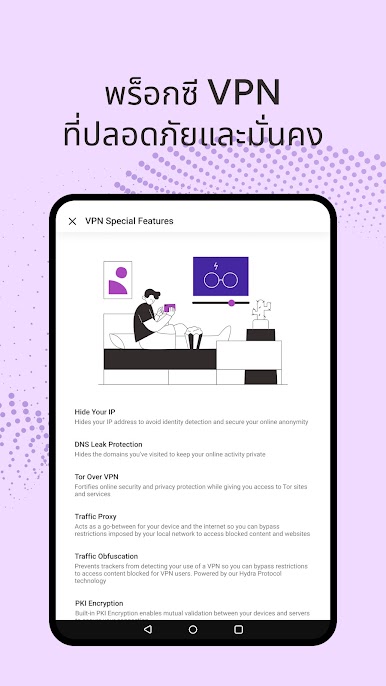
• No Registration Needed: enjoy complete privacy with no saved logs or email requirements.
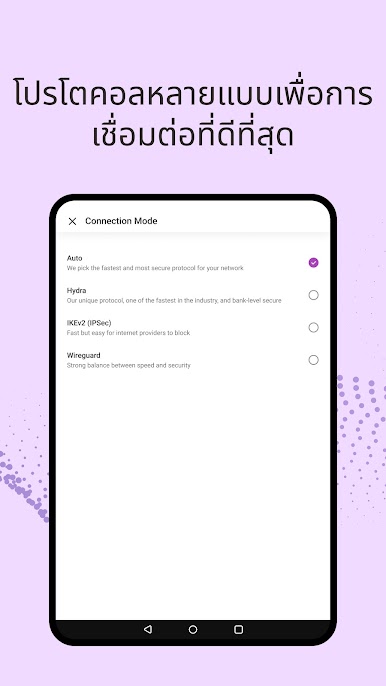
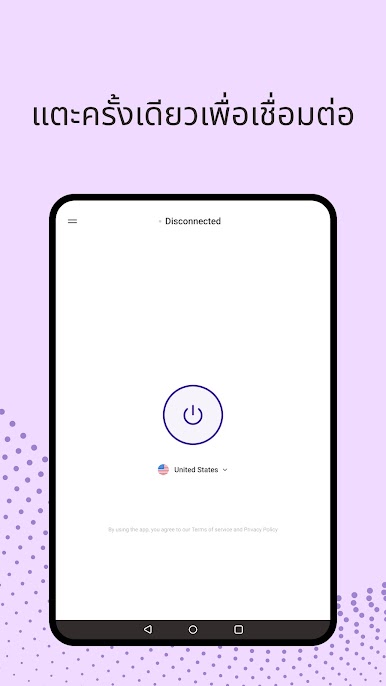
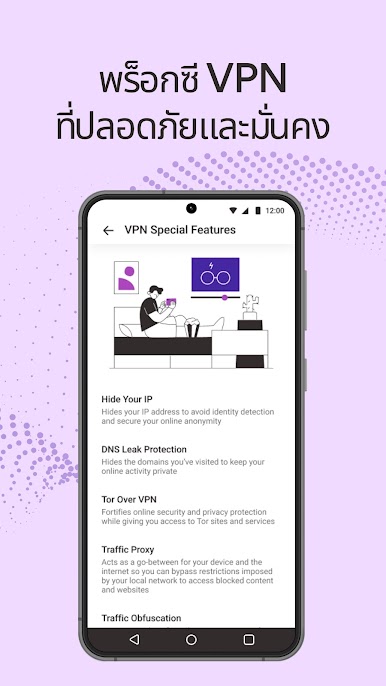
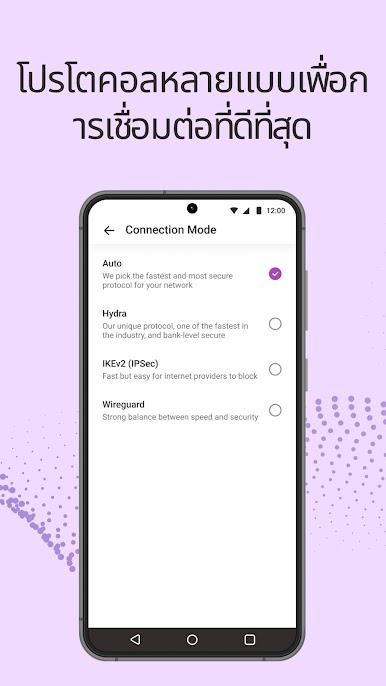
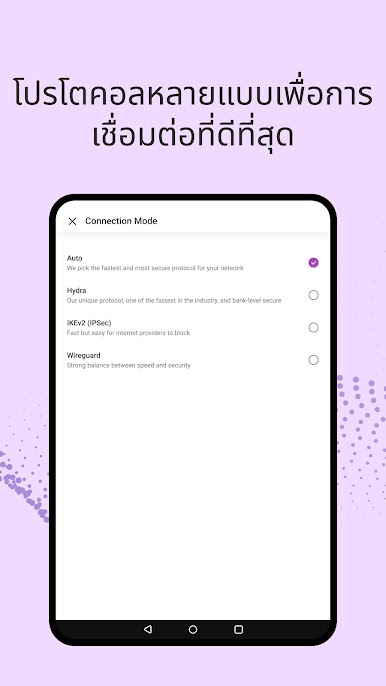
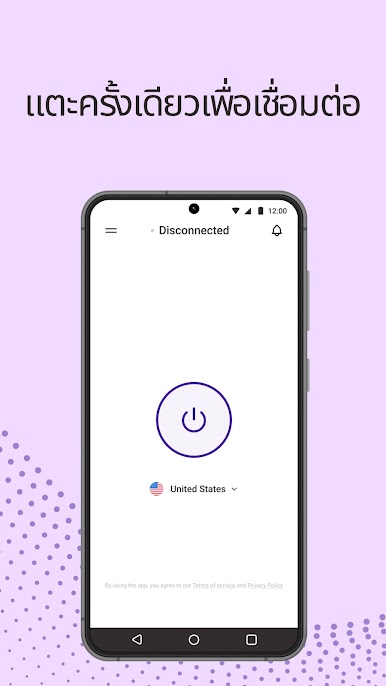
• One-Tap Security: effortlessly secure your Wi-Fi with encrypted VPN protocols.
• Malware and Phishing Protection: browse safely with built-in security features.
• Advanced Proxy Settings: maximize your Wi-Fi security for a worry-free experience.
• 24/7 Customer Support: we're here to help you anytime.
Upgrade to the Premium Version for:
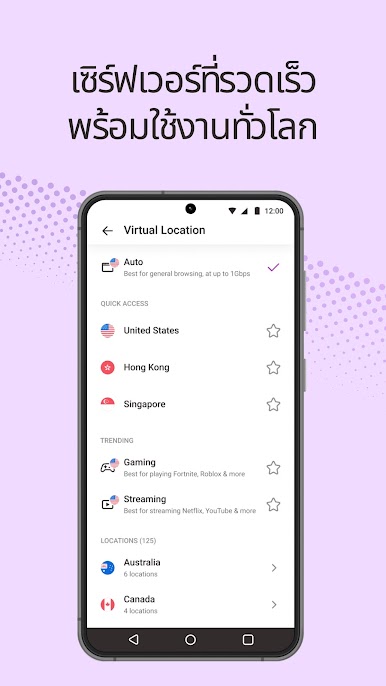
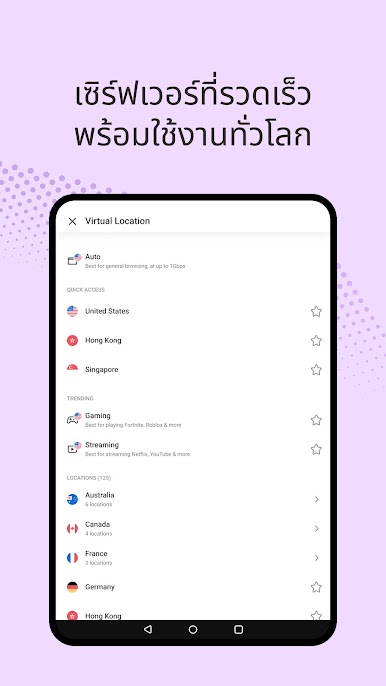
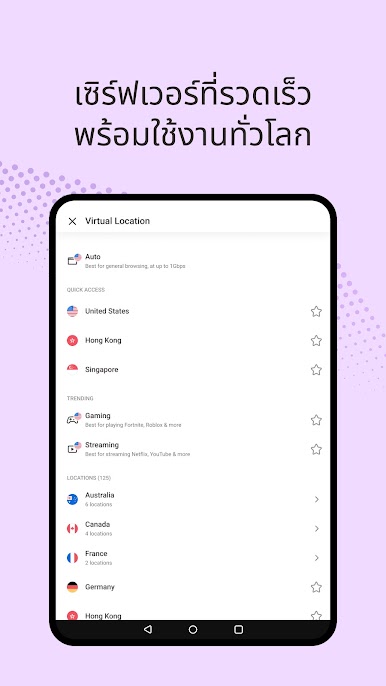
• 1800+ fast VPN proxy servers: experience speeds up to 1 Gbps across 125+ global locations
• Optimized VPNs for enjoying your favorite video content and HD gaming with enhanced performance
• Multi-device support: use VPN 360 across up to 10 devices simultaneously
• Ad-free experience: enjoy unlimited access without interruptions
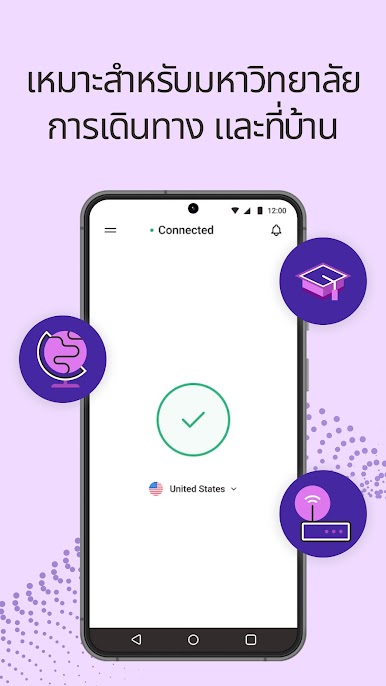
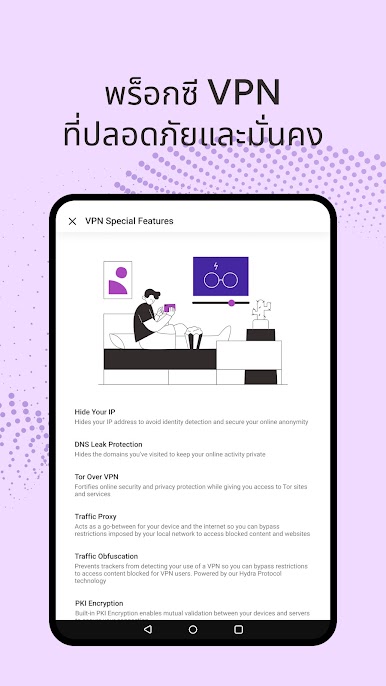
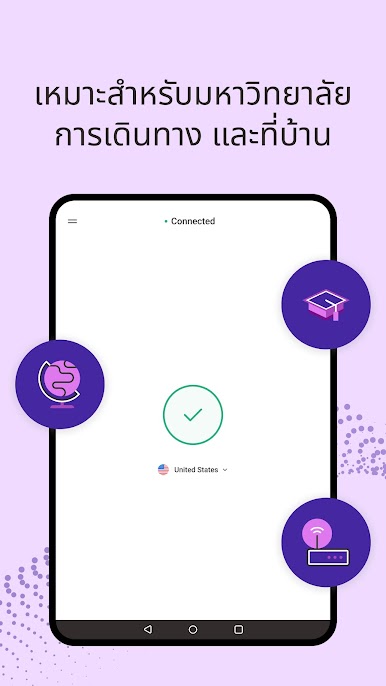
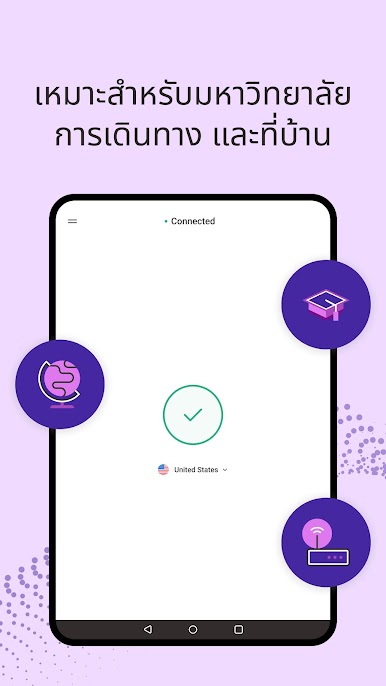
VPN 360 keeps your internet connection secure when using a public WiFi proxy hotspot by keeping your real IP hidden. Download VPN 360 VPN proxy for fast, secure virtual private network access!

เล่น Super VPN 360 — พร็อกซีออนไลน์ บน PC ได้ง่ายกว่า
-
ดาวน์โหลดและติดตั้ง BlueStacks บน PC ของคุณ
-
ลงชื่อเข้าใช้แอคเคาท์ Google เพื่อเข้าสู่ Play Store หรือทำในภายหลัง
-
ค้นหา Super VPN 360 — พร็อกซีออนไลน์ ในช่องค้นหาด้านขวาบนของโปรแกรม
-
คลิกเพื่อติดตั้ง Super VPN 360 — พร็อกซีออนไลน์ จากผลการค้นหา
-
ลงชื่อเข้าใช้บัญชี Google Account (หากยังไม่ได้ทำในขั้นที่ 2) เพื่อติดตั้ง Super VPN 360 — พร็อกซีออนไลน์
-
คลิกที่ไอคอน Super VPN 360 — พร็อกซีออนไลน์ ในหน้าจอเพื่อเริ่มเล่น

