

REFSIX - Arbitre de football
Jouez sur PC avec BlueStacks - la plate-forme de jeu Android, approuvée par + 500M de joueurs.

Page Modifiée le: Oct 21, 2025
Play REFSIX - Soccer Referee Watch on PC or Mac
Bring your A-game to REFSIX – Soccer Referee Watch, the Sports game sensation from REFSIX Ltd. Give your gameplay the much-needed boost with precise game controls, high FPS graphics, and top-tier features on your PC or Mac with BlueStacks.
About the Game
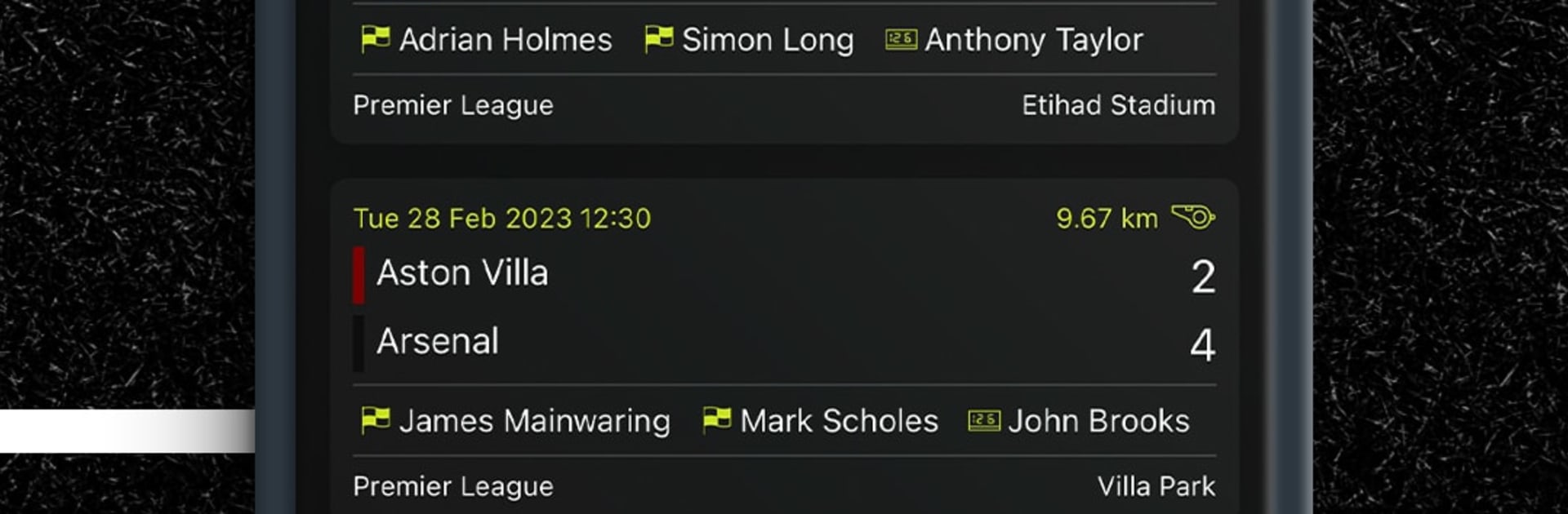
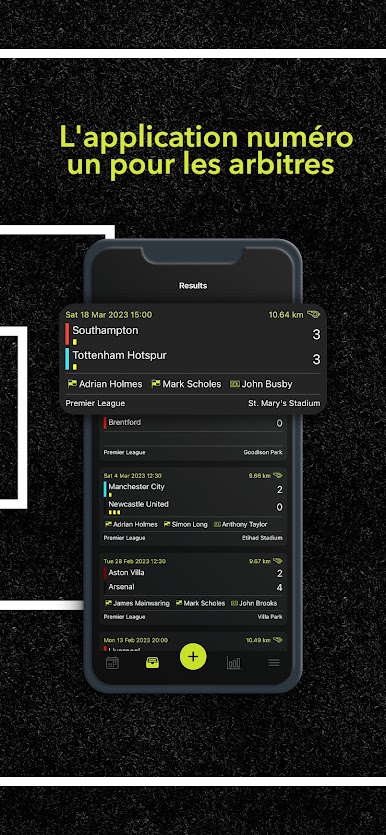
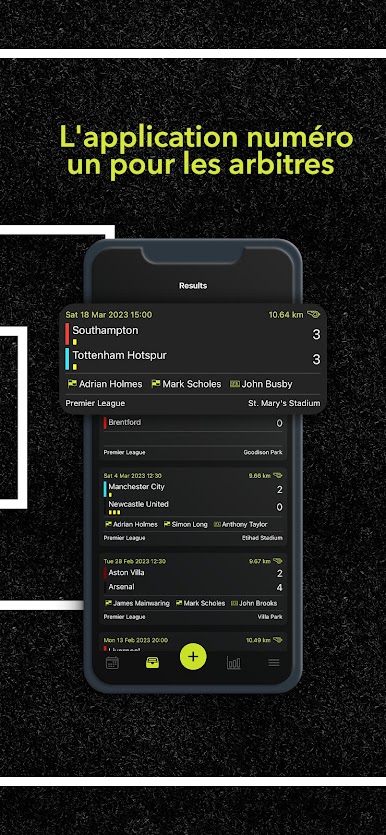
REFSIX – Soccer Referee Watch turns your match day into something smoother and a lot less stressful. It handles the boring bits—timing, logging incidents, and post-game breakdowns—so you can focus on reading the play and making the right calls. Built by REFSIX Ltd for the Sports crowd that lives on the touchline, it’s a clean, practical tool for refs at any level.
Game Features
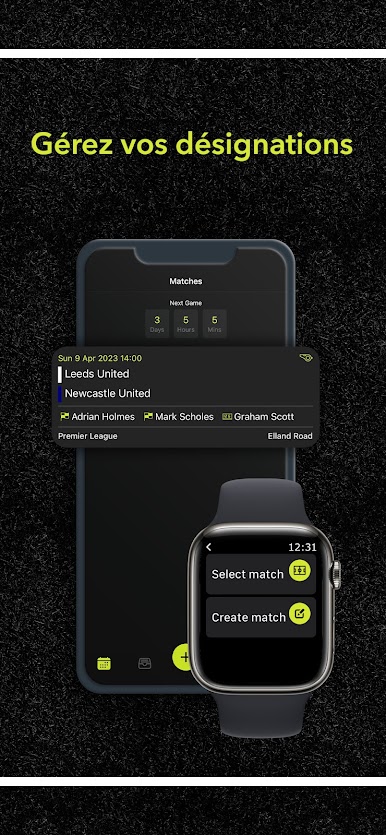
- Flexible match setup: Create fixtures in seconds and tailor the details—match type, location, period length, extra time, team sheets, and more.
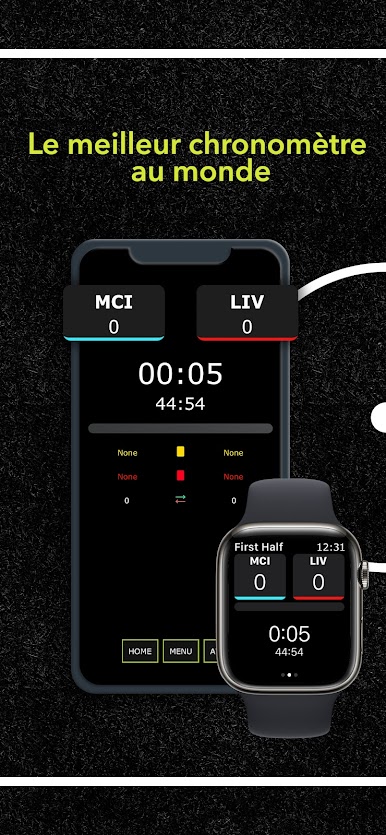
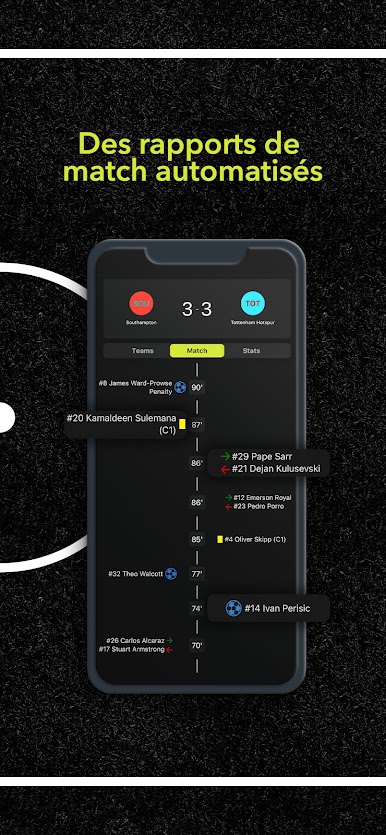
- Easy timing and logging: Start the clock, pause, add stoppage time, and record goals, cards, subs, and injuries without reaching for a notebook.
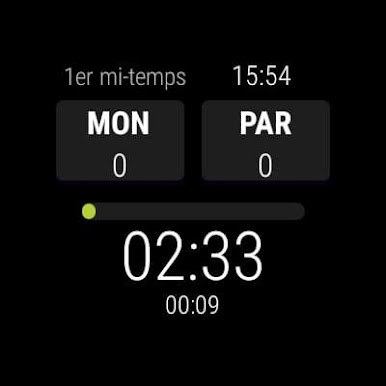
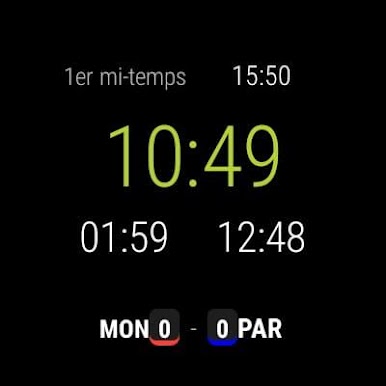
- Phone or Wear OS: Use your phone or your Wear OS watch during the game; both keep your data tidy and in sync.
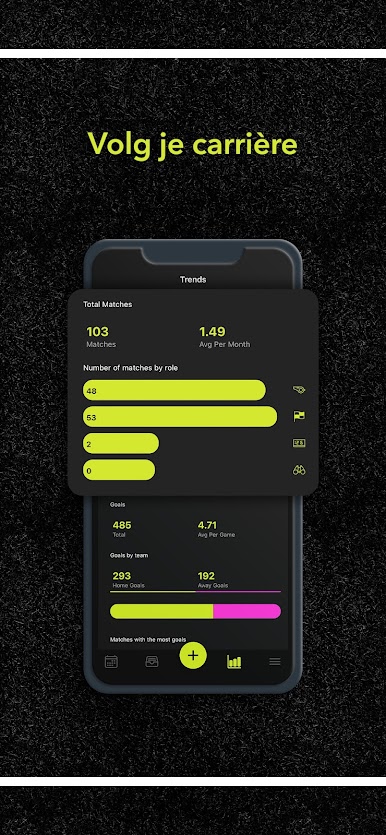
- Ref-focused analytics: Review movement heatmaps, where you made key decisions, distance covered, sprint counts, and other stats that actually matter to officials.
- Video-linked review: Sync your match timeline to game footage and study positioning and decision moments with proper context.
- Advanced timers: Run separate timers for game time and stoppages, and set prompts for halves, added time, or other match controls.
- Season history, no spreadsheets: Track your fixtures and performance over time without juggling files—everything’s stored and searchable.
- Great on a bigger screen: Prefer reviewing matches at your desk? Run the app on your PC with BlueStacks and go through incidents and analytics comfortably.
Make your gaming sessions memorable with precise controls that give you an edge in close combats and visuals that pop up, bringing every character to life.



Jouez à REFSIX - Arbitre de football sur PC. C'est facile de commencer.
-
Téléchargez et installez BlueStacks sur votre PC
-
Connectez-vous à Google pour accéder au Play Store ou faites-le plus tard
-
Recherchez REFSIX - Arbitre de football dans la barre de recherche dans le coin supérieur droit
-
Cliquez pour installer REFSIX - Arbitre de football à partir des résultats de la recherche
-
Connectez-vous à Google (si vous avez ignoré l'étape 2) pour installer REFSIX - Arbitre de football
-
Cliquez sur l'icône REFSIX - Arbitre de football sur l'écran d'accueil pour commencer à jouer

