


Grid Maker: PhotoSplit
Jouez sur PC avec BlueStacks - la plate-forme de jeu Android, approuvée par + 500M de joueurs.

Page Modifiée le: Jan 27, 2025
Play Grid Maker: PhotoSplit on PC
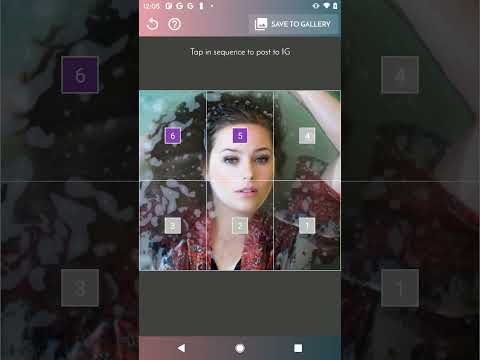
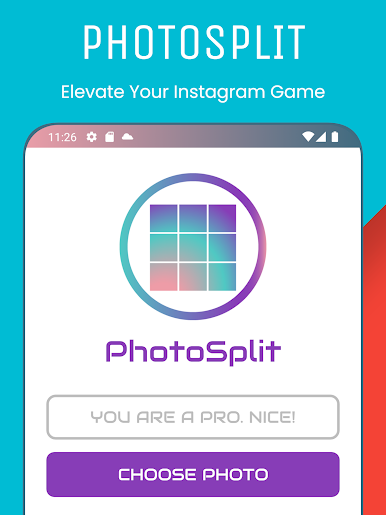
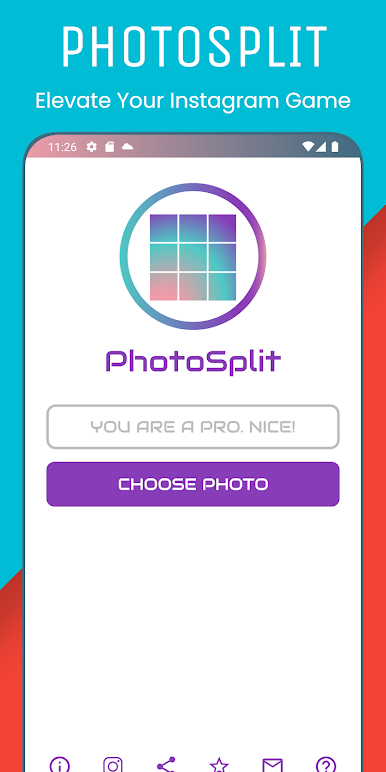
Searching for the perfect grid maker? Look no further. PhotoSplit offers unparalleled control and flexibility:
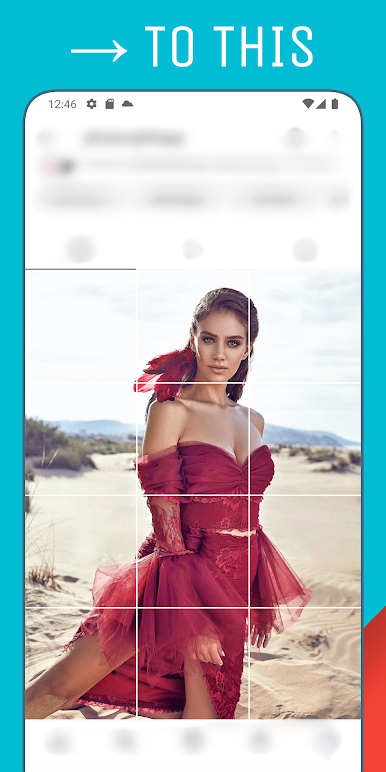
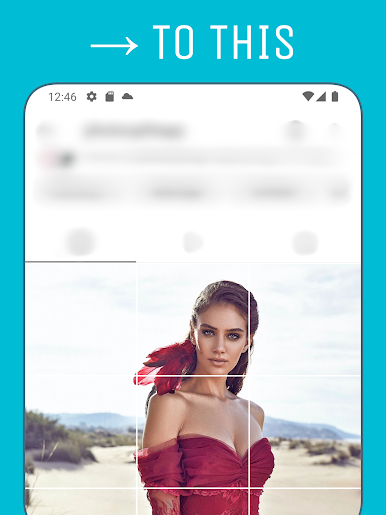
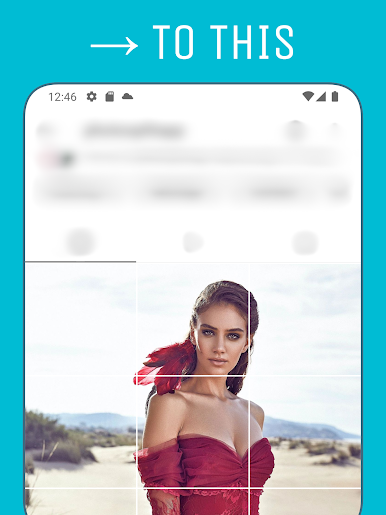
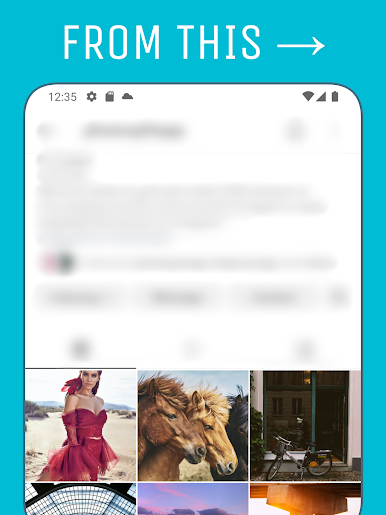
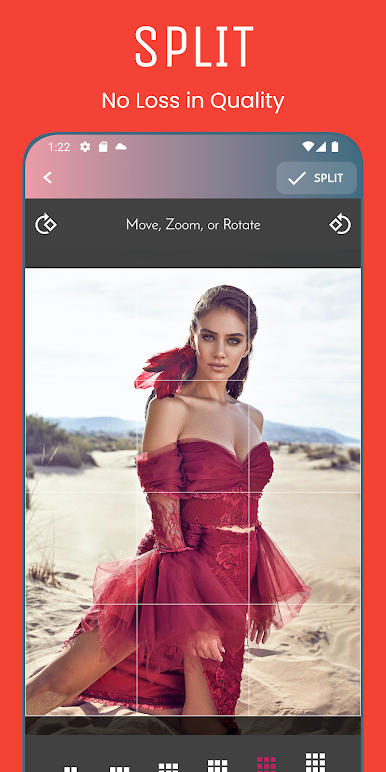
* Diverse Grid Options: Choose from a wide selection of grid layouts, from classic squares to the latest tall rectangle style, to perfectly complement your content.
* High-Resolution Output: Say goodbye to pixelated grids! PhotoSplit preserves image quality, ensuring your photos look sharp and professional.
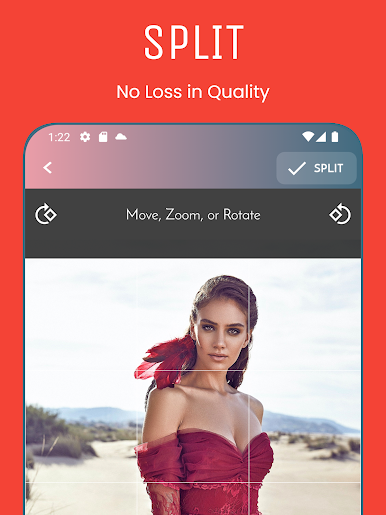
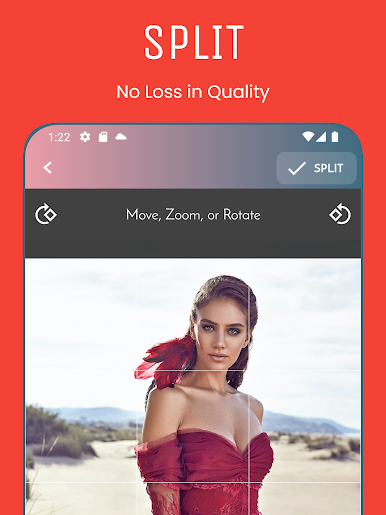
* Precision Editing: Zoom, pan, and rotate your images to achieve the ideal composition before splitting. Preview your grid layout in real-time for a seamless experience.
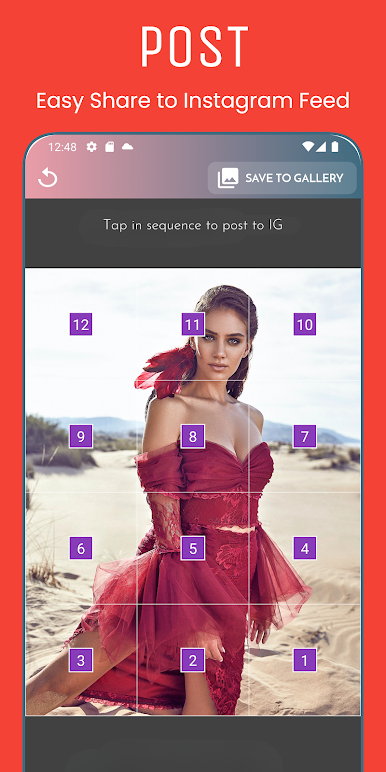
* Effortless Sharing: Directly share your grid to social media platforms without the extra step of saving. Alternatively, save the individual images to your gallery for later use.
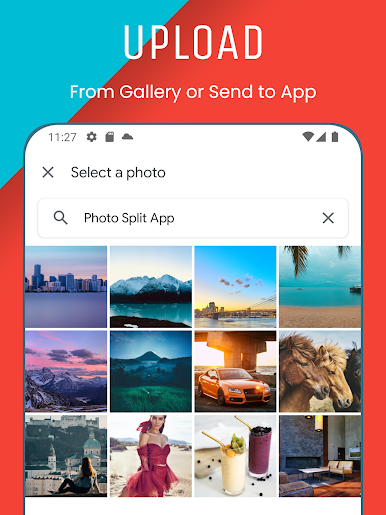
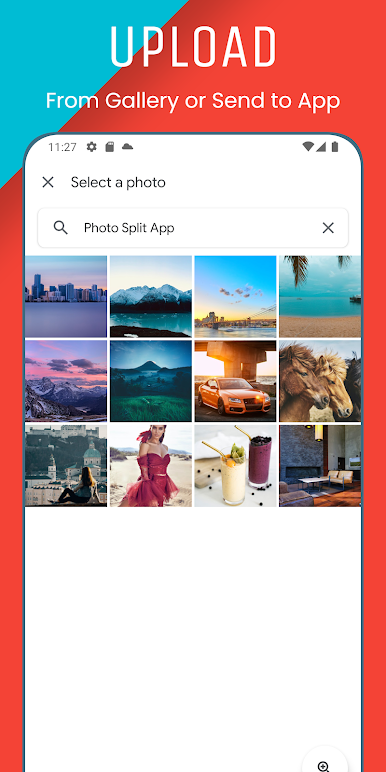
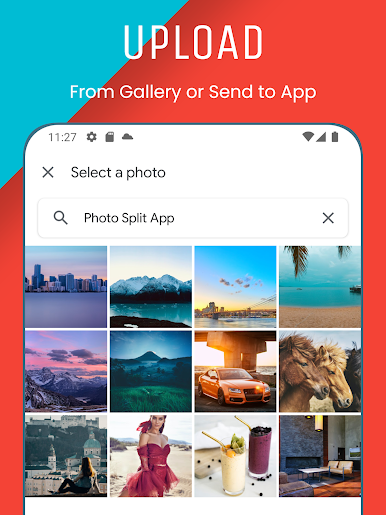
* Seamless Integration: Share images directly from your phone's gallery or even while browsing online, directly into the PhotoSplit app.
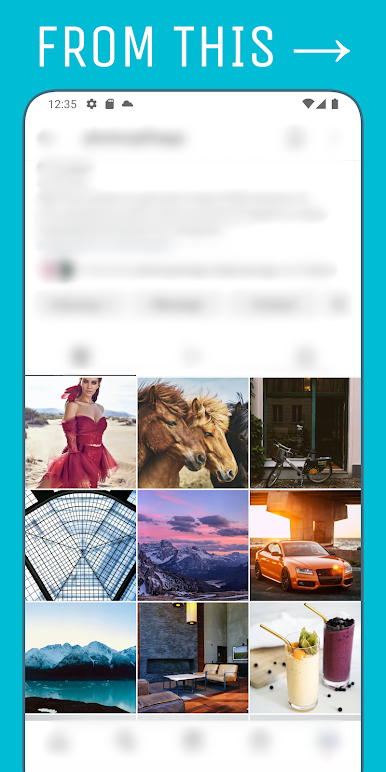
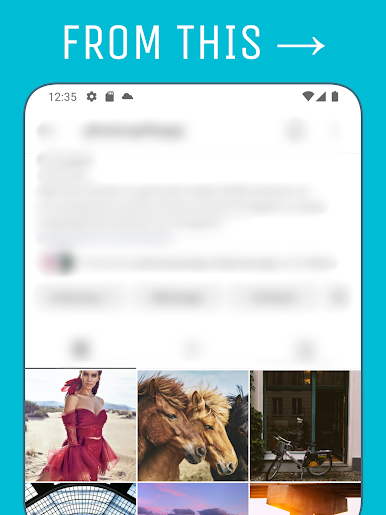
Transform your social media presence with PhotoSplit – the ultimate grid maker for creating visually stunning and engaging content. Download now and unleash your creativity!


Jouez à Grid Maker: PhotoSplit sur PC. C'est facile de commencer.
-
Téléchargez et installez BlueStacks sur votre PC
-
Connectez-vous à Google pour accéder au Play Store ou faites-le plus tard
-
Recherchez Grid Maker: PhotoSplit dans la barre de recherche dans le coin supérieur droit
-
Cliquez pour installer Grid Maker: PhotoSplit à partir des résultats de la recherche
-
Connectez-vous à Google (si vous avez ignoré l'étape 2) pour installer Grid Maker: PhotoSplit
-
Cliquez sur l'icône Grid Maker: PhotoSplit sur l'écran d'accueil pour commencer à jouer

