


Weverse Albums
เล่นบน PC ผ่าน BlueStacks - Android Gaming Platform ที่ได้รับความไว้วางใจจากเกมเมอร์ 500 ล้านคนทั่วโลก

Page Modified on: Aug 25, 2025
Run Weverse Albums on PC or Mac
Upgrade your experience. Try Weverse Albums, the fantastic Music & Audio app from WEVERSE COMPANY Inc., from the comfort of your laptop, PC, or Mac, only on BlueStacks.
About the App
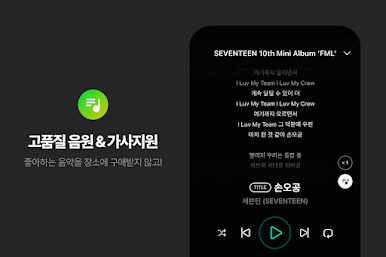
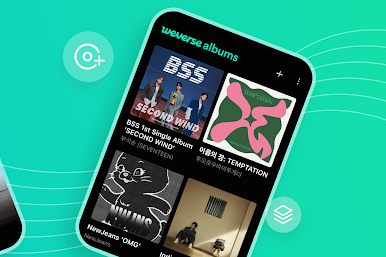
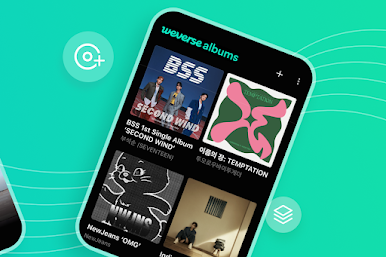
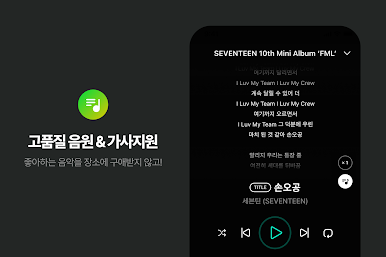
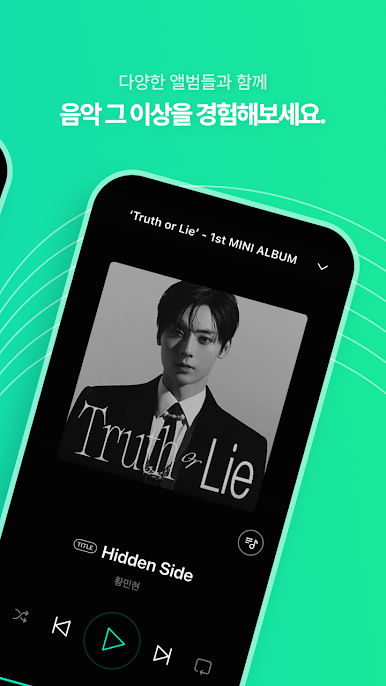
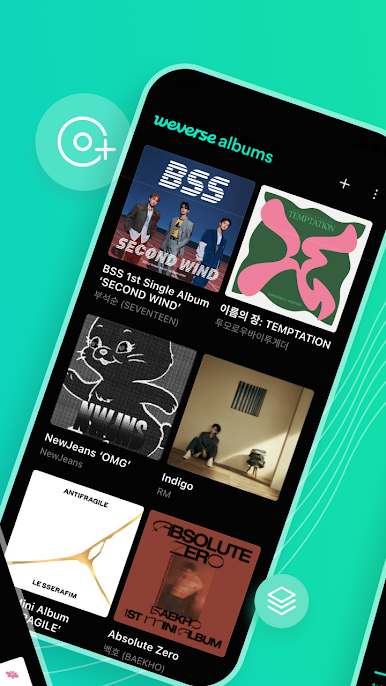
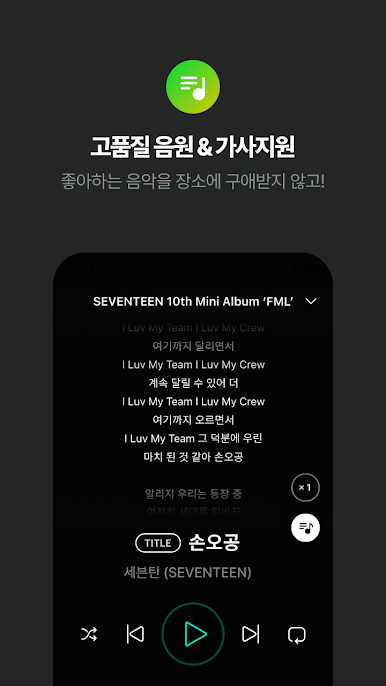
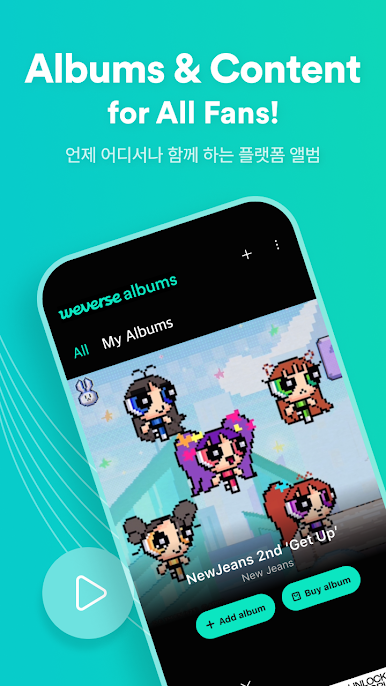
Weverse Albums from WEVERSE COMPANY Inc. makes it easy for music fans to enjoy digital albums in a whole new way. Whether you’re the type who loves collecting album goodies or just wants quick access to tracks, this Music & Audio app has you covered. It’s pretty simple: everything’s in one place, and you can enjoy your favorite artists and all the extras they offer—right from your phone, or even your computer using BlueStacks.
App Features
-
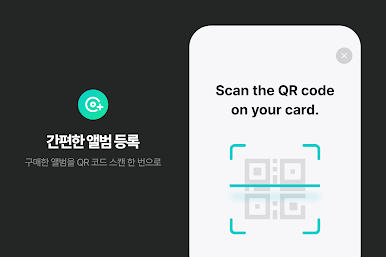
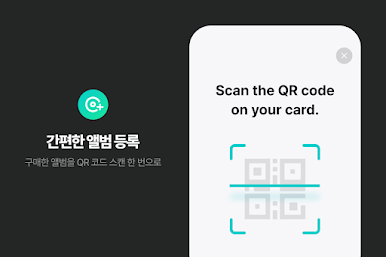
Easy Album Access
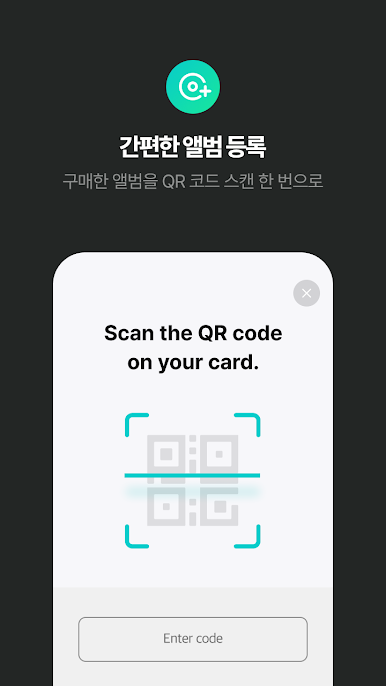
No more fumbling around with physical albums. Just scan the QR code from your album purchase, and the music’s right there in your Weverse Albums collection. -
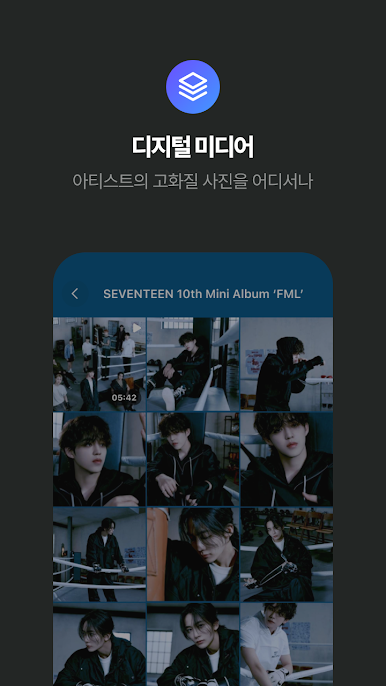
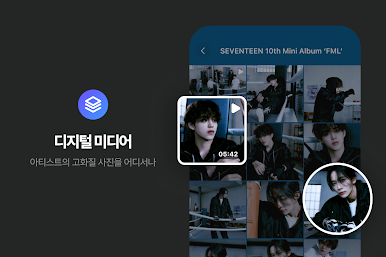
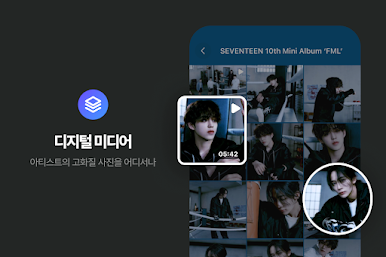
Digital Photobooks
Instead of paper photobooks, you get crisp digital versions that you can save, check out, and share from your device whenever you feel like it. -
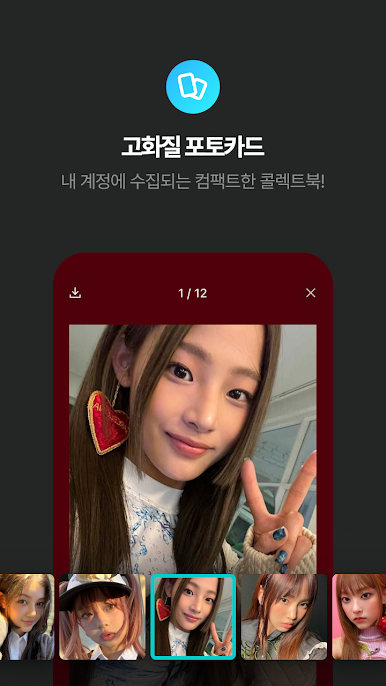
Instant Photocard Collecting
Love collecting photocards? You can now gather, organize, and view your favorite digital photocards in your own virtual binder, anytime you want. -
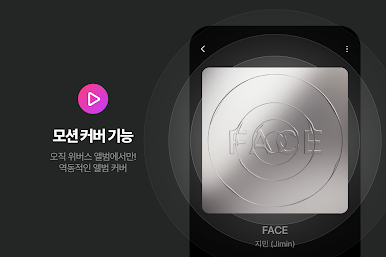
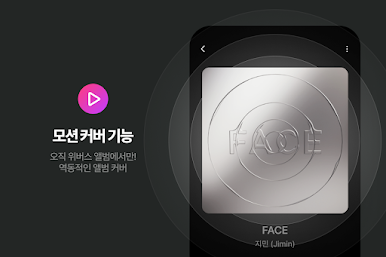
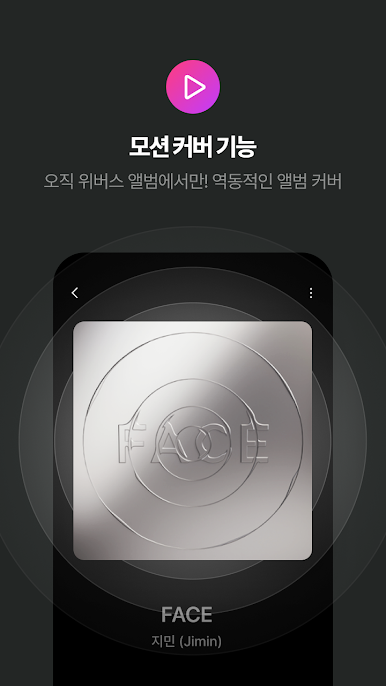
Animated Album Covers
Get something extra with motion album covers—see your artists come to life with moving images, which is a nice touch not many music apps have. -
Chart-Counted Sales
When you buy albums through Weverse Albums, those sales actually count toward major music charts like Hanteo Chart and Circle Chart. -
Privacy Controls
Choose how much you want to share—camera access is just for scanning QR codes, and you decide what media gets downloaded to your device.
It’s a modern fan experience—you can stream, collect, and connect with your favorite music and visuals, all without carrying around stacks of physical albums or prints. And yeah, if you want a bigger screen, BlueStacks makes that easy, too.
Switch to BlueStacks and make the most of your apps on your PC or Mac.






เล่น Weverse Albums บน PC ได้ง่ายกว่า
-
ดาวน์โหลดและติดตั้ง BlueStacks บน PC ของคุณ
-
ลงชื่อเข้าใช้แอคเคาท์ Google เพื่อเข้าสู่ Play Store หรือทำในภายหลัง
-
ค้นหา Weverse Albums ในช่องค้นหาด้านขวาบนของโปรแกรม
-
คลิกเพื่อติดตั้ง Weverse Albums จากผลการค้นหา
-
ลงชื่อเข้าใช้บัญชี Google Account (หากยังไม่ได้ทำในขั้นที่ 2) เพื่อติดตั้ง Weverse Albums
-
คลิกที่ไอคอน Weverse Albums ในหน้าจอเพื่อเริ่มเล่น

