


Big War Little Soldiers: WW2
Jouez sur PC avec BlueStacks - la plate-forme de jeu Android, approuvée par + 500M de joueurs.

Page Modifiée le: Nov 30, 2025
Aperçu
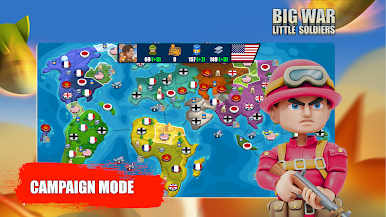
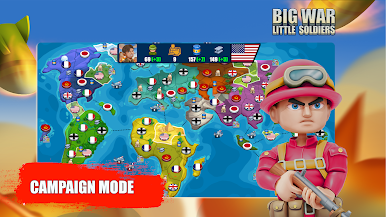
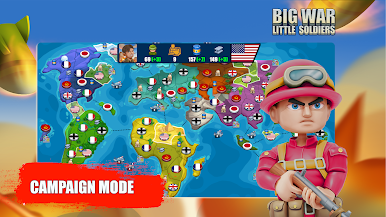
Campaign mode has that table top game feeling. It combines grand strategy decision making with arcade battles for a fun mobile gaming experience.
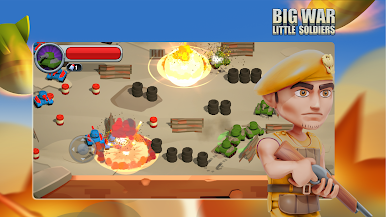
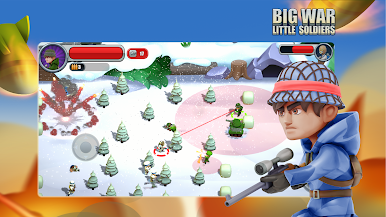
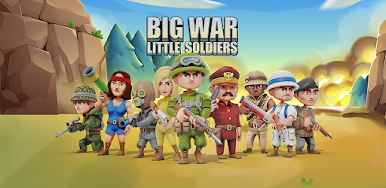
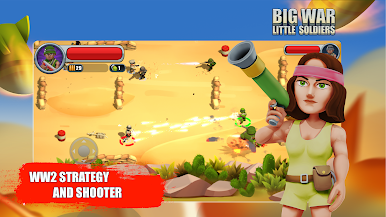
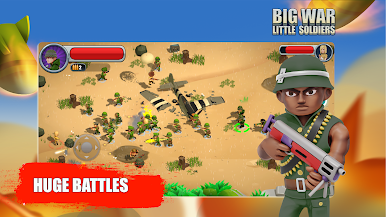
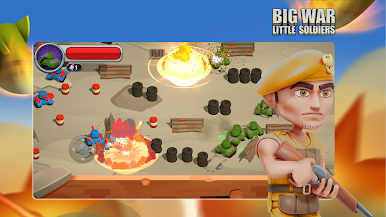
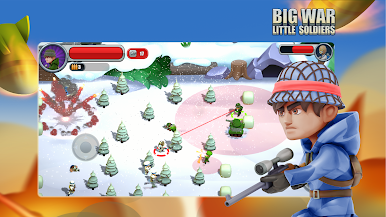
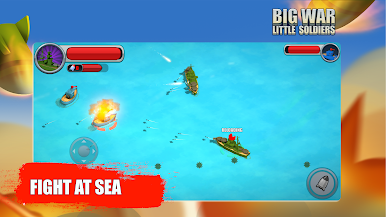
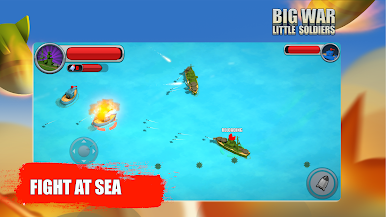
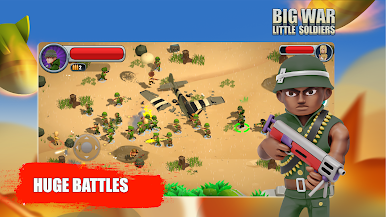
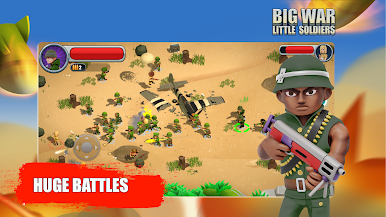
If you’re anything like us, you don’t just want to watch the battles as your strategic decisions unfold, rather, you want to immerse yourself in the action too as your adorably tiny yet courageous soldiers battle it out. The visually entertaining skirmishes take place on muddy battlefields, snow covered farmland, abandoned villages, at sea and much more.
Features:
▶️ Campaign mode puts you in the role of commander on the world map against a smart AI designed to fight against a single player grand strategy enthusiasts.
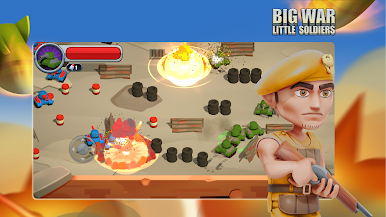
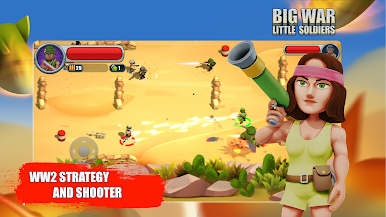
▶️ Arcade mode offers a range of different missions such as quick battle, defence, tank party, survival, snipers only!
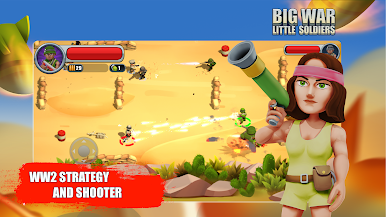
▶️ Quick, fun, easy to pick up and play arcade style non-stop shooting action.
▶️ Weapons include rifles, machine guns, flame throwers, snipers, RPG, grenades, pistols and everyone's favourite, the shotgun.
▶️ Research to upgrade your unit stats and their weapons. Amass riches to upgrade your units and weapons.
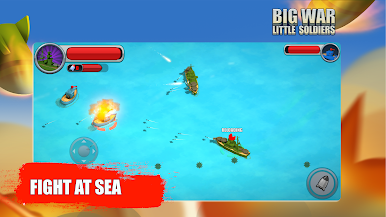
▶️ Battles take place in over 50 land and sea arenas....yes we have included battleships!

Jouez à Big War Little Soldiers: WW2 sur PC. C'est facile de commencer.
-
Téléchargez et installez BlueStacks sur votre PC
-
Connectez-vous à Google pour accéder au Play Store ou faites-le plus tard
-
Recherchez Big War Little Soldiers: WW2 dans la barre de recherche dans le coin supérieur droit
-
Cliquez pour installer Big War Little Soldiers: WW2 à partir des résultats de la recherche
-
Connectez-vous à Google (si vous avez ignoré l'étape 2) pour installer Big War Little Soldiers: WW2
-
Cliquez sur l'icône Big War Little Soldiers: WW2 sur l'écran d'accueil pour commencer à jouer

