


School of Dragons
เล่นบน PC ผ่าน BlueStacks - Android Gaming Platform ที่ได้รับความไว้วางใจจากเกมเมอร์ 500 ล้านคนทั่วโลก

Page Modified on: Aug 12, 2026
Overview
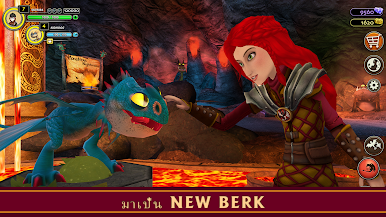
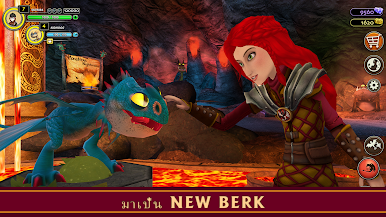
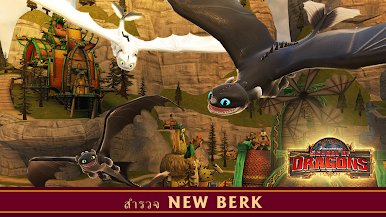
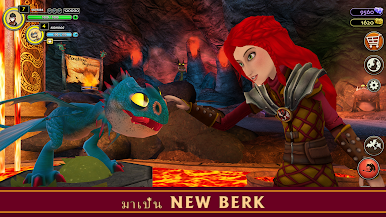
เล่นกับเพื่อนของคุณและสำรวจโลกลึกลับในประสบการณ์การเรียนรู้ที่เต็มไปด้วยแอ็คชั่น! ช่วยชีวิตฟักไข่และฝึกมังกรดรีมเวิร์คส์ปกป้อง New Berk และ Hidden World และต่อสู้ Grimmel และ Stormheart ในการผจญภัยมังกรสุดยอด!
*** ถึงอันดับ 1 ของเกมการเล่นบทบาททั้งหมดใน 80 ประเทศ ***
คุณสมบัติ:
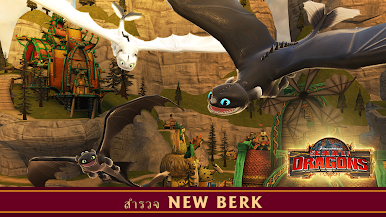
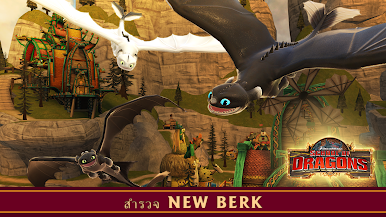
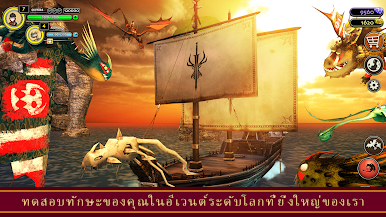
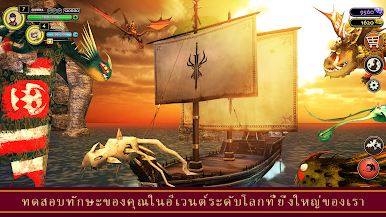
•ฝึกบินและปรับแต่ง Dreamworks Dragons ที่คุณโปรดปรานกว่า 60 แบบจากภาพยนตร์เช่น Toothless, Light Fury, Stormfly และ Deathgrippers
•ปรับแต่งมังกรของคุณด้วยสีและผิวหนังนับพันจึงไม่มีมังกร 2 ตัวที่เหมือนกัน!
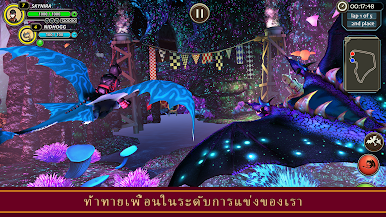
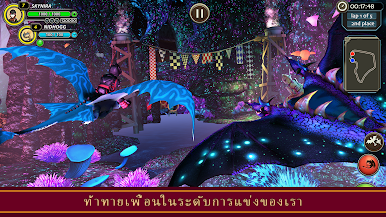
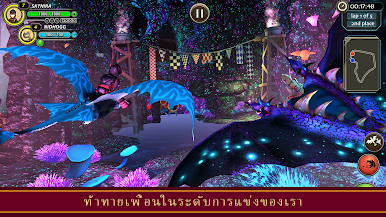
•บินมังกรและแข่งกับเพื่อนของคุณในกว่า 30 คอร์ส!
•ฟักและสะสมมังกรในคอกม้าของคุณและส่งพวกเขาออกไปในภารกิจมังกรเพื่อนำสมบัติและของขวัญกลับมา!
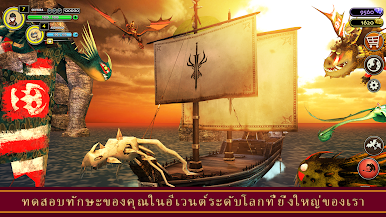
•ร่วมผจญภัยใน 30 เกาะและดินแดนและเริ่มต้นภารกิจด้วยภารกิจที่ยิ่งใหญ่และอีกมากมาย!
•พบกับตัวละครใหม่และการผจญภัยในเนื้อเรื่องใหม่ใน 8 ภาคเสริมและมากกว่า 400 เควส!
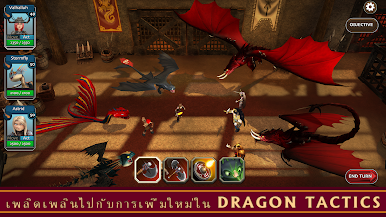
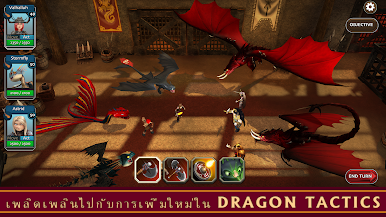
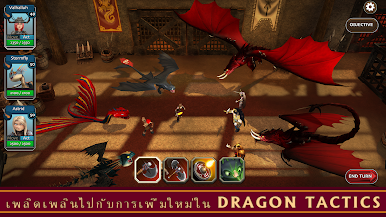
•เล่น Dragon Tactics, เกมกลยุทธ์ทีมมังกรของเราและเอาชนะศัตรูเพื่อรับรางวัลและของรางวัล
ตัวเลือกการสมัครสมาชิก:
* แอพนี้มี 4 ตัวเลือกการสมัครสมาชิก: $ 9.99 / เดือน, $ 24.99 / 3 เดือน, $ 47.99 / 6 เดือน, และ $ 84.99 / ปี
** การสมัครสมาชิกจะต่ออายุอัตโนมัติและบัญชีจะถูกเรียกเก็บเงินสำหรับการต่ออายุภายใน 24 ชั่วโมงก่อนที่จะสิ้นสุดระยะเวลาปัจจุบัน การต่ออายุอัตโนมัติอาจได้รับการจัดการและปิดโดยไปที่การตั้งค่าบัญชีผู้ใช้หลังจากการซื้อ การสมัครสมาชิกต่ออายุโดยอัตโนมัติเว้นแต่การต่ออายุอัตโนมัติถูกปิดอย่างน้อย 24 ชั่วโมงก่อนสิ้นสุดระยะเวลาปัจจุบัน
สำหรับข้อมูลเพิ่มเติมดูนโยบายความเป็นส่วนตัวปัจจุบันของเรา (http://www.schoolofdragons.com/Help/privacypolicy) และข้อกำหนดการใช้งาน (http://www.schoolofdragons.com/help/siteterms)
ข้อมูลการลงทะเบียนเป็นตัวเลือก (เด็กอายุต่ำกว่า 13 ปีจำเป็นต้องลงทะเบียนผู้ปกครอง) คุณจะได้รับการแจ้งเตือนเกี่ยวกับการอัปเดตเกมและคุณสมบัติใหม่ ๆ รวมถึงการผสานเข้ากับโลกการศึกษาออนไลน์ของเราสำหรับเด็ก ๆ
โปรดทราบ: School of Dragons เล่นฟรีอย่างสมบูรณ์ แต่มีเนื้อหาเกมตัวเลือกการปรับแต่งและรายการสำหรับการซื้อด้วยเงินจริง หากคุณเลือกที่จะไม่ใช้คุณสมบัตินี้คุณสามารถปิดการซื้อในแอพผ่านการตั้งค่าของอุปกรณ์


เล่น School of Dragons บน PC ได้ง่ายกว่า
-
ดาวน์โหลดและติดตั้ง BlueStacks บน PC ของคุณ
-
ลงชื่อเข้าใช้แอคเคาท์ Google เพื่อเข้าสู่ Play Store หรือทำในภายหลัง
-
ค้นหา School of Dragons ในช่องค้นหาด้านขวาบนของโปรแกรม
-
คลิกเพื่อติดตั้ง School of Dragons จากผลการค้นหา
-
ลงชื่อเข้าใช้บัญชี Google Account (หากยังไม่ได้ทำในขั้นที่ 2) เพื่อติดตั้ง School of Dragons
-
คลิกที่ไอคอน School of Dragons ในหน้าจอเพื่อเริ่มเล่น

