


Voyager: Grand Tour
Jouez sur PC avec BlueStacks - la plate-forme de jeu Android, approuvée par + 500M de joueurs.

Page Modifiée le: Nov 7, 2025
Play Voyager: Grand Tour on PC or Mac
Step into the World of Voyager: Grand Tour, a thrilling Puzzle game from the house of Rumor Games, LLC. Play this Android game on BlueStacks App Player and experience immersive gaming on PC or Mac.
About the Game
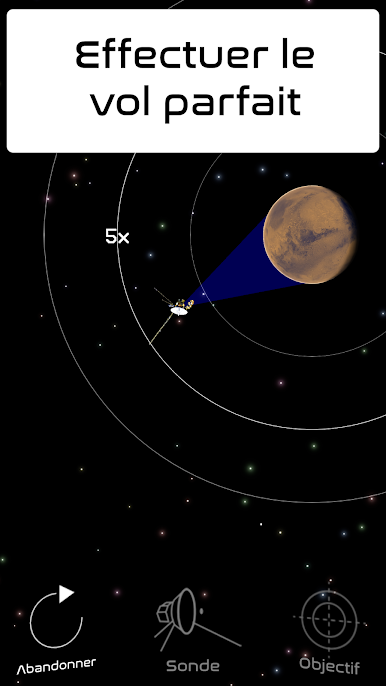
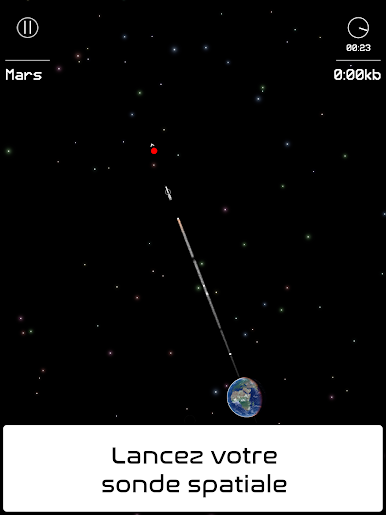
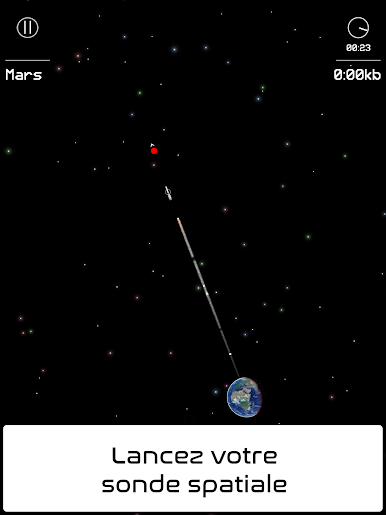
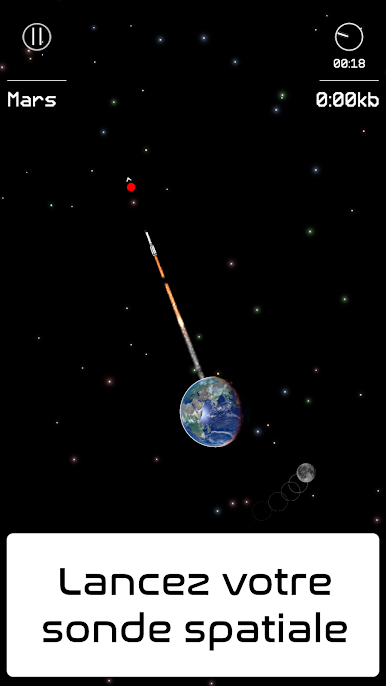
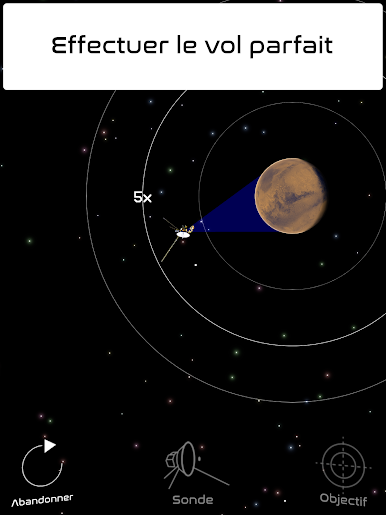
If you’ve ever wondered what it feels like to launch your own space probe into the cosmos, Voyager: Grand Tour lets you take the controls. This puzzle game from Rumor Games, LLC throws you right into the heart of space exploration, putting your brainpower to the test as you plot clever courses through the Solar System. Tackle tricky physics-based challenges and see if you can pull off those jaw-dropping planetary flybys you’ve seen in documentaries—all from your screen.
Game Features
-
Space Missions That’ll Make You Think
Every mission has its own set of hurdles, like swinging around the massive gravity wells of planets or threading the needle through asteroid belts. You’ll have to get creative with your flight plans if you want to pull off a smooth flyby. -
Gorgeous Solar System in 3D
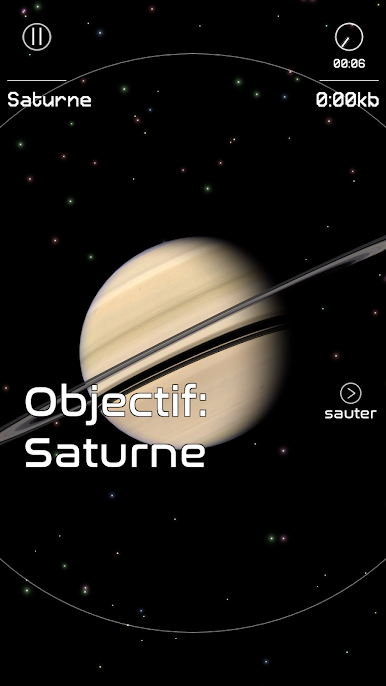
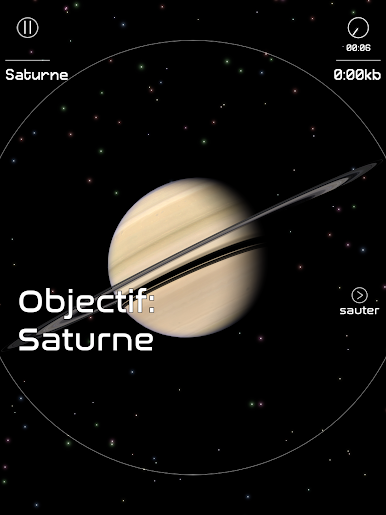
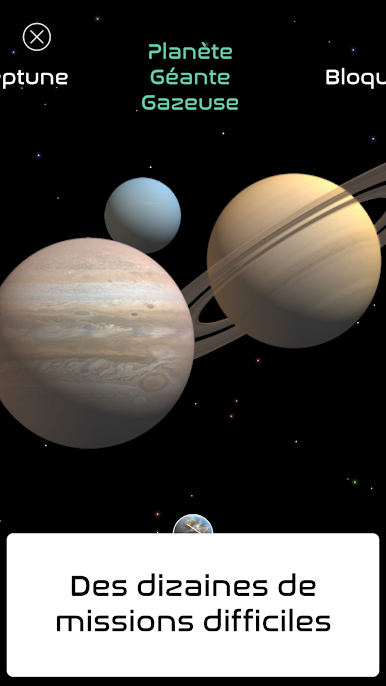
The planets aren’t just there for background noise. Each one’s beautifully modeled in 3D, so you can enjoy a front-row seat to Saturn’s rings or Jupiter’s stormy surface. -
Relive the Action
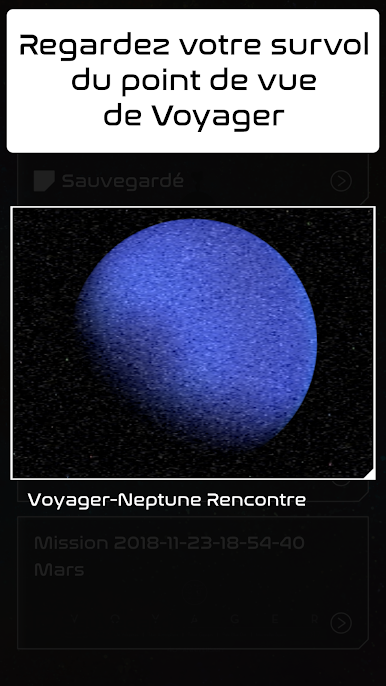
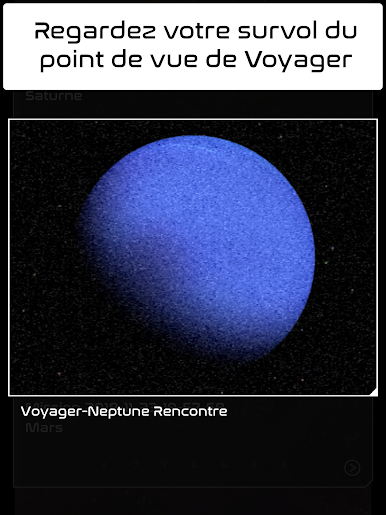
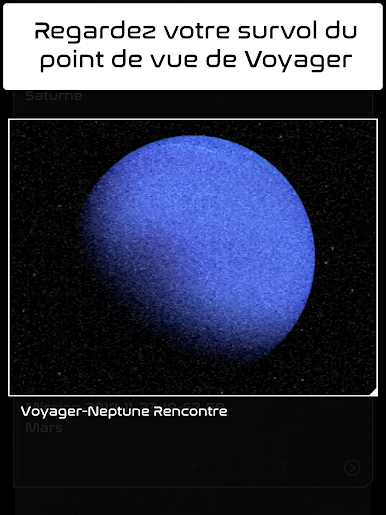
Wondering how you did? After each mission, watch a replay from Voyager’s viewpoint and catch all the close shaves and perfect swings you pulled off. -
Fits Right In on BlueStacks
If you want a bigger view of that starry backdrop—and maybe a little more control—Voyager: Grand Tour works great with BlueStacks, too.
Get ready for a buttery smooth, high-performance gaming action only on BlueStacks.
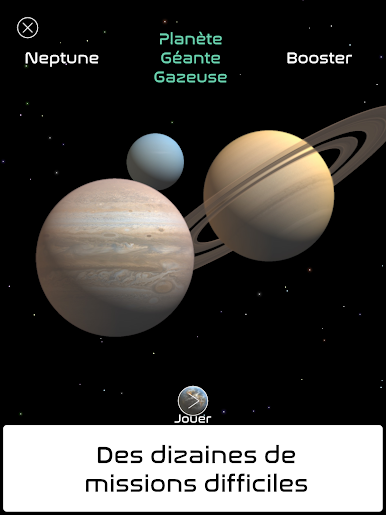
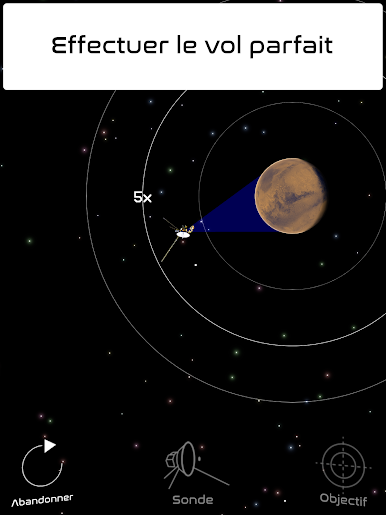
Jouez à Voyager: Grand Tour sur PC. C'est facile de commencer.
-
Téléchargez et installez BlueStacks sur votre PC
-
Connectez-vous à Google pour accéder au Play Store ou faites-le plus tard
-
Recherchez Voyager: Grand Tour dans la barre de recherche dans le coin supérieur droit
-
Cliquez pour installer Voyager: Grand Tour à partir des résultats de la recherche
-
Connectez-vous à Google (si vous avez ignoré l'étape 2) pour installer Voyager: Grand Tour
-
Cliquez sur l'icône Voyager: Grand Tour sur l'écran d'accueil pour commencer à jouer

