

ราชสมาคม!
เล่นบน PC ผ่าน BlueStacks - Android Gaming Platform ที่ได้รับความไว้วางใจจากเกมเมอร์ 500 ล้านคนทั่วโลก

Page Modified on: Jul 7, 2025
Play Family Nest: Royal Society on PC or Mac
Explore a whole new adventure with Family Nest: Royal Society, a Adventure game created by AFI INFINITE LTD. Experience great gameplay with BlueStacks, the most popular gaming platform to play Android games on your PC or Mac.
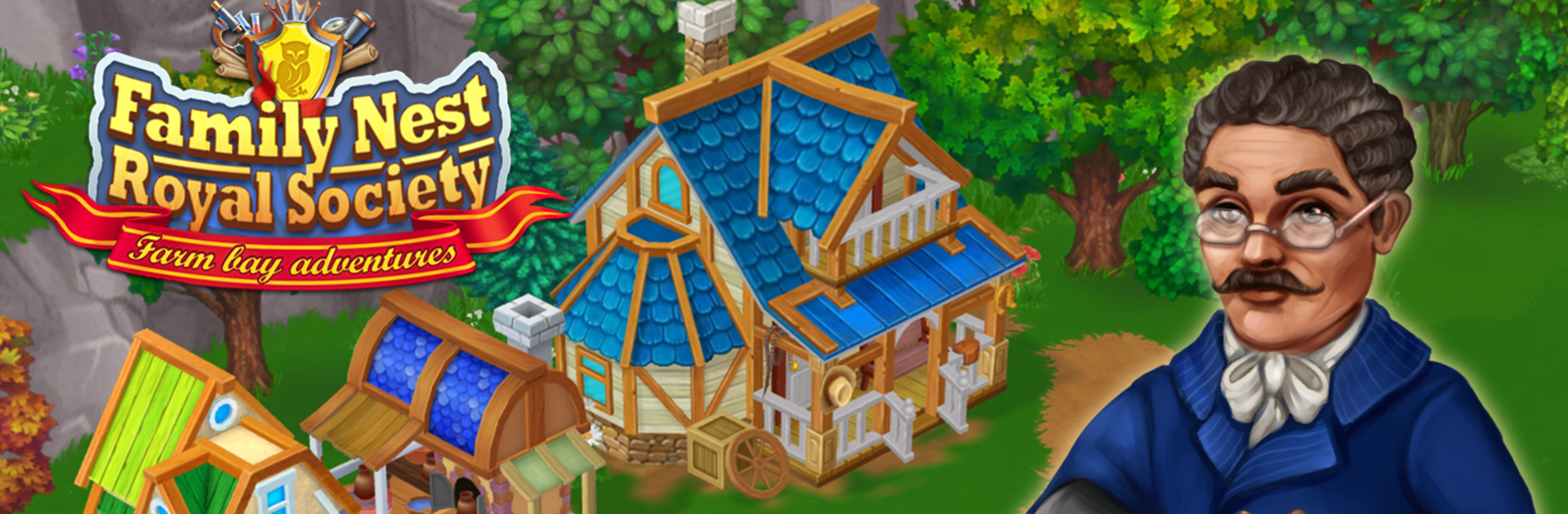
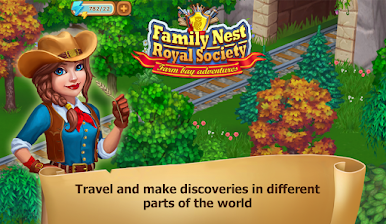
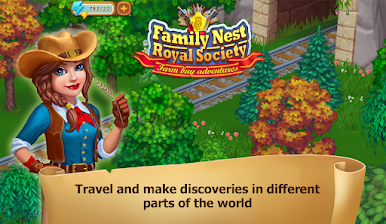
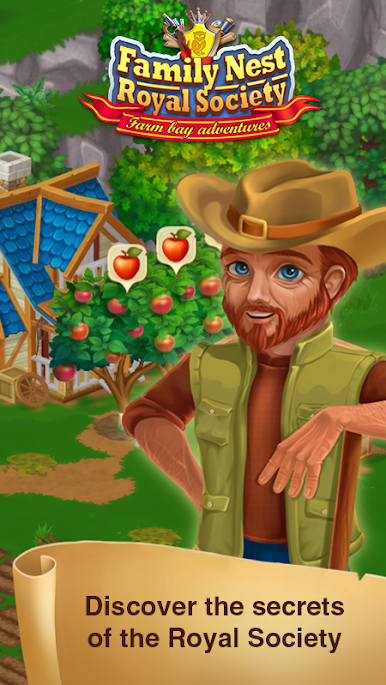
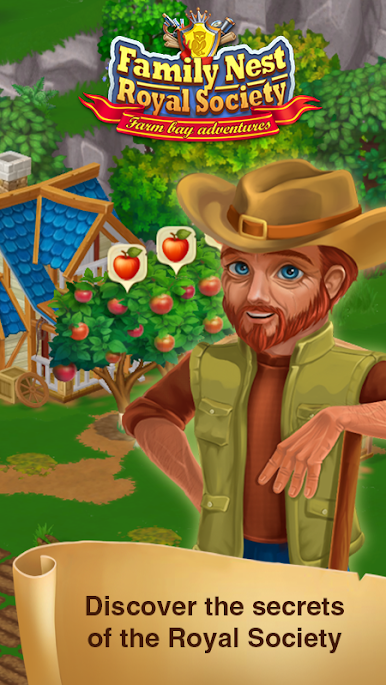
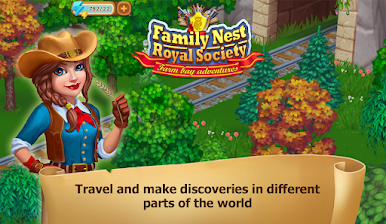
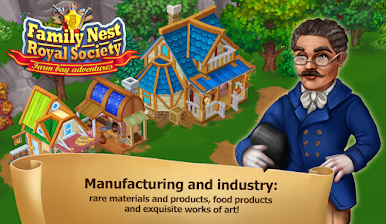
Family Nest: Royal Society feels like one of those laid-back games where there’s always something happening around the family estate. It starts with this bit of mystery—a letter arrives inviting you back home, and suddenly you’re wrapped up in all kinds of little adventures, learning more about your family’s past along the way. That’s a big part of the hook: you’re not just building up some random farm, you’re piecing together family secrets while trying to impress an old-fashioned science society.
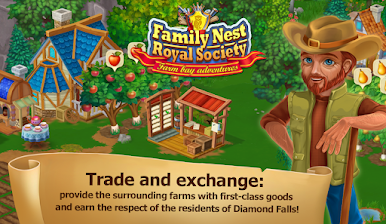
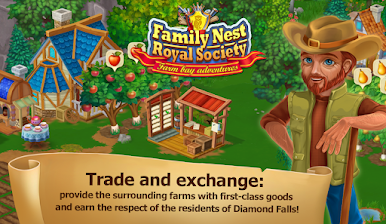
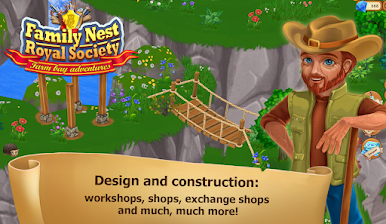
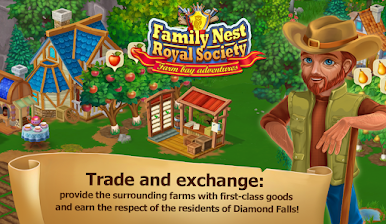
Most of the gameplay has a cozy routine—planting trees, taking care of animals, building new workshops, and running little expeditions to gather rare things. Every time new stuff gets unlocked, there’s a small thrill of discovery, especially finding unusual plants or animals to add to the estate. Trading goods with neighbors gives the area a bit of a community feel, and there’s always some story or challenge popping up to keep things interesting. On PC with BlueStacks, the whole thing’s easy to manage—clicking around feels smooth and the estate looks kind of charming blown up on a bigger screen. Anyone who enjoys games about collecting, managing, and maybe a hint of mystery would probably get into it, especially if they like seeing their little corner of the world grow step by step. Plus, visiting friends’ estates and swapping gifts adds an extra reason to keep checking back in.
Ready to top the leaderboard? We bet you do. Let precise controls and sharp visuals optimized on BlueStacks lead you to victory.








เล่น ราชสมาคม! บน PC ได้ง่ายกว่า
-
ดาวน์โหลดและติดตั้ง BlueStacks บน PC ของคุณ
-
ลงชื่อเข้าใช้แอคเคาท์ Google เพื่อเข้าสู่ Play Store หรือทำในภายหลัง
-
ค้นหา ราชสมาคม! ในช่องค้นหาด้านขวาบนของโปรแกรม
-
คลิกเพื่อติดตั้ง ราชสมาคม! จากผลการค้นหา
-
ลงชื่อเข้าใช้บัญชี Google Account (หากยังไม่ได้ทำในขั้นที่ 2) เพื่อติดตั้ง ราชสมาคม!
-
คลิกที่ไอคอน ราชสมาคม! ในหน้าจอเพื่อเริ่มเล่น

