


AirData UAV
เล่นบน PC ผ่าน BlueStacks - Android Gaming Platform ที่ได้รับความไว้วางใจจากเกมเมอร์ 500 ล้านคนทั่วโลก

Page Modified on: Dec 17, 2025
Run Airdata UAV on PC or Mac
Multitask effortlessly on your PC or Mac as you try out Airdata UAV, a Productivity app by Airdata.com on BlueStacks.
About the App
Ever wondered how your drone’s really doing – or if you’re missing something before your next adventure in the sky? Airdata UAV from Airdata.com is here to bring all your flight info together in one spot, making it way easier to keep tabs on everything that matters. Whether you fly for work or just for fun, this app helps you manage, analyze, and stream your drone flights with a level of ease that just feels right.
App Features
-
Instant Flight Sync
Quickly connect your favorite flight apps (think DJI GO, DJI Fly, Autel Explorer, and more) and automatically upload flight logs, so you don’t have to mess with cables or extra steps. -
Smart Flight Analysis
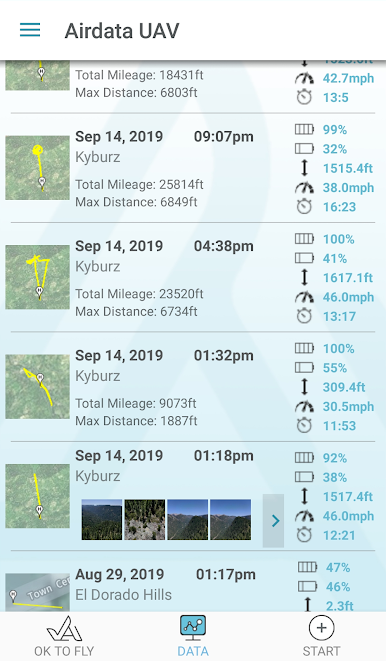
Get a deep look at every flight. See detailed data, spot patterns, and catch any issues before they become problems—kind of like having a pre-flight mechanic in your pocket. -
Flight Planning with OKtoFLY
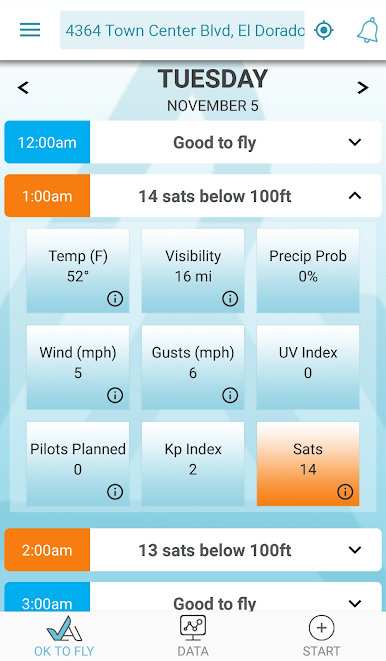
Stay safer and smarter by checking airspace forecasts through OKtoFLY.com, right inside the app. That means fewer surprises and better choices every time you launch your drone. -
Real-Time Live Streaming
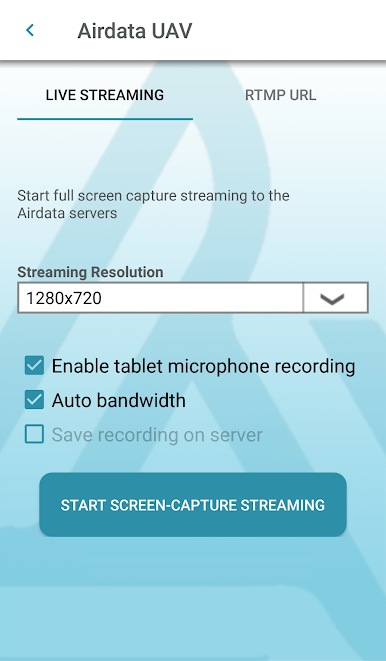
Want to share what your drone sees as it happens? Broadcast a live stream from your phone or tablet screen straight to Airdata UAV. Works with any drone manufacturer and any app. -
Checklists and Safety Alerts
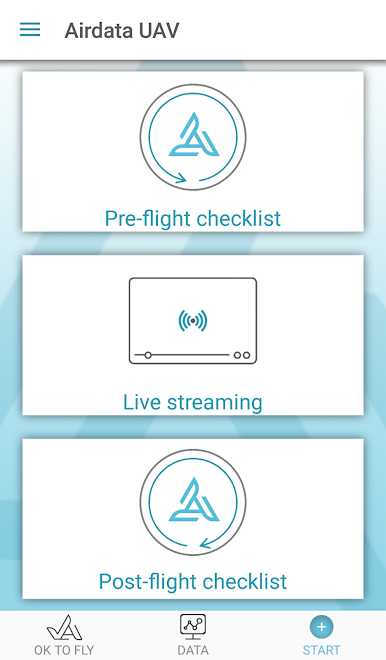
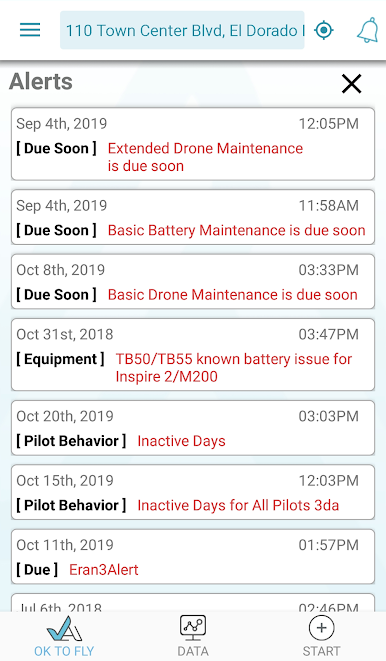
Never forget a step with easy pre- and post-flight checklists. Plus, get alert notifications to keep you ahead of potential maintenance or safety issues. -
Multi-User and Offline Support
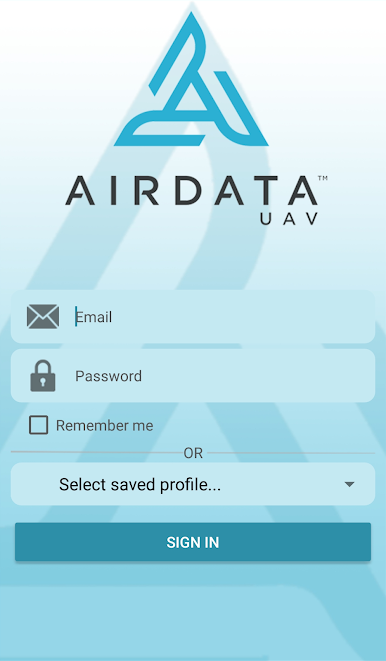
Coordinate with your whole team, or sign in from multiple devices if you’re always on the move. Got spotty internet? No worries—use the app even when you’re offline and sync later. -
Flexible Sync Options
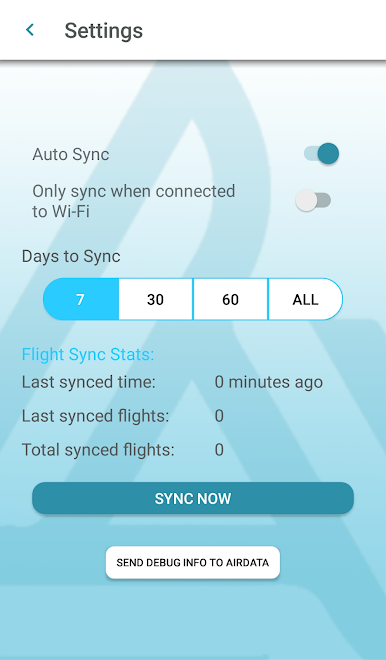
Choose how far back you want to sync flights, pick Wi-Fi only if data’s a concern, and enjoy improved background syncing for newer Android devices.
You can also access all these features using BlueStacks, so managing your drone fleet or single bird on a bigger screen is just a few clicks away.
Ready to experience Airdata UAV on a bigger screen, in all its glory? Download BlueStacks now.
เล่น AirData UAV บน PC ได้ง่ายกว่า
-
ดาวน์โหลดและติดตั้ง BlueStacks บน PC ของคุณ
-
ลงชื่อเข้าใช้แอคเคาท์ Google เพื่อเข้าสู่ Play Store หรือทำในภายหลัง
-
ค้นหา AirData UAV ในช่องค้นหาด้านขวาบนของโปรแกรม
-
คลิกเพื่อติดตั้ง AirData UAV จากผลการค้นหา
-
ลงชื่อเข้าใช้บัญชี Google Account (หากยังไม่ได้ทำในขั้นที่ 2) เพื่อติดตั้ง AirData UAV
-
คลิกที่ไอคอน AirData UAV ในหน้าจอเพื่อเริ่มเล่น

