


Союз
Jouez sur PC avec BlueStacks - la plate-forme de jeu Android, approuvée par + 500M de joueurs.

Page Modifiée le: Oct 2, 2025
Play Союз on PC
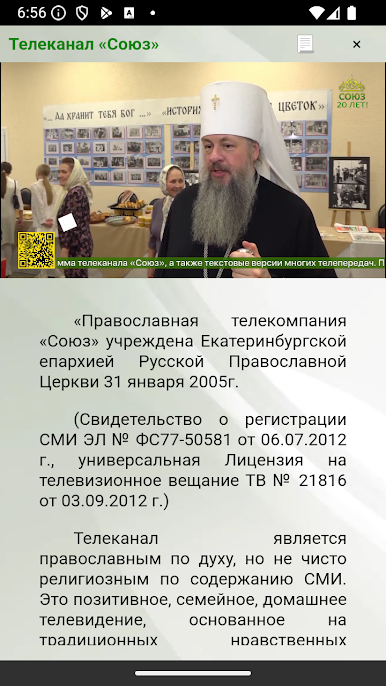
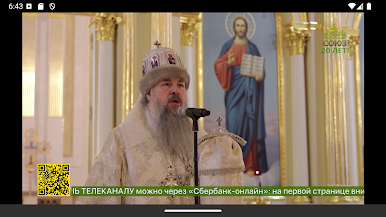
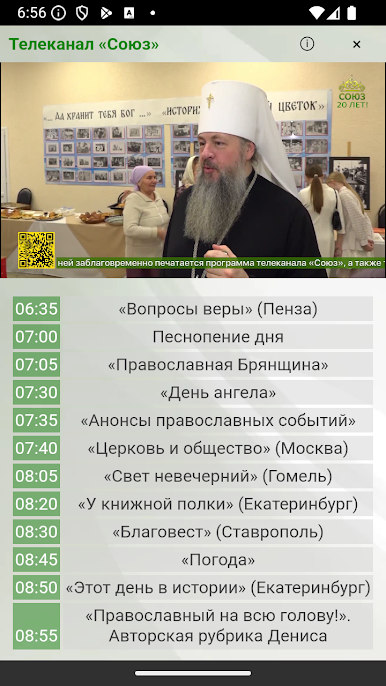
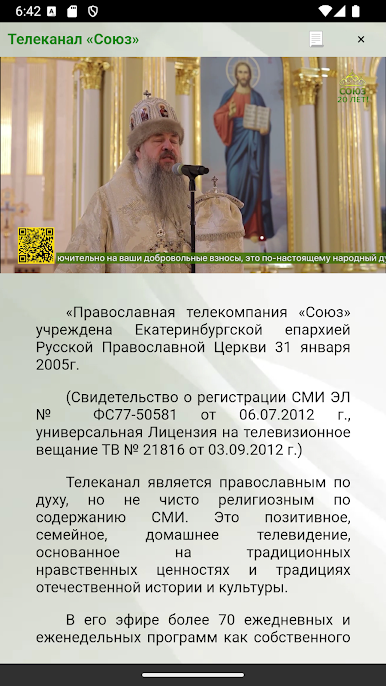
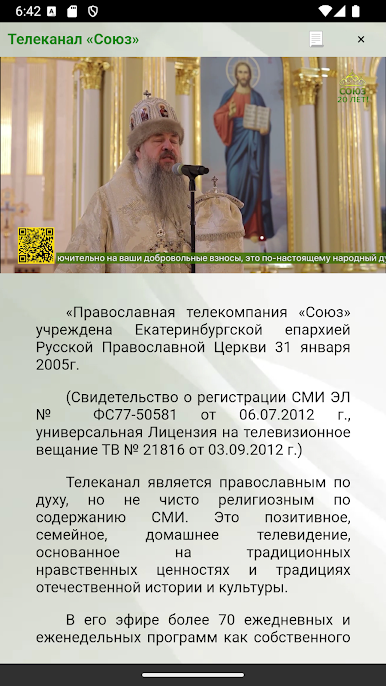
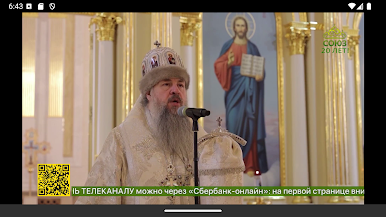
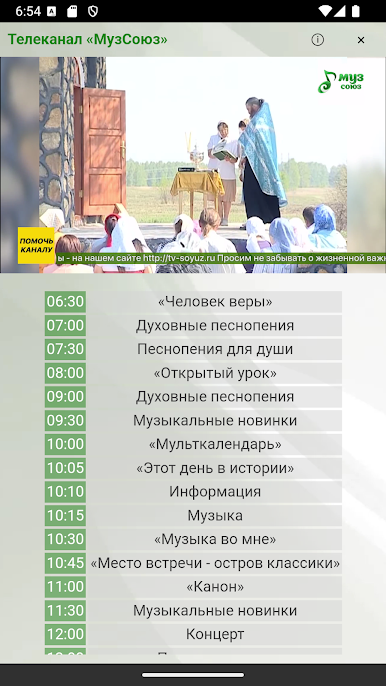
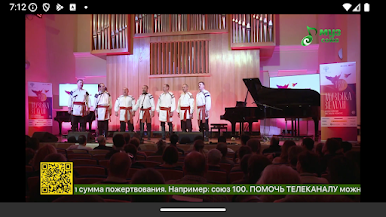
The TV channel is Orthodox in spirit, but not purely religious in media content. This is positive, family, home television, based on traditional moral values and traditions of Russian history and culture.
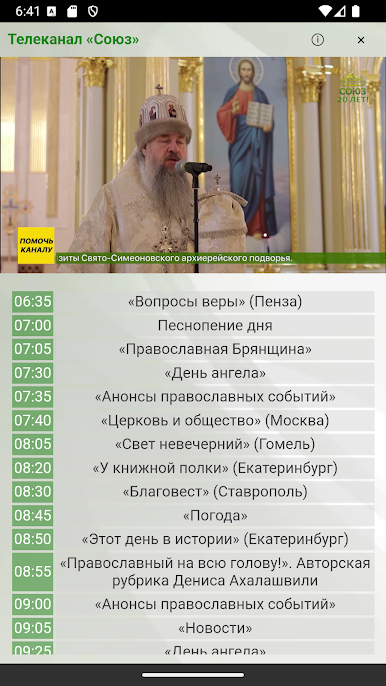
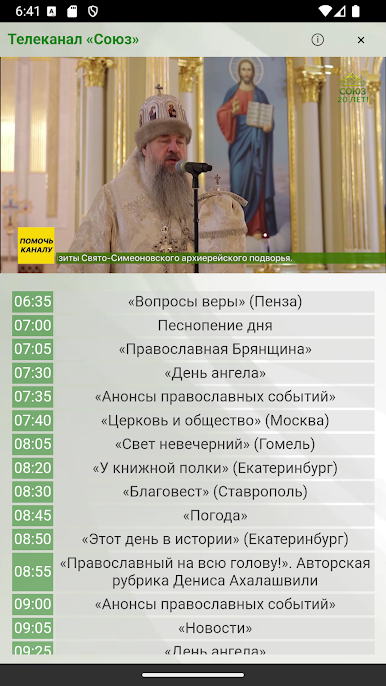
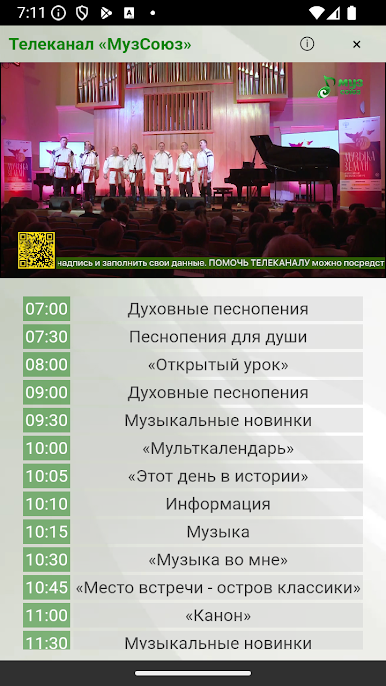
It airs more than 70 daily and weekly programs, both self-produced and presented by regional studios, including daily live broadcasts of worship services, live broadcasts with clergy, news broadcasts and others.
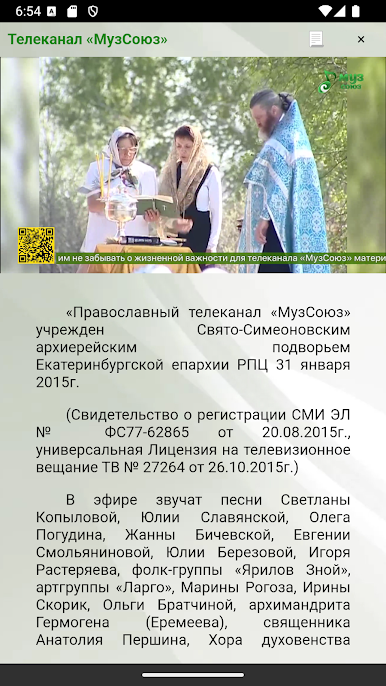
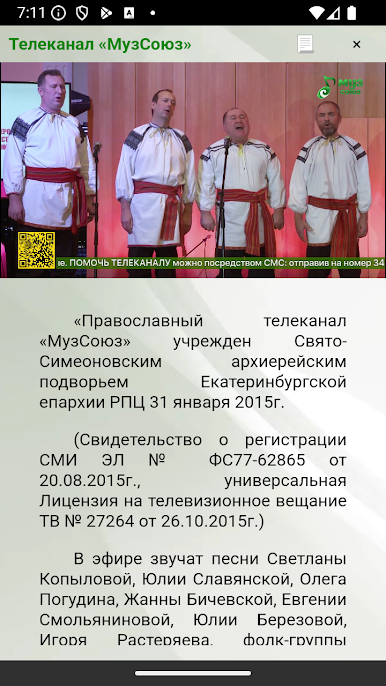
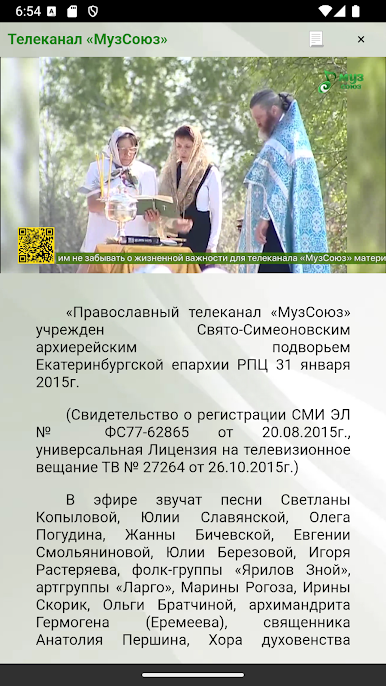
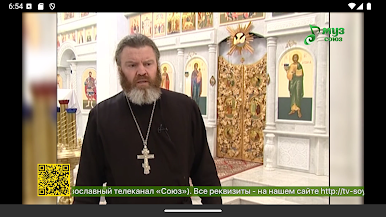
“The Orthodox TV channel “MuzSoyuz” was established by the St. Simeon’s bishop’s metochion of the Yekaterinburg diocese of the Russian Orthodox Church on January 31, 2015.
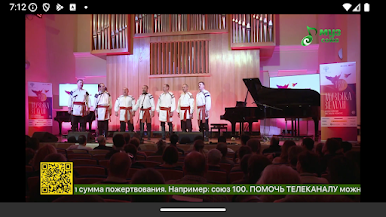
The songs of Svetlana Kopylova, Yulia Slavyanskaya, Oleg Pogudin, Zhanna Bichevskaya, Evgenia Smolyaninova, Yulia Berezova, Igor Rasteryaev, the folk group “Yarilov Znoy”, the art group “Largo”, Marina Rogoza, Irina Skorik, Olga Bratchina, Archimandrite Hermogenes ( Eremeev), priest Anatoly Pershin, the Choir of the Clergy of the St. Petersburg Metropolis and other Christian performers.
The head is Archimandrite Dimitri (Baibakov).
Phones: +7 (343) 278-96-43, +7 (343) 278-60-11.
E-mail: it@tv-soyuz.ru

Jouez à Союз sur PC. C'est facile de commencer.
-
Téléchargez et installez BlueStacks sur votre PC
-
Connectez-vous à Google pour accéder au Play Store ou faites-le plus tard
-
Recherchez Союз dans la barre de recherche dans le coin supérieur droit
-
Cliquez pour installer Союз à partir des résultats de la recherche
-
Connectez-vous à Google (si vous avez ignoré l'étape 2) pour installer Союз
-
Cliquez sur l'icône Союз sur l'écran d'accueil pour commencer à jouer

