


วิทยุทางอินเทอร์เน็ต ManyFM
เล่นบน PC ผ่าน BlueStacks - Android Gaming Platform ที่ได้รับความไว้วางใจจากเกมเมอร์ 500 ล้านคนทั่วโลก

Page Modified on: Oct 18, 2025
Overview
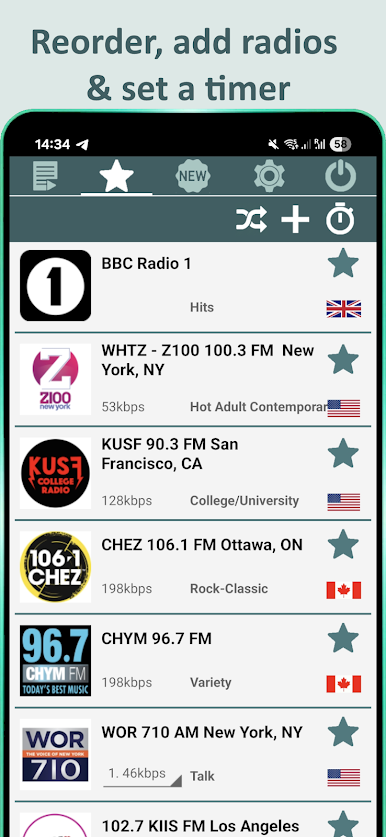
ฟังสถานี FM และ AM ที่คุณชื่นชอบออนไลน์ได้ฟรีทั้งหมด ทำเครื่องหมายสถานีโปรดและเพิ่มลงในรายการโปรดของคุณ สถานีทั้งหมดถูกจัดแบ่งตามแนวเพลง
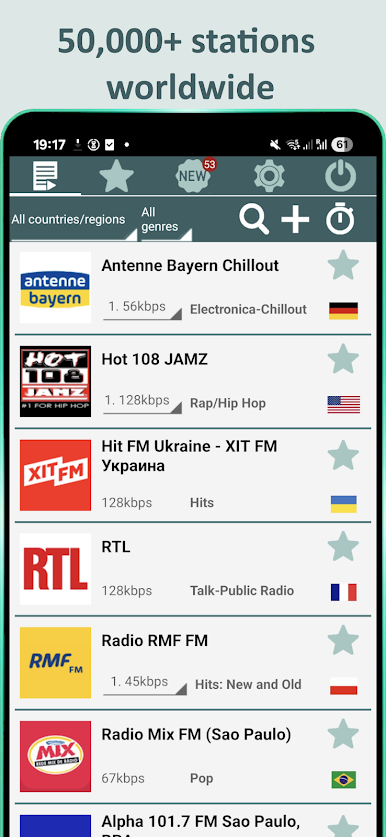
ใช้ฟีเจอร์ค้นหาและกรองที่ใช้งานง่าย — มีให้เลือกมากกว่า 200 ประเทศ และมากกว่า 100 แนวเพลง เช่น ป๊อป ร็อก เรโทร ดิสโก้ แทรนซ์ แดนซ์ ชองซง แร็ป อาร์แอนด์บี ฮิปฮอป อิเล็กทรอนิกส์ ดีพ เฮาส์ โฟล์ก ผ่อนคลาย คลาสสิก วิทยุพูดคุย ชิลเอาท์ แจ๊ส
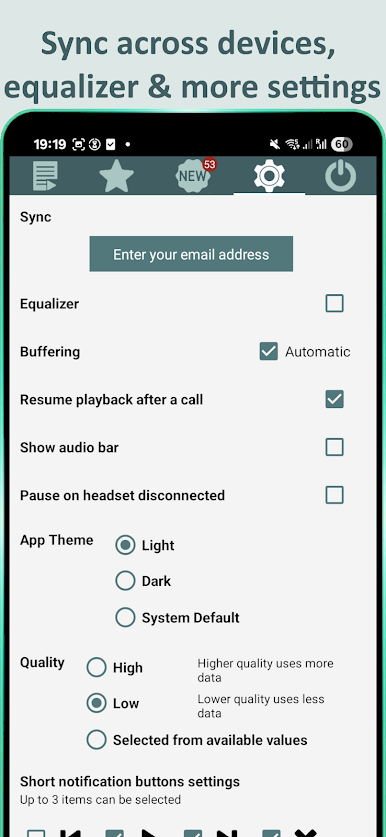
ไม่มีข้อจำกัดเรื่องคุณภาพเสียง — รองรับบิตเรตทุกระดับและฟรีทั้งหมด หากเน็ตช้าให้เลือกบิตเรตต่ำ หากเน็ตดีจะได้เพลิดเพลินกับคุณภาพเสียงสูงสุด
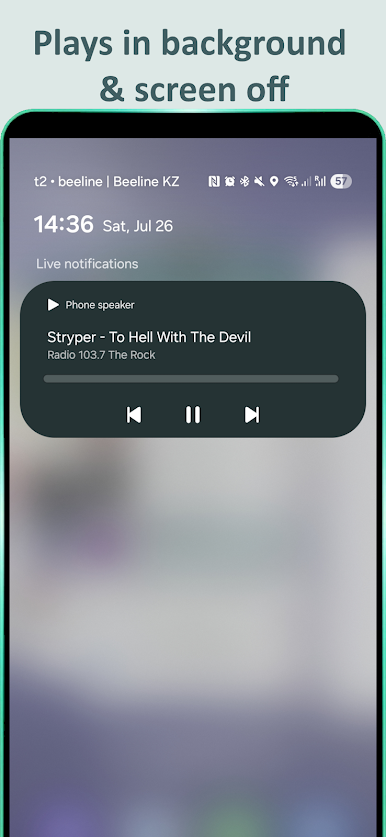
แอปทำงานเบื้องหลัง ปุ่มควบคุมในแถบแจ้งเตือนช่วยให้คุณเปลี่ยนสถานีได้โดยไม่ต้องเปิดแอป
หากคุณไม่พบสถานีโปรด (ซึ่งเกิดขึ้นไม่บ่อย) คุณสามารถเพิ่มเองหรือส่งข้อความถึงผู้พัฒนา
สถานียอดนิยมทั้งหมดมีให้ฟัง:
คลื่นความสุข FM 105.5
Cool Celsius 91.5
Green Wave 106.5
Eazy FM 105.5
Fat Radio 104.5
Seed 97.5 FM
Get 102.5 FM
YES 93.5 FM
LOVE FM 100.5
Spring News FM 104.0
Sunshine Radio 88.5
Nation Radio 98.5
Mono Fresh 94.5
FM One 103.5
Radio Thailand (NBT)
Hitz 955
The Voice FM 103.0
Sport Radio Thailand 91.0
Radio 95
City Radio 101.5
คุณเป็นเจ้าของสถานีวิทยุหรือไม่?
หากต้องการเพิ่มหรือลบสถานี โปรดติดต่อ: alexsodev@gmail.com
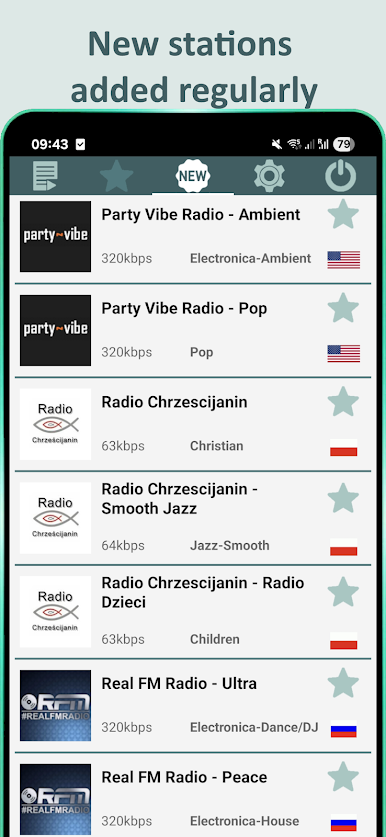
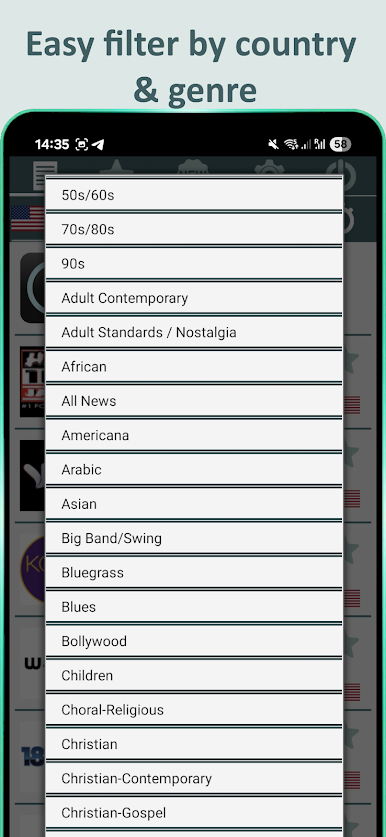
เล่น วิทยุทางอินเทอร์เน็ต ManyFM บน PC ได้ง่ายกว่า
-
ดาวน์โหลดและติดตั้ง BlueStacks บน PC ของคุณ
-
ลงชื่อเข้าใช้แอคเคาท์ Google เพื่อเข้าสู่ Play Store หรือทำในภายหลัง
-
ค้นหา วิทยุทางอินเทอร์เน็ต ManyFM ในช่องค้นหาด้านขวาบนของโปรแกรม
-
คลิกเพื่อติดตั้ง วิทยุทางอินเทอร์เน็ต ManyFM จากผลการค้นหา
-
ลงชื่อเข้าใช้บัญชี Google Account (หากยังไม่ได้ทำในขั้นที่ 2) เพื่อติดตั้ง วิทยุทางอินเทอร์เน็ต ManyFM
-
คลิกที่ไอคอน วิทยุทางอินเทอร์เน็ต ManyFM ในหน้าจอเพื่อเริ่มเล่น

