

Physics Pro 2024 - Notes
เล่นบน PC ผ่าน BlueStacks - Android Gaming Platform ที่ได้รับความไว้วางใจจากเกมเมอร์ 500 ล้านคนทั่วโลก

Page Modified on: Oct 12, 2025
Run Physics Pro - Notes & Formulas on PC or Mac
Upgrade your experience. Try Physics Pro – Notes & Formulas, the fantastic Education app from Gigantic Apps, from the comfort of your laptop, PC, or Mac, only on BlueStacks.
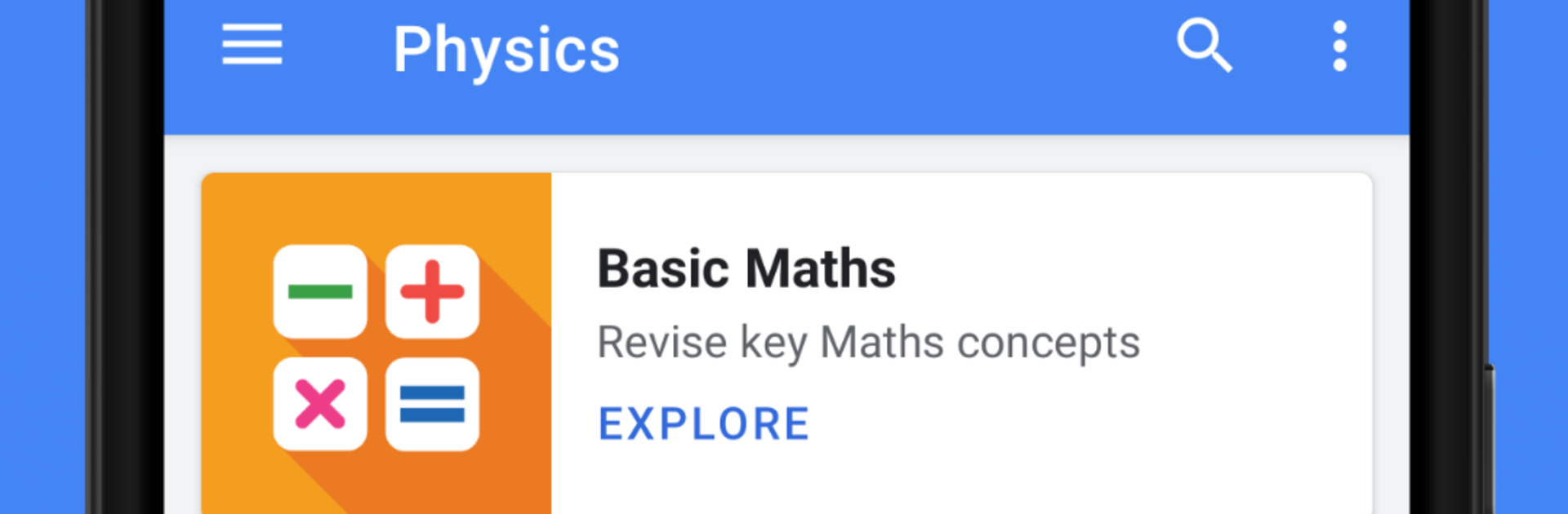
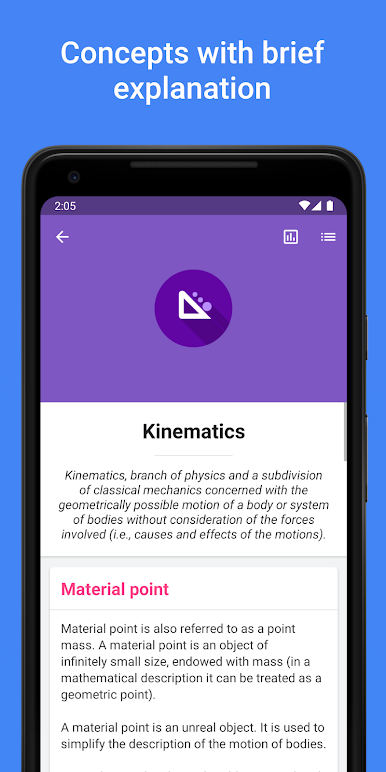
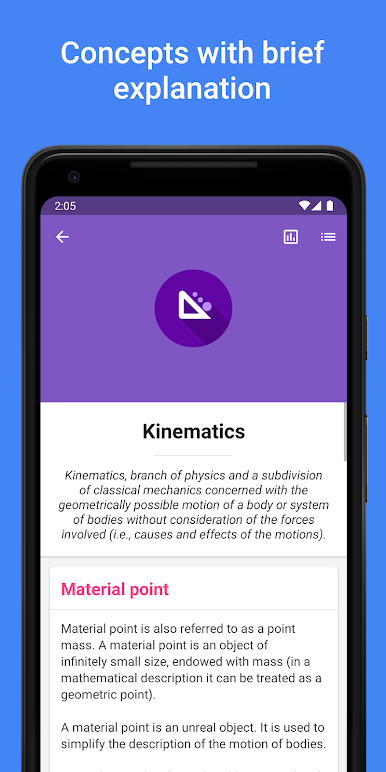
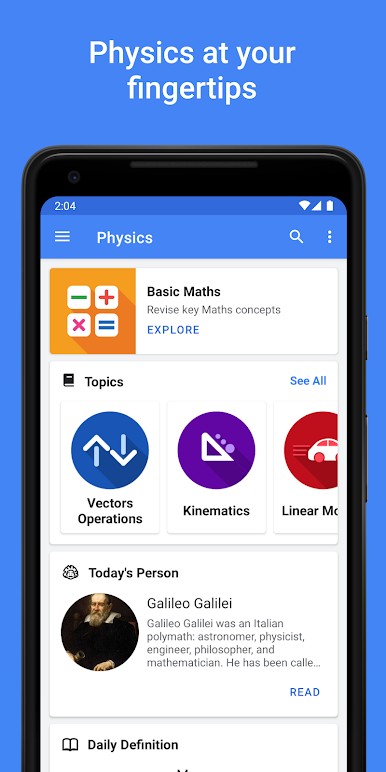
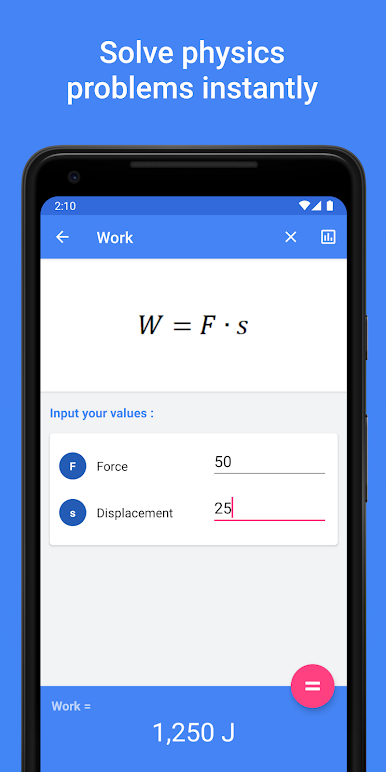
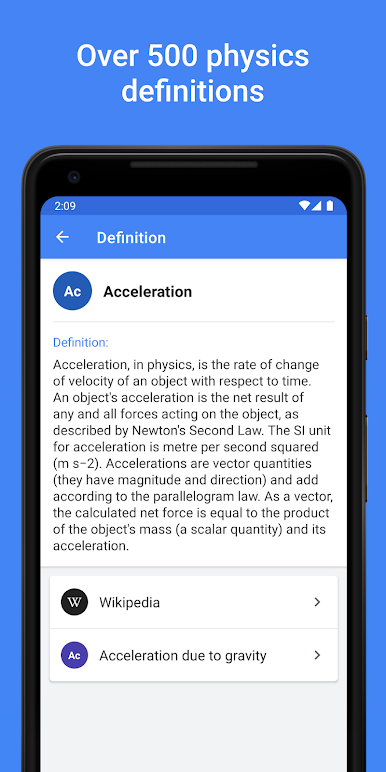
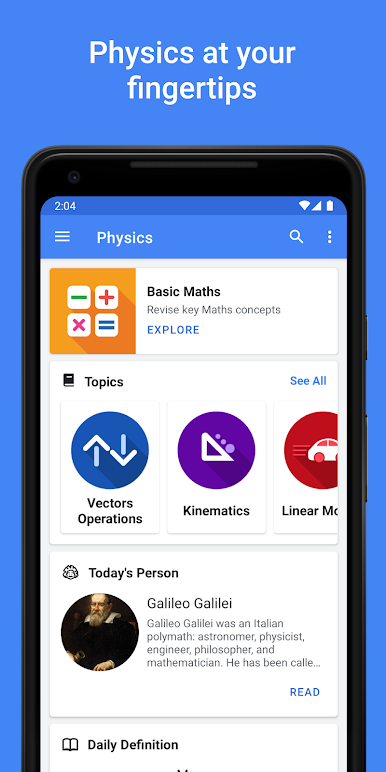
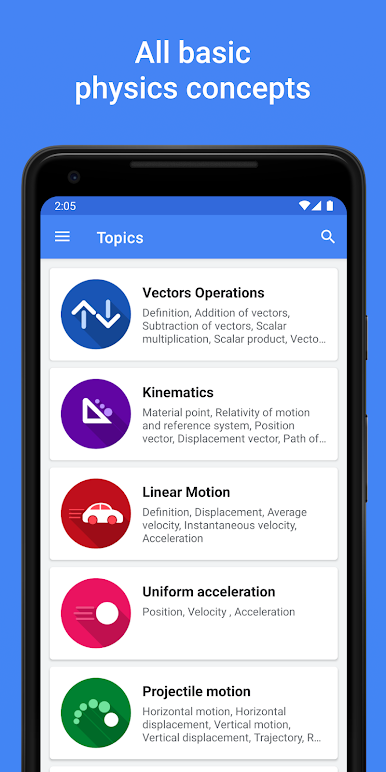
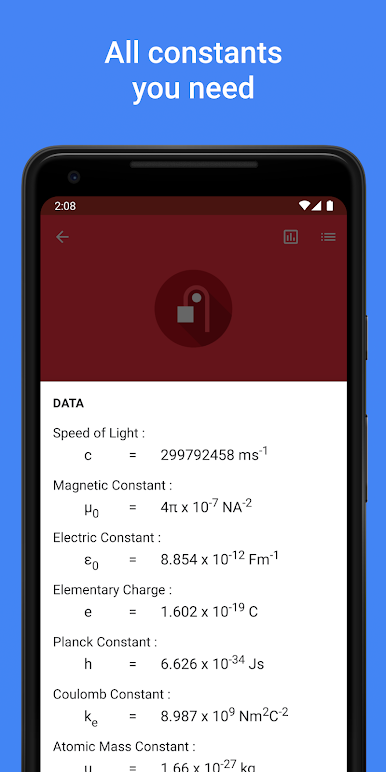
Physics Pro feels like a handy physics handbook that actually stays out of the way. It lays out the basics and the trickier stuff in a clean, simple interface, so someone can jump from kinematics to electrostatics without hunting around. There is a quick math refresher, a big dictionary with clear definitions, and a constants sheet when memory blanks hit. The formula calculator is the star though: formulas are grouped by Mechanics, Thermal, Waves and Optics, Electricity and Magnetism, and Modern Physics, and it lets a user plug in what is known to get what is missing, with a short note on what each symbol means. On a PC with BlueStacks, the larger screen makes the tables and equations easier to read, and typing values with a keyboard feels faster than phone tapping.
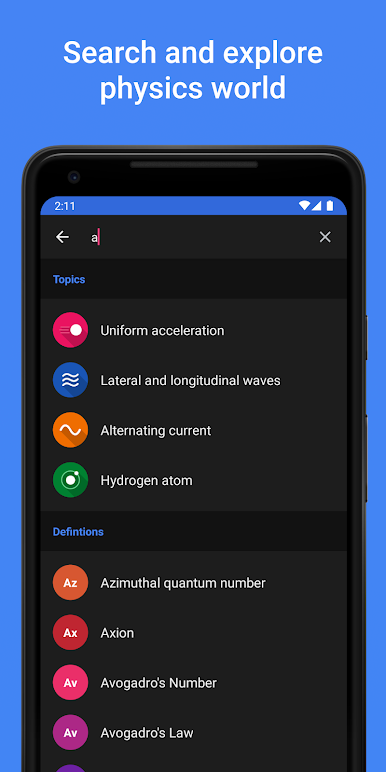
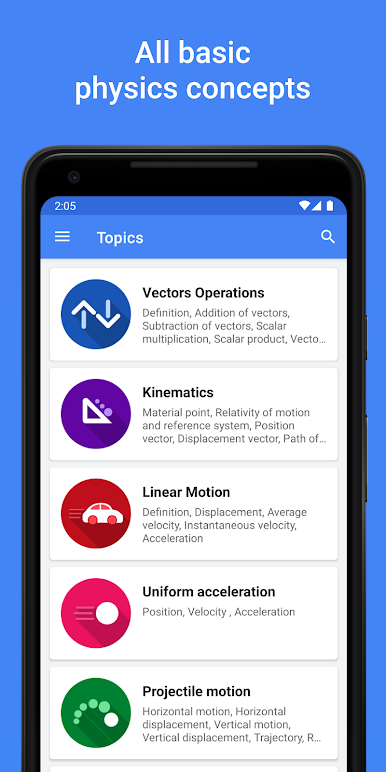
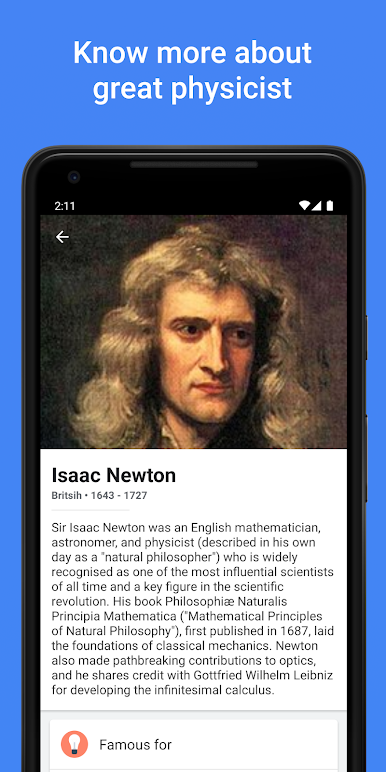
The app covers a lot, like projectile motion, circular motion, energy and power, harmonic motion, sound, DC and AC, optics, thermodynamics, even the hydrogen atom. There are short bios on famous physicists, which is a nice break when notes start to blur. Search actually saves time, since it pulls up topics, definitions, formulas, and people in one go. The dark theme is gentle on the eyes at midnight study sprints. It suits school starters through university students, or anyone who needs a quick reference without wading through a heavy textbook. Updates roll in often enough that it does not feel abandoned, which is always a relief.
BlueStacks gives you the much-needed freedom to experience your favorite apps on a bigger screen. Get it now.
เล่น Physics Pro 2024 - Notes บน PC ได้ง่ายกว่า
-
ดาวน์โหลดและติดตั้ง BlueStacks บน PC ของคุณ
-
ลงชื่อเข้าใช้แอคเคาท์ Google เพื่อเข้าสู่ Play Store หรือทำในภายหลัง
-
ค้นหา Physics Pro 2024 - Notes ในช่องค้นหาด้านขวาบนของโปรแกรม
-
คลิกเพื่อติดตั้ง Physics Pro 2024 - Notes จากผลการค้นหา
-
ลงชื่อเข้าใช้บัญชี Google Account (หากยังไม่ได้ทำในขั้นที่ 2) เพื่อติดตั้ง Physics Pro 2024 - Notes
-
คลิกที่ไอคอน Physics Pro 2024 - Notes ในหน้าจอเพื่อเริ่มเล่น

