


Sun Position Demo
Jouez sur PC avec BlueStacks - la plate-forme de jeu Android, approuvée par + 500M de joueurs.

Page Modifiée le: Dec 10, 2025
Play Sun Position, Sunrise & Sunset on PC
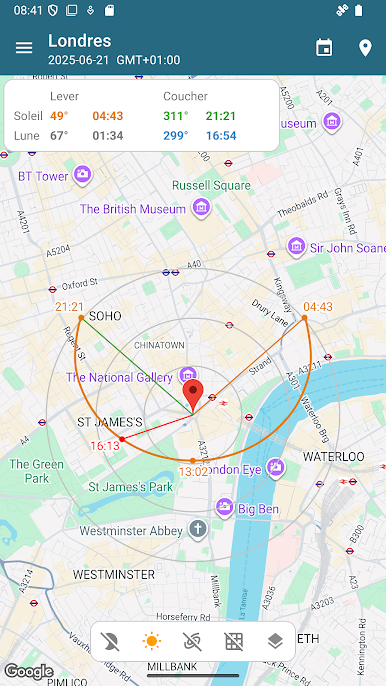
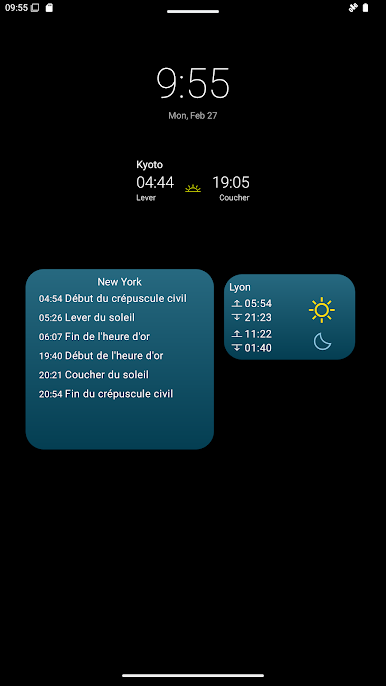
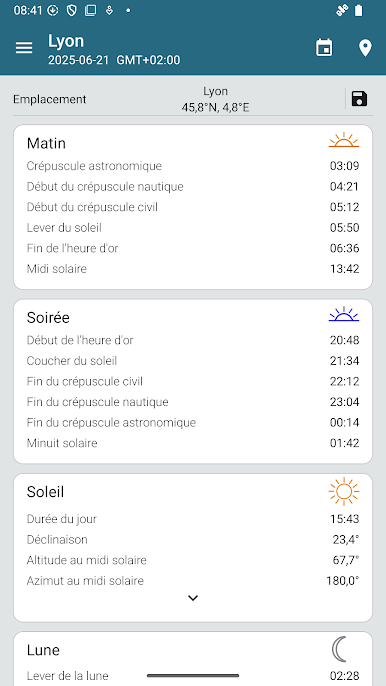
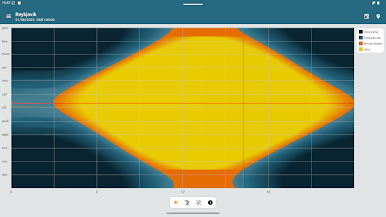
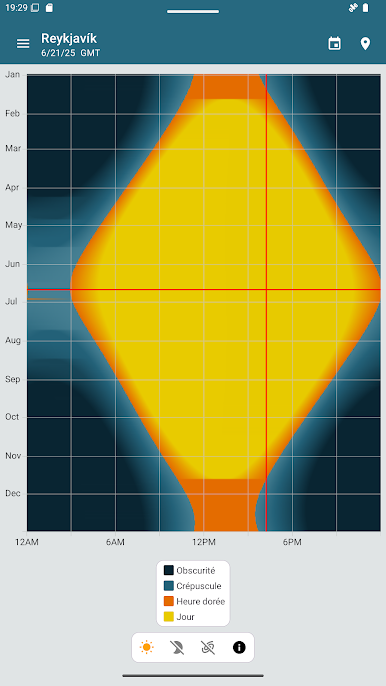
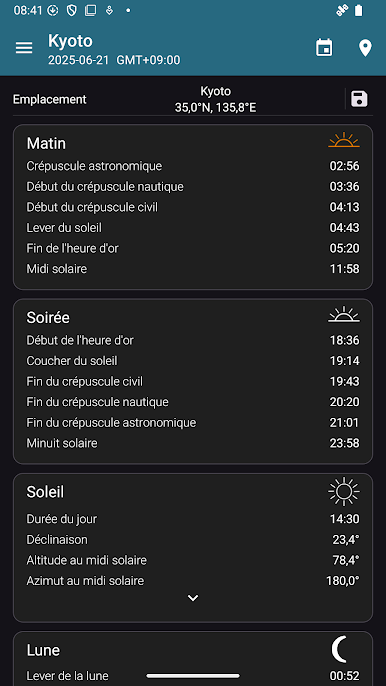
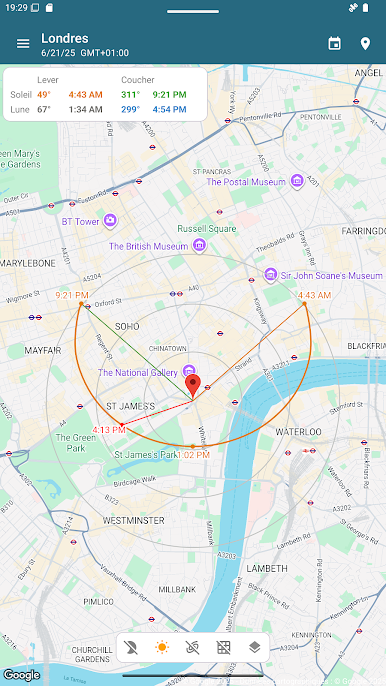
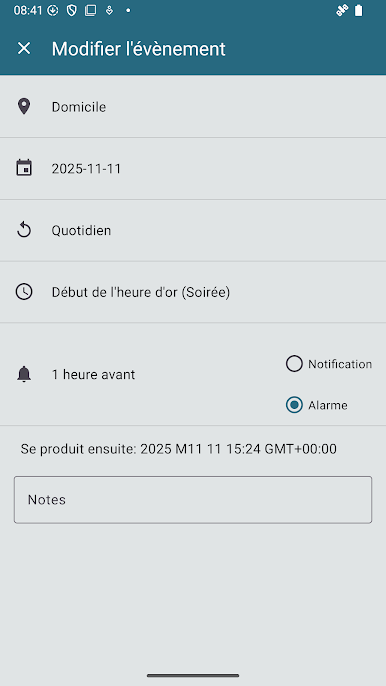
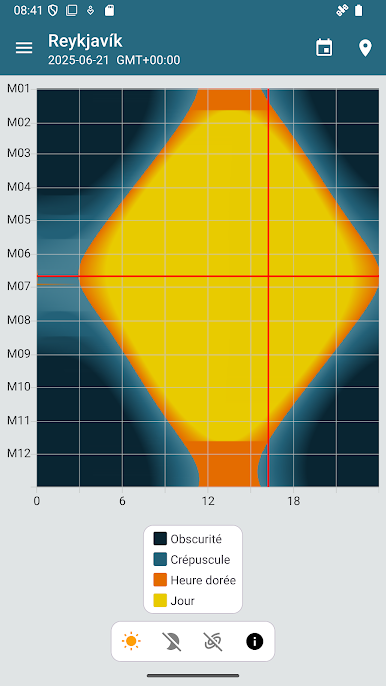
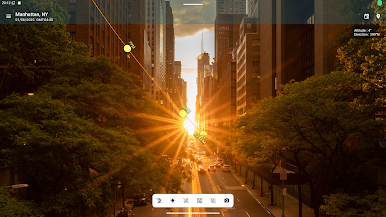
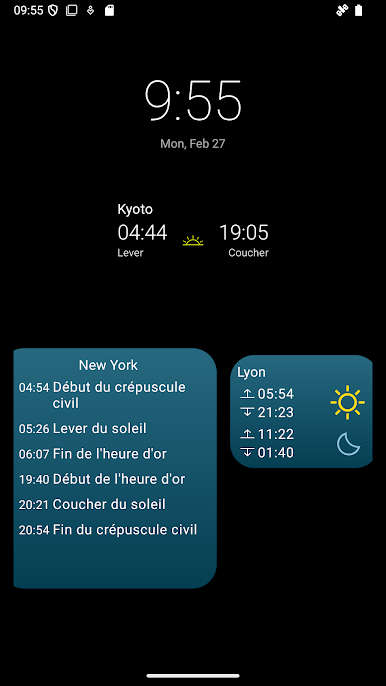
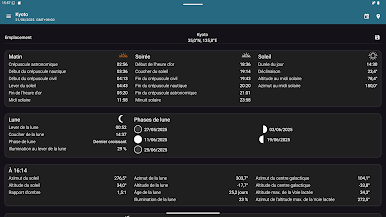
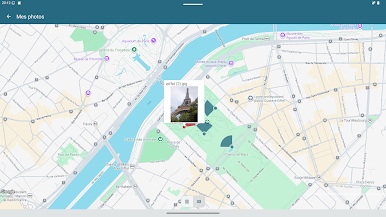
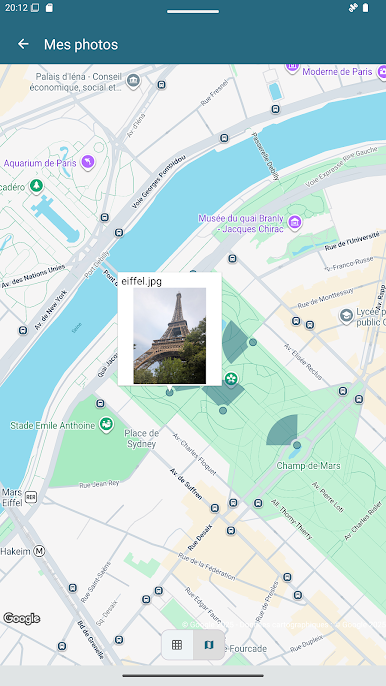
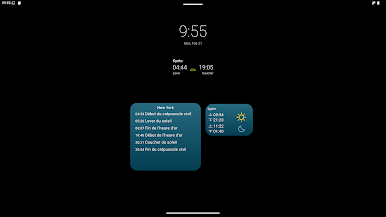
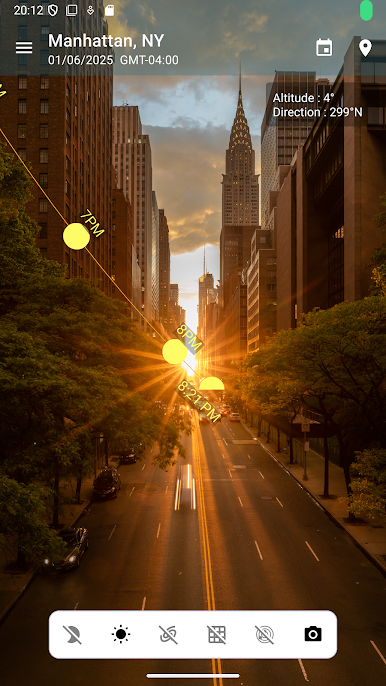
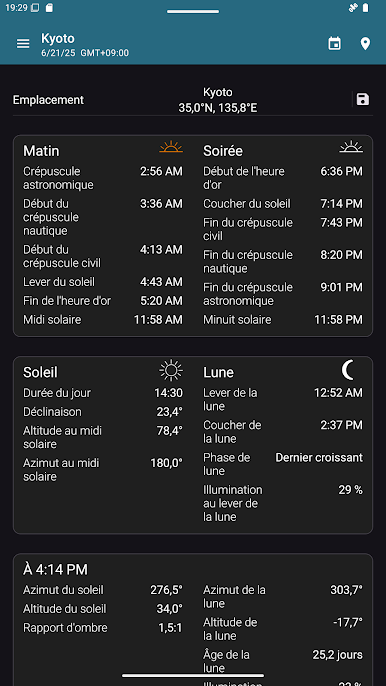
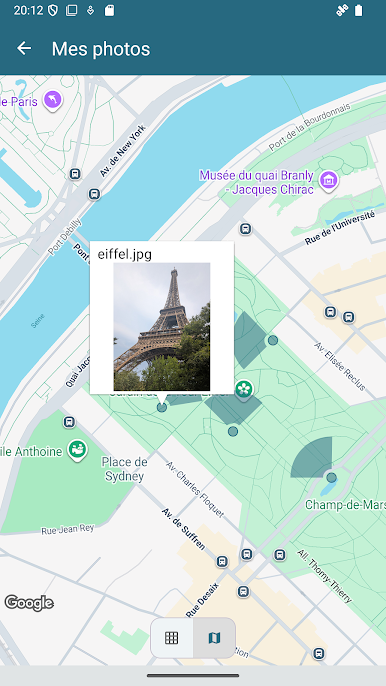
The app has a map view which plots the daily sun and moon path relative to your current location. It also contains a widget for your home screen showing sunrise/set times for the current day and your current location.
This app is a demo of the full version of Sun Position, which is restricted to showing you sun position data only for the current day. To view data for any day of the year see our full Sun Position app (https://play.google.com/store/apps/details?id=com.andymstone.sunposition).
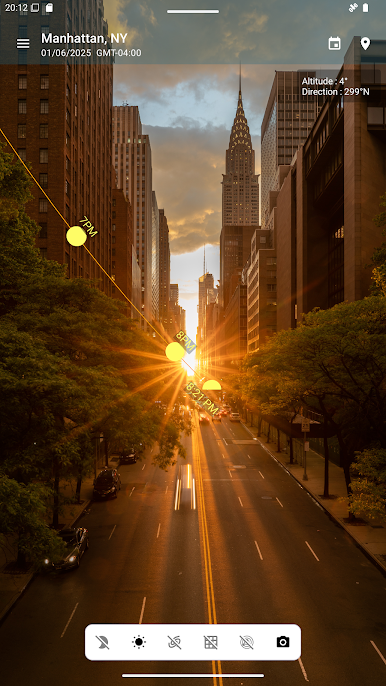
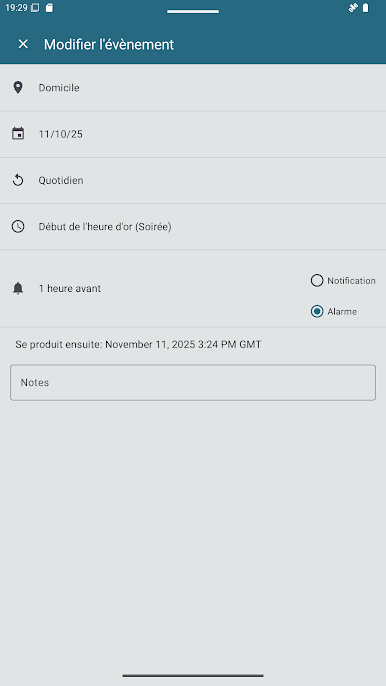
- Plan a photography shoot - know in advance exactly when and where sunrise and sunset will be
- Interested in astrophotography? The app will tell you when the milky way will be most visible
- Viewing a potential new home? Use this app to find out when you'll get sun in your kitchen.
- Planning a new garden? Find out which areas will be the most sunny, and which areas are likely to be in shade throughout the day
- Getting solar panels? Check whether nearby obstructions will be a problem.
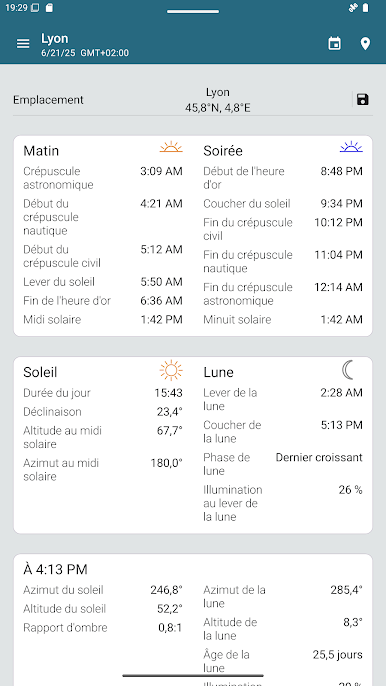
For more information on the data included in Sun Position see our blog post:
http://stonekick.com/blog/the-golden-hour-twilight-and-the-position-of-the-sun/
Jouez à Sun Position Demo sur PC. C'est facile de commencer.
-
Téléchargez et installez BlueStacks sur votre PC
-
Connectez-vous à Google pour accéder au Play Store ou faites-le plus tard
-
Recherchez Sun Position Demo dans la barre de recherche dans le coin supérieur droit
-
Cliquez pour installer Sun Position Demo à partir des résultats de la recherche
-
Connectez-vous à Google (si vous avez ignoré l'étape 2) pour installer Sun Position Demo
-
Cliquez sur l'icône Sun Position Demo sur l'écran d'accueil pour commencer à jouer

