


Easy Quran & Arabic Learning
Jouez sur PC avec BlueStacks - la plate-forme de jeu Android, approuvée par + 500M de joueurs.

Page Modifiée le: Aug 21, 2024
Run Learn Quran - Qaida Noorania on PC or Mac
Why limit yourself to your small screen on the phone? Run Learn Quran – Qaida Noorania, an app by Blu Yeti Inc, best experienced on your PC or Mac with BlueStacks, the world’s #1 Android emulator.
About the App
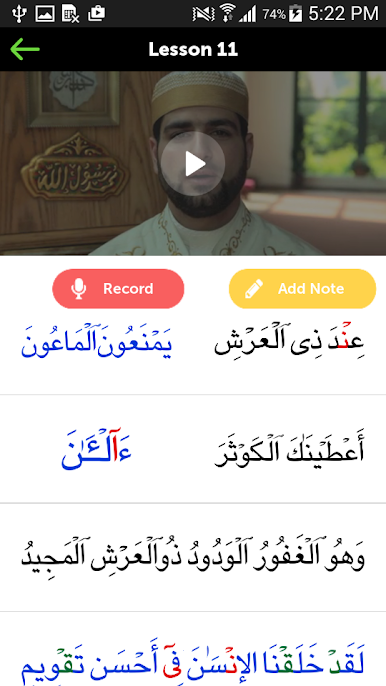
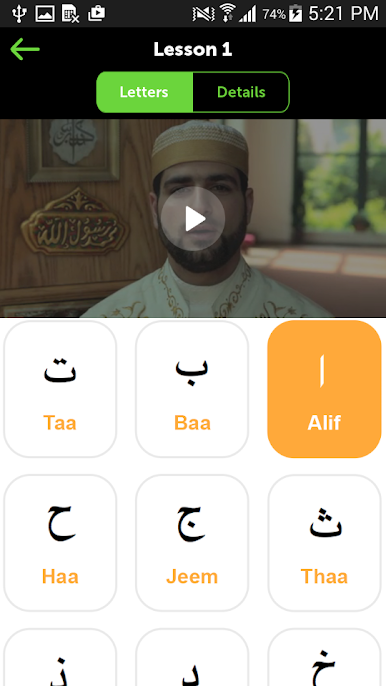
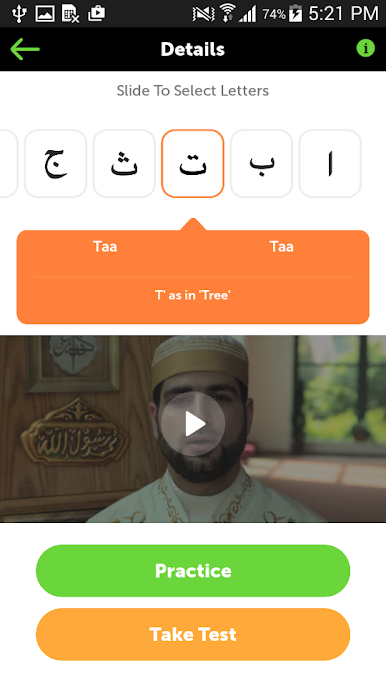
Jumping into learning Quranic Arabic for the first time can feel overwhelming, but that’s where Learn Quran – Qaida Noorania from Blu Yeti Inc really shines. This Education app is thoughtfully built for beginners of all ages—whether you’re five or fifty, there’s no prior skill required. You’ll go from the very basics, like recognizing Arabic letters, right through to reading sentences with correct pronunciation, all in one welcoming space.
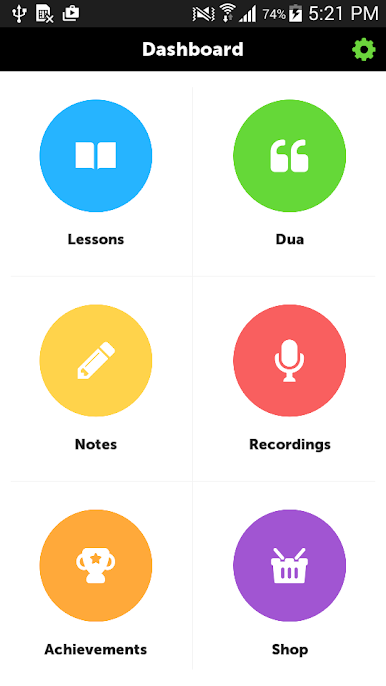
App Features
-
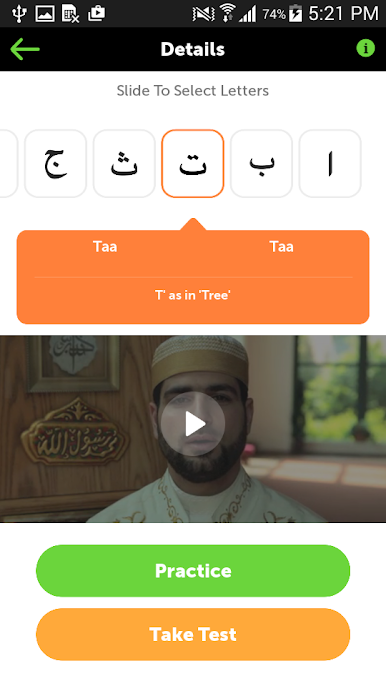
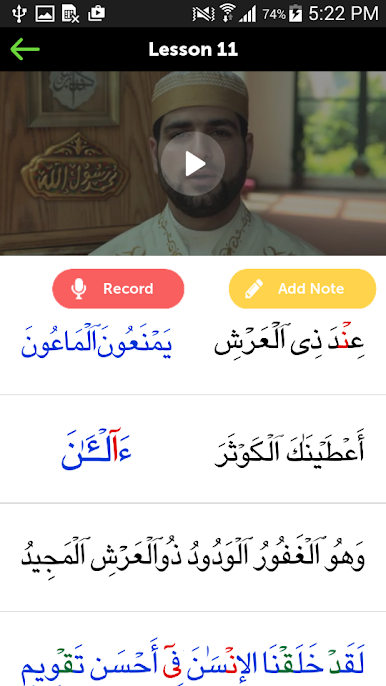
Step-by-Step Lessons
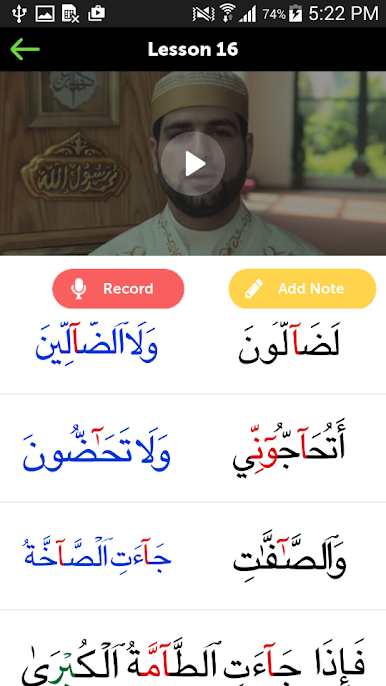
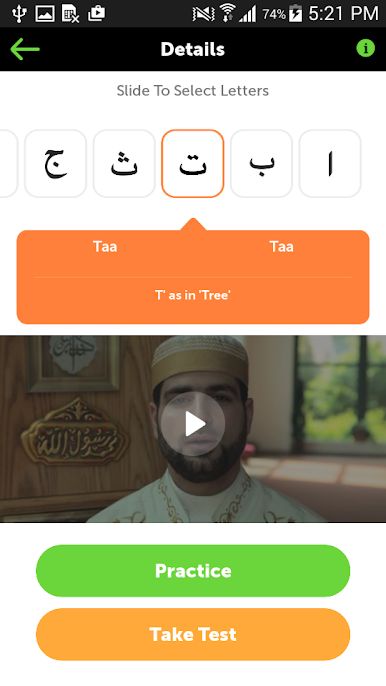
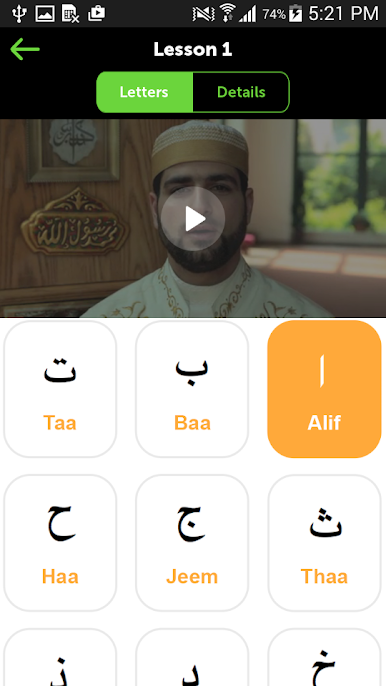
Each lesson eases you in, starting with the Arabic alphabet, then gently moving up to word formation and simple sentences. You won’t get lost, even if you’re brand new to it. -
Tajweed Guidance
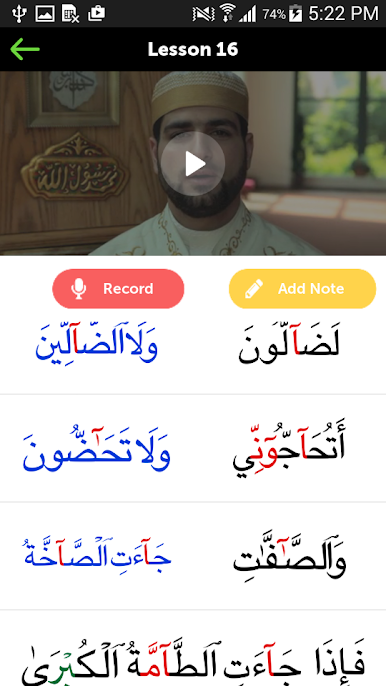
Learn how to pronounce each letter and word correctly. The app breaks down the rules of tajweed, so your recitation is clear and accurate. -
Helpful Video Tutorials
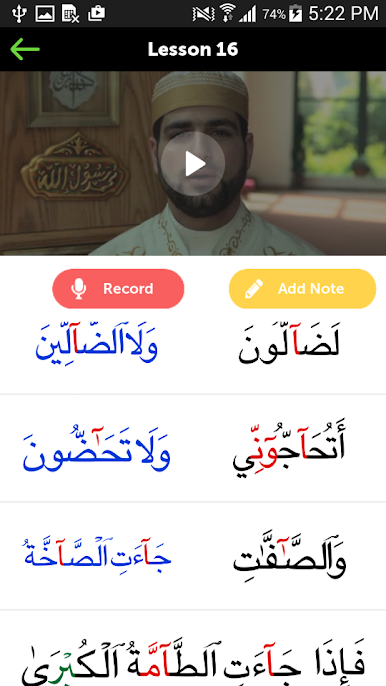
Prefer a demonstration? Built-in video guides show you exactly how things are pronounced and read, adding a visual layer to your learning. -
Progress Tracker
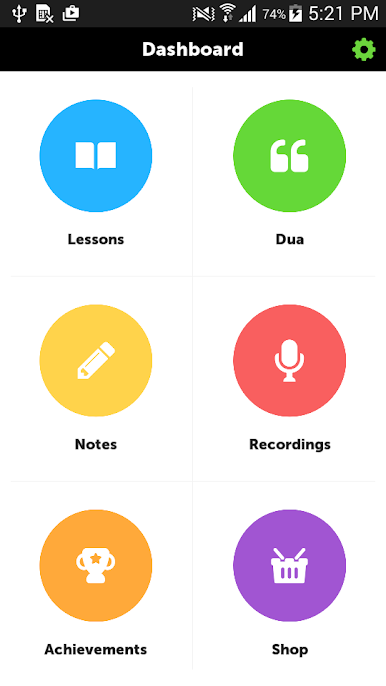
Watch your growth as you move through lessons. The tracker highlights your achievements and lets you see exactly where you’ve left off. -
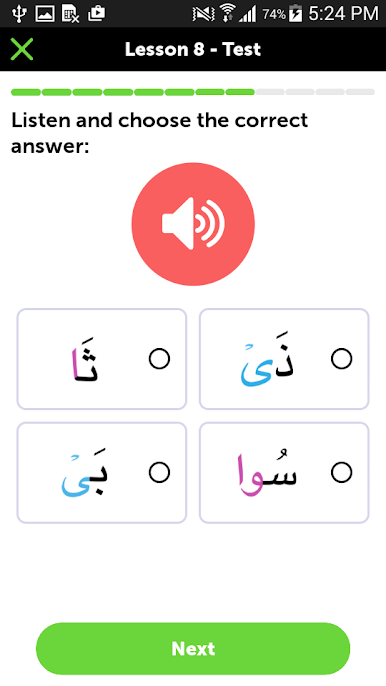
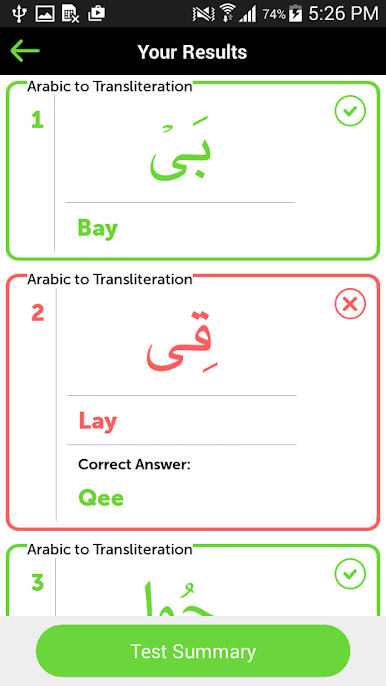
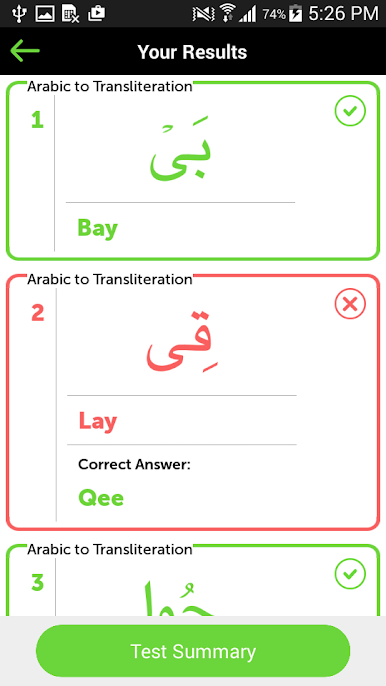
Practice & Test Mode
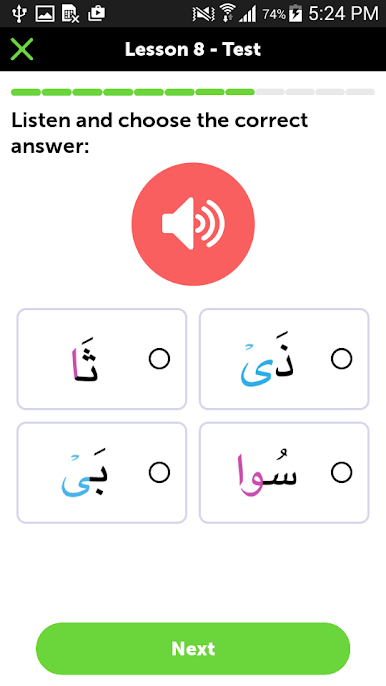
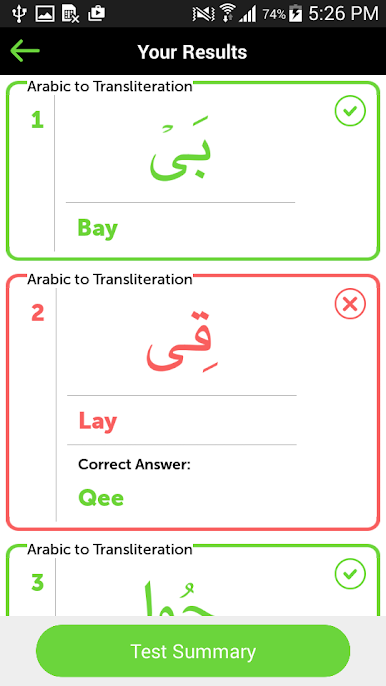
Not sure how you’re doing? The app includes ways to practice what you’ve learned and test yourself to see what’s sticking and what needs a bit more time. -
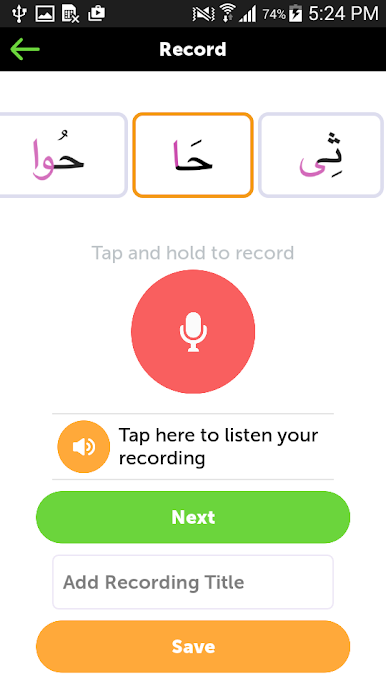
Voice Recording
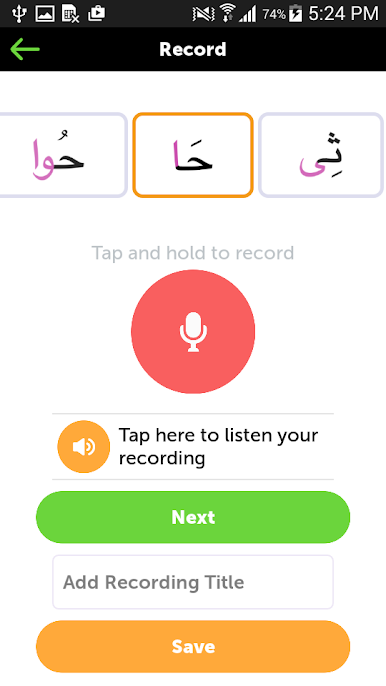
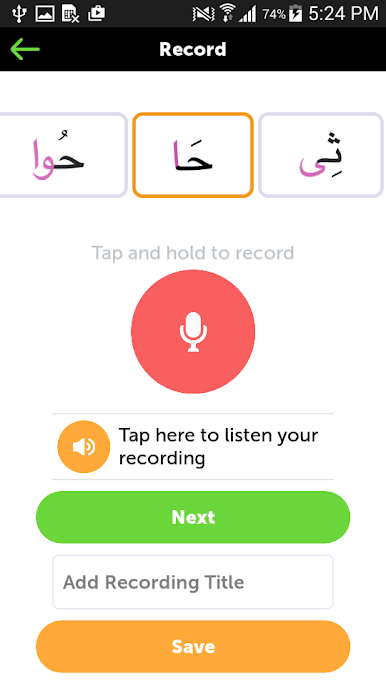
Want feedback on your recitation? Record your voice right in the app to listen back and keep refining your skills.
It’s easy to access these features with BlueStacks if you’d like to transition your learning to a bigger screen.
Switch to BlueStacks and make the most of your apps on your PC or Mac.



Jouez à Easy Quran & Arabic Learning sur PC. C'est facile de commencer.
-
Téléchargez et installez BlueStacks sur votre PC
-
Connectez-vous à Google pour accéder au Play Store ou faites-le plus tard
-
Recherchez Easy Quran & Arabic Learning dans la barre de recherche dans le coin supérieur droit
-
Cliquez pour installer Easy Quran & Arabic Learning à partir des résultats de la recherche
-
Connectez-vous à Google (si vous avez ignoré l'étape 2) pour installer Easy Quran & Arabic Learning
-
Cliquez sur l'icône Easy Quran & Arabic Learning sur l'écran d'accueil pour commencer à jouer

