


Apperz Launcher
เล่นบน PC ผ่าน BlueStacks - Android Gaming Platform ที่ได้รับความไว้วางใจจากเกมเมอร์ 500 ล้านคนทั่วโลก

Page Modified on: Apr 17, 2025
Play Apperz Launcher on PC
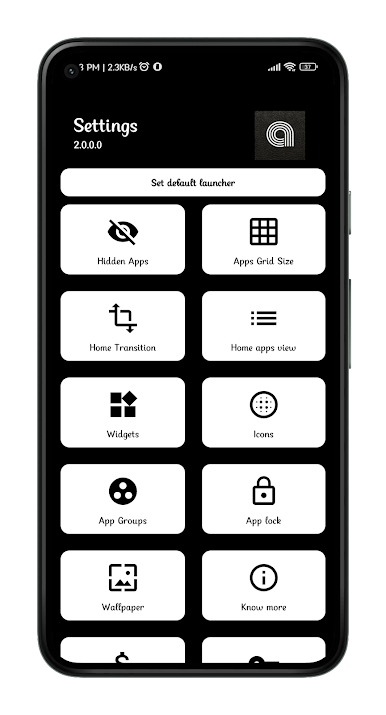
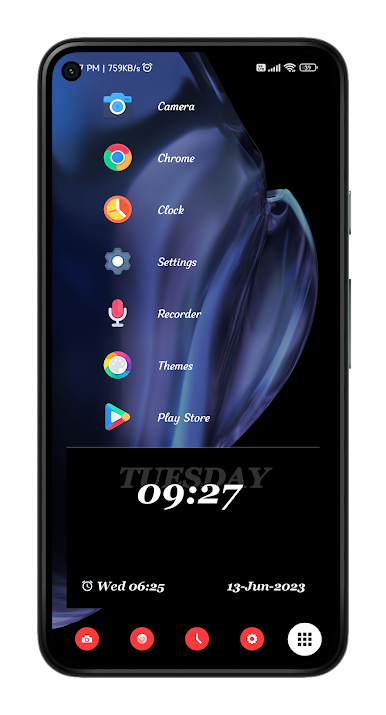
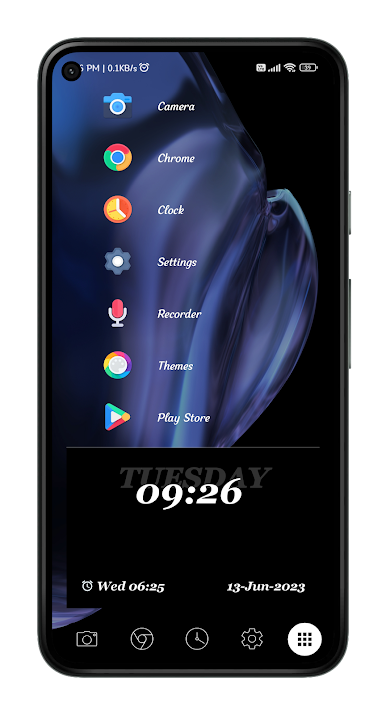
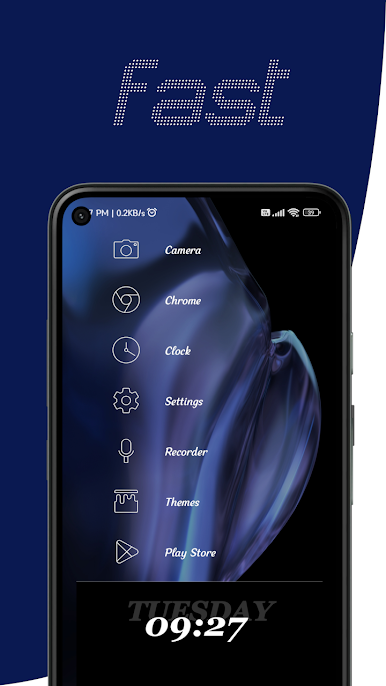
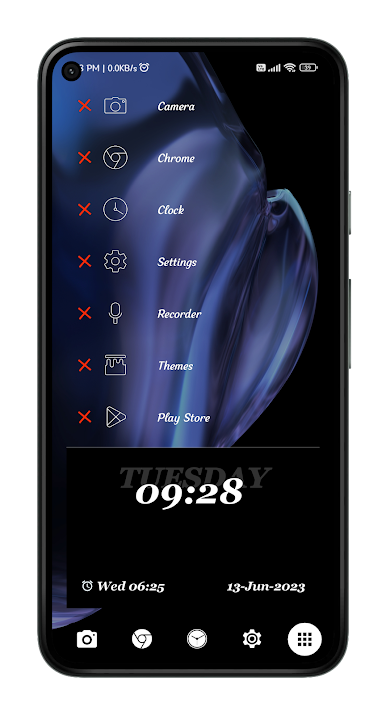
This is the official Apperz launcher. Apperz Launcher is highly customizable, clean, fast with very lightweight. This is designed to enhance the usability of Android in a smart way. Apperz Launcher is built for those who want a very clean, unique, fast, and efficient home screen. It is a very user-friendly home screen replacement.
Key Features-
★ Unique UI
★ Lightweight and very fast
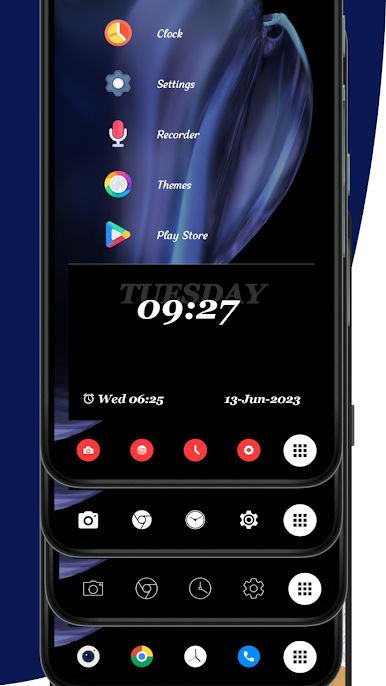
★ Use multiple icon packs at a time
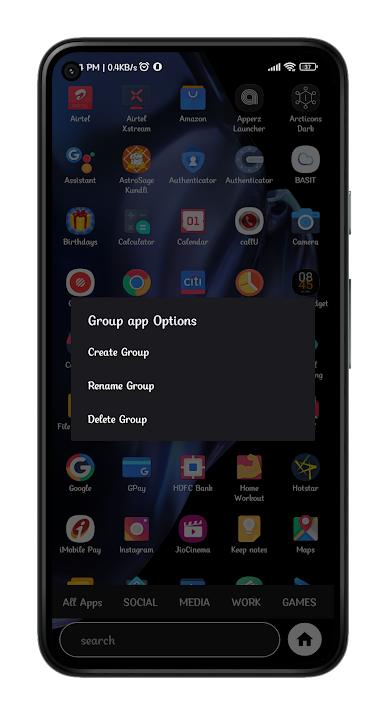
★ Hide Apps
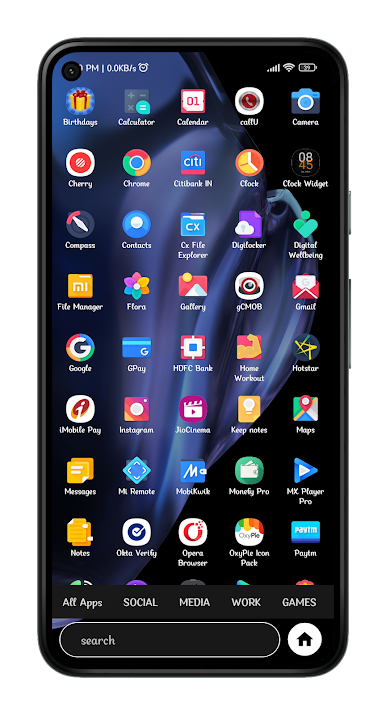
★ Categories the Apps
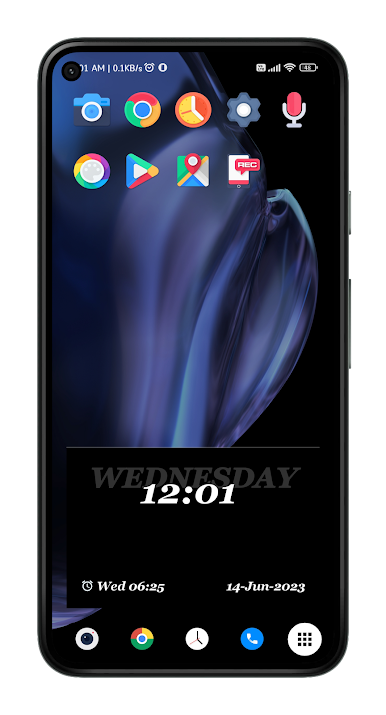
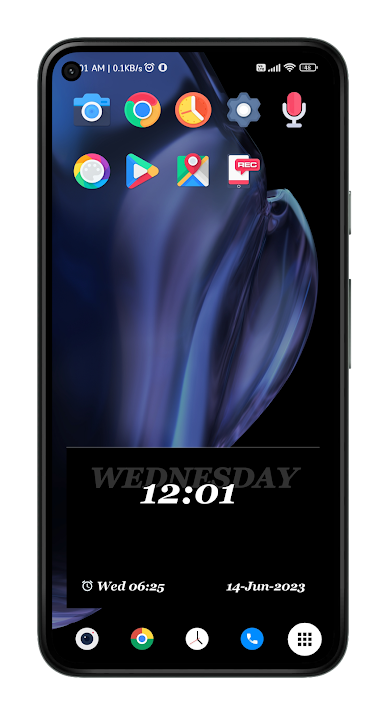
★ Add favourite apps to home screen
★ Change home transition animation
★ Shortcut apps animation
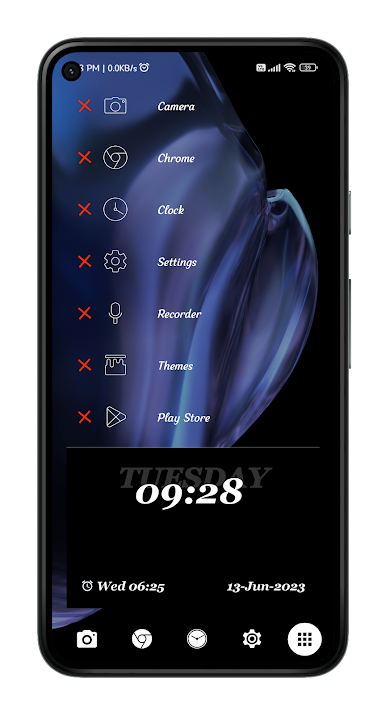
★ Remove multiple apps from home
★ Add widgets to widget page
Useful tips-
★ To change dock apps, long press on dock app you want to change, now select app from list.
★ In app drawer long press on apps to add shortcut app to home screen.
★ Long press on dock apps to change dock app.
★ You can set 2 different icon packs at same time for dock and shortcut apps.
★ To remove an app from home screen long press on app and select yes.
★ To remove a hidden app long press on hidden app then click remove.
★ After applying a icon pack please wait till it to get applied. It clears all previous cache and creates new icon pack cache for better performance.
In-app-purchase to unlock pro features and remove ads.




เล่น Apperz Launcher บน PC ได้ง่ายกว่า
-
ดาวน์โหลดและติดตั้ง BlueStacks บน PC ของคุณ
-
ลงชื่อเข้าใช้แอคเคาท์ Google เพื่อเข้าสู่ Play Store หรือทำในภายหลัง
-
ค้นหา Apperz Launcher ในช่องค้นหาด้านขวาบนของโปรแกรม
-
คลิกเพื่อติดตั้ง Apperz Launcher จากผลการค้นหา
-
ลงชื่อเข้าใช้บัญชี Google Account (หากยังไม่ได้ทำในขั้นที่ 2) เพื่อติดตั้ง Apperz Launcher
-
คลิกที่ไอคอน Apperz Launcher ในหน้าจอเพื่อเริ่มเล่น

