


Xeropan: Apprendre des langues
Jouez sur PC avec BlueStacks - la plate-forme de jeu Android, approuvée par + 500M de joueurs.

Page Modifiée le: Dec 17, 2025
Run Xeropan: Learn languages on PC or Mac
Get freedom from your phone’s obvious limitations. Use Xeropan: Learn languages, made by Xeropan, a Education app on your PC or Mac with BlueStacks, and level up your experience.
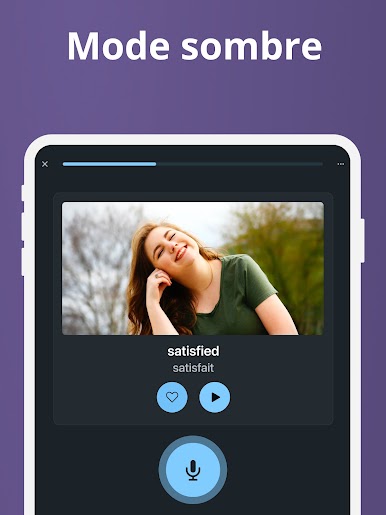
So, Xeropan is kind of this language app with a bit of a sci-fi twist. There’s a story woven in about a comet hitting Earth in the future and suddenly everyone loses the ability to communicate — so you’re helping out this character, Professor Max, travel around through time and fix things by completing language lessons. The whole thing adds a bit of fun and purpose beyond just studying vocab lists.
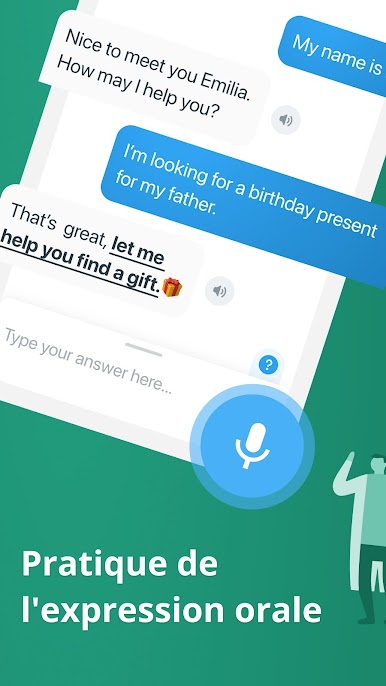
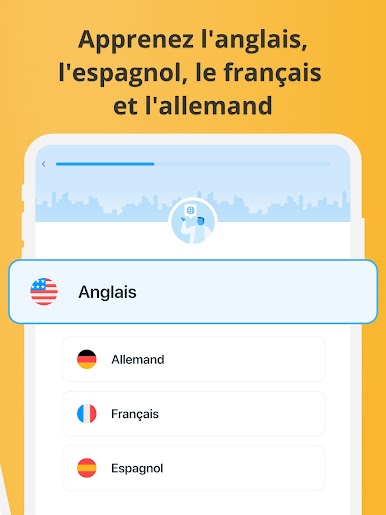
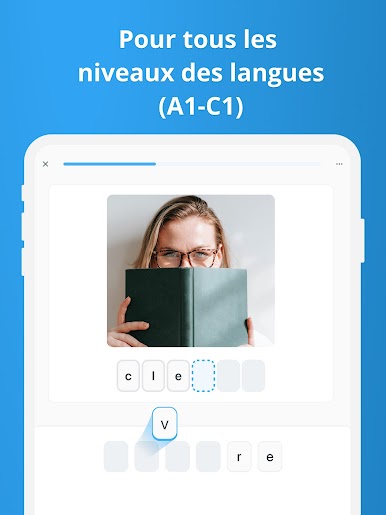
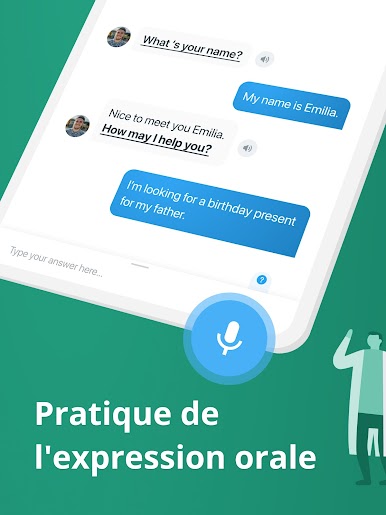
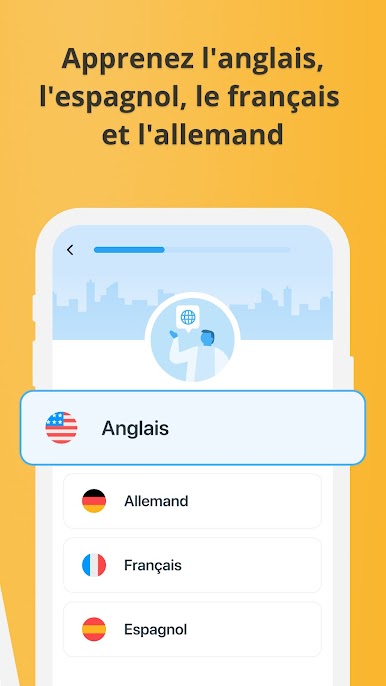
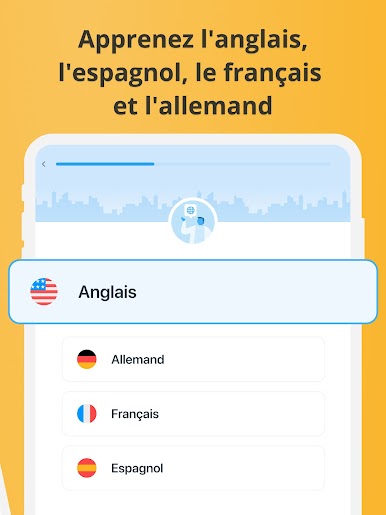
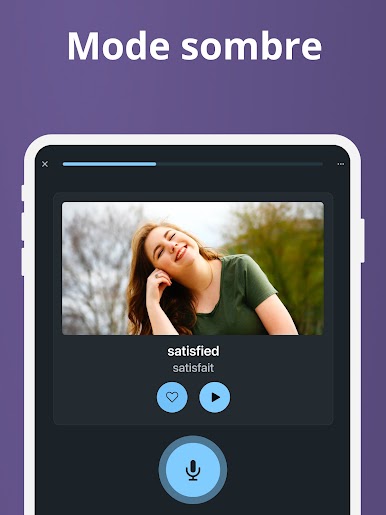
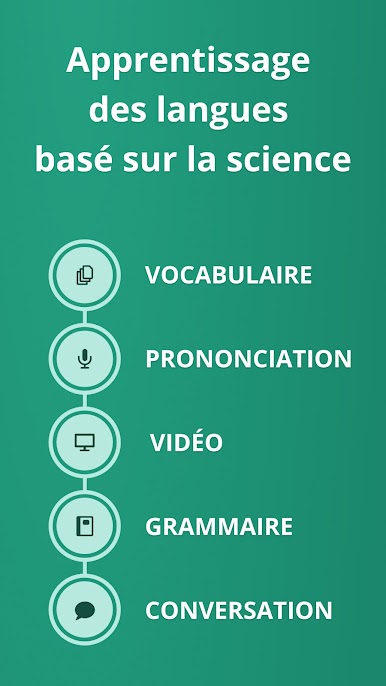
Players can choose from English, German, Spanish, or French, and there are a bunch of specialized English courses too, like business or IT, which is great if someone’s got more specific goals than everyday conversation. Lessons mix it up by using pop culture clips, real-life expressions, and different activities, so it doesn’t just feel like textbook exercises over and over again. There’s this clever bot for practicing speaking and pronunciation, and feedback when mistakes happen, which is actually useful.
Progress tracking is kind of built-in, so there’s always a sense of how far someone’s come. It works for just beginners or anyone more advanced. What really stands out, especially if it’s played on PC with BlueStacks, is how easy it is to see everything and review past lessons. There are these focused sessions that can fit into a lunch break or a commute, and people can even compete with friends if that’s more their pace. The design’s a bit quirky, thanks to the time-travel storyline, and the grammar guides and vocabulary drills are pretty handy too — very much meant for real-world use, not just memorizing for the sake of it. Overall, it’s a solid mix of story, practical language, and a bunch of topics that keep things interesting.
Eager to take your app experience to the next level? Start right away by downloading BlueStacks on your PC or Mac.












Jouez à Xeropan: Apprendre des langues sur PC. C'est facile de commencer.
-
Téléchargez et installez BlueStacks sur votre PC
-
Connectez-vous à Google pour accéder au Play Store ou faites-le plus tard
-
Recherchez Xeropan: Apprendre des langues dans la barre de recherche dans le coin supérieur droit
-
Cliquez pour installer Xeropan: Apprendre des langues à partir des résultats de la recherche
-
Connectez-vous à Google (si vous avez ignoré l'étape 2) pour installer Xeropan: Apprendre des langues
-
Cliquez sur l'icône Xeropan: Apprendre des langues sur l'écran d'accueil pour commencer à jouer

