


AppBrain Ad Detector
เล่นบน PC ผ่าน BlueStacks - Android Gaming Platform ที่ได้รับความไว้วางใจจากเกมเมอร์ 500 ล้านคนทั่วโลก

Page Modified on: Jul 16, 2026
เล่น AppBrain Ad Detector on PC
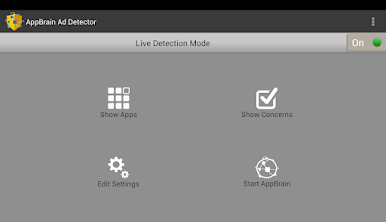
- ช่วยให้คุณกำจัดการแจ้งเตือนโฆษณาและบุ๊กมาร์กที่น่ารำคาญบนเดสก์ท็อปของคุณ
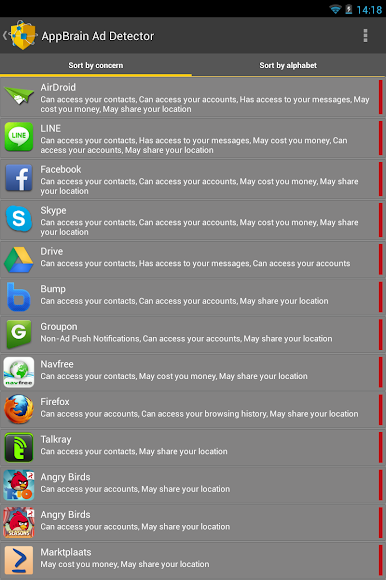
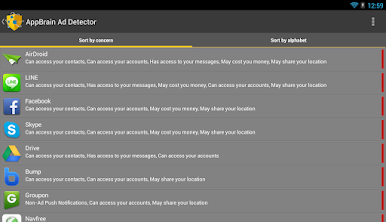
- รับทราบว่าแอพใดมีสิทธิ์ในการเข้าถึงข้อความหรือบัญชีของคุณและสามารถบุกรุกความเป็นส่วนตัวของคุณหรือสามารถใช้บริการที่อาจทำให้คุณเสียค่าใช้จ่ายและช่วยคุณในการลบ
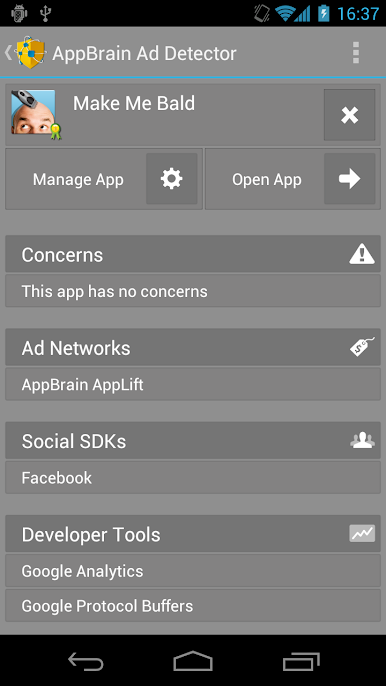
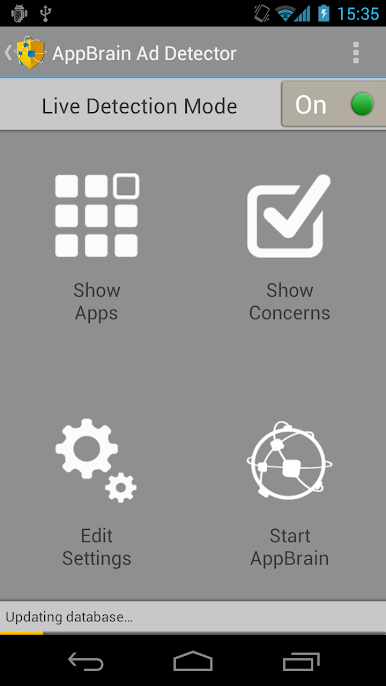
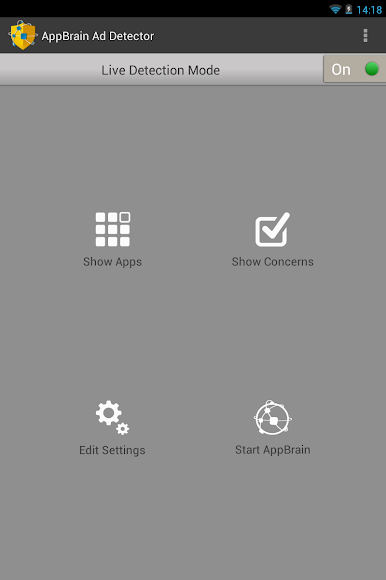
แอพนี้ตรวจจับกว่า 70 แง่มุมที่แตกต่างกันของแอพรวมไปถึง:
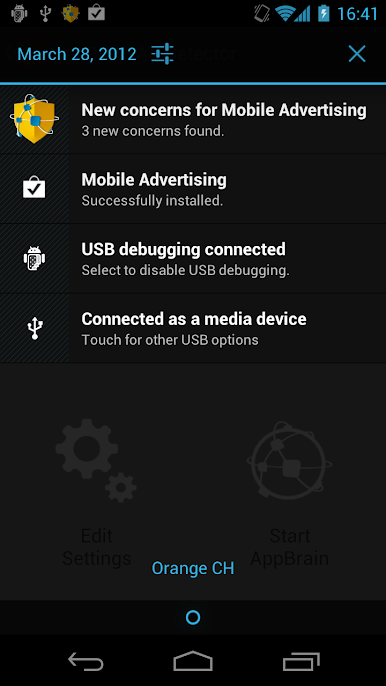
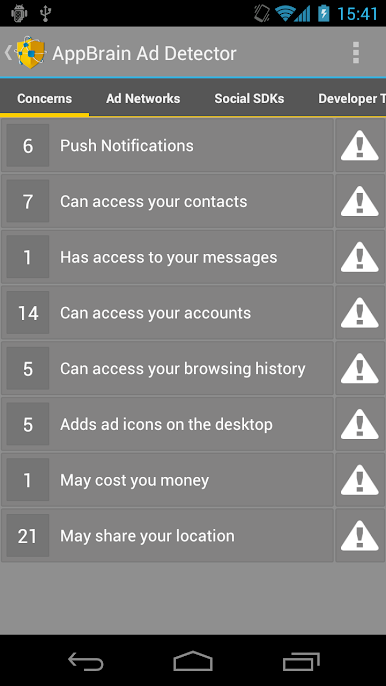
- ข้อกังวลเช่นการแจ้งเตือนแบบพุช (ทั้งโฆษณาและไม่ใช่โฆษณา) วางไอคอนสแปมบนเดสก์ท็อปของคุณและข้อกังวลเกี่ยวกับข้อมูลส่วนบุคคลเช่นความสามารถในการเข้าถึงตำแหน่งผู้ติดต่อข้อความหรือบัญชีของคุณ
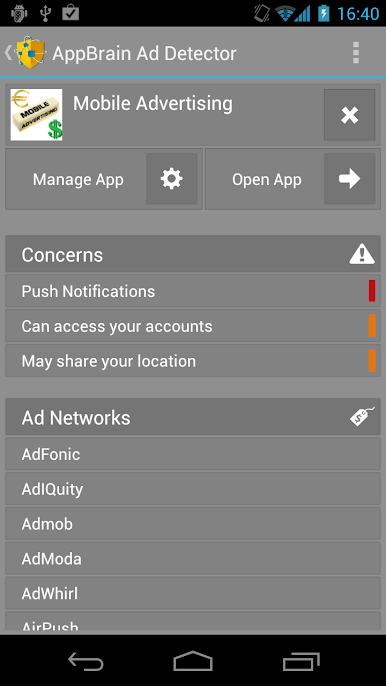
- เครือข่ายโฆษณา Android; แอพนี้จะบอกคุณว่าเครือข่ายโฆษณาใดบ้างที่ถูกฝังอยู่ในแอพเช่น Admob, Millennial Media, ChartBoost, TapJoy และเครือข่ายเล็ก ๆ อีกมากมาย ระบุว่ารายการใดอาจมีโฆษณาแบบพุช
- โซเชียล SDK ตรวจสอบว่าแอปมี SDK เช่น Facebook, VKontakte, Twitter และอีกมากมาย
- เครื่องมือสำหรับนักพัฒนา; ตรวจจับไลบรารีเช่น Google Analytics, Flurry Analytics, การเรียกเก็บเงินในแอปของ Google Play, ห้องสมุดสนับสนุน Android, ACRA, Phonegap และอีกมากมาย
เล่น AppBrain Ad Detector บน PC ได้ง่ายกว่า
-
ดาวน์โหลดและติดตั้ง BlueStacks บน PC ของคุณ
-
ลงชื่อเข้าใช้แอคเคาท์ Google เพื่อเข้าสู่ Play Store หรือทำในภายหลัง
-
ค้นหา AppBrain Ad Detector ในช่องค้นหาด้านขวาบนของโปรแกรม
-
คลิกเพื่อติดตั้ง AppBrain Ad Detector จากผลการค้นหา
-
ลงชื่อเข้าใช้บัญชี Google Account (หากยังไม่ได้ทำในขั้นที่ 2) เพื่อติดตั้ง AppBrain Ad Detector
-
คลิกที่ไอคอน AppBrain Ad Detector ในหน้าจอเพื่อเริ่มเล่น

