


MDM & Kiosk Mode by AppTec360
เล่นบน PC ผ่าน BlueStacks - Android Gaming Platform ที่ได้รับความไว้วางใจจากเกมเมอร์ 500 ล้านคนทั่วโลก

Page Modified on: Dec 2, 2025
Play MDM & Kiosk Mode by AppTec360 on PC
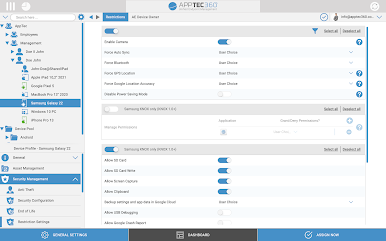
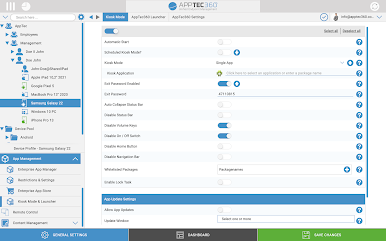
This enterprise-wide solution provides your IT department with a single, integrated view of all mobile devices, allowing you to increase help desk efficiencies, reduce support costs and improve the overall support experience for today’s corporate user.
Web-based, functionally robust and highly scalable, AppTec360 also provides unparalleled flexibility by offering three different delivery options for the AppTec360 console, ensuring all IT environments have access to AppTec’s industry-leading functionality:
• Cloud
• On-premise installation
• Free virtual appliance
AppTec360 offers companies a free full license for 25 devices.
AppTec360 provides today’s enterprise with the following functionality:
• Centralized Over-the-Air Deployments (Zero Touch)
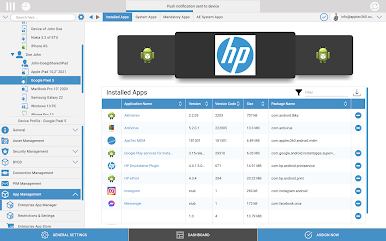
• Asset Management of all Android Devices
• Over-the-Air Configurations Management (Device Admin)
• Android Enterprise Management (All Management Sets)
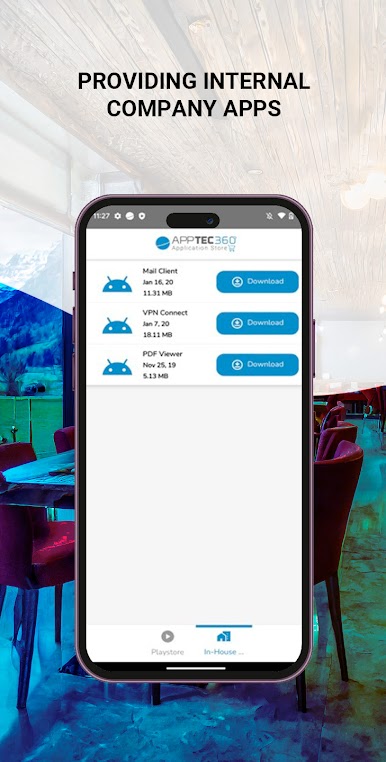
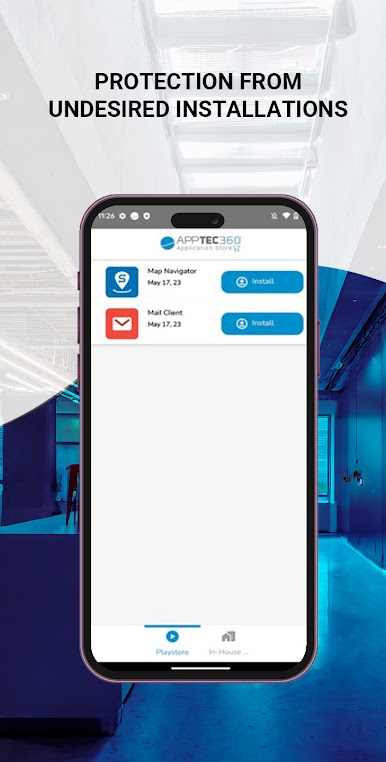
• App Management and Configuration
• Samsung KNOX Support
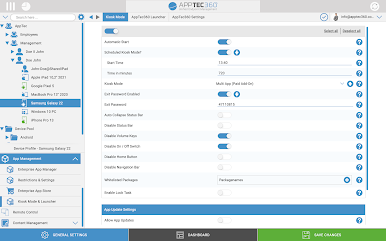
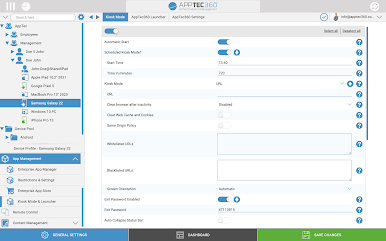
• Kiosk Mode for App & URL
• Multi App Kiosk Mode
• Web Kiosk Mode
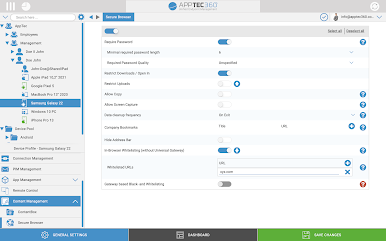
• Secure Browser with URL Whitelisting
• Content Management for Digital Signage
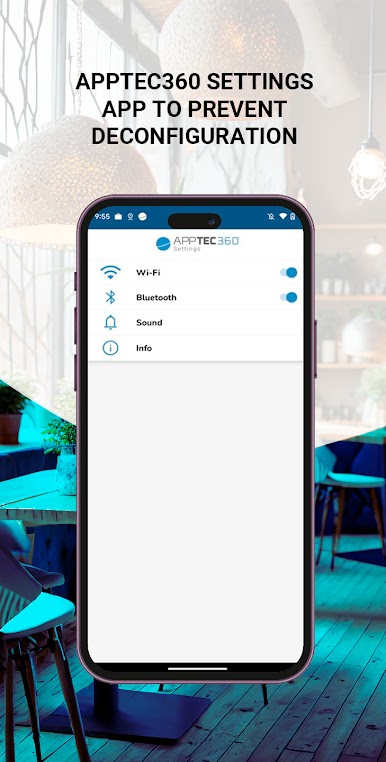
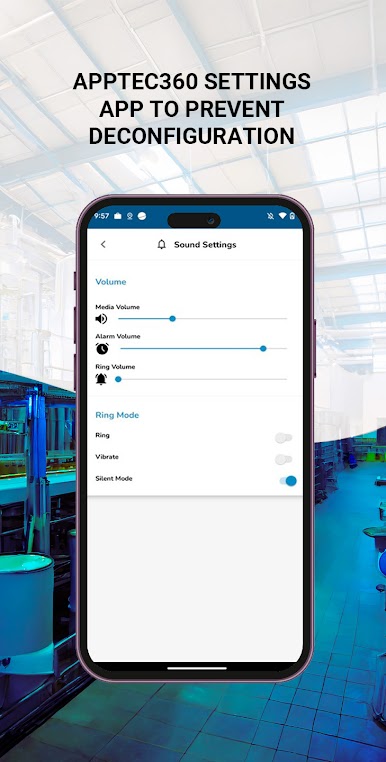
• Settings App for Kiosk Mode
• Centralized Wallpaper Setting
• Policy change per drag and drop
• Device Security
• Security by Location, Role and Function
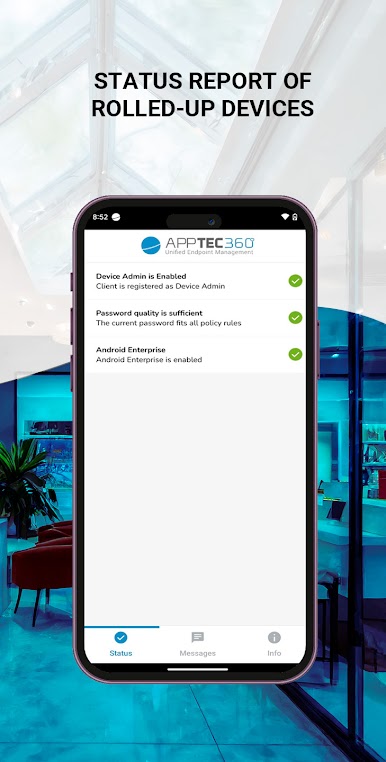
• Policy Enforcement (Passwordpolicy)
• Robust GPS Tracking and Mapping
• Device Grouping and Bulk Management
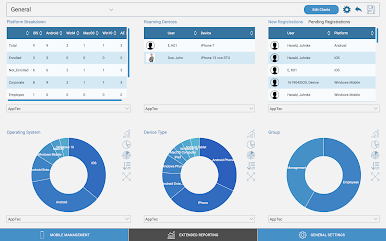
• Meaningful reports and analyses
• Intuitive dashboard for first level support
• Distribution of certificates
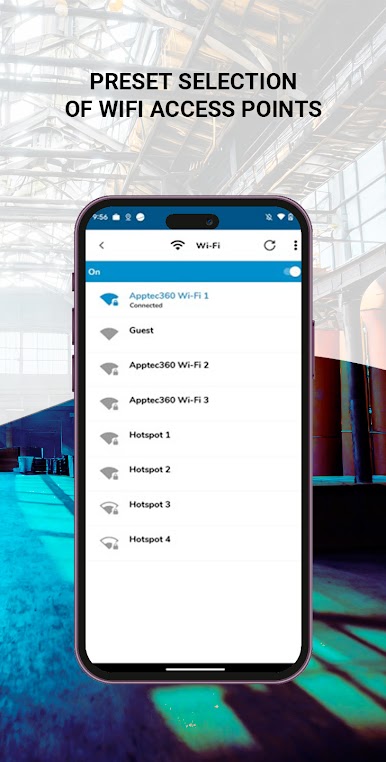
• VPN configuration (Always on and Per App VPN)
• LDAP integration for selection of the current structure
• Self-service portal for end users
• Multi-client capable architecture
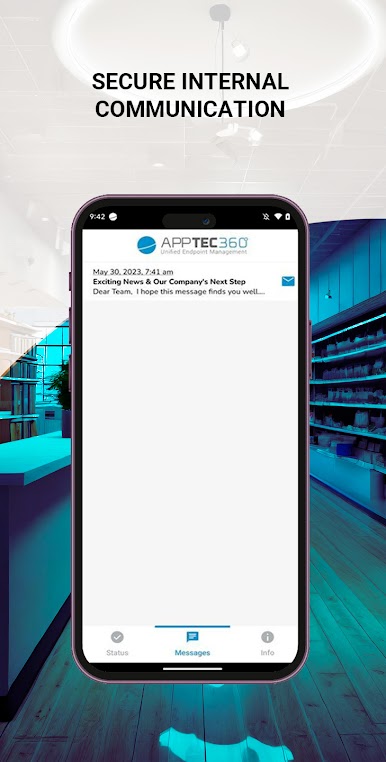
• Integrated E-Mail Gateway
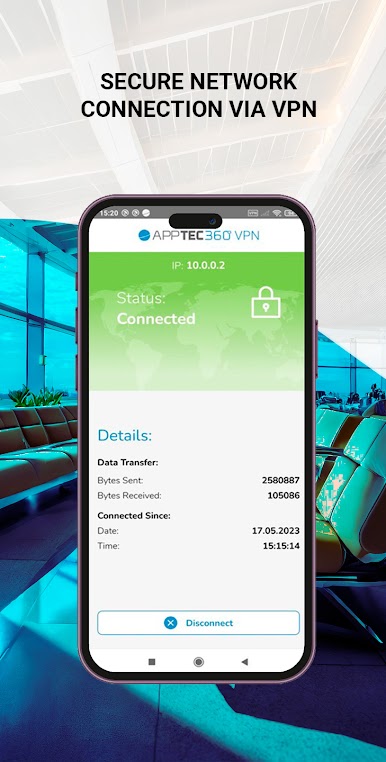
• Integrated VPN Server & Client
• Content Management with Nextcloud Plugin
MDM & Kiosk Mode by AppTec360 provides an integrated VPN tunnel to enable managed devices to access internal resources of your company.
Full Feature Matrix: https://www.apptec360.com/features
Instructions for Activation:
Step 1: Download and install the AppTec360 MDM & Kiosk Mode App on your device through the Google Play Store.
Step 2: Once you load the AppTec360 MDM & Kiosk Mode App onto your device, activate the agent with an AppTec-issued company id, email and password.
For more information on the AppTec360 solution, please send us a mail to contact@apptec360.com.
IMPORTANT NOTE: Please contact your IT administrator before installing AppTec360 Endpoint Manager. The application will not operate without the necessary back-end software.
This app uses the Device Administrator permission.
This app uses the AccessibilityService API to take screenshots while being in Kiosk mode.
เล่น MDM & Kiosk Mode by AppTec360 บน PC ได้ง่ายกว่า
-
ดาวน์โหลดและติดตั้ง BlueStacks บน PC ของคุณ
-
ลงชื่อเข้าใช้แอคเคาท์ Google เพื่อเข้าสู่ Play Store หรือทำในภายหลัง
-
ค้นหา MDM & Kiosk Mode by AppTec360 ในช่องค้นหาด้านขวาบนของโปรแกรม
-
คลิกเพื่อติดตั้ง MDM & Kiosk Mode by AppTec360 จากผลการค้นหา
-
ลงชื่อเข้าใช้บัญชี Google Account (หากยังไม่ได้ทำในขั้นที่ 2) เพื่อติดตั้ง MDM & Kiosk Mode by AppTec360
-
คลิกที่ไอคอน MDM & Kiosk Mode by AppTec360 ในหน้าจอเพื่อเริ่มเล่น

