


Aruba Utilities
เล่นบน PC ผ่าน BlueStacks - Android Gaming Platform ที่ได้รับความไว้วางใจจากเกมเมอร์ 500 ล้านคนทั่วโลก

Page Modified on: Dec 9, 2025
Run Aruba Utilities on PC or Mac
What’s better than using Aruba Utilities by CTODeveloper at HPE Aruba Networking? Well, try it on a big screen, on your PC or Mac, with BlueStacks to see the difference.
About the App
Aruba Utilities is your go-to toolkit if you’re serious about managing wireless networks, especially those from HPE Aruba Networking. Whether you’re troubleshooting on the fly or keeping tabs on a busy office Wi-Fi setup, this app brings a bunch of handy features straight to your Android device. Network folks will recognize how cool it is to have all these tools in one place, just a tap away. If you’re checking things out on a bigger screen with BlueStacks, it all just feels even more usable.
App Features
-
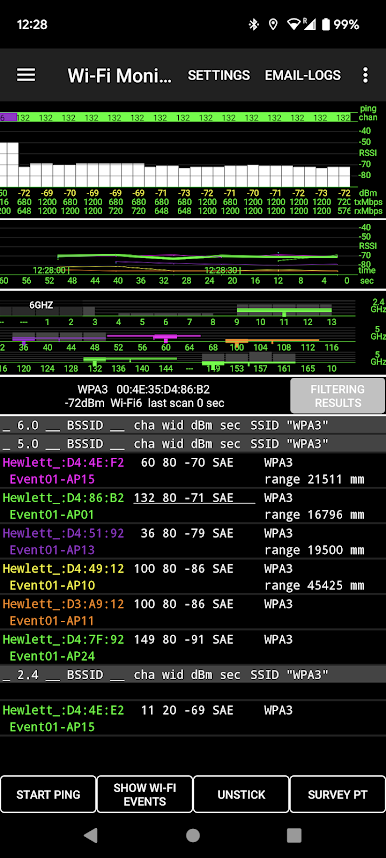
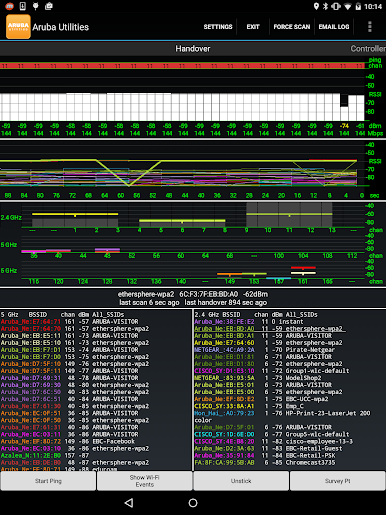
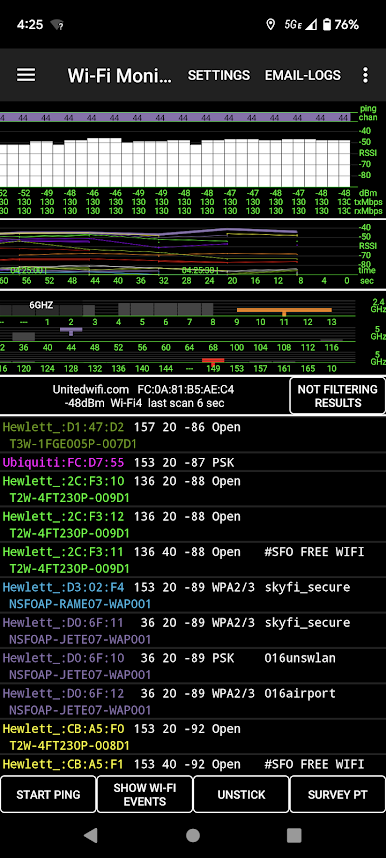
Wi-Fi Monitoring
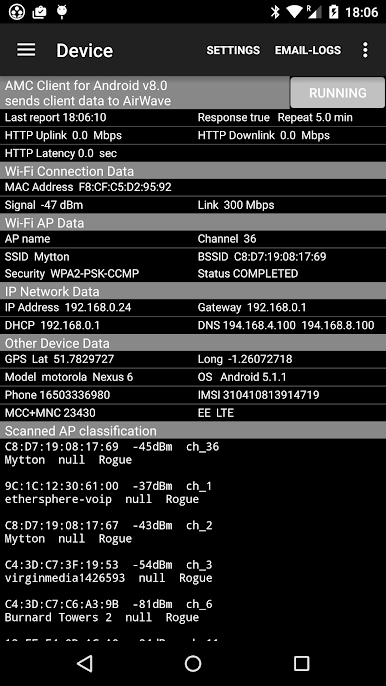
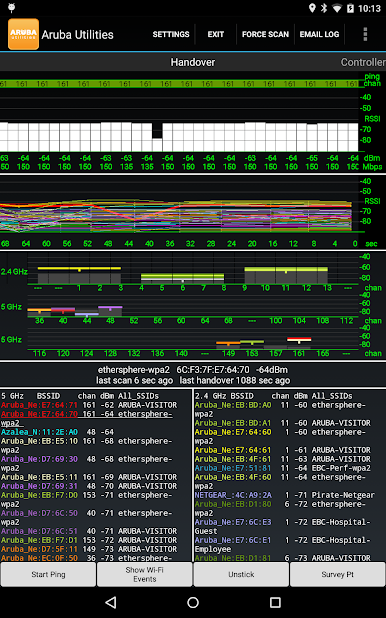
Get a live look at your Wi-Fi environment. See your current access point, channel info, up/down rates, and even which other APs are around. Handover events and RSSI details are all there; if your AP is named, that’s easily spotted, too. -
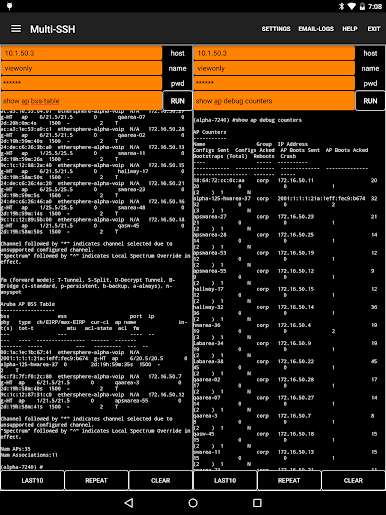
Telnet/SSH Client
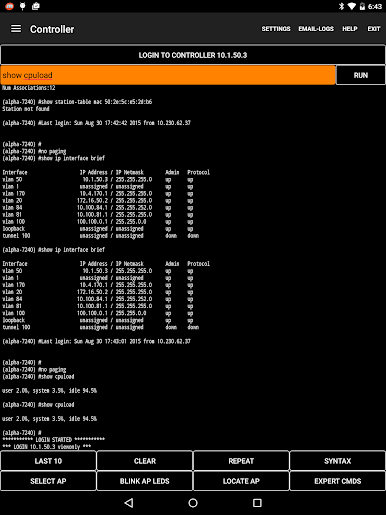
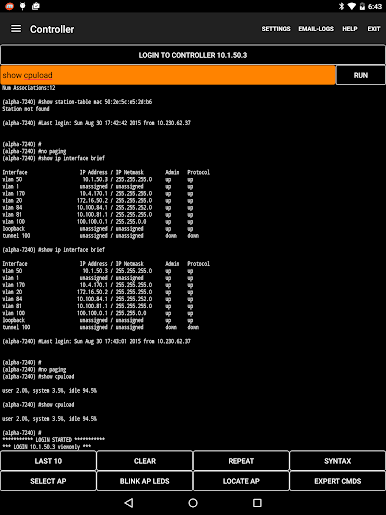
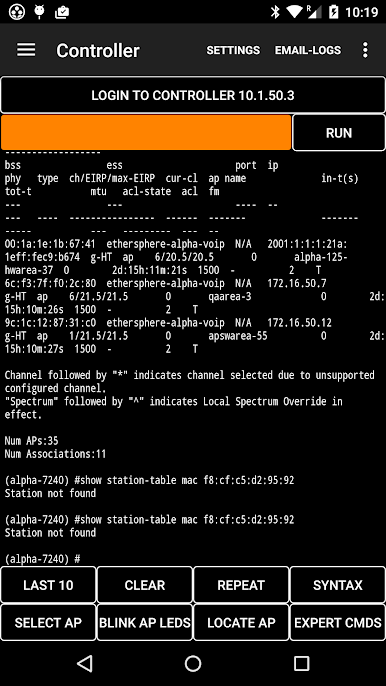
Connect to Aruba devices right from your phone or tablet—no need to pull out your laptop. Tweak settings, monitor systems, and handle configs on the move. -
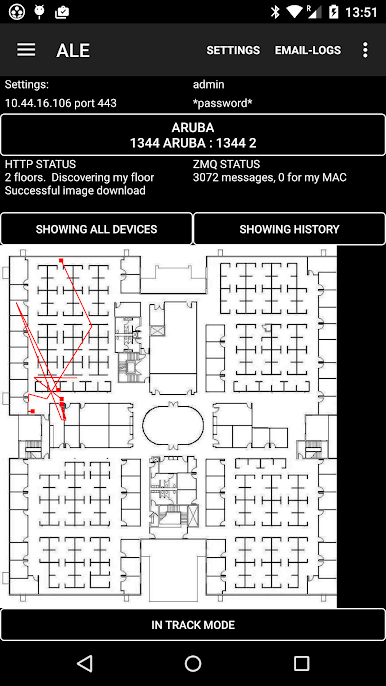
AirWave Integration
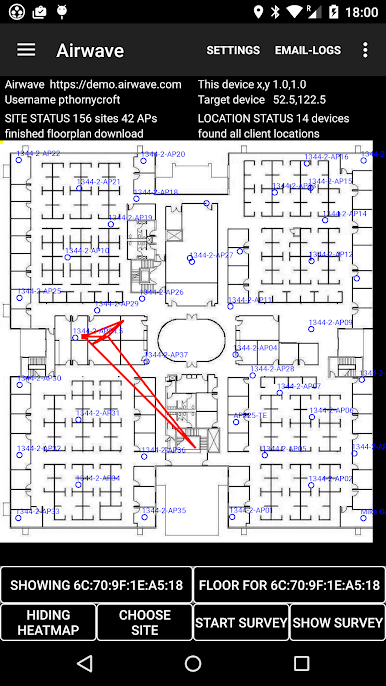
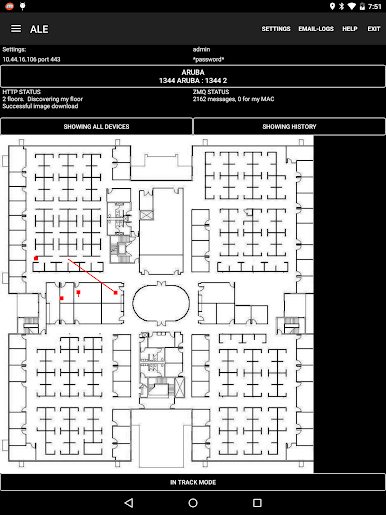
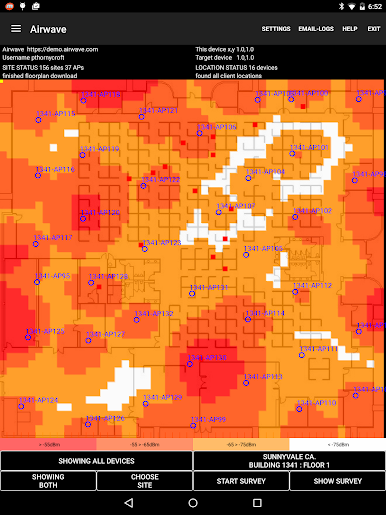
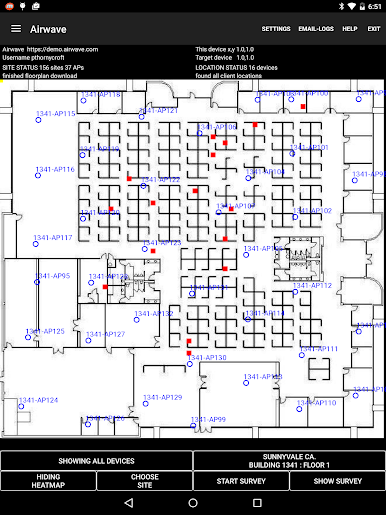
Download your network’s floor plan, check AP locations as you move, and tap for details like device load, power, and channel. There’s even a heatmap guess and a survey tool to map real coverage to specific spots. -
Central API Access
Run queries and manage network stuff using Aruba’s Central API. Fair warning—getting those long tokens in is a bit fiddly on a phone, but the option’s here for when you need it. -
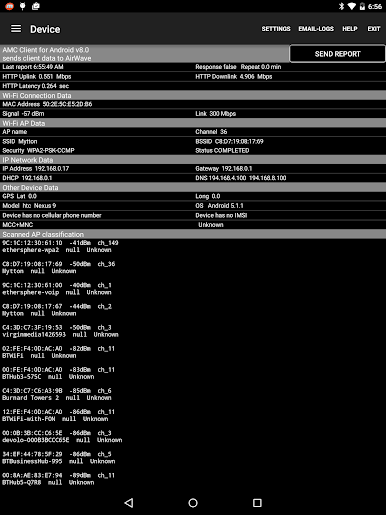
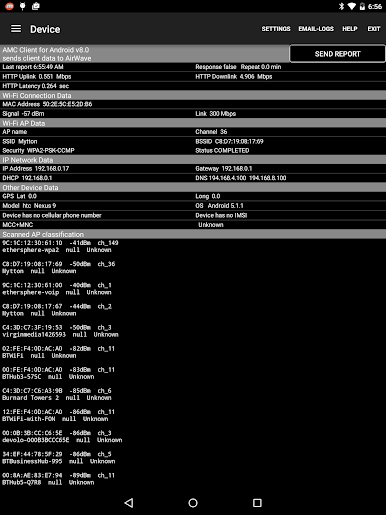
Device and Network Status
On the Device tab, peek at everything: Wi-Fi, IP, cellular, DHCP info—it pulls it all together for quick reference. -
Logging and Reports
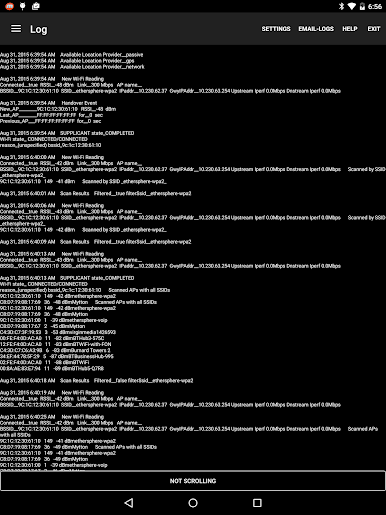
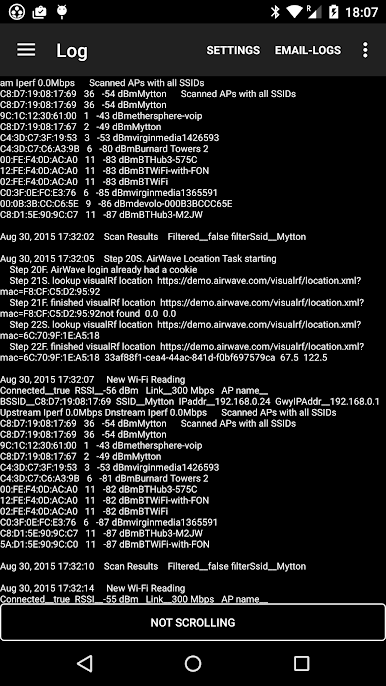
All your measurements and scans save to text or CSV files. If you want, email logs and reports right from the app for later crunching. -
Bluetooth LE Scanning
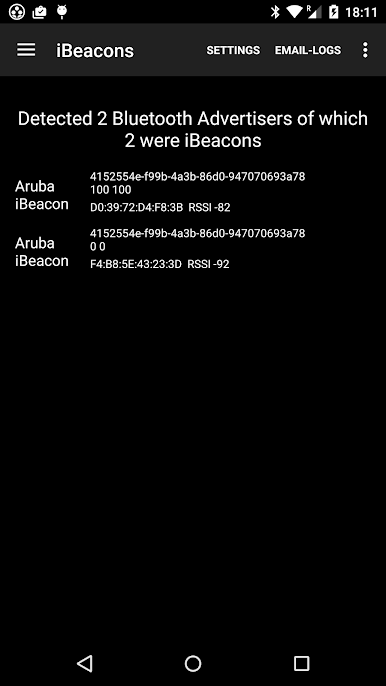
Spot nearby beacons and BLE gadgets (including Aruba’s own), complete with UUIDs, signal strength, and more niche details. -
CBRS Tools
Need to troubleshoot on the 4G side? CBRS gives a direct look into the phone’s cellular environment, useful for both public and private LTE. -
FTM Ranging
Measures distance using FTM-enabled access points, which comes in handy for location-tracking projects. -
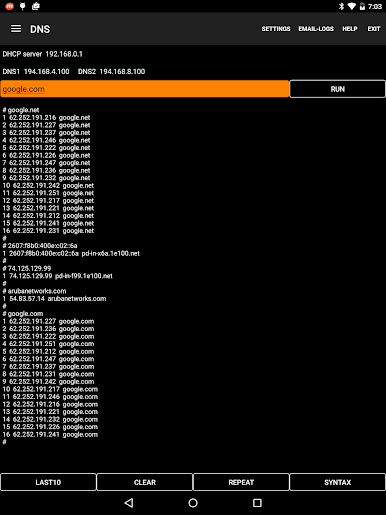
Built-in Test Tools
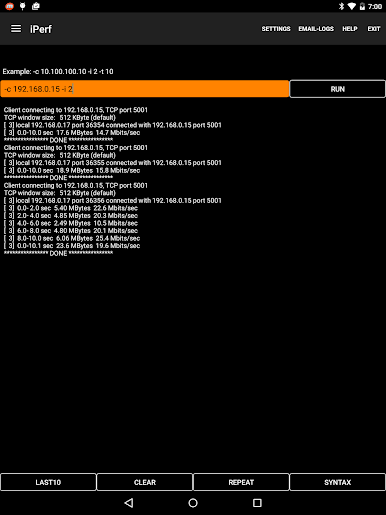
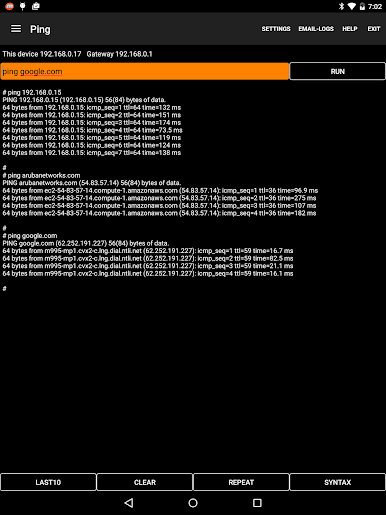
Test your network with iPerf, Ping, DNS, and mDNS tools, all right from the app. -
Multi-SSH Sessions
For power users, open several SSH or Telnet windows side by side. Works best on a tablet or any larger display, like BlueStacks. -
ALE Analytics
Tinker with data from Aruba’s Analytics and Location Engine—useful for seeing the bigger picture throughout your network.
Aruba Utilities was put together by CTODeveloper at HPE Aruba Networking, aiming to make life easier for anyone managing multi-AP WLANs. If you’re the person folks call when Wi-Fi stops working, this one’s worth checking out.
BlueStacks brings your apps to life on a bigger screen—seamless and straightforward.
เล่น Aruba Utilities บน PC ได้ง่ายกว่า
-
ดาวน์โหลดและติดตั้ง BlueStacks บน PC ของคุณ
-
ลงชื่อเข้าใช้แอคเคาท์ Google เพื่อเข้าสู่ Play Store หรือทำในภายหลัง
-
ค้นหา Aruba Utilities ในช่องค้นหาด้านขวาบนของโปรแกรม
-
คลิกเพื่อติดตั้ง Aruba Utilities จากผลการค้นหา
-
ลงชื่อเข้าใช้บัญชี Google Account (หากยังไม่ได้ทำในขั้นที่ 2) เพื่อติดตั้ง Aruba Utilities
-
คลิกที่ไอคอน Aruba Utilities ในหน้าจอเพื่อเริ่มเล่น

