


Daily Habit Tracker – Add To D
Jouez sur PC avec BlueStacks - la plate-forme de jeu Android, approuvée par + 500M de joueurs.

Page Modifiée le: Sep 1, 2023
Run Daily Habit Tracker – Add To D on PC or Mac
Get freedom from your phone’s obvious limitations. Use Daily Habit Tracker – Add To D, made by AGF, a Productivity app on your PC or Mac with BlueStacks, and level up your experience.
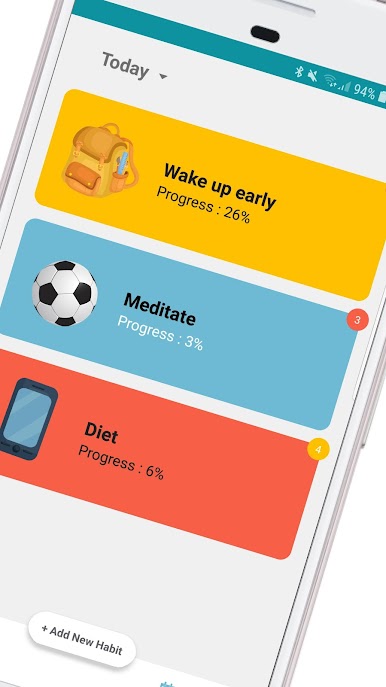
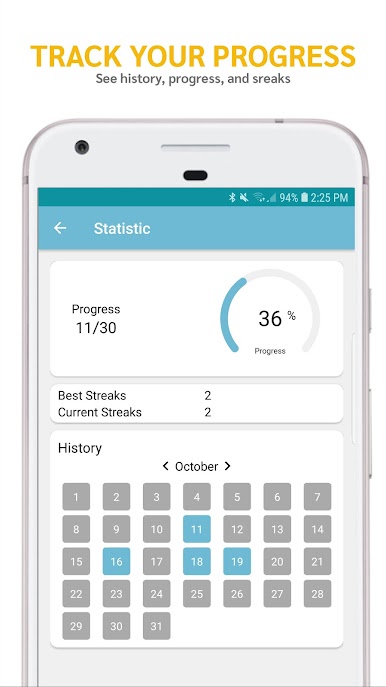
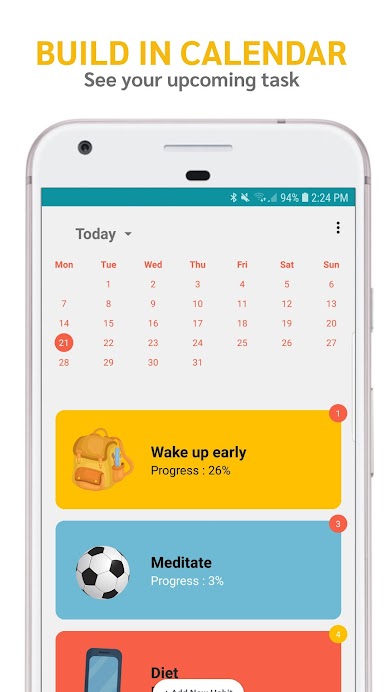
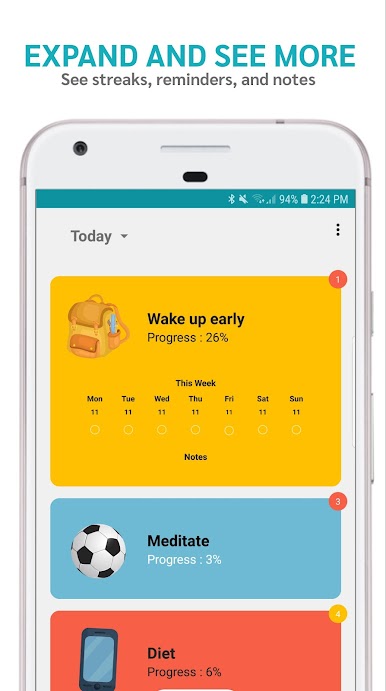
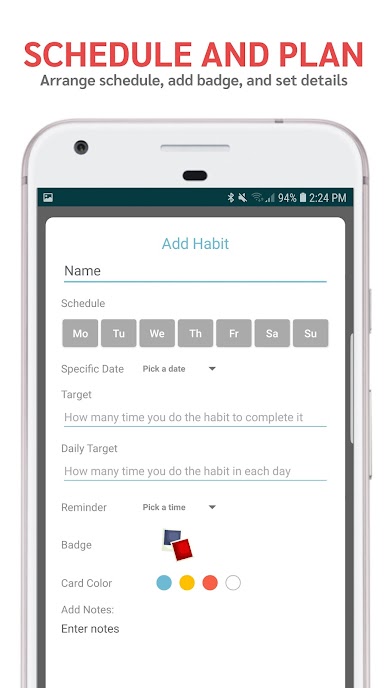
Daily Habit Tracker feels like a clean, no-fuss checklist for building routines. Someone opens it, adds a habit or a simple to do, picks the days it belongs on, and sets a target if needed, like six glasses of water. The app lines everything up for the day, then it is swipe to mark things done and drag to reorder. There are small badges that pop up as motivation, not flashy or noisy, just a quick pat on the back. Reminders arrive at the times they set, which helps nudge things along when the day gets busy. A weekly view shows how many times a habit actually happened, so progress is easy to spot without digging through charts.
The look is very minimalist and modern, which makes it easy to focus. It suits someone who likes clear lists more than complicated analytics. There is no clutter, no social feed, and no heavy setup. New goals or New Year plans fit right in, but it also works for ordinary day to day routines like reading, stretching, or a water goal. Running it on BlueStacks makes it roomier on a PC, and typing habit names or notes is faster, plus it is easy to keep the window next to a calendar or email. The whole thing stays light, quick, and friendly to use, even with a mouse instead of swipes.
Ready to experience Daily Habit Tracker – Add To D on a bigger screen, in all its glory? Download BlueStacks now.

Jouez à Daily Habit Tracker – Add To D sur PC. C'est facile de commencer.
-
Téléchargez et installez BlueStacks sur votre PC
-
Connectez-vous à Google pour accéder au Play Store ou faites-le plus tard
-
Recherchez Daily Habit Tracker – Add To D dans la barre de recherche dans le coin supérieur droit
-
Cliquez pour installer Daily Habit Tracker – Add To D à partir des résultats de la recherche
-
Connectez-vous à Google (si vous avez ignoré l'étape 2) pour installer Daily Habit Tracker – Add To D
-
Cliquez sur l'icône Daily Habit Tracker – Add To D sur l'écran d'accueil pour commencer à jouer

