


EssentialPIM - Your Organizer
เล่นบน PC ผ่าน BlueStacks - Android Gaming Platform ที่ได้รับความไว้วางใจจากเกมเมอร์ 500 ล้านคนทั่วโลก

Page Modified on: Dec 18, 2023
Run EssentialPIM - Your Organizer on PC or Mac
Get freedom from your phone’s obvious limitations. Use EssentialPIM – Your Organizer, made by Astonsoft Ltd., a Productivity app on your PC or Mac with BlueStacks, and level up your experience.
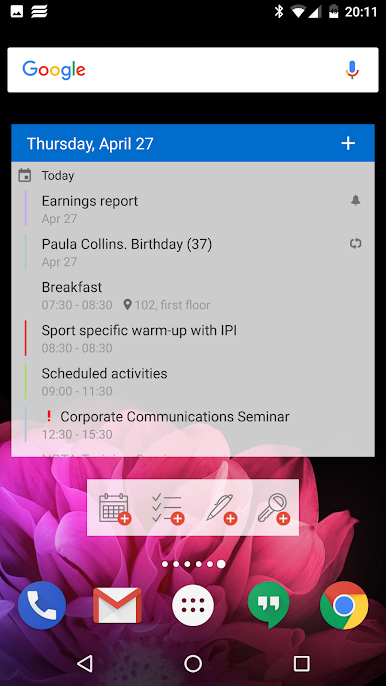
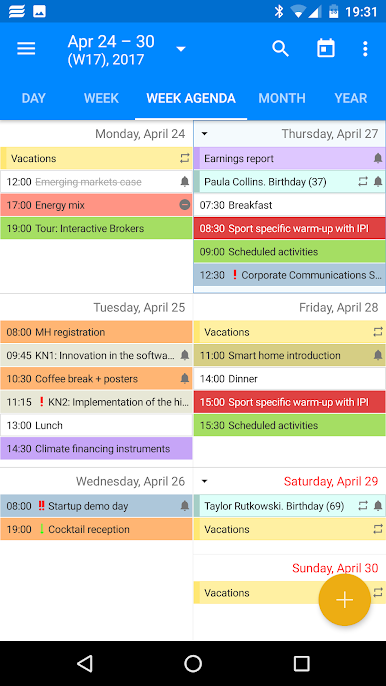
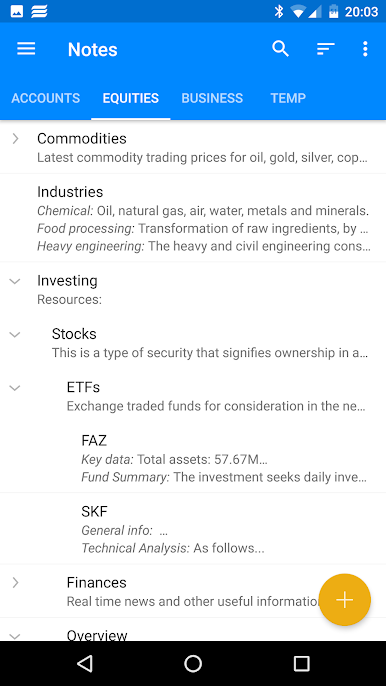
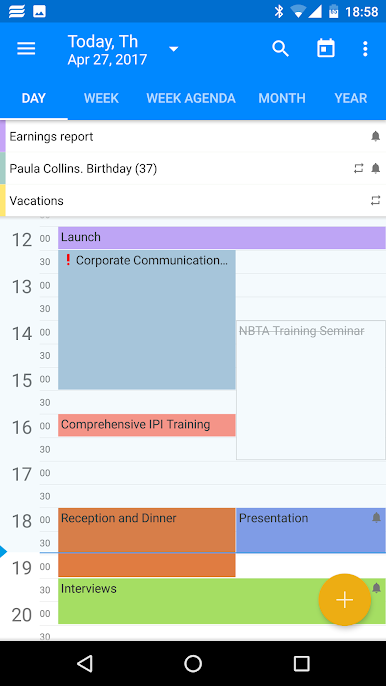
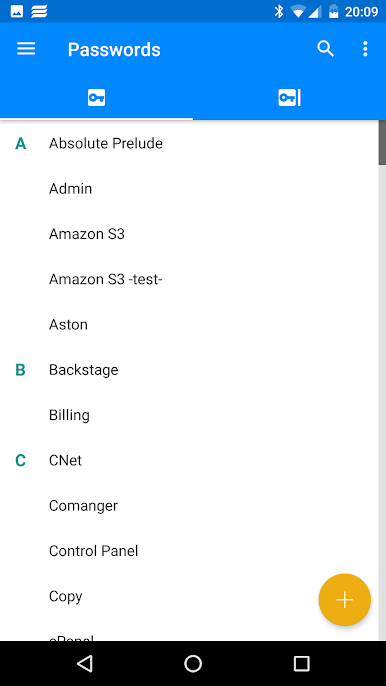
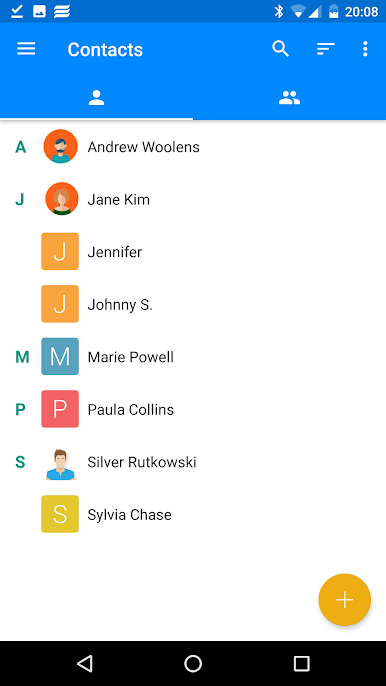
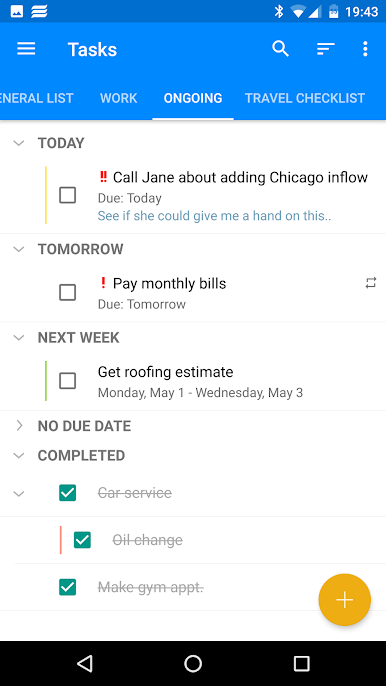
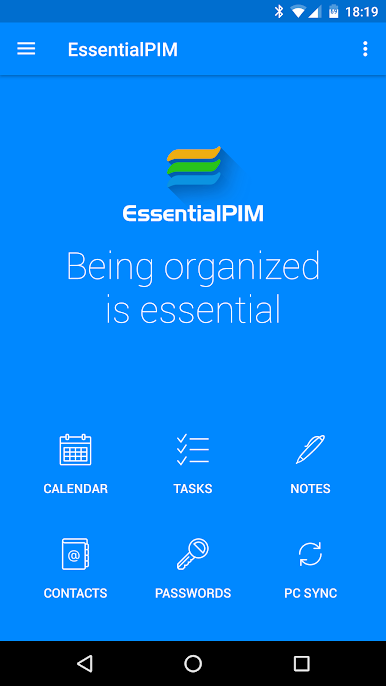
EssentialPIM – Your Organizer feels like a proper all-in-one planner, not just a calendar with extras thrown in. Calendar, tasks, notes, contacts, and a password vault all live together, and the pieces connect in useful ways. Tags help sort anything, files can be attached to events or tasks, and quick-add widgets make it easy to toss in a reminder without digging through menus. The calendar views are clear and colorful, with day, week, month, year, and an agenda list that is easy to scan. Tasks are not just flat checklists either. They can be broken into sub tasks with a tree layout, which makes bigger projects less messy. Notes use that same tree style, so long form notes and small snippets stay organized in one place. Contacts are flexible with lots of fields and groups, which can be nested if needed.
Sync is solid. It talks to the Windows version, and it can sync with Google Calendar, Tasks, Drive for notes and passwords, and Google Contacts. There is a full app lock with fingerprint or password, and the data is encrypted, so the password list does not feel flimsy. Backup and restore is built in, light and dark themes are there, and there are no ads poking around. On PC with BlueStacks, the wide layout gives the calendar more breathing room, typing long notes feels faster, and managing task trees with a keyboard is just simpler. The Pro add-ons are mostly for people who want richer widgets, showing tasks inside the calendar, and a few power settings like locking event time zones or auto backups to Drive. It runs fast and stays out of the way, which is kind of the point with a real organiser.
Big screen. Bigger performance. Use BlueStacks on your PC or Mac to run your favorite apps.
เล่น EssentialPIM - Your Organizer บน PC ได้ง่ายกว่า
-
ดาวน์โหลดและติดตั้ง BlueStacks บน PC ของคุณ
-
ลงชื่อเข้าใช้แอคเคาท์ Google เพื่อเข้าสู่ Play Store หรือทำในภายหลัง
-
ค้นหา EssentialPIM - Your Organizer ในช่องค้นหาด้านขวาบนของโปรแกรม
-
คลิกเพื่อติดตั้ง EssentialPIM - Your Organizer จากผลการค้นหา
-
ลงชื่อเข้าใช้บัญชี Google Account (หากยังไม่ได้ทำในขั้นที่ 2) เพื่อติดตั้ง EssentialPIM - Your Organizer
-
คลิกที่ไอคอน EssentialPIM - Your Organizer ในหน้าจอเพื่อเริ่มเล่น

