

Astraware Acrostic
เล่นบน PC ผ่าน BlueStacks - Android Gaming Platform ที่ได้รับความไว้วางใจจากเกมเมอร์ 500 ล้านคนทั่วโลก

Page Modified on: Aug 19, 2025
Play Astraware Acrostic on PC or Mac
Bring your A-game to Astraware Acrostic, the Word game sensation from Astraware Limited. Give your gameplay the much-needed boost with precise game controls, high FPS graphics, and top-tier features on your PC or Mac with BlueStacks.
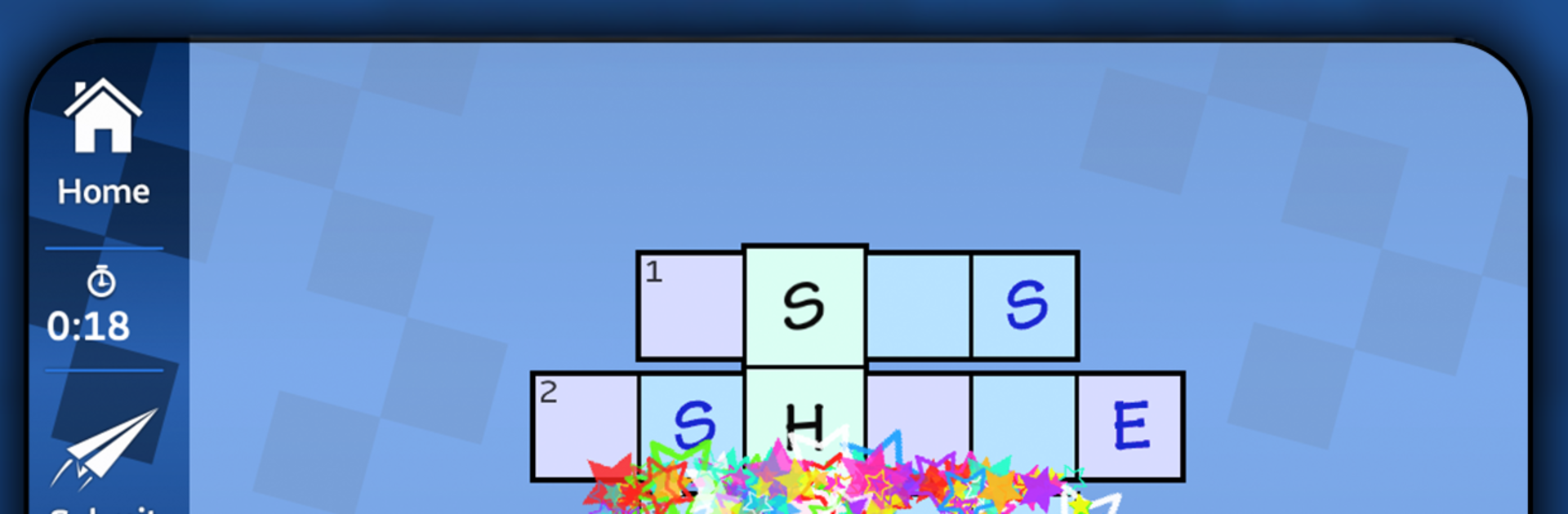
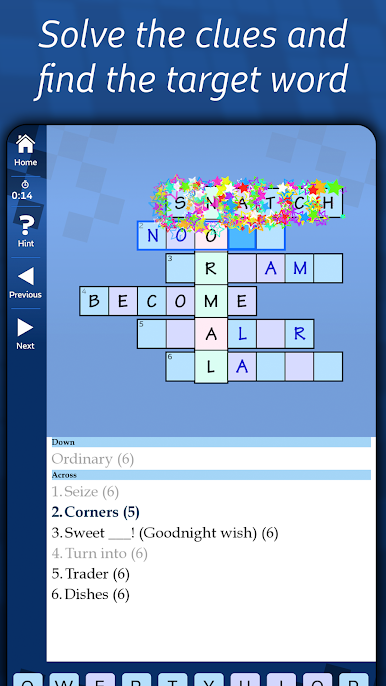
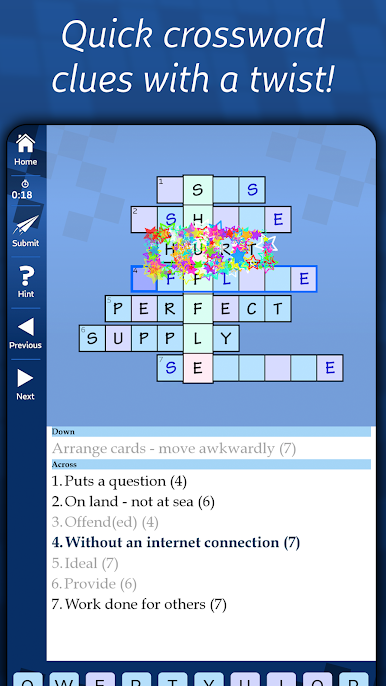
Astraware Acrostic is a neat twist on crosswords that runs fast and feels tidy. The idea is simple, solve short clues to fill horizontal words, and those answers feed a single vertical target word that ties the whole thing together. It suits a quick break, since most boards are bite sized, but there is enough challenge to scratch the word-nerd itch. What stands out is how the game helps momentum without making it easy, there is a toggle that highlights vowels and consonants, and when a word is solved the matching letter for the target word shows up across the grid, so the next answers come a bit smoother. Hints are actually useful too, the bookend option gives the first and last letter, and there is a tiny time penalty rather than a hard paywall.
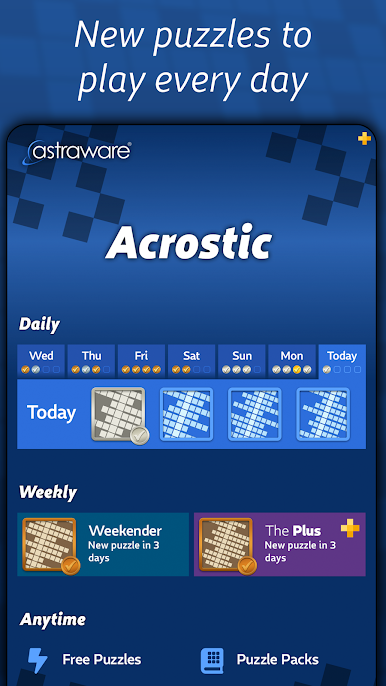
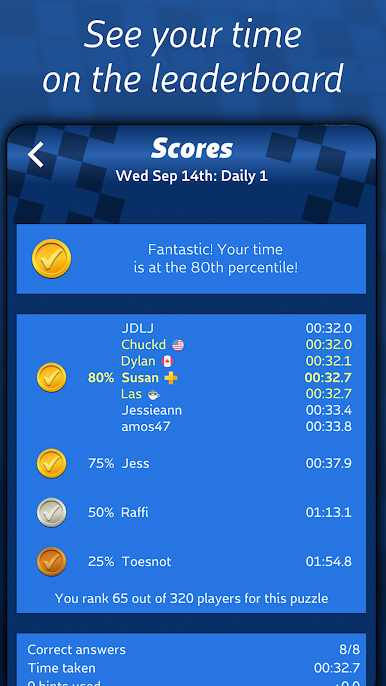
There are 50 included puzzles that work offline, plus four new daily acrostics and a larger Weekender that is trickier. Times go on a global leaderboard, and it even lets players replay any puzzle from the past week if life got busy. If someone wants more, there are optional packs sorted by difficulty and theme, and there is an endless stream mode where watching an ad or taking a short survey earns stamps to unlock extra boards. Ads appear after the free daily, and they can be removed with a small purchase if that bugs anyone. Clues feel fair for international English, a mix of general knowledge, synonyms, the odd anagram, with a light sprinkle of slightly cryptic stuff. On PC with BlueStacks, the bigger screen makes the clue list easier to scan, and tapping letters with a mouse feels quick and clean.
Make your gaming sessions memorable with precise controls that give you an edge in close combats and visuals that pop up, bringing every character to life.

เล่น Astraware Acrostic บน PC ได้ง่ายกว่า
-
ดาวน์โหลดและติดตั้ง BlueStacks บน PC ของคุณ
-
ลงชื่อเข้าใช้แอคเคาท์ Google เพื่อเข้าสู่ Play Store หรือทำในภายหลัง
-
ค้นหา Astraware Acrostic ในช่องค้นหาด้านขวาบนของโปรแกรม
-
คลิกเพื่อติดตั้ง Astraware Acrostic จากผลการค้นหา
-
ลงชื่อเข้าใช้บัญชี Google Account (หากยังไม่ได้ทำในขั้นที่ 2) เพื่อติดตั้ง Astraware Acrostic
-
คลิกที่ไอคอน Astraware Acrostic ในหน้าจอเพื่อเริ่มเล่น

