

NoteLynX Pro Outliner Mindmap
เล่นบน PC ผ่าน BlueStacks - Android Gaming Platform ที่ได้รับความไว้วางใจจากเกมเมอร์ 500 ล้านคนทั่วโลก

Page Modified on: Dec 10, 2023
Run NoteLynX Pro Outliner Mindmap on PC or Mac
Upgrade your experience. Try NoteLynX Pro Outliner Mindmap, the fantastic Productivity app from AstroDean, from the comfort of your laptop, PC, or Mac, only on BlueStacks.
About the App
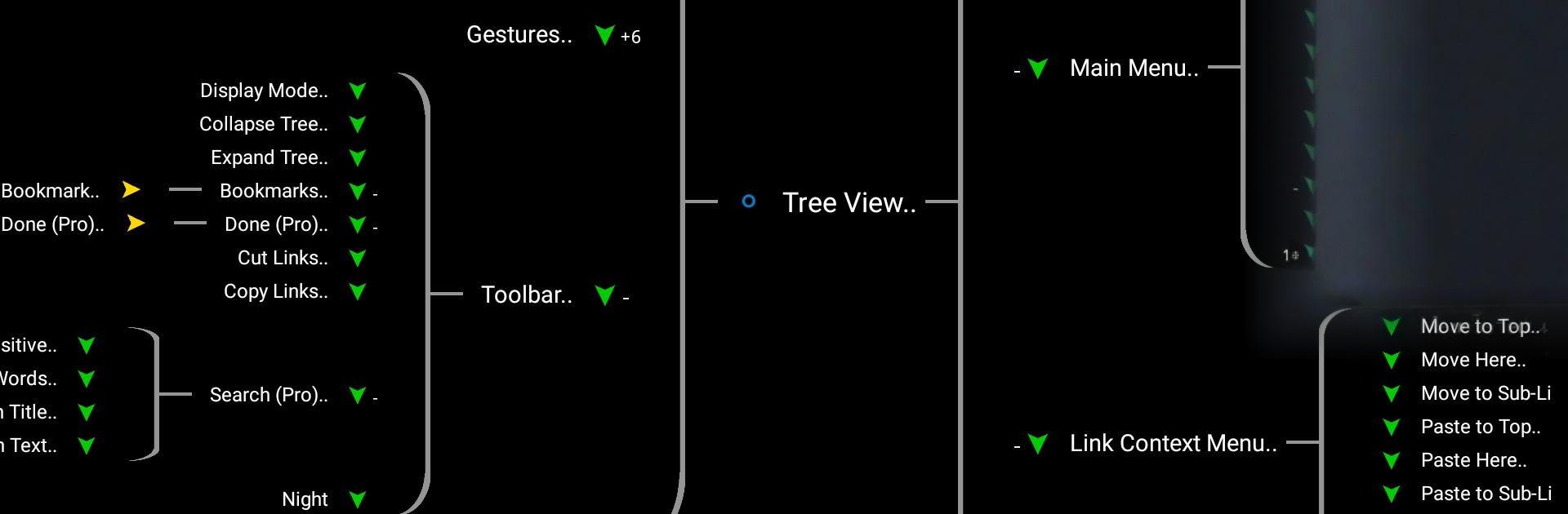
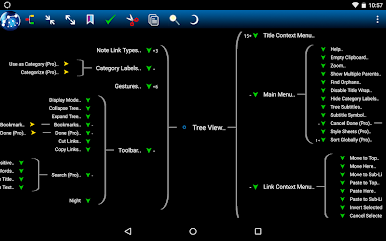
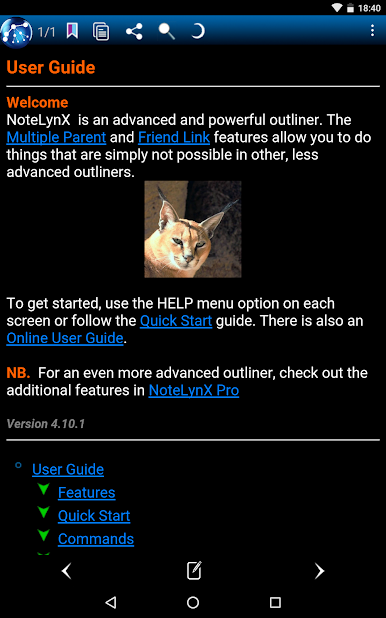
NoteLynX Pro Outliner Mindmap folds three powerful tools into one tidy workspace. It’s part outliner, part visual mind map, and part personal wiki, so you can capture ideas the way your brain actually thinks. Expect flexible organization, quick linking, and a surprisingly smooth editing experience from a Productivity app built by AstroDean.
App Features
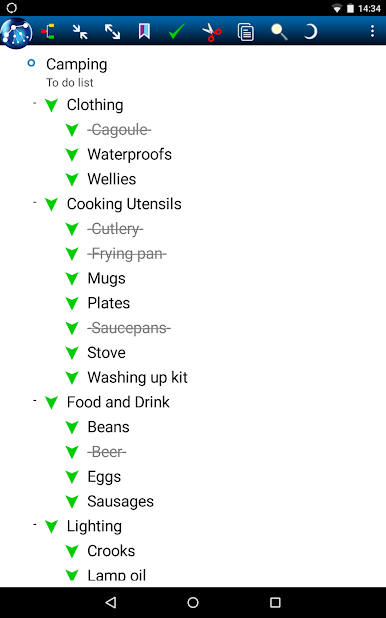
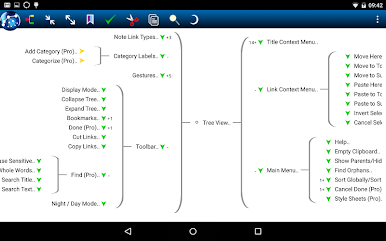
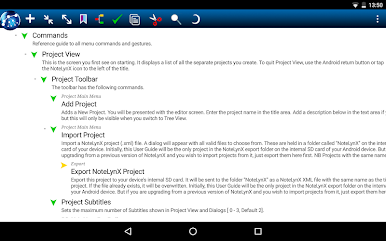
- Three-in-one workspace: Outline fast, map ideas visually, and weave a personal wiki without jumping between apps.
- Smart Notes & Lists: Let AI suggest and build lists for you—handy when you’re brainstorming categories or organizing big topics.
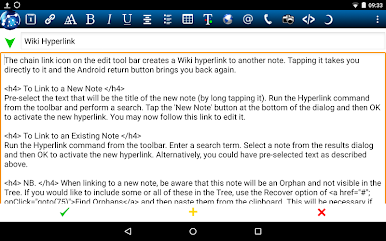
- Cross-link everything: Use wiki-style links inside notes or “friend” links between items to connect related thoughts across your project.
- Notes that can live in many places: Give a single note multiple parents so it naturally belongs in more than one list or branch.
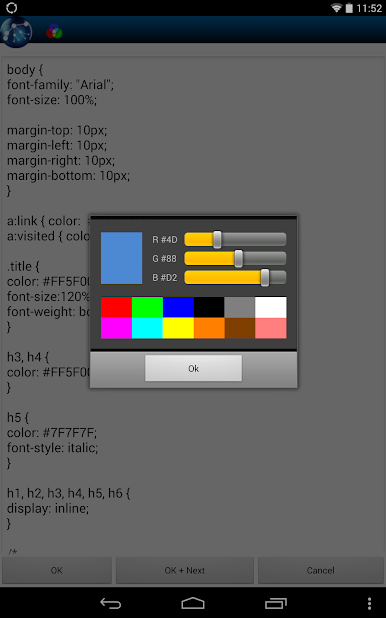
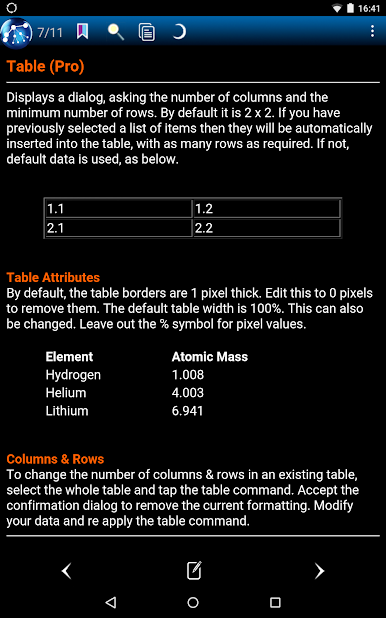
- Rich text editor: Add bold/italic, colors, headings, bullet lists, and tables; drop in images and web links; insert the current date with a tap.
- Versioned backups: Automatic, dated backups give you peace of mind. Roll back a project whenever you need.
- Power tools for structure: Clone notes or entire sub-trees, hoist a branch to focus, label with custom categories, and even apply templates.
- Search and sort that scale: Advanced search, alphabetic sorting, and to‑do completion keep big projects tidy and actionable.
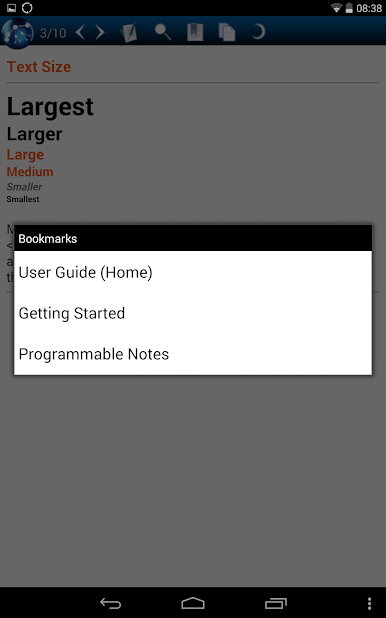
- Flexible layout and themes: Dual-pane note view, day/night themes, global text size, and Samsung multi‑window support.
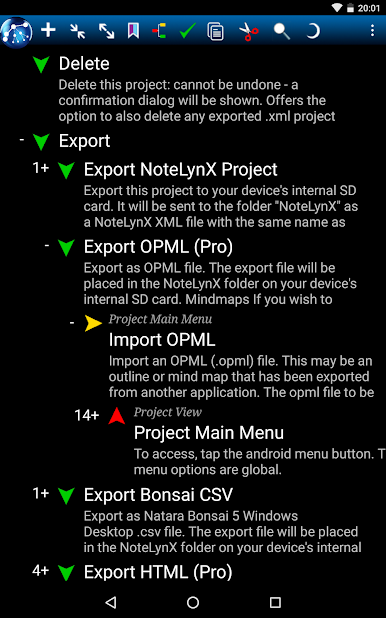
- Import, export, and sync: Work with OPML, HTML, CSV, and NoteLynX XML; sync via Dropbox; share through Android’s Share menu; move projects to SD card.
- Dev-friendly options: Add custom HTML tags, style sheets, or embed JavaScript in special notes when you want to go deeper.
- Desktop-friendly: Prefer a larger canvas? You can use it on BlueStacks for roomy editing and easier drag-and-drop.
Switch to BlueStacks and make the most of your apps on your PC or Mac.
เล่น NoteLynX Pro Outliner Mindmap บน PC ได้ง่ายกว่า
-
ดาวน์โหลดและติดตั้ง BlueStacks บน PC ของคุณ
-
ลงชื่อเข้าใช้แอคเคาท์ Google เพื่อเข้าสู่ Play Store หรือทำในภายหลัง
-
ค้นหา NoteLynX Pro Outliner Mindmap ในช่องค้นหาด้านขวาบนของโปรแกรม
-
คลิกเพื่อติดตั้ง NoteLynX Pro Outliner Mindmap จากผลการค้นหา
-
ลงชื่อเข้าใช้บัญชี Google Account (หากยังไม่ได้ทำในขั้นที่ 2) เพื่อติดตั้ง NoteLynX Pro Outliner Mindmap
-
คลิกที่ไอคอน NoteLynX Pro Outliner Mindmap ในหน้าจอเพื่อเริ่มเล่น

