


Confluence Data Center
เล่นบน PC ผ่าน BlueStacks - Android Gaming Platform ที่ได้รับความไว้วางใจจากเกมเมอร์ 500 ล้านคนทั่วโลก

Page Modified on: Nov 16, 2025
Run Confluence Server on PC or Mac
Let BlueStacks turn your PC, Mac, or laptop into the perfect home for Confluence Server, a fun Productivity app from Atlassian.
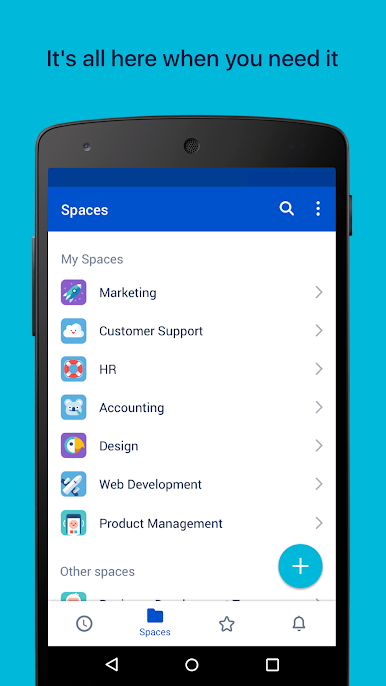
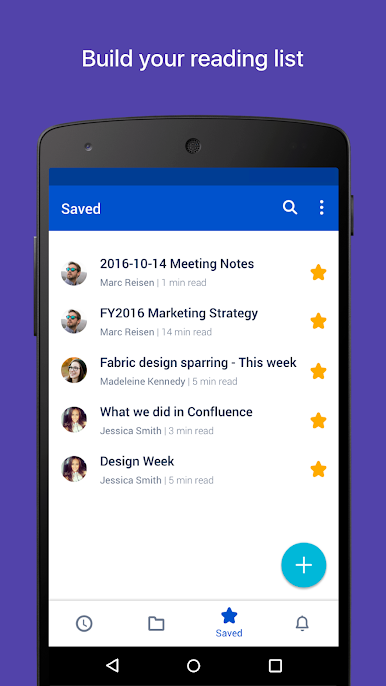
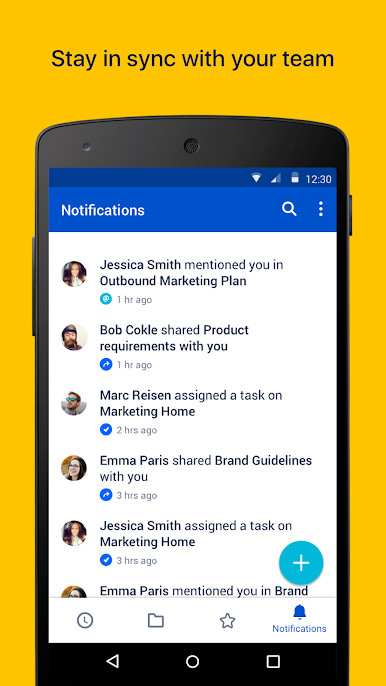
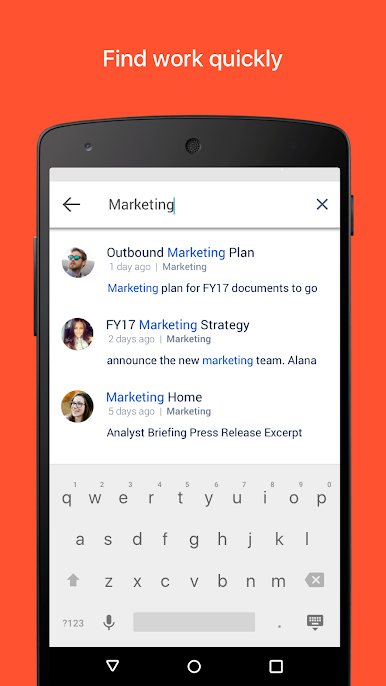
Confluence Server is basically a spot where teams keep all their notes, docs, projects, and ideas together. Using it on PC (with something like BlueStacks) is pretty smooth — you get the experience of the mobile app but don’t have to squint at a small screen. The layout is simple, so finding recent work or searching for pages doesn’t take any effort. Notifications pop up for mentions, replies, and tasks, so it’s easy to keep track of what needs attention, or if someone tags you about a project.
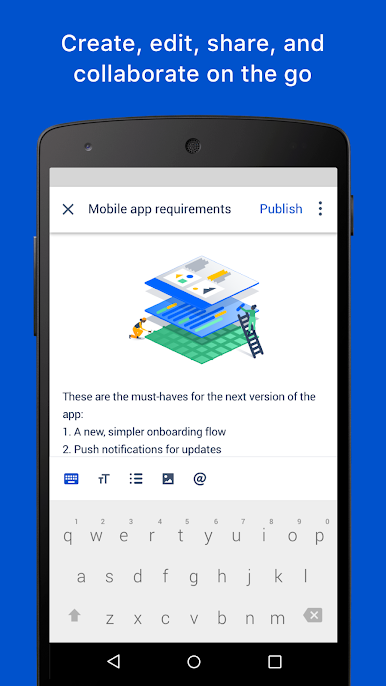
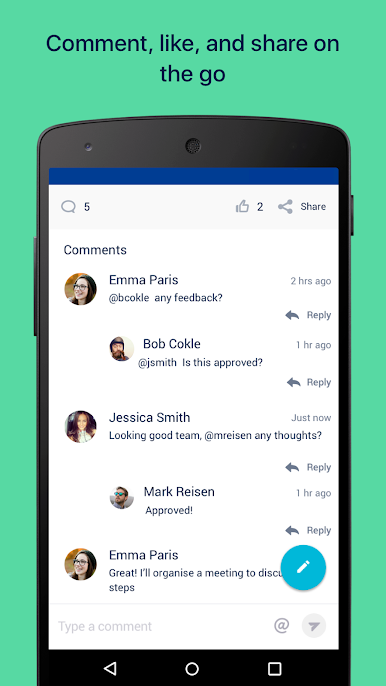
There are options for creating and editing pages, leaving comments, or liking updates, so people can actually work together without emailing back and forth all day. The spaces and page tree thing helps keep everything organized, whether it’s for a big group project or just saving stuff to check out later. Viewing documents or zooming into PDFs and images feels clear, not squished, which helps when looking things over in detail. They do ask for some anonymous info from the device when logging in, which is their way of tracking any crashes or figuring out what’s working. It’s nothing intrusive, just background stuff. Confluence Server is really about sharing work, staying in sync, and keeping things rolling — without having to dig around through different apps or tabs.
Big screen. Bigger performance. Use BlueStacks on your PC or Mac to run your favorite apps.

เล่น Confluence Data Center บน PC ได้ง่ายกว่า
-
ดาวน์โหลดและติดตั้ง BlueStacks บน PC ของคุณ
-
ลงชื่อเข้าใช้แอคเคาท์ Google เพื่อเข้าสู่ Play Store หรือทำในภายหลัง
-
ค้นหา Confluence Data Center ในช่องค้นหาด้านขวาบนของโปรแกรม
-
คลิกเพื่อติดตั้ง Confluence Data Center จากผลการค้นหา
-
ลงชื่อเข้าใช้บัญชี Google Account (หากยังไม่ได้ทำในขั้นที่ 2) เพื่อติดตั้ง Confluence Data Center
-
คลิกที่ไอคอน Confluence Data Center ในหน้าจอเพื่อเริ่มเล่น

